HD Camera PC
Varni Photo Studio
Download HD Camera on PC With GameLoop Emulator
HD Camera on PC
HD Camera, coming from the developer Varni Photo Studio, is running on Android systerm in the past.
Now, You can play HD Camera on PC with GameLoop smoothly.
Download it in the GameLoop library or search results. No more eyeing the battery or frustrating calls at the wrong time any more.
Just enjoy HD Camera PC on the large screen for free!
HD Camera Introduction
HD Camera for Android – Capture Every Moment in Stunning Clarity! 📸
Turn your phone into a professional camera! 🔥
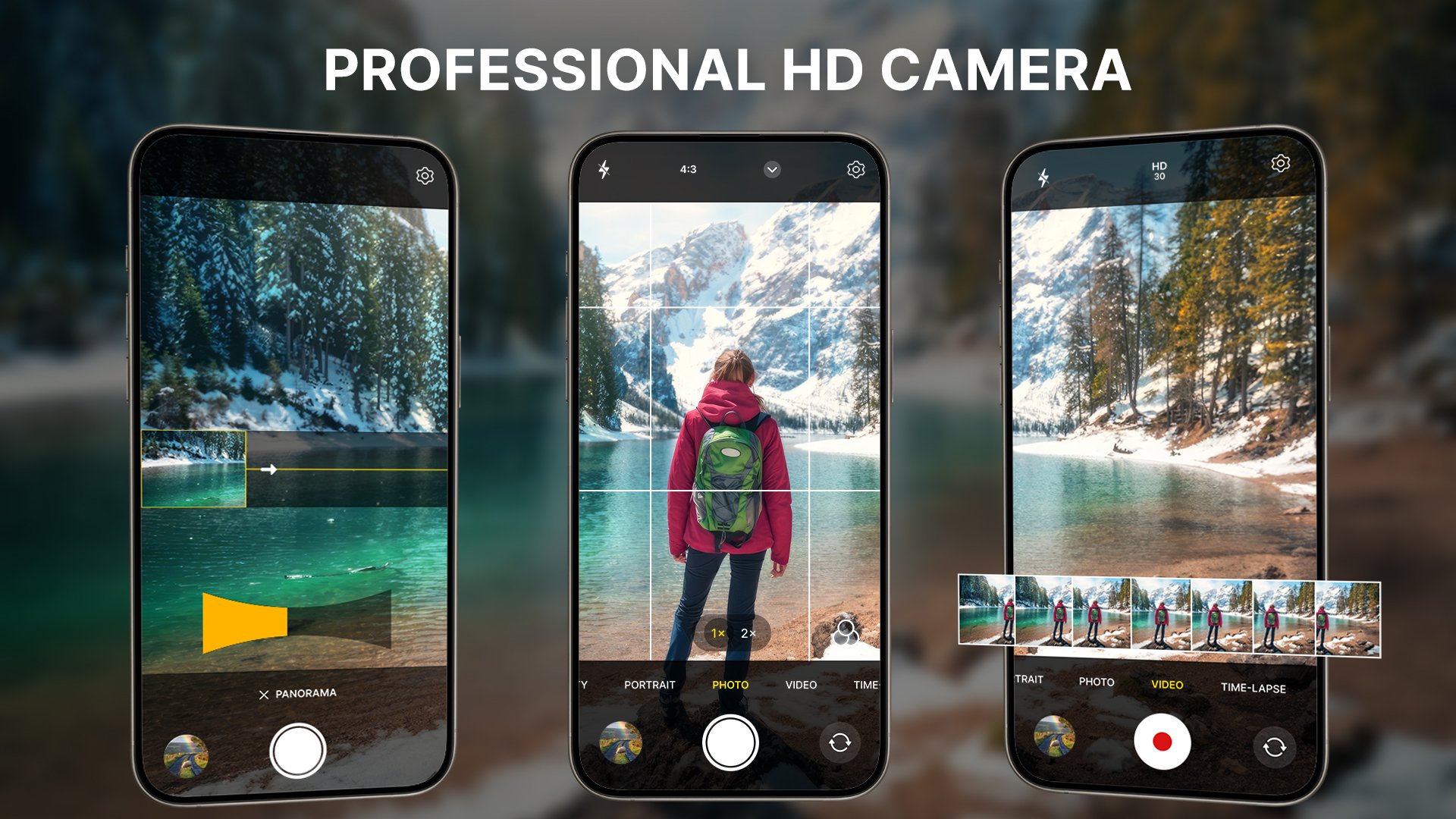
With a pro camera, HD Camera for Android, you get stunning, high-quality photos and videos — every time, everywhere. Packed with Pro-level tools, panorama shots, and real-time filters, this is the ultimate camera photography app your Android phone deserves.
Whether it’s a perfect selfie, a scenic sunset, or an epic video moment, capture all moments in crystal-clear with best HD camera for Android app!
🌟Key Features for HD Camera:
🔹 4K camera & 4K video recording
🔹 Capture ultra-clear hd photos and cinematic videos
🔹 Pro mode with manual controls (ISO, Focus, Speed, etc.)
🔹 Selfie camera with real-time beauty filters.
🔹 Built-in photo editor & effects for hd photos
🔹 Panorama, burst & timer modes
🔹 Timelapse & vlog mode, capture like a pro camera app
🔹 Capture panorama shots, landscapes
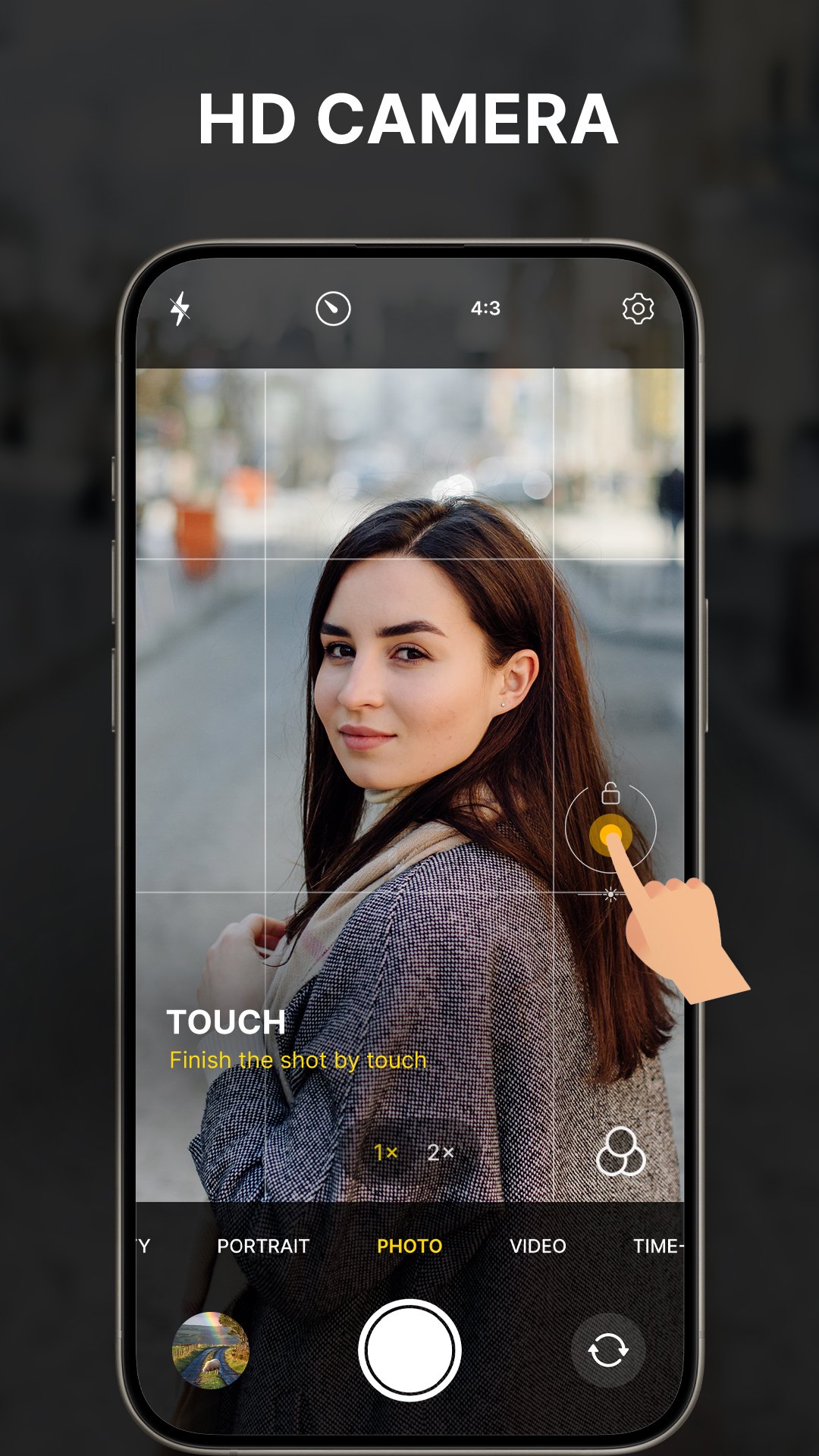
🔹 Auto focus & face detection
🔹 Powerful hd camera app for android
🧩More Than Just a Camera App:
Express your creativity with a photo collage — choose from beautiful layouts, and share memories. Explore professional hd camera timelapse masterpieces, or enjoy short videos and vlog mode for perfect stories and reels in this trendy times.
After call - Enhance your calling experience with the After Call Feature in HD Camera for Android app! Instantly access the camera after a call to capture quick moments, take selfies, record videos and edit photos without delays.
Upgrade your photography skills with the 📸HD camera - Pro Camera app, the all-in-one photo and video tool. Whether you’re a selfie taker, a creative explorer, or a casual snapper, this pro camera HD Camera is built for YOU.
📥 Download now and start capturing like a pro – FREE!
Preview
Tags
PhotographyInformation
Developer
Varni Photo Studio
Latest Version
3.4
Last Updated
2025-12-06
Category
Photography
Available on
Google Play
Show More
How to play HD Camera with GameLoop on PC
1. Download GameLoop from the official website, then run the exe file to install GameLoop
2. Open GameLoop and search for “HD Camera” , find HD Camera in the search results and click “Install”
3. Enjoy playing HD Camera on GameLoop
Minimum requirements
OS
Windows 8.1 64-bit or Windows 10 64-bit
GPU
GTX 1050
CPU
i3-8300
Memory
8GB RAM
Storage
1GB available space
Recommended requirements
OS
Windows 8.1 64-bit or Windows 10 64-bit
GPU
GTX 1050
CPU
i3-9320
Memory
16GB RAM
Storage
1GB available space