
Leaf Dual Photo Frame PC
Wallpaper Collection
Download Leaf Dual Photo Frame on PC With GameLoop Emulator
Leaf Dual Photo Frame on PC
Leaf Dual Photo Frame, coming from the developer Wallpaper Collection, is running on Android systerm in the past.
Now, You can play Leaf Dual Photo Frame on PC with GameLoop smoothly.
Download it in the GameLoop library or search results. No more eyeing the battery or frustrating calls at the wrong time any more.
Just enjoy Leaf Dual Photo Frame PC on the large screen for free!
Leaf Dual Photo Frame Introduction
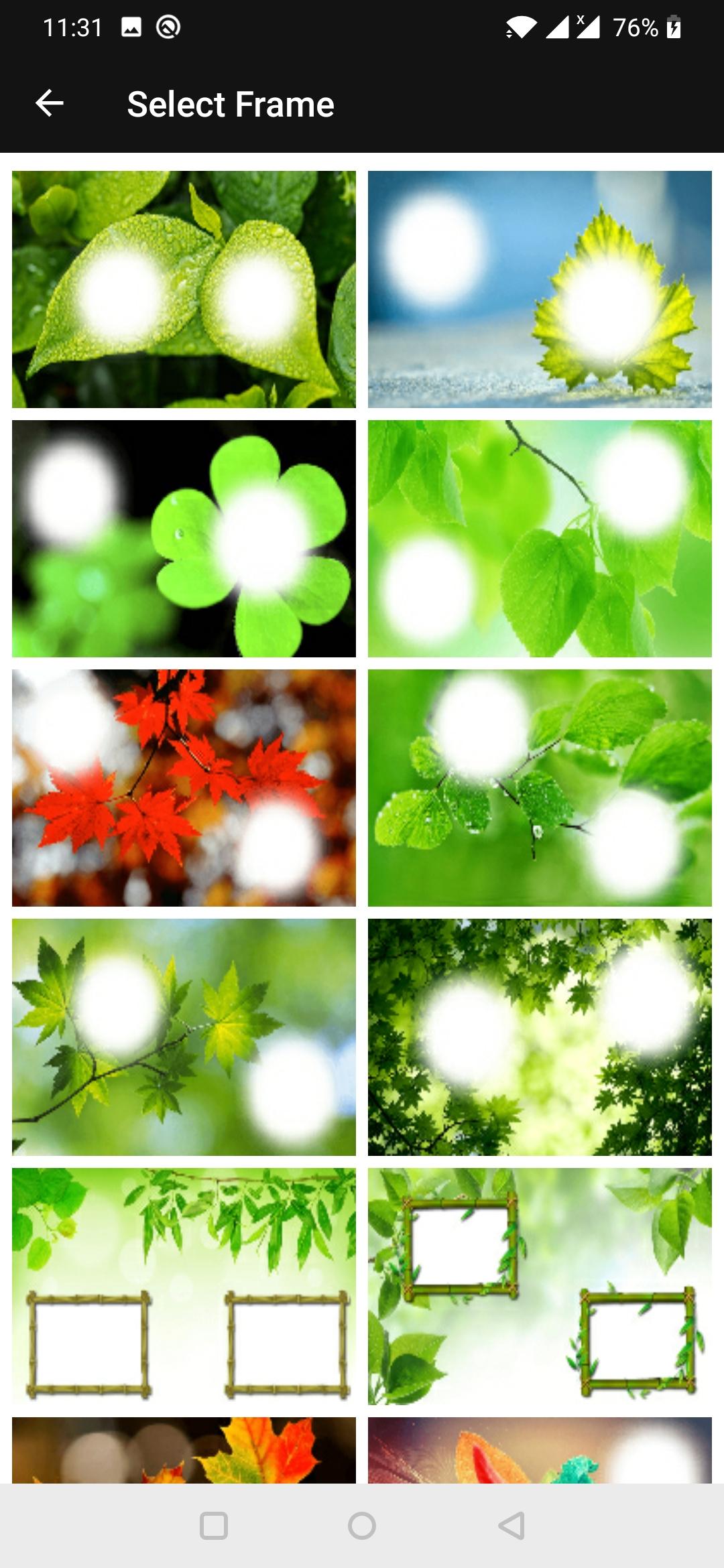
Would you like your picture to be appearing in the beautiful leaf frames with your partner? These leaf photo frame application are ideal for you to frame your memories and make them unforgettable.
Apply beautiful and romantic leaf photo frame to your photo, create memorable photo albums. make your love more romantic with this leaf dual photo frame app.
Leaf photo frame create new memories with your friend and family, capture them with your camera and start adding photo.
How to use leaf dual photo frame app :
- select your couple photo from gallery or capture new one.
- select leaf dual photo frame from the collection.
- apply photo filter.
- add beautiful sticker.
- free and easy to use & user friendly interface with material design.
- brightness and image flip feature are also available.
- two finger gesture to zoom your photo and adjust in the leaf dual photo frame.
- save and share your leaf photo frame with your friends or family members via social media.
Enjoy the best leaf photo editor app in the play store.
Hope you enjoy and like this beautiful leaf dual photo frame app. Don't forgate to give good rating if you like it.
Preview

Tags
PhotographyInformation
Developer
Wallpaper Collection
Latest Version
2.5
Last Updated
2025-07-30
Category
Photography
Available on
Google Play
Show More
How to play Leaf Dual Photo Frame with GameLoop on PC
1. Download GameLoop from the official website, then run the exe file to install GameLoop
2. Open GameLoop and search for “Leaf Dual Photo Frame” , find Leaf Dual Photo Frame in the search results and click “Install”
3. Enjoy playing Leaf Dual Photo Frame on GameLoop
Minimum requirements
OS
Windows 8.1 64-bit or Windows 10 64-bit
GPU
GTX 1050
CPU
i3-8300
Memory
8GB RAM
Storage
1GB available space
Recommended requirements
OS
Windows 8.1 64-bit or Windows 10 64-bit
GPU
GTX 1050
CPU
i3-9320
Memory
16GB RAM
Storage
1GB available space