
Colorize – Restore Old Photos PC
Vertexshare Software Ltd
Download Colorize – Restore Old Photos on PC With GameLoop Emulator
Colorize – Restore Old Photos on PC
Colorize – Restore Old Photos, coming from the developer Vertexshare Software Ltd, is running on Android systerm in the past.
Now, You can play Colorize – Restore Old Photos on PC with GameLoop smoothly.
Download it in the GameLoop library or search results. No more eyeing the battery or frustrating calls at the wrong time any more.
Just enjoy Colorize – Restore Old Photos PC on the large screen for free!
Colorize – Restore Old Photos Introduction
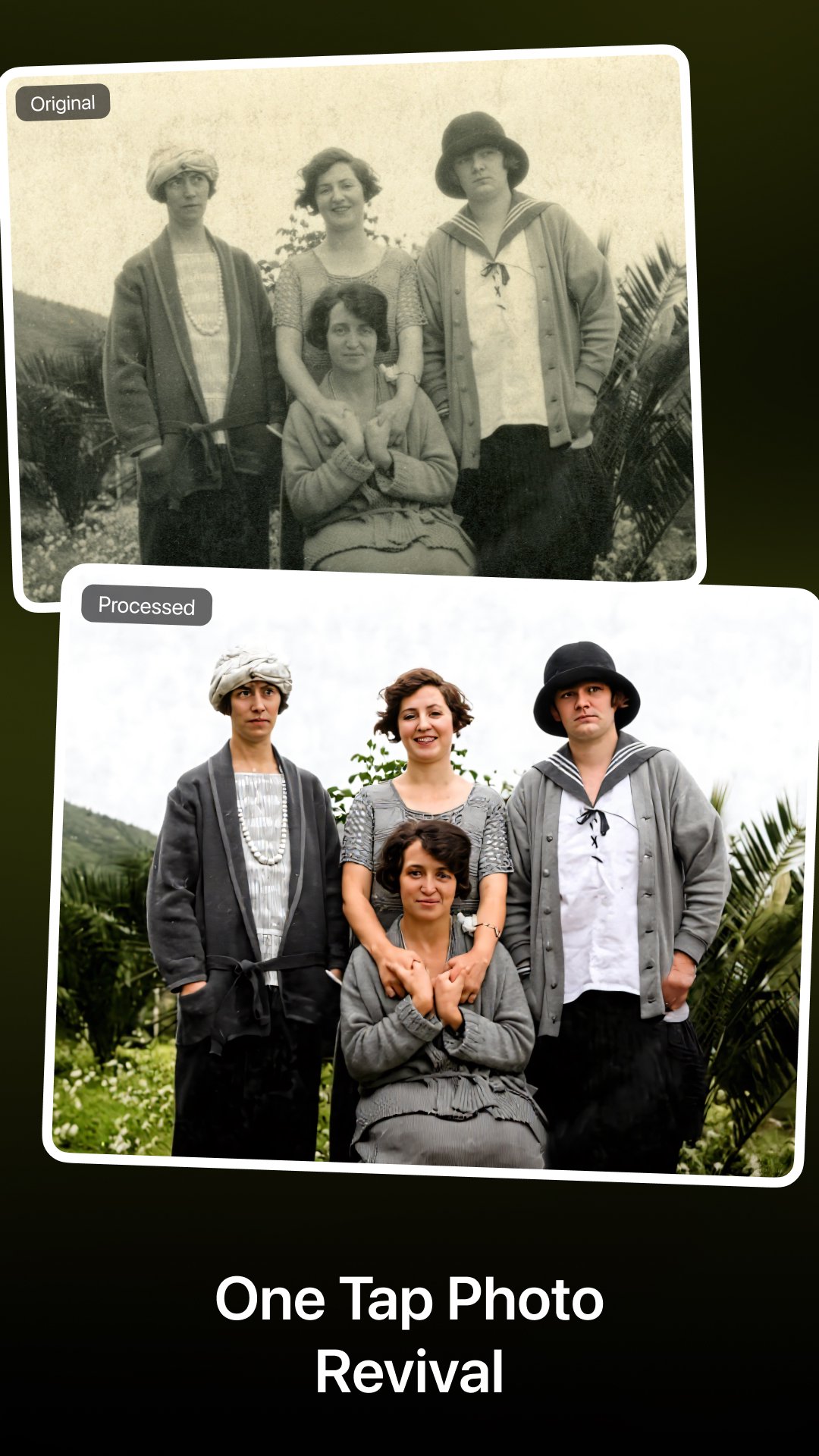
Bring old memories back to life with Colorize — an advanced AI-powered photo restoration app for Android.
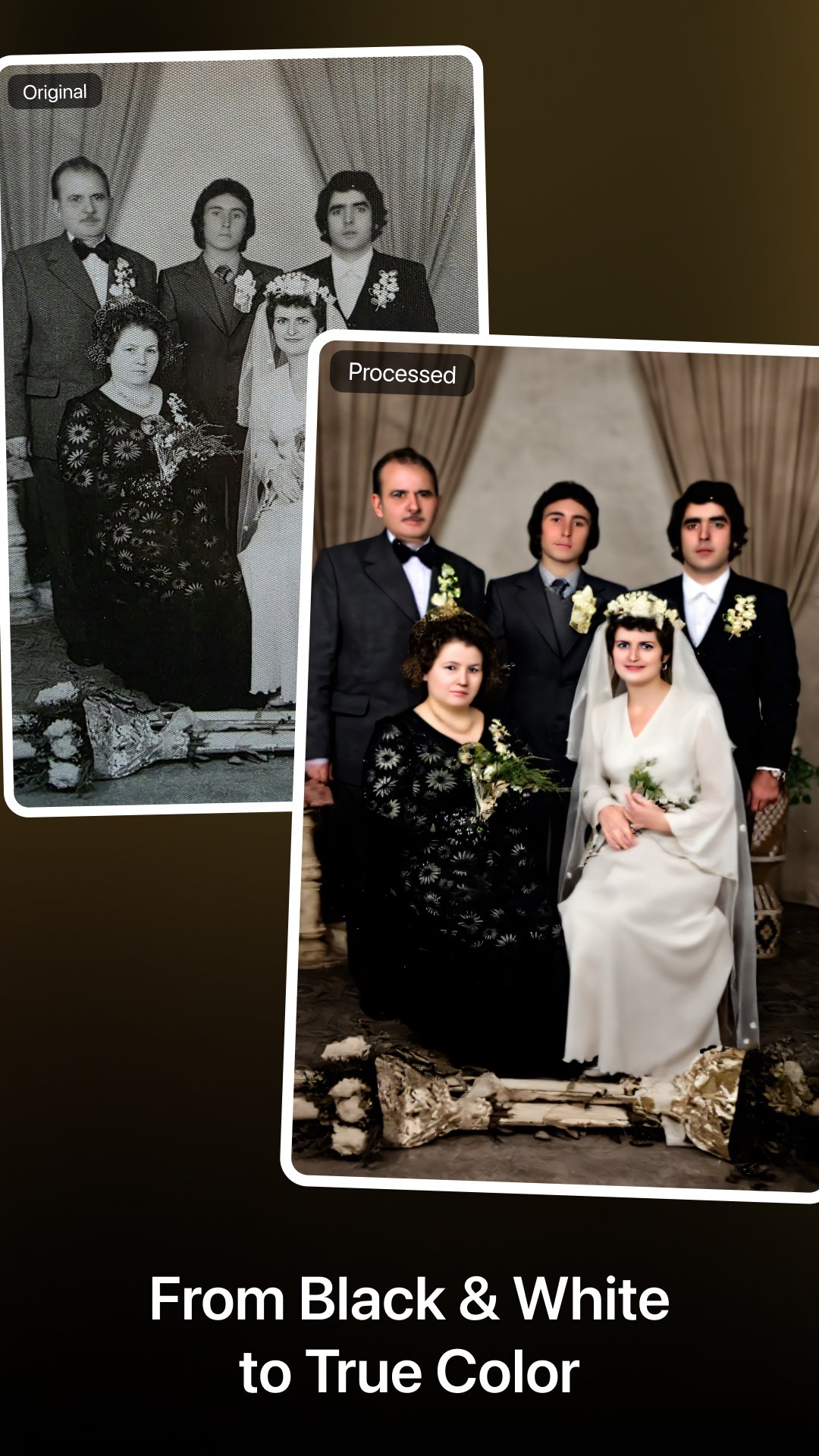
Colorize helps you colorize black-and-white photos, repair damaged images, enhance faces, and upscale low-resolution photos into clear, natural, and vivid results.
Restore family portraits, repair scratched photos, fix blurry faces, or enhance vintage photos — all in one tap.
What’s New
--------------------------------
Fully redesigned UI & rebuilt AI processing engine
New all-in-one AI workflow: colorize + repair + enhance in one step
New online 4× photo upscaling for high-resolution output
Improved privacy: cloud images auto-delete within 24 hours
Faster History preview & record management
Optimized performance, memory usage & stability.
Key Features
--------------------------------
AI Photo Colorization
Turn black-and-white photos into realistic, natural-looking color images.
Old Photo Repair (1-Step)
Automatically remove scratches, cracks, stains, noise, and photo damage.
Face & Portrait Enhancement
Sharpen facial details, restore clarity, and enhance portraits naturally.
Online 4× Photo Upscaling
Upscale photos locally on your device — fast, private, and no internet required.
Privacy Protection
Cloud-processed photos auto-delete within 24 hours.
Advanced AI Models
Trained on millions of vintage photos across people, landscapes, and historical eras.
How to Use
--------------------------------
Choose a photo to restore or colorize
Apply AI restoration (colorize + repair + enhance in one tap)
(Optional) Use online 4× upscaling
Save, share, or compare with the original
Who Is This App For?
--------------------------------
People digitizing old family albums
Users restoring blurred, damaged, or faded photos
Anyone looking for natural AI photo colorization
A powerful alternative to Remini, Photomyne & similar apps
Premium Plans
--------------------------------
Unlock unlimited access to all AI features:
Monthly: $6.99
Yearly: $19.99 (Best value)
Lifetime: $29.99 (One-time purchase)
For feature requests or support, contact:
Support@imagecolorizer.com
Links
--------------------------------
Website: https://imagecolorizer.com
Privacy Policy: https://imagecolorizer.com/privacy
Terms of Service: https://imagecolorizer.com/terms
Preview
Tags
PhotographyInformation
Developer
Vertexshare Software Ltd
Latest Version
4.0.4
Last Updated
Yesterday
Category
Photography
Available on
Google Play
Show More
How to play Colorize – Restore Old Photos with GameLoop on PC
1. Download GameLoop from the official website, then run the exe file to install GameLoop
2. Open GameLoop and search for “Colorize – Restore Old Photos” , find Colorize – Restore Old Photos in the search results and click “Install”
3. Enjoy playing Colorize – Restore Old Photos on GameLoop
Minimum requirements
OS
Windows 8.1 64-bit or Windows 10 64-bit
GPU
GTX 1050
CPU
i3-8300
Memory
8GB RAM
Storage
1GB available space
Recommended requirements
OS
Windows 8.1 64-bit or Windows 10 64-bit
GPU
GTX 1050
CPU
i3-9320
Memory
16GB RAM
Storage
1GB available space