Cartoonize – Photo to Cartoon PC
Vertexshare Software Ltd
Download Cartoonize – Photo to Cartoon on PC With GameLoop Emulator
Cartoonize – Photo to Cartoon on PC
Cartoonize – Photo to Cartoon, coming from the developer Vertexshare Software Ltd, is running on Android systerm in the past.
Now, You can play Cartoonize – Photo to Cartoon on PC with GameLoop smoothly.
Download it in the GameLoop library or search results. No more eyeing the battery or frustrating calls at the wrong time any more.
Just enjoy Cartoonize – Photo to Cartoon PC on the large screen for free!
Cartoonize – Photo to Cartoon Introduction
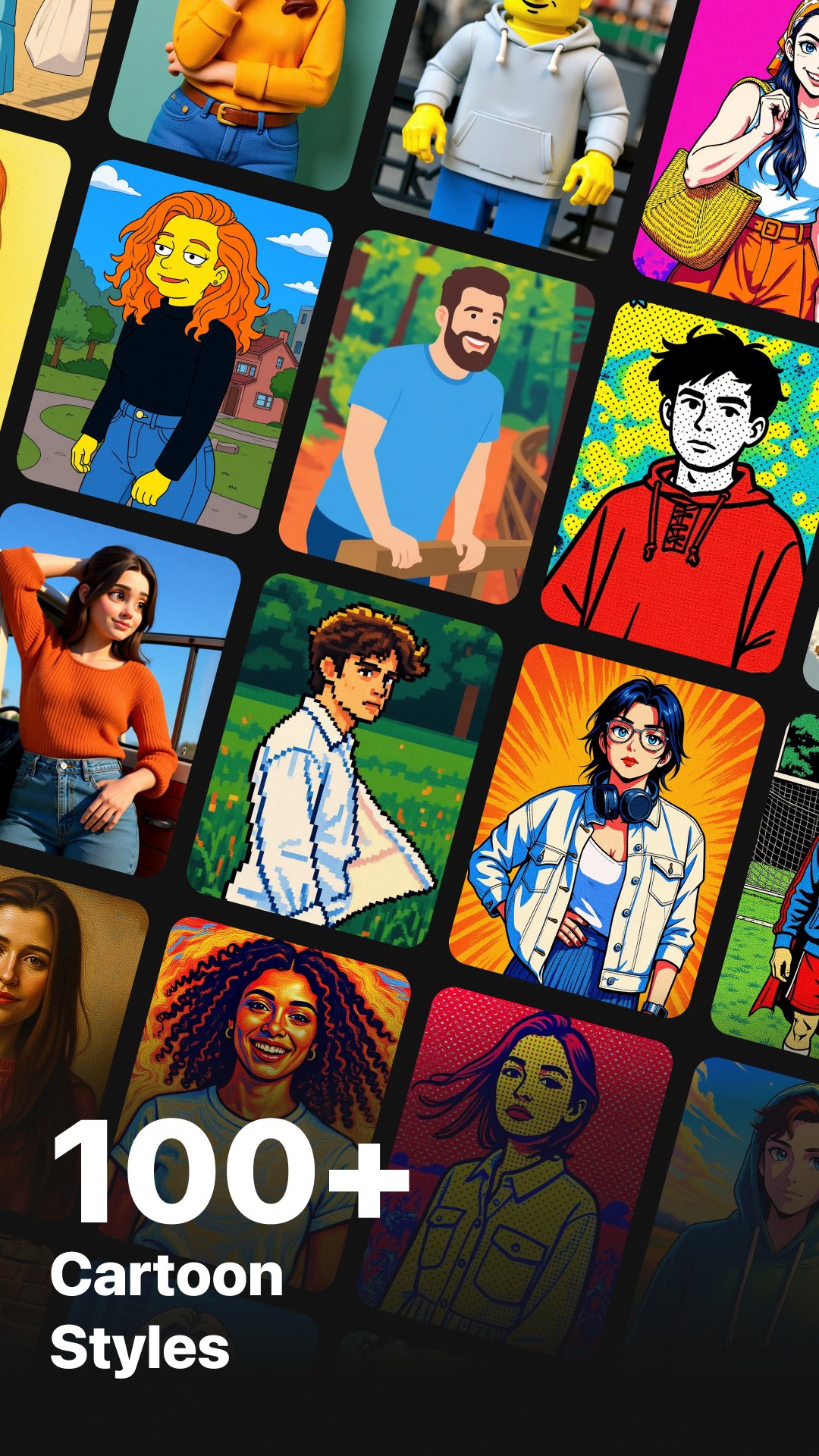
Cartoonize offers 80+ AI-powered styles inspired by anime, cartoons, comics, illustration, fine art, and modern design. Simply upload your photo, choose a style, and get a beautiful transformation in seconds.
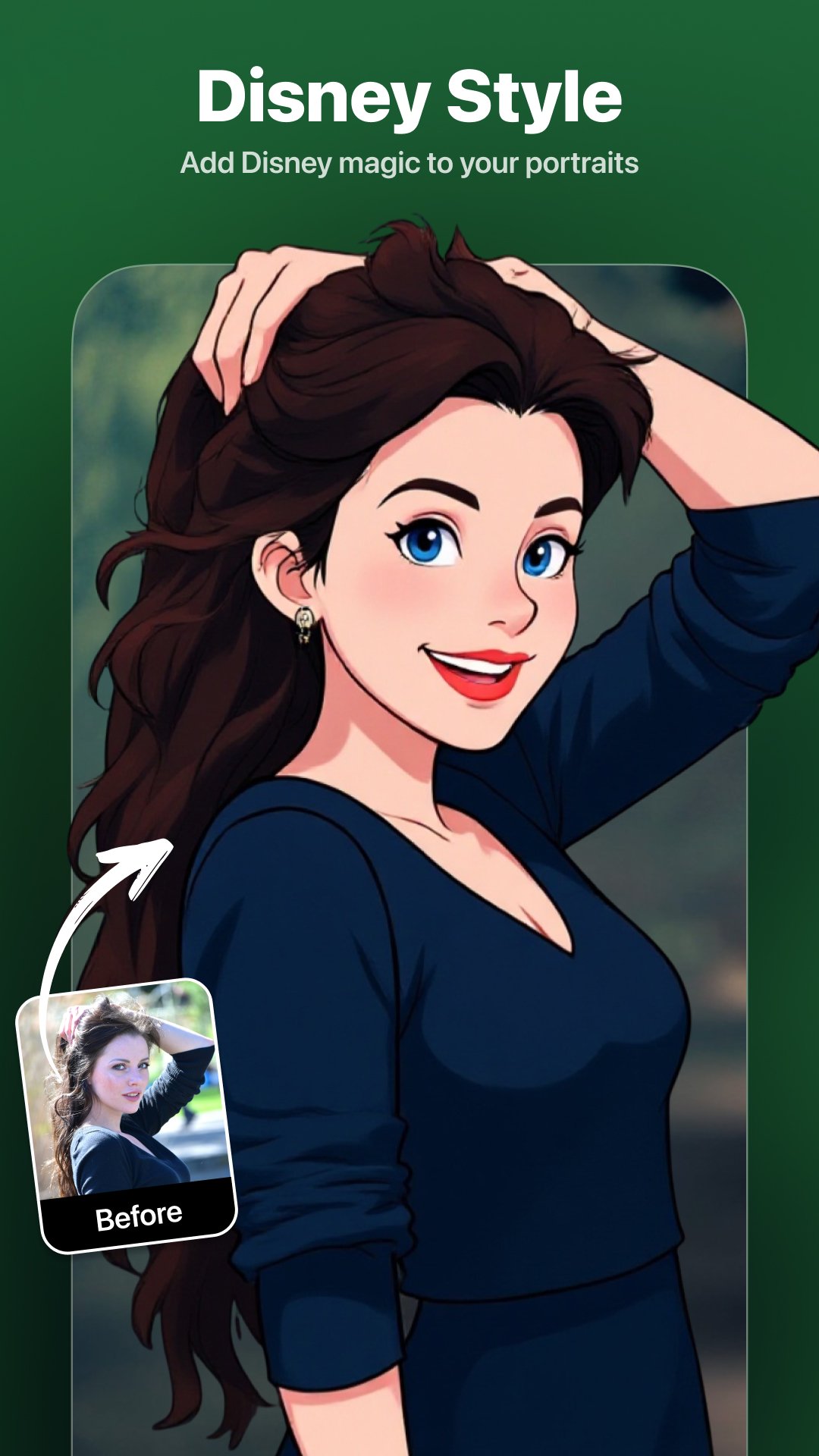
Whether you want Ghibli-style portraits, Disney or Pixar-like characters, Manga illustrations, watercolor paintings, Lego-style figures, pixel-art avatars, cyberpunk anime, retro illustrations, or something totally unique — Cartoonize gives you everything in one powerful Android app.
Key Features
>> 80+ AI Cartoon, Anime & Art Filters. (Ghibli, Disney, Pixar, Manga, Retro, Cyberpunk, and more)
>> Online AI Image Upscaler (4×). Enhance image resolution online with clear details and smooth textures
>> Fast Processing. Get cartoon results in about 10–20 seconds
>> One-Tap Cartoon Conversion. Simple workflow, no editing skills required
>> High-Resolution Output. Perfect for avatars, wallpapers, posters, and social sharing
>> Safe & Private. Processing history saved locally; server images are automatically deleted within 2 hours
How It Works
>> Import any photo (portrait, pet, landscape, product, etc.)
>> Select a cartoon, anime, or art style from 80+ options
>> Tap Upload and let AI transform your photo
>> Preview and download your artwork in high quality
Highlighted Cartoon & Anime Styles
>> Classic Animation Styles
Studio Ghibli, Disney, Pixar, DreamWorks, Makoto Shinkai, Kyoto Animation, Princess Mononoke, Evangelion, Demon Slayer, Genshin-style Anime, VTuber Anime, Magical Girl Anime, Shonen Anime, Shoujo Anime
>> Japanese Anime & Manga
Japanese Anime, Manga, Manga Panel, One Piece, JoJo’s Bizarre Adventure, Tezuka Osamu Style, Chibi / SD, Japanese Ukiyo-e
>> Western Cartoon Styles
Simpsons, American Cartoons, Adventure Time, South Park, Rick and Morty, Snoopy Comic
…and many more styles to explore
Subscription Plans
Unlock unlimited access and premium AI features:
>> Monthly Plan: $6.99 – Unlimited access
>> Yearly Plan: $24.99 – Best value
>> Lifetime Plan: $49.99 – One-time purchase, permanent access
Contact
Have questions or feedback?
support@imagetocartoon.com
https://imagetocartoon.com
Privacy Policy: https://imagetocartoon.com/privacy
Terms: https://imagetocartoon.com/terms
Preview
Tags
PhotographyInformation
Developer
Vertexshare Software Ltd
Latest Version
4.0.2
Last Updated
2026-04-17
Category
Photography
Available on
Google Play
Show More
How to play Cartoonize – Photo to Cartoon with GameLoop on PC
1. Download GameLoop from the official website, then run the exe file to install GameLoop
2. Open GameLoop and search for “Cartoonize – Photo to Cartoon” , find Cartoonize – Photo to Cartoon in the search results and click “Install”
3. Enjoy playing Cartoonize – Photo to Cartoon on GameLoop
Minimum requirements
OS
Windows 8.1 64-bit or Windows 10 64-bit
GPU
GTX 1050
CPU
i3-8300
Memory
8GB RAM
Storage
1GB available space
Recommended requirements
OS
Windows 8.1 64-bit or Windows 10 64-bit
GPU
GTX 1050
CPU
i3-9320
Memory
16GB RAM
Storage
1GB available space