
Color Splash Magic Effect Cand PC
Stylish Photo Apps
Download Color Splash Magic Effect Cand on PC With GameLoop Emulator
Color Splash Magic Effect Cand on PC
Color Splash Magic Effect Cand, coming from the developer Stylish Photo Apps, is running on Android systerm in the past.
Now, You can play Color Splash Magic Effect Cand on PC with GameLoop smoothly.
Download it in the GameLoop library or search results. No more eyeing the battery or frustrating calls at the wrong time any more.
Just enjoy Color Splash Magic Effect Cand PC on the large screen for free!
Color Splash Magic Effect Cand Introduction
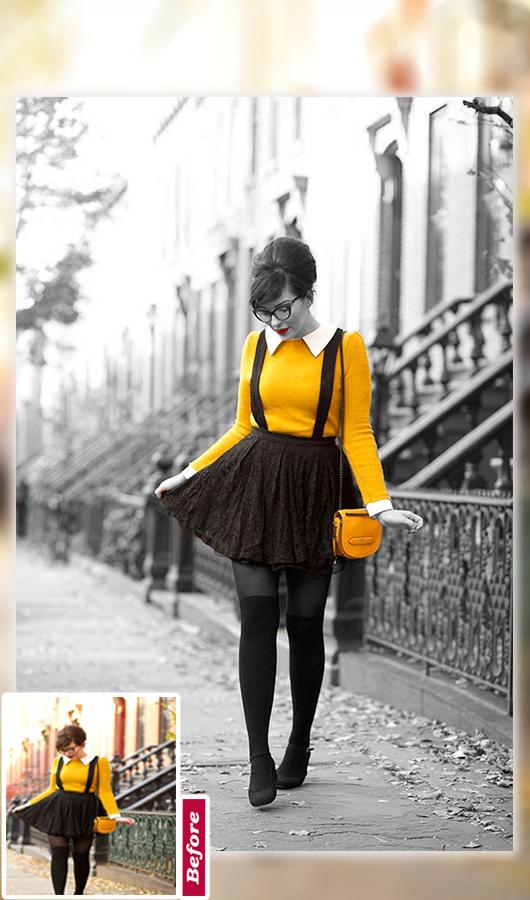
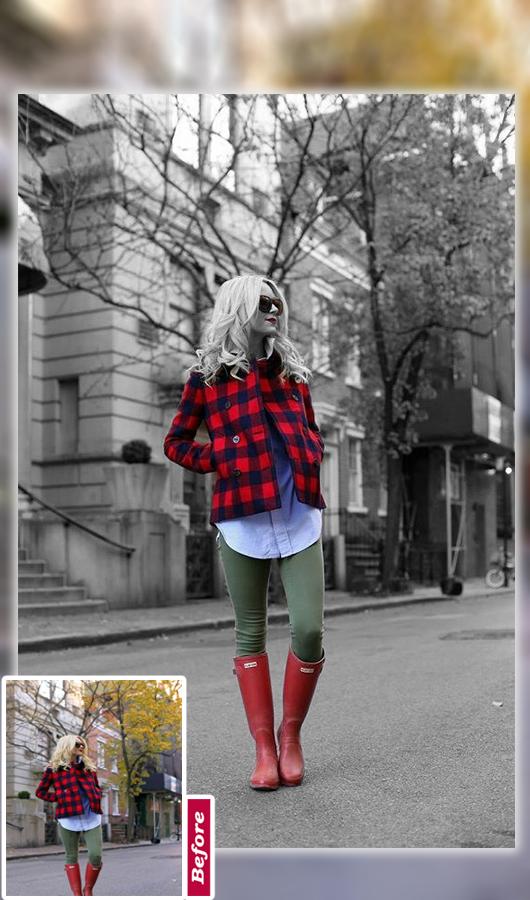
♥ Color Splash Magic Effect Candy Camera Photo Editor Converts your photo into gorgeous black and white (B&W) image and makes your photos more artistic and vibrant. As a result your simple art of pics turn into stunning pieces of art. It has unique shape splash feature. Using shape splash feature highlight color with desired shape and get stunning color pop effect.
♥ Color Splash Magic Effect Candy Camera Photo Editor is the best photo editor with special effects like black & white, sepia, grey scale, sharpen, blur and many more. You can adjust color temperature, reflection, mirror effects, color Splash, beauty skin and transition effects to create picture into art.
♥ Color Splash Magic Effect Candy Camera Photo Editor will make your photo more beautiful . There are a variety of color splash templates for you . You can use it and exchange the effect so easy .
♥ Color Splash Magic Effect Candy Camera Photo Editor take amazing classic Splash effect with touch, with fingers, you can create best color photo effects.it is a color photo editor which allows you to create awesome images by converting images to grey color or apply colors to your images. It’s a free color splash effect application.
How To Use :
♥ Select photo from gallery or capture picture from camera.
♥ Use either Touch Color Effects or Color Filters.
♥ Color Touch lets you turn photo into Black and White Photo, Old Photo or Sepia Color Photo.
♥ Use Color Filters to Change Colors of your photos from a Wide range of Photo Filters.
♥ Save and share Photo Color Splash with friends and family.
Main Feature :
♥ Pick Image from gallery. ♥ Move, zoom in, zoom out, pan around the image to fit the frame ♥ Amazing photo fx filters, powerful effects ♥ No Internet Connection...
♥ Supports a variety of photo filters.
♥ Convert images to grey color and color mode.
♥ High resolution image quality.
♥ Recolor image with any color of your choice.
♥ Configure brush size in settings screen.
♥ Undo your changes using refresh button.
♥ Save & Share your edited photo on social platform with friend and family ♥ Powerful Photo Editing Tool
Preview
Tags
PhotographyInformation
Developer
Stylish Photo Apps
Latest Version
2.8
Last Updated
2022-10-03
Category
Photography
Available on
Google Play
Show More
How to play Color Splash Magic Effect Cand with GameLoop on PC
1. Download GameLoop from the official website, then run the exe file to install GameLoop
2. Open GameLoop and search for “Color Splash Magic Effect Cand” , find Color Splash Magic Effect Cand in the search results and click “Install”
3. Enjoy playing Color Splash Magic Effect Cand on GameLoop
Minimum requirements
OS
Windows 8.1 64-bit or Windows 10 64-bit
GPU
GTX 1050
CPU
i3-8300
Memory
8GB RAM
Storage
1GB available space
Recommended requirements
OS
Windows 8.1 64-bit or Windows 10 64-bit
GPU
GTX 1050
CPU
i3-9320
Memory
16GB RAM
Storage
1GB available space