
Classic Vision PC
Photomall
Download Classic Vision on PC With GameLoop Emulator
Classic Vision on PC
Classic Vision, coming from the developer Photomall, is running on Android systerm in the past.
Now, You can play Classic Vision on PC with GameLoop smoothly.
Download it in the GameLoop library or search results. No more eyeing the battery or frustrating calls at the wrong time any more.
Just enjoy Classic Vision PC on the large screen for free!
Classic Vision Introduction
Event:
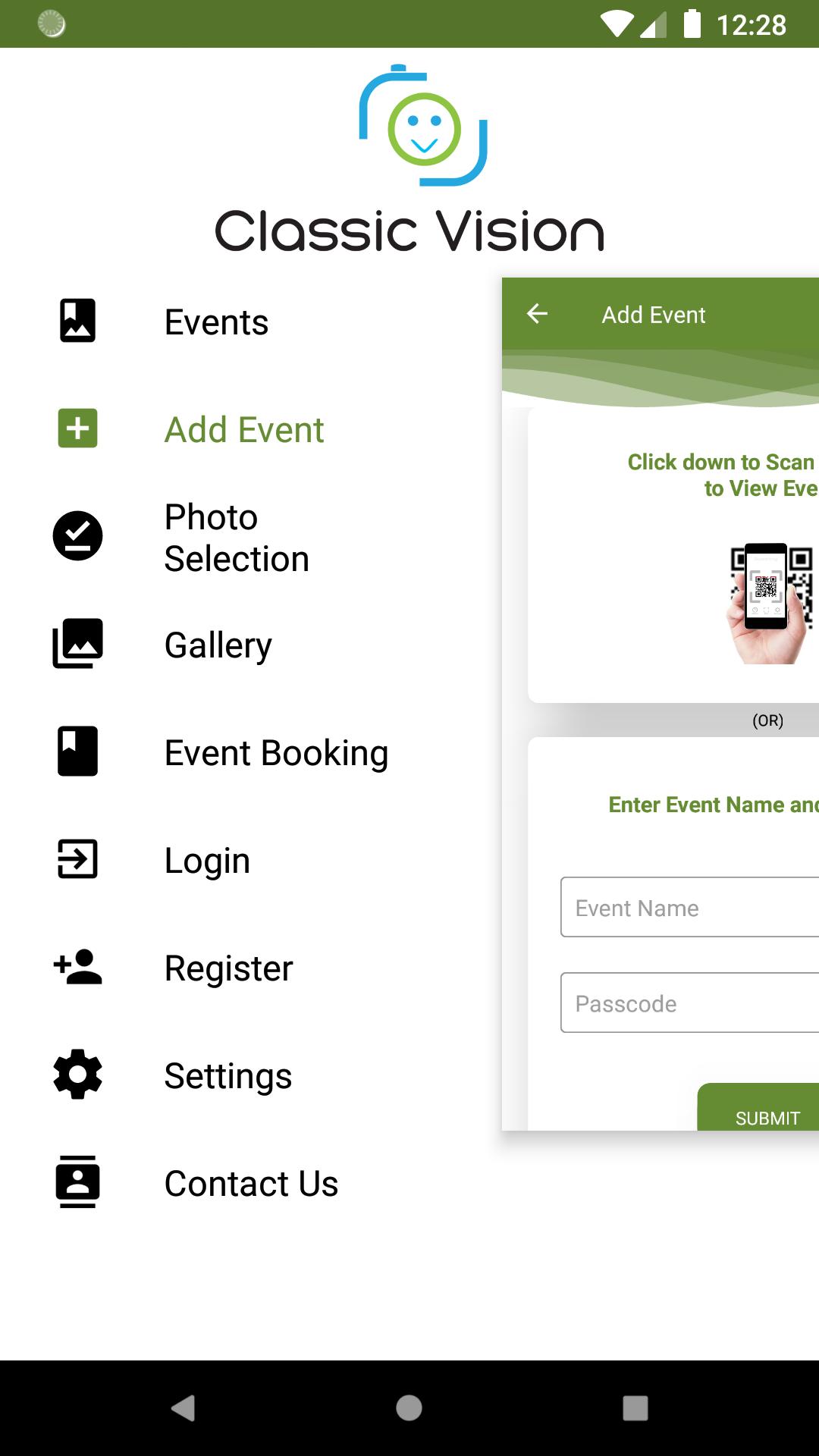
To view an event you need an Event key or Qr code. Event will have all essential information about that Event's Date (Remainder can be set with the help of Google Calendar), Venue (Driving direction info with help of Google Map), Invitation, Albums and Videos.
Photo Selection:
Photo Selection is a process by which a customer selects images for album designing. This process is absolutely made easy here.
No need to come to our Studio to select images for the Photo Selection Process.
No computer needed to select images; just a phone is enough.
The image will be “Selected” when it is swiped “Right” and will be “Rejected” when it is swiped “Left”.
Selected / Rejected / Waitlisted Images could be reviewed.
Once the Photo Selection process is completed, customers can intimate the studio by just clicking a “Move to Album Design” button.
e-Photobook:
e-Photobook is a digital album, which can be easily viewed and shared with anyone, anywhere and anytime.
This e-Photobook is very secure that it can be viewed by a person only if the customer allows the person to view the album. So your memories are treasured in a safe and secure manner.
Live Streaming:
Live Streaming through Classic Vision will allow all your friends and relatives to view the happenings in a secure manner staying anywhere in the world.
e-Gallery:
Classic Vision's best made Albums and Videos are showcased in this App.
Event Booking:
Classic Vision can be booked for any event or occasion in just a click.
Address:
Classic Vision,
Kottayam Road,
Mallappally,
Pathanamthitta - 689584,
Kerala,
India
Preview
Tags
PhotographyInformation
Developer
Photomall
Latest Version
3.4
Last Updated
2023-01-13
Category
Photography
Available on
Google Play
Show More
How to play Classic Vision with GameLoop on PC
1. Download GameLoop from the official website, then run the exe file to install GameLoop
2. Open GameLoop and search for “Classic Vision” , find Classic Vision in the search results and click “Install”
3. Enjoy playing Classic Vision on GameLoop
Minimum requirements
OS
Windows 8.1 64-bit or Windows 10 64-bit
GPU
GTX 1050
CPU
i3-8300
Memory
8GB RAM
Storage
1GB available space
Recommended requirements
OS
Windows 8.1 64-bit or Windows 10 64-bit
GPU
GTX 1050
CPU
i3-9320
Memory
16GB RAM
Storage
1GB available space