
picPics: Tag, organize and sec PC
Inovatso
Download picPics: Tag, organize and sec on PC With GameLoop Emulator
picPics: Tag, organize and sec on PC
picPics: Tag, organize and sec, coming from the developer Inovatso, is running on Android systerm in the past.
Now, You can play picPics: Tag, organize and sec on PC with GameLoop smoothly.
Download it in the GameLoop library or search results. No more eyeing the battery or frustrating calls at the wrong time any more.
Just enjoy picPics: Tag, organize and sec PC on the large screen for free!
picPics: Tag, organize and sec Introduction
Are you looking for a professional photo manager app to manage your gallery photos easily? Do you want a powerful photo organizer app that can let you tag your photos and organize your memories and projects? Let's download picPics for free. The perfect photo organizing software is ready for you now!
picPics: Photo Manager – Organize Your Photos is one of the best photo management apps, with amazing functionalities and good interaction design. It’s the best way to make your memories alive and find your desired photos quickly. Discover our photo manager gallery app now, and explore our various features that will enhance your experience.
★ ORGANIZE YOUR PHOTOS
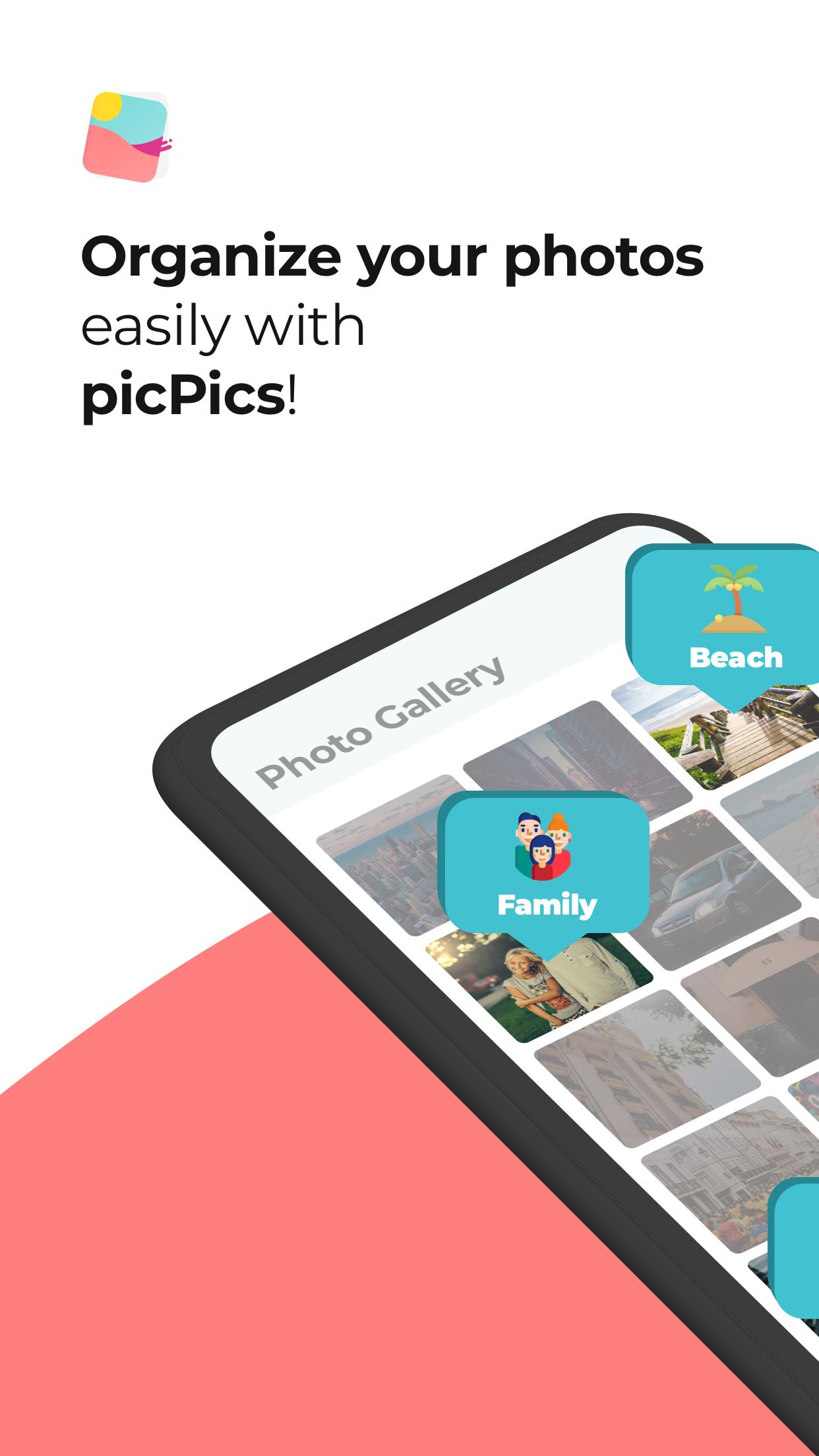
With picPics, you’ll receive a daily photo package to tag and organize your photos. That’s will help you to find your important pictures and screenshots on your phone and share your photos organized easily. Forget about scrolling up and down to search photos.
★ PRIVATE PHOTOS
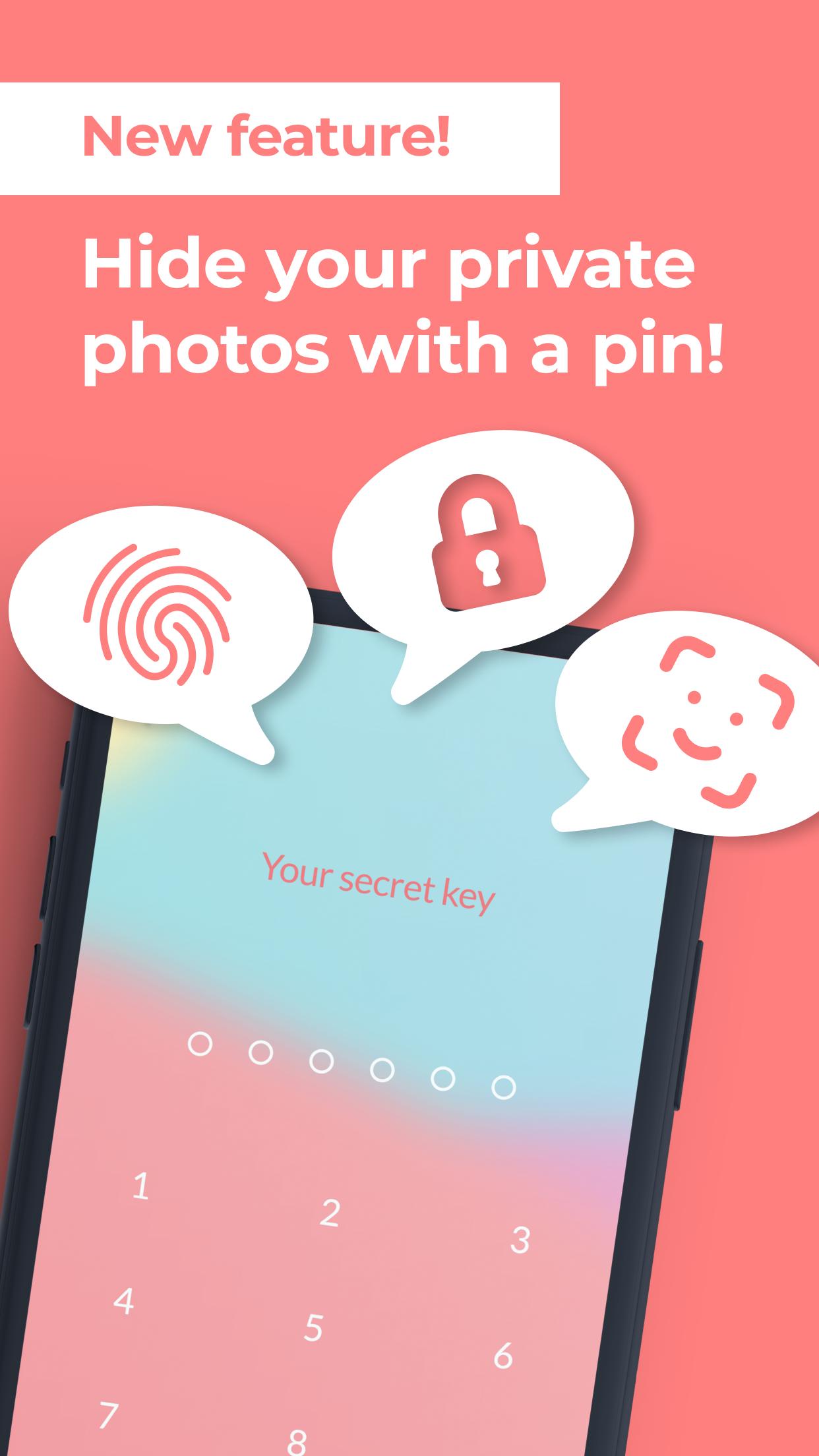
Your photos are now safe with picPics. Our new album vault feature will help you to hide your photos and make them private. So, what are you waiting for? Join our photo manager lock app, protect your privacy, and secure your photos with a PIN protection, iris scanner or fingerprint authentication.
★ CREATE AND USE TAGS
Tag your photos to separate them by categories like “family” “Travel” “Trip” “pets” “projects” or create your own tags, select multiple photos to categorize them simultaneously, and keep your precious photos organized and accessible with quick gestures.
★ SWIPE MODE
Take a few minutes to quickly assign one or more tags by using the swipe mode. So, you know exactly which photos have already been organized and you can classify the new ones by placing tags. Then just share your selections or export to your computer.
Why you have to download and install our picture manager & image organizer app on your android smartphone or tablet?
- It’s very easy to use so you need just to install it for free on your device and use it instantly.
- We take the privacy of your personal information very seriously. picPics will never sell, rent, or share your personal information with any third parties.
- Our photo organizer manager app is free, and it provides premium features for an amazing experience.
Free Features:
- Easy to use.
- Various Tags & Categories
- Create your own labels
- Up to 20 privates photos
- Share your organized photos!
- Clean UI Interface
- Tag multiple photos at the same time
Premium Features:
- Remove ads
- Unlimited private photos
picPics is a new refreshment in this popular app category. If you want to manage and organize your photos easily, then our gallery pro photo manager is the perfect app for you.
Download it for Free, and make your memories alive!
Preview
Tags
PhotographyInformation
Developer
Inovatso
Latest Version
1.7.0
Last Updated
2020-11-24
Category
Photography
Available on
Google Play
Show More
How to play picPics: Tag, organize and sec with GameLoop on PC
1. Download GameLoop from the official website, then run the exe file to install GameLoop
2. Open GameLoop and search for “picPics: Tag, organize and sec” , find picPics: Tag, organize and sec in the search results and click “Install”
3. Enjoy playing picPics: Tag, organize and sec on GameLoop
Minimum requirements
OS
Windows 8.1 64-bit or Windows 10 64-bit
GPU
GTX 1050
CPU
i3-8300
Memory
8GB RAM
Storage
1GB available space
Recommended requirements
OS
Windows 8.1 64-bit or Windows 10 64-bit
GPU
GTX 1050
CPU
i3-9320
Memory
16GB RAM
Storage
1GB available space