Birthday PhotoFrames PC
CreativeStarApps
Download Birthday PhotoFrames on PC With GameLoop Emulator
Birthday PhotoFrames on PC
Birthday PhotoFrames, coming from the developer CreativeStarApps, is running on Android systerm in the past.
Now, You can play Birthday PhotoFrames on PC with GameLoop smoothly.
Download it in the GameLoop library or search results. No more eyeing the battery or frustrating calls at the wrong time any more.
Just enjoy Birthday PhotoFrames PC on the large screen for free!
Birthday PhotoFrames Introduction
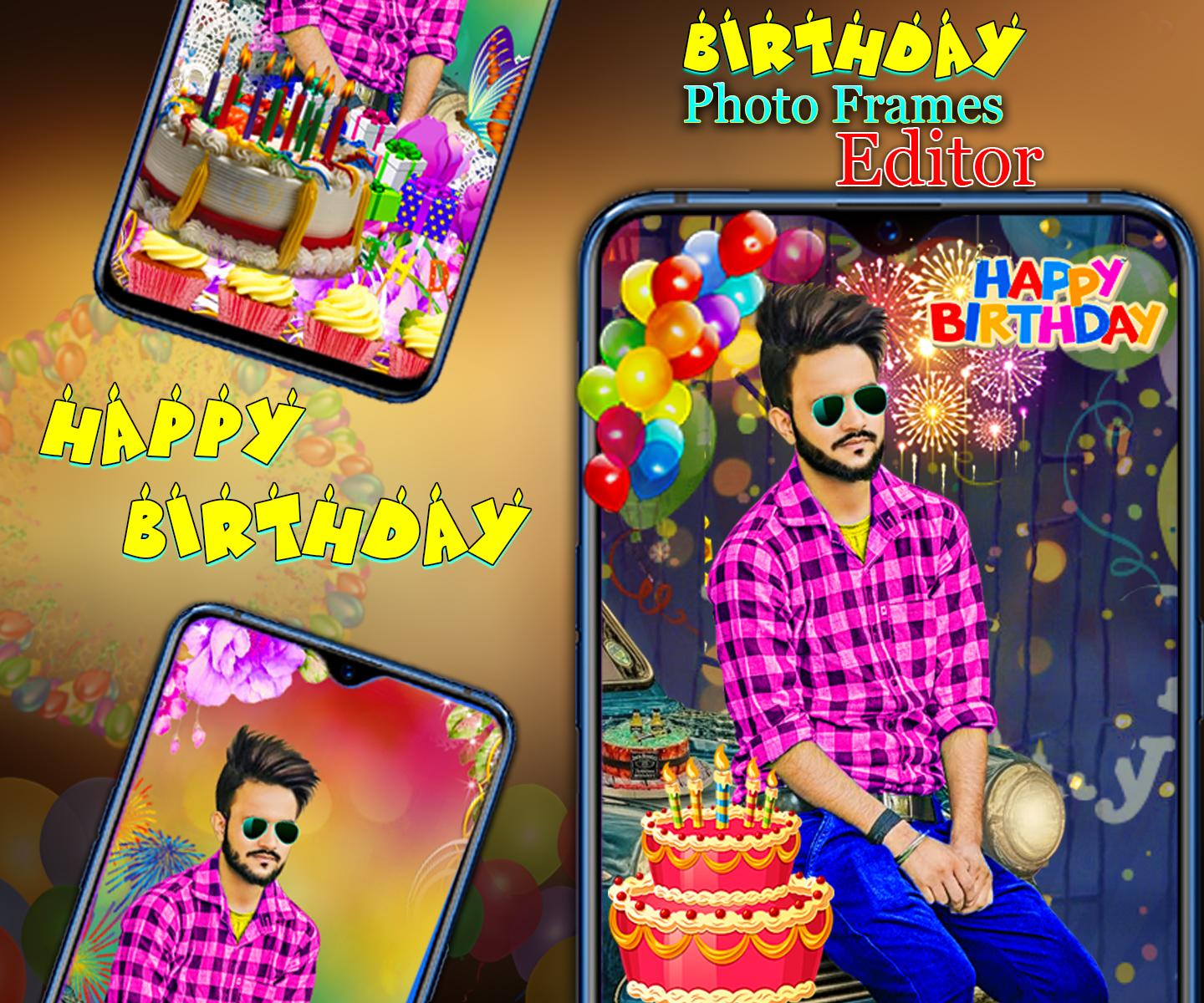
Now You can create beautiful birthday greeting cards by placing photos in birthday photo frames
and by writing Name on Birthday cake
This Birthday Photo Frames app is used to give a lovely and creative touch(like greeting cards) to your pictures with these awesome Happy Birthday Frames and make your most important day unforgettable via your android phone.
How to USE?
1.Select Happy Birthday Backgrounds Click to Select photos from gallery.
2. You can click new photo to set in photo frames.
3. Select Birthday day photo frames from our collection.
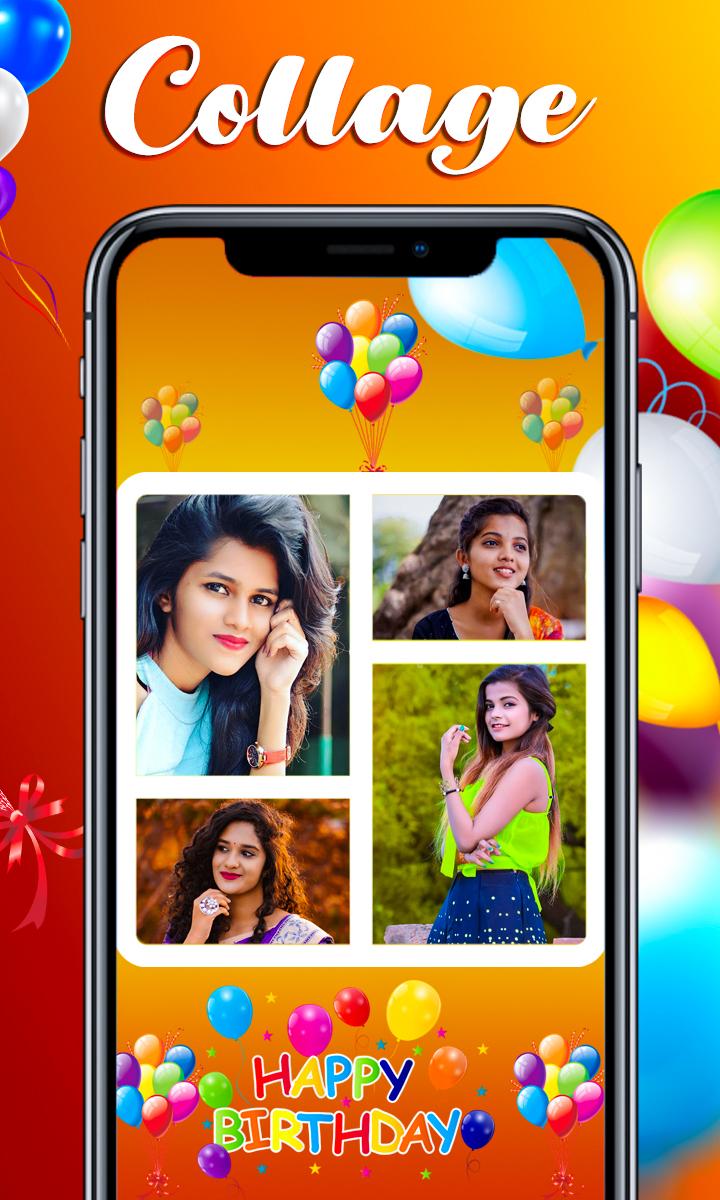
4. Flip horizontal & Vertical your photo to set each block of birthday photo collage pic.
5. Choose from a great variety of modern fonts and print text over photos.
6. Want them with your own text? You can change the font style, color and size.
7. You can save and share birthday greetings with your mobile social networking apps.
8. Apply various effects on photos during design.
9. Easy to use interface.
10. Birthday day photo effects.
Features:
Select Happy Birthday Backgrounds and Birthday Photo Frames
Pick Photo From Camera and Gallery.
Happy Birthday PhotoFrames, Birthday Photo Stickers,
Blend photo with happy Birthday Backgrounds is changed opacity low and high.
Write your name or Your Family member, Friend on Birthday Card. options using Birthday Photo Backgrounds, Frames using Stylish Fonts, Colors, Art Filters with Multiple Color Effect.
Preview
Tags
PhotographyInformation
Developer
CreativeStarApps
Latest Version
1.0.0.2
Last Updated
2022-11-25
Category
Photography
Available on
Google Play
Show More
How to play Birthday PhotoFrames with GameLoop on PC
1. Download GameLoop from the official website, then run the exe file to install GameLoop
2. Open GameLoop and search for “Birthday PhotoFrames” , find Birthday PhotoFrames in the search results and click “Install”
3. Enjoy playing Birthday PhotoFrames on GameLoop
Minimum requirements
OS
Windows 8.1 64-bit or Windows 10 64-bit
GPU
GTX 1050
CPU
i3-8300
Memory
8GB RAM
Storage
1GB available space
Recommended requirements
OS
Windows 8.1 64-bit or Windows 10 64-bit
GPU
GTX 1050
CPU
i3-9320
Memory
16GB RAM
Storage
1GB available space