
写真クラウド PC
KDDI株式会社
Download 写真クラウド on PC With GameLoop Emulator
写真クラウド on PC
写真クラウド, coming from the developer KDDI株式会社, is running on Android systerm in the past.
Now, You can play 写真クラウド on PC with GameLoop smoothly.
Download it in the GameLoop library or search results. No more eyeing the battery or frustrating calls at the wrong time any more.
Just enjoy 写真クラウド PC on the large screen for free!
写真クラウド Introduction
■The Photo Cloud app is for customers who have subscribed to "Failure and Loss Support with Cloud" and "Failure and Loss Support Wide with Cloud" on au/UQ mobile smartphones and tablets (5G) released after May 17, 2022. It's a service.
*Not applicable if you join with a corporate contract after June 30, 2022.
Please see the URL below to check the release date.
URL: https://www.au.com/mobile/product/smartphone
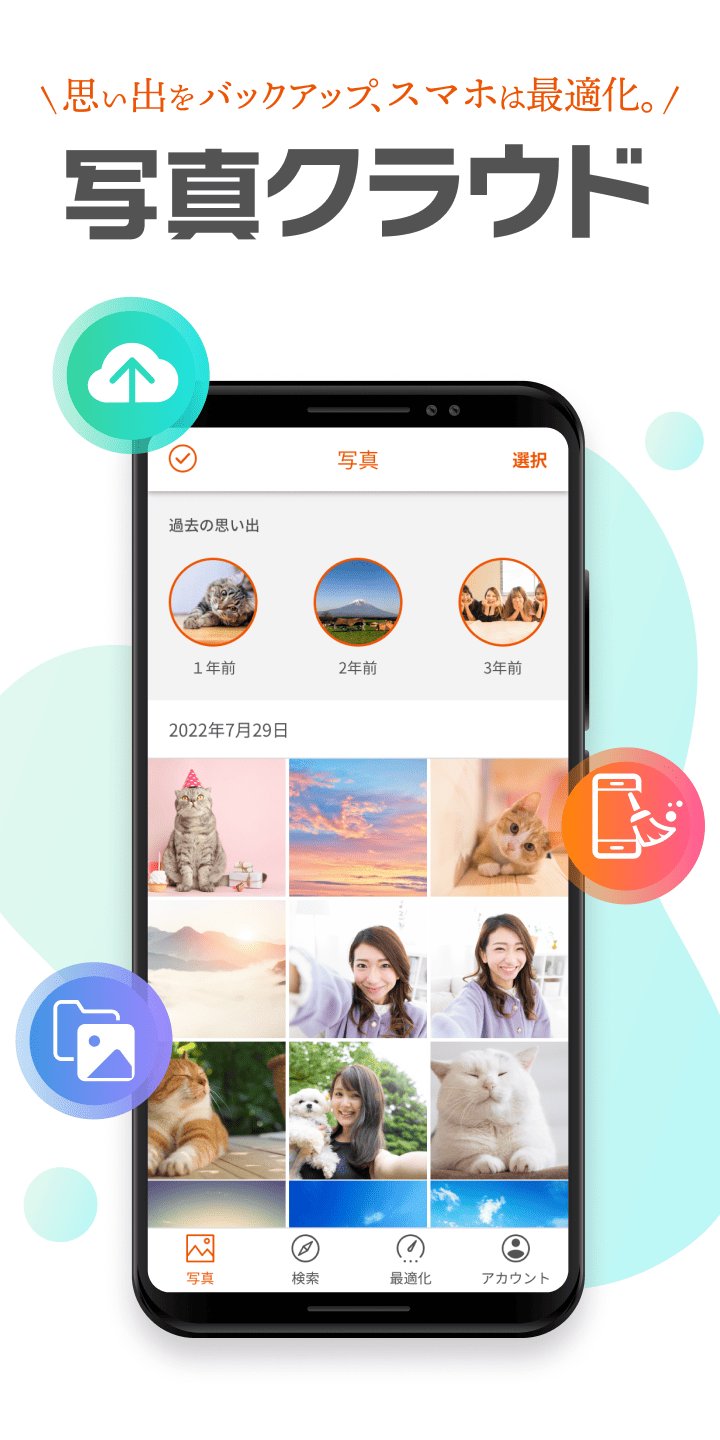
You can back up the photos and videos you have taken.
We also have a wide range of functions (large-capacity cloud/data organization functions) to solve the problem of device capacity constraints.
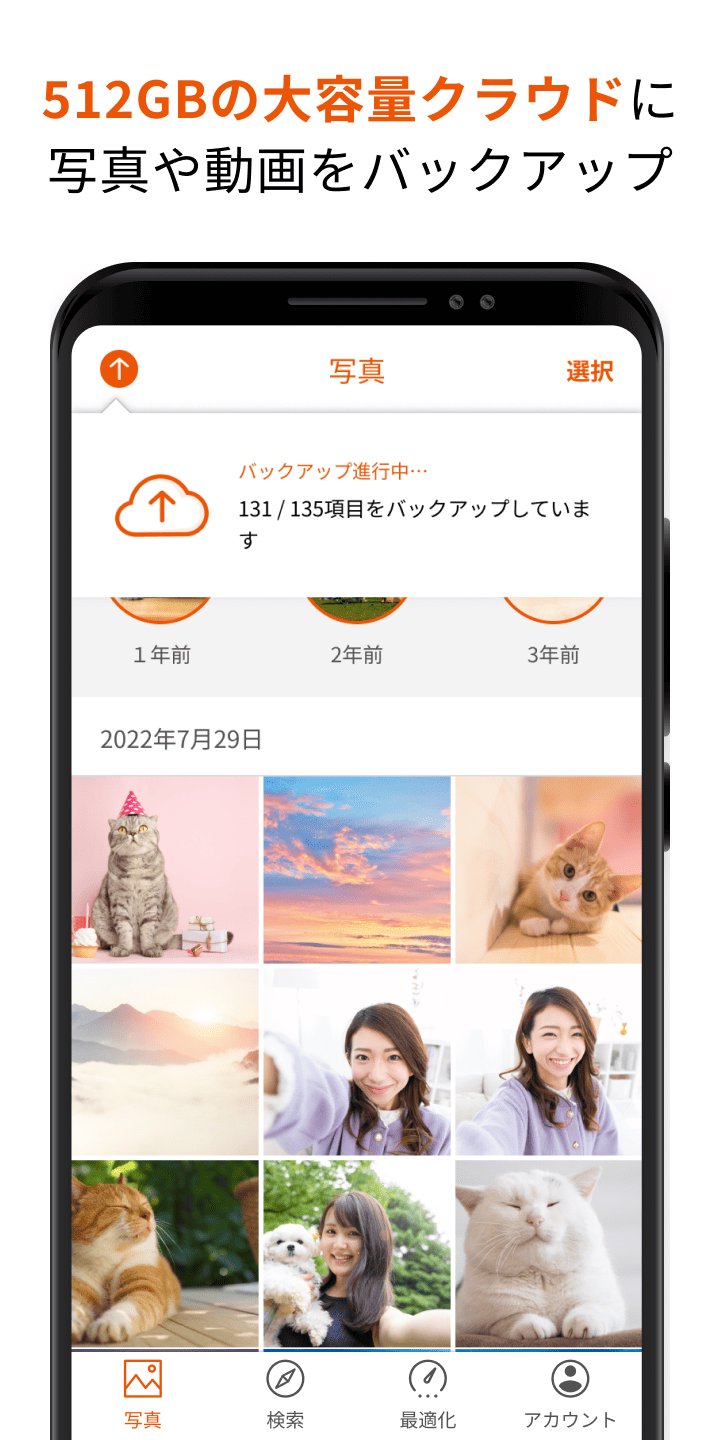
1. Back up photos and videos to a large capacity cloud of 512GB
・You can select the backup method to suit your style from automatic or manual selection.
- Improved backup function allows for smooth transfer of photos and videos (time required to complete backup of 5GB: approximately 10 minutes)
*Upload speed: Measured results when connected to Wi-Fi of approximately 200 Mbps, and may vary depending on the customer's usage environment and device used.
*Backup will be completed in the same amount of time even during background communication.
2. Optimize free space on your device
・Image authentication using AI selects blurry or similar photos, etc.
- Supports organizing free space on your device by suggesting deletion of selected photos
3. Easily edit backed up photos
・Photos saved in the cloud can be edited using various functions (cropping, filters, color correction, focus, frames, etc.)
4. Easily organize your backed up photos and videos
・Organize by location, selfie, or video, and AI automatically identifies the people in the photo to support organization.
5. Easily search backed up photos and videos
・Function to search for photos and videos by tag based on album name and location
■Android OS version recommended for use 11.0 or higher (installable 6.0 or higher)
*For devices equipped with the above installable OS, it may not work due to OS updates, special settings of the device, free space, communication status/speed, etc. Please note that we do not guarantee operation on all devices.
Preview
Tags
PhotographyInformation
Developer
KDDI株式会社
Latest Version
3.5
Last Updated
2026-08-31
Category
Photography
Available on
Google Play
Show More
How to play 写真クラウド with GameLoop on PC
1. Download GameLoop from the official website, then run the exe file to install GameLoop
2. Open GameLoop and search for “写真クラウド” , find 写真クラウド in the search results and click “Install”
3. Enjoy playing 写真クラウド on GameLoop
Minimum requirements
OS
Windows 8.1 64-bit or Windows 10 64-bit
GPU
GTX 1050
CPU
i3-8300
Memory
8GB RAM
Storage
1GB available space
Recommended requirements
OS
Windows 8.1 64-bit or Windows 10 64-bit
GPU
GTX 1050
CPU
i3-9320
Memory
16GB RAM
Storage
1GB available space