Thai Keyboard : Thai Typing PC
Uncle Keyboards Inc.
Download Thai Keyboard : Thai Typing on PC With GameLoop Emulator
Thai Keyboard : Thai Typing on PC
Thai Keyboard : Thai Typing, coming from the developer Uncle Keyboards Inc., is running on Android systerm in the past.
Now, You can play Thai Keyboard : Thai Typing on PC with GameLoop smoothly.
Download it in the GameLoop library or search results. No more eyeing the battery or frustrating calls at the wrong time any more.
Just enjoy Thai Keyboard : Thai Typing PC on the large screen for free!
Thai Keyboard : Thai Typing Introduction
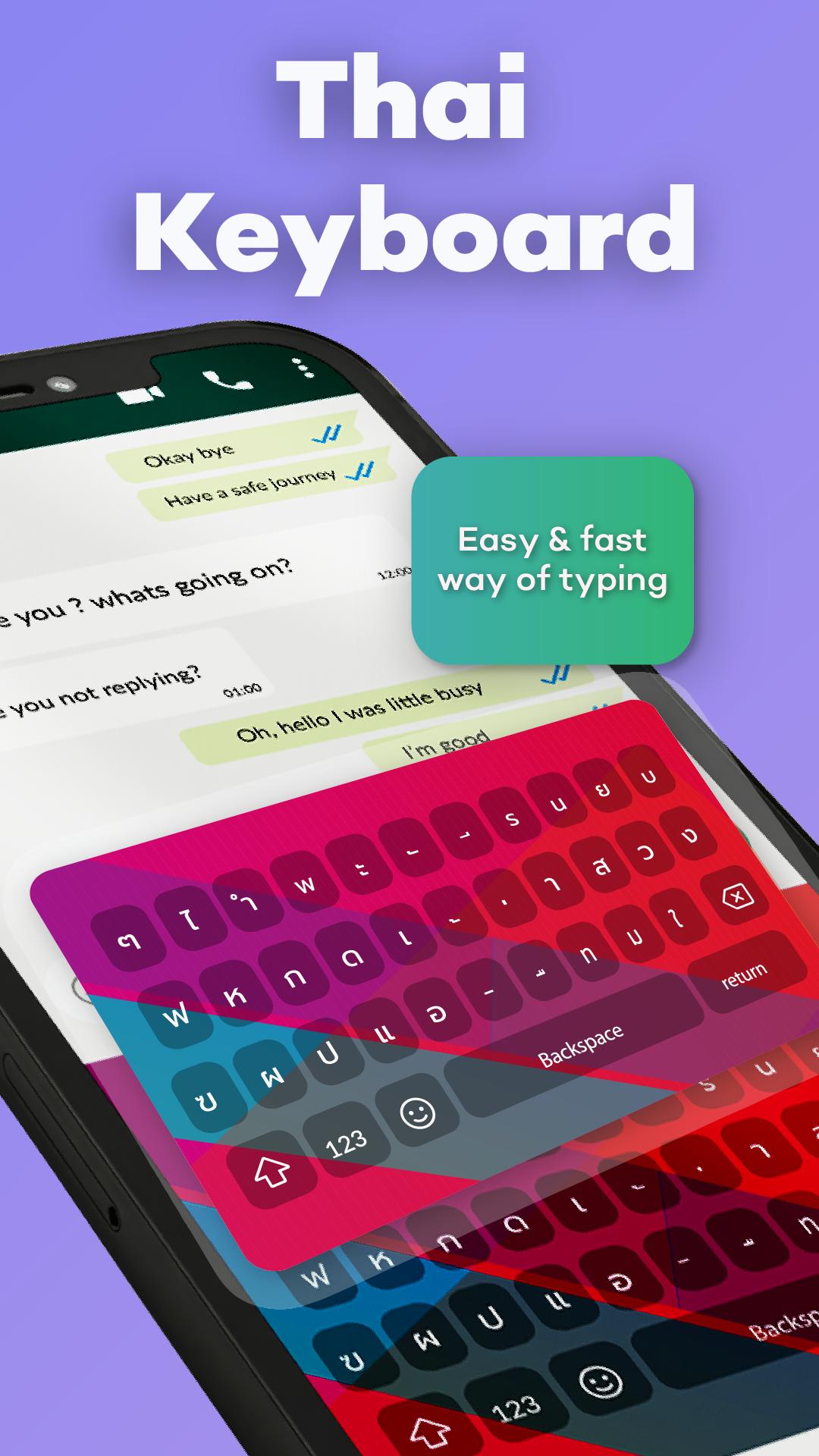
Thai Keyboard is the perfect tool for typing in Thai with stylish themes and the latest emojis. This user-friendly keyboard makes it easy to type in Thai and switch seamlessly between English and Thai. Designed especially for those who love the Thai language. It offers a smooth and simple typing experience for both beginners and fluent users.
Thai Keyboard is the best mobile keyboard for typing in the Thai language. It lets you easily write messages, Thai text, and more. With the Thai Typing Keyboard, you can chat easily with your friends around the world.
Key Features of Thai Keyboard
✔ Easy Thai Typing: Simple and user-friendly interface for smooth Thai typing.
✔ Fast Performance: Enjoy quick and responsive typing with the latest Thai Typing Keyboard.
✔ Offline Functionality: Works without internet type in Thai anytime and anywhere.
✔ Smart Typing Tools: Built-in dictionary and auto-correction for accurate and effortless typing.
✔ Express Yourself with emojis, stylish stickers, and cute emoticons to enhance your chats.
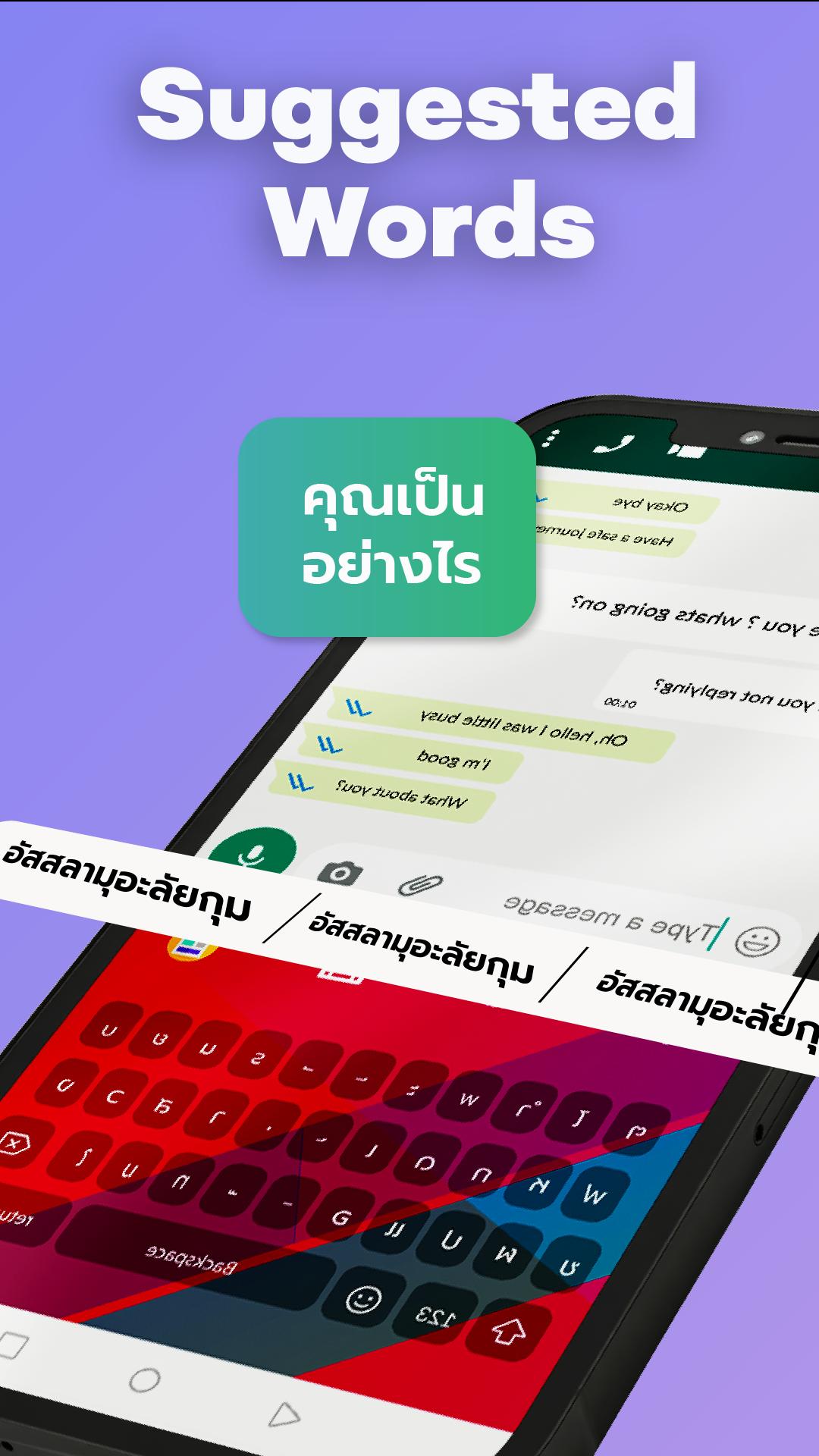
✔ Smart Suggestions: Get word predictions in Thai to express emotions and save time.
✔ Language Switch: Seamlessly switch between Thai and English with one tap.
✔ Custom Themes: Choose colorful themes to personalize your keyboard background.
Make your typing faster, fun, and full of personality with Thai Keyboard for Android.
Privacy Policy of Thai Keyboard
Thai Keyboard is 100% safe and secure. We do not store any keystrokes or access your personal data such as photos, videos, contacts, microphone, or camera.
This app is perfect for Thai users and Thai-speaking individuals around the world. It offers smart word suggestions for faster typing and lets you write all Thai alphabets, letters, and words quickly and effortlessly.
Thai Keyboard helps you stay connected and communicate confidently in your own language.
Preview
Tags
PersonalizationInformation
Developer
Uncle Keyboards Inc.
Latest Version
2.18
Last Updated
2025-07-04
Category
Personalization
Available on
Google Play
Show More
How to play Thai Keyboard : Thai Typing with GameLoop on PC
1. Download GameLoop from the official website, then run the exe file to install GameLoop
2. Open GameLoop and search for “Thai Keyboard : Thai Typing” , find Thai Keyboard : Thai Typing in the search results and click “Install”
3. Enjoy playing Thai Keyboard : Thai Typing on GameLoop
Minimum requirements
OS
Windows 8.1 64-bit or Windows 10 64-bit
GPU
GTX 1050
CPU
i3-8300
Memory
8GB RAM
Storage
1GB available space
Recommended requirements
OS
Windows 8.1 64-bit or Windows 10 64-bit
GPU
GTX 1050
CPU
i3-9320
Memory
16GB RAM
Storage
1GB available space