
Sunrise Wallpaper PC
CoolTool
Download Sunrise Wallpaper on PC With GameLoop Emulator
Sunrise Wallpaper on PC
Sunrise Wallpaper, coming from the developer CoolTool, is running on Android systerm in the past.
Now, You can play Sunrise Wallpaper on PC with GameLoop smoothly.
Download it in the GameLoop library or search results. No more eyeing the battery or frustrating calls at the wrong time any more.
Just enjoy Sunrise Wallpaper PC on the large screen for free!
Sunrise Wallpaper Introduction
As the sun rose, the sky became a glorious shade of blue while it went from
light yellow to a more intense color mixing in with purples and breaking-up
the deeper shades of blue from the previous night. As all of the purple and
deep blue faded away the sun took it's mighty position at the top of the sky
shining so very blindingly beautiful.
"a collection of colors...all melting together
bright pink, dark pink, brilliant orange, vibrant yellow and majestic purple,
a variety of blue hues all swirling in together
melting over the burning bouncing ball of orange fire into the dark cool water"
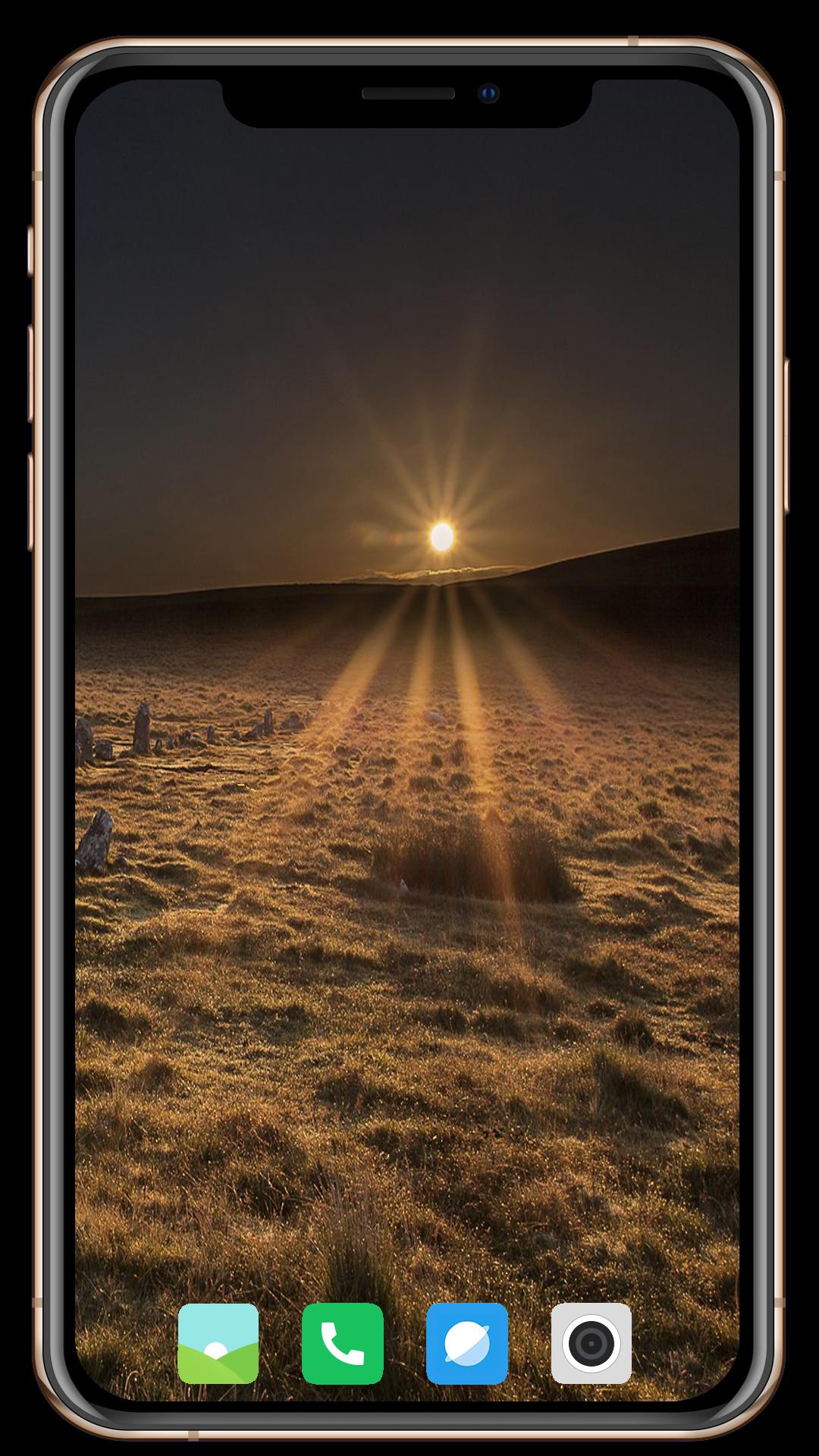
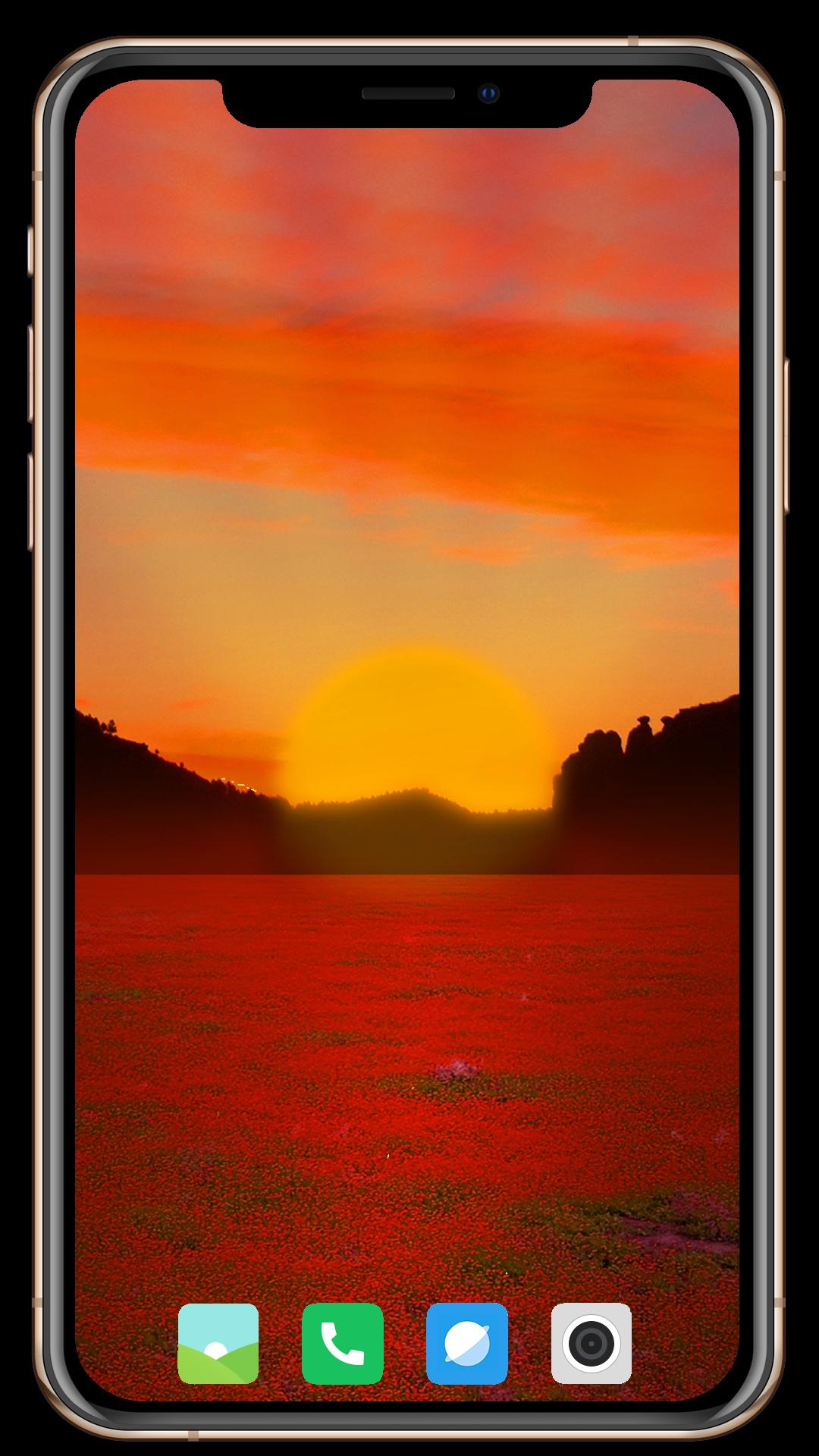
So in this app you will see the best collection of beautiful and eye catching
Sun rise Wallpapers. As all the wallpapers are high quality wallpapers so your
device screen will look amazing and attractive After setting these wallpapers.
So don't waste your time anymore and download this Sunrise Wallpaper App asap.
Features of Nice Sunrise Wallpaper :
** It is ultra 4k and high resolution wallpaper app.
** It is free of cost.
** This app is accessible in all over the world.
** Very easy to use the app.
** Very light application.
** Internet connection requires only for download.
** Consumes very low battery charge.
** Safe and fast working wallpaper app.
** Please do share the application link with your closer ones.
Thank You.
Preview
Tags
PersonalizationInformation
Developer
CoolTool
Latest Version
1.11
Last Updated
2022-08-18
Category
Personalization
Available on
Google Play
Show More
How to play Sunrise Wallpaper with GameLoop on PC
1. Download GameLoop from the official website, then run the exe file to install GameLoop
2. Open GameLoop and search for “Sunrise Wallpaper” , find Sunrise Wallpaper in the search results and click “Install”
3. Enjoy playing Sunrise Wallpaper on GameLoop
Minimum requirements
OS
Windows 8.1 64-bit or Windows 10 64-bit
GPU
GTX 1050
CPU
i3-8300
Memory
8GB RAM
Storage
1GB available space
Recommended requirements
OS
Windows 8.1 64-bit or Windows 10 64-bit
GPU
GTX 1050
CPU
i3-9320
Memory
16GB RAM
Storage
1GB available space