
Happy Birthday Frame Maker PC
WorldstarWallpaper
Download Happy Birthday Frame Maker on PC With GameLoop Emulator
Happy Birthday Frame Maker on PC
Happy Birthday Frame Maker, coming from the developer WorldstarWallpaper, is running on Android systerm in the past.
Now, You can play Happy Birthday Frame Maker on PC with GameLoop smoothly.
Download it in the GameLoop library or search results. No more eyeing the battery or frustrating calls at the wrong time any more.
Just enjoy Happy Birthday Frame Maker PC on the large screen for free!
Happy Birthday Frame Maker Introduction
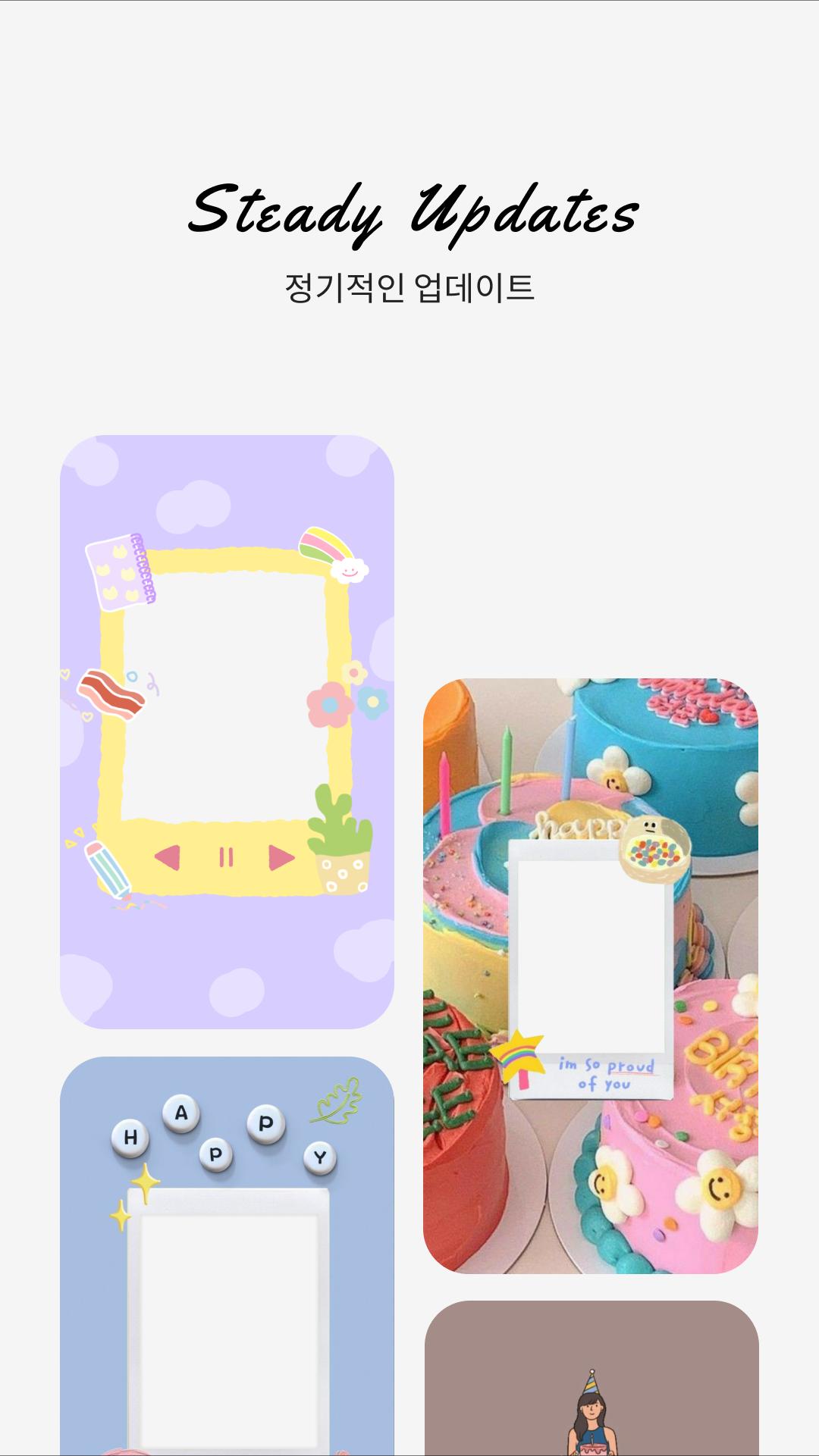
Introducing Happy Birthday Frame Maker, the perfect app to add an extra touch of magic to your special day! Whether you want to create a personalized profile picture for your own birthday or send heartfelt wishes to someone else, this user-friendly app has you covered.
Key Features:
* Frame Customization: Happy Birthday Frame Maker offers a variety of birthday-themed frames to choose from. Personalize your photos with these enchanting frames to make your birthday memories even more special.
* Profile Picture Enhancement: Transform your profile picture into a celebration of joy by adding vibrant and festive frames. Let your friends and followers join in the birthday spirit with just a click.
* Birthday Wishes for Others: Create unique and personalized birthday frames to send warm wishes to your loved ones. Surprise them with a thoughtful and visually appealing message that stands out in their social media feeds.
* User-Friendly Interface: The app is designed for simplicity, ensuring that anyone can easily navigate and use the features to craft beautiful birthday frames in no time.
Make every birthday memorable with Happy Birthday Frame Maker – because some moments deserve more than just a photo!
Preview

Tags
PersonalizationInformation
Developer
WorldstarWallpaper
Latest Version
405
Last Updated
2024-02-27
Category
Personalization
Available on
Google Play
Show More
How to play Happy Birthday Frame Maker with GameLoop on PC
1. Download GameLoop from the official website, then run the exe file to install GameLoop
2. Open GameLoop and search for “Happy Birthday Frame Maker” , find Happy Birthday Frame Maker in the search results and click “Install”
3. Enjoy playing Happy Birthday Frame Maker on GameLoop
Minimum requirements
OS
Windows 8.1 64-bit or Windows 10 64-bit
GPU
GTX 1050
CPU
i3-8300
Memory
8GB RAM
Storage
1GB available space
Recommended requirements
OS
Windows 8.1 64-bit or Windows 10 64-bit
GPU
GTX 1050
CPU
i3-9320
Memory
16GB RAM
Storage
1GB available space