Rolling Icon: 3D Wallpaper PC
AZ Mobile Software
Download Rolling Icon: 3D Wallpaper on PC With GameLoop Emulator
Rolling Icon: 3D Wallpaper on PC
Rolling Icon: 3D Wallpaper, coming from the developer AZ Mobile Software, is running on Android systerm in the past.
Now, You can play Rolling Icon: 3D Wallpaper on PC with GameLoop smoothly.
Download it in the GameLoop library or search results. No more eyeing the battery or frustrating calls at the wrong time any more.
Just enjoy Rolling Icon: 3D Wallpaper PC on the large screen for free!
Rolling Icon: 3D Wallpaper Introduction
🌏 Unleash Your Inner Astronaut: Rolling Icon - 3D Wallpaper!
💥 Is your phone's wallpaper feeling a bit... flat? Rolling Icon - 3D Wallpaper is here to take you on a cosmic adventure, transforming your phone’s background into a mesmerizing world of rolling icon 3D wallpaper, icon rolling, and dynamic live wallpaper effects! Imagine your favorite apps becoming planets, swirling and dancing in a stunning 3D wallpaper environment – all powered by realistic gravity physics. If you’re looking for trending wallpaper apps, a unique rolling launcher, or a creative way to personalize my phone, Rolling Icon makes it a reality!
⚡ Here's what makes Rolling Icon - 3D Wallpaper the ultimate app icon changer and live wallpaper experience:
💫 The Physics Playground in Your Pocket:
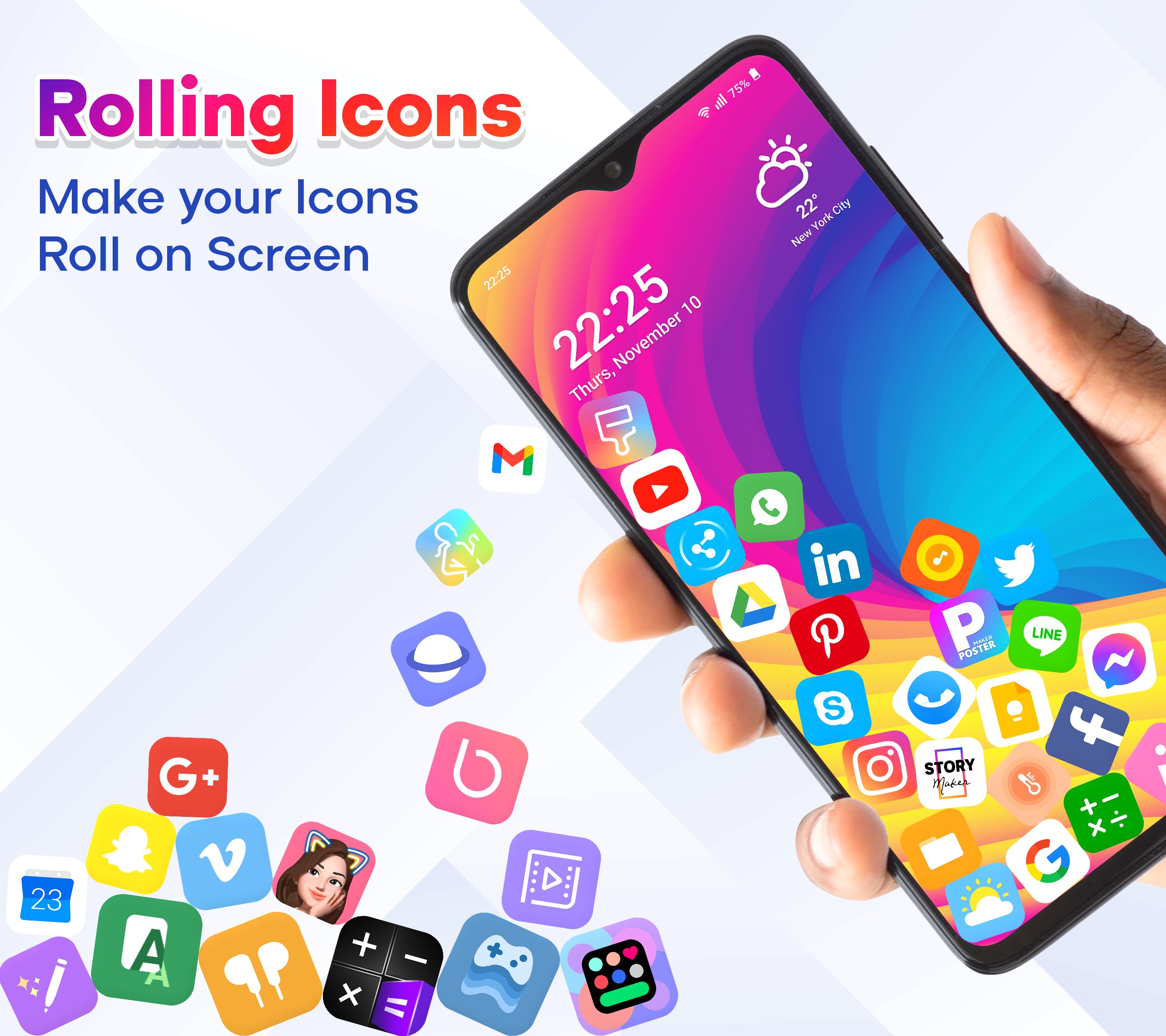
Experience interactive physics right on your home screen! Rolling Icon transforms your app icons and photos into floating, spinning celestial bodies with smooth icon rolling and rolling wallpaper effects. Swipe or tap to watch them roll, collide, and react in real time. It’s more than a rolling app – it’s a fully immersive rolling icon app icon changer combined with a powerful wallpaper 3D engine.
☄️ Live Wallpaper Magic:
Break free from static backgrounds and upgrade to a dynamic live wallpaper that truly moves. Set Rolling Icon as your rolling icon wallpaper and enjoy falling icons, floating effects, and interactive gravity motion. Nudge your app planets into orbit, create playful clusters, and experience one of the most engaging 3D wallpaper apps available today.
🌟 Gravitational Force Commander:
Take control of gravity with advanced simulation settings. Adjust force levels and watch your rolling icon 3D animations respond instantly. Create swirling galaxies, floating constellations, or dramatic icon rolling movements. This is next-level customization for users who want more than a basic launcher.
🌙 Organize Your Universe:
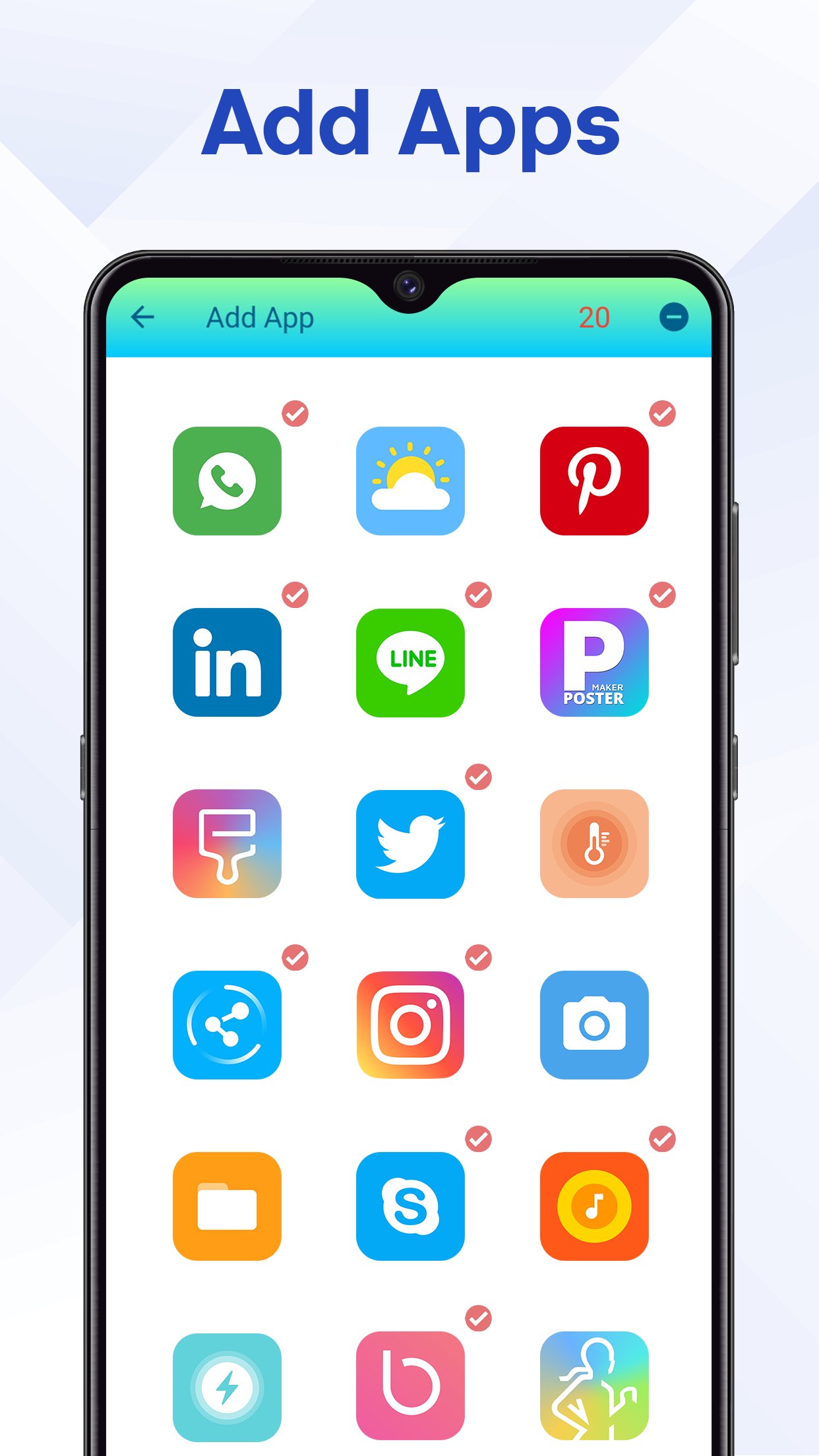
A dynamic home screen can still be organized and functional. Use Rolling Icon as your stylish rolling launcher to group apps by category, color, or preference. Enjoy the perfect balance between visual creativity and productivity while you personalize your phone.
💥 Customize Your Cosmos:
Choose from a wide variety of immersive 3D wallpaper backgrounds and interactive themes. Combine stunning space visuals with smooth rolling icon 3D wallpaper animations to create a one-of-a-kind setup. Whether you prefer futuristic effects, cartoon styles, or minimalist looks, this wallpaper 3D experience adapts to your style.
💯 Multi-Gravity Box – Unlock More Possibilities:
Add multiple gravity points to your rolling wallpaper and create complex interactions between floating icons. This advanced feature elevates your rolling icon app into a truly interactive physics playground.
🌿 A Universe of Themes & Live Wallpapers:
Your home screen shouldn’t be limited to one style. Explore a vast collection of 3D wallpaper, animated backgrounds, and customizable themes. Each theme enhances your rolling icon wallpaper with unique animations, layouts, and motion effects – perfect for anyone who wants to personalize my phone in a creative way.
⭐ Rolling Icon - 3D Wallpaper is more than just a live wallpaper or app icon changer – it’s a fully interactive rolling icon 3D wallpaper experience. Download now and transform your device with stunning 3D wallpaper, immersive icon rolling, and powerful customization tools that bring your home screen to life! 🚀
Privacy Policy: https://www.maxlabs.hk/privacy-policy
Contact Us: android-support@maxlabs.hk
Preview
Tags
PersonalizationInformation
Developer
AZ Mobile Software
Latest Version
7.5.5
Last Updated
2026-06-24
Category
Personalization
Available on
Google Play
Show More
How to play Rolling Icon: 3D Wallpaper with GameLoop on PC
1. Download GameLoop from the official website, then run the exe file to install GameLoop
2. Open GameLoop and search for “Rolling Icon: 3D Wallpaper” , find Rolling Icon: 3D Wallpaper in the search results and click “Install”
3. Enjoy playing Rolling Icon: 3D Wallpaper on GameLoop
Minimum requirements
OS
Windows 8.1 64-bit or Windows 10 64-bit
GPU
GTX 1050
CPU
i3-8300
Memory
8GB RAM
Storage
1GB available space
Recommended requirements
OS
Windows 8.1 64-bit or Windows 10 64-bit
GPU
GTX 1050
CPU
i3-9320
Memory
16GB RAM
Storage
1GB available space