Rad Walls - Live Wallpapers PC
Nate Wren Design
Download Rad Walls - Live Wallpapers on PC With GameLoop Emulator
Rad Walls - Live Wallpapers on PC
Rad Walls - Live Wallpapers, coming from the developer Nate Wren Design, is running on Android systerm in the past.
Now, You can play Rad Walls - Live Wallpapers on PC with GameLoop smoothly.
Download it in the GameLoop library or search results. No more eyeing the battery or frustrating calls at the wrong time any more.
Just enjoy Rad Walls - Live Wallpapers PC on the large screen for free!
Rad Walls - Live Wallpapers Introduction
Rad Walls is a collection of retrowave live wallpapers. These walls are comin' to you straight outta the 80's with classic outrun, synthwave, and retrowave aesthetics.
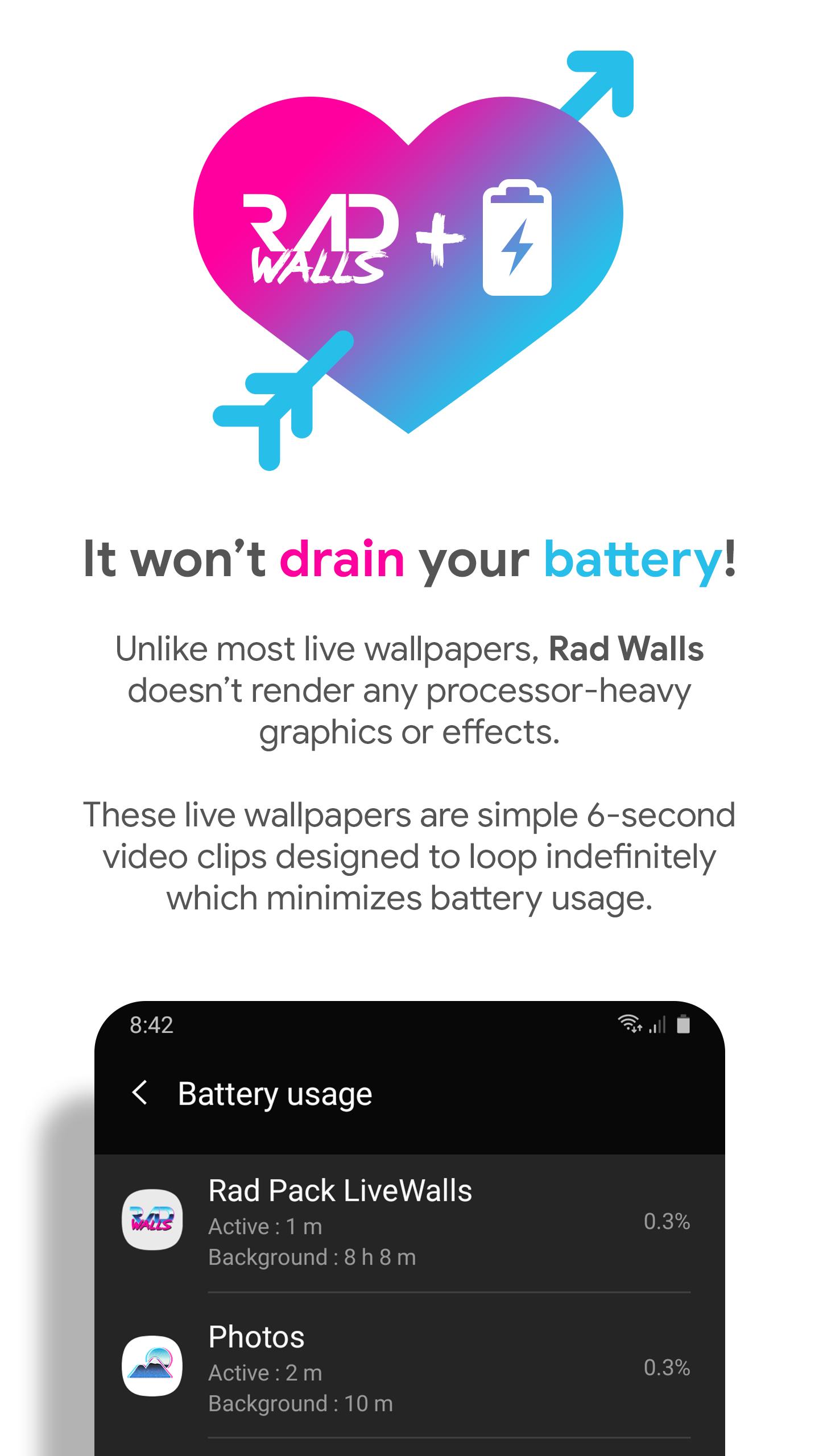
It won't drain your battery!
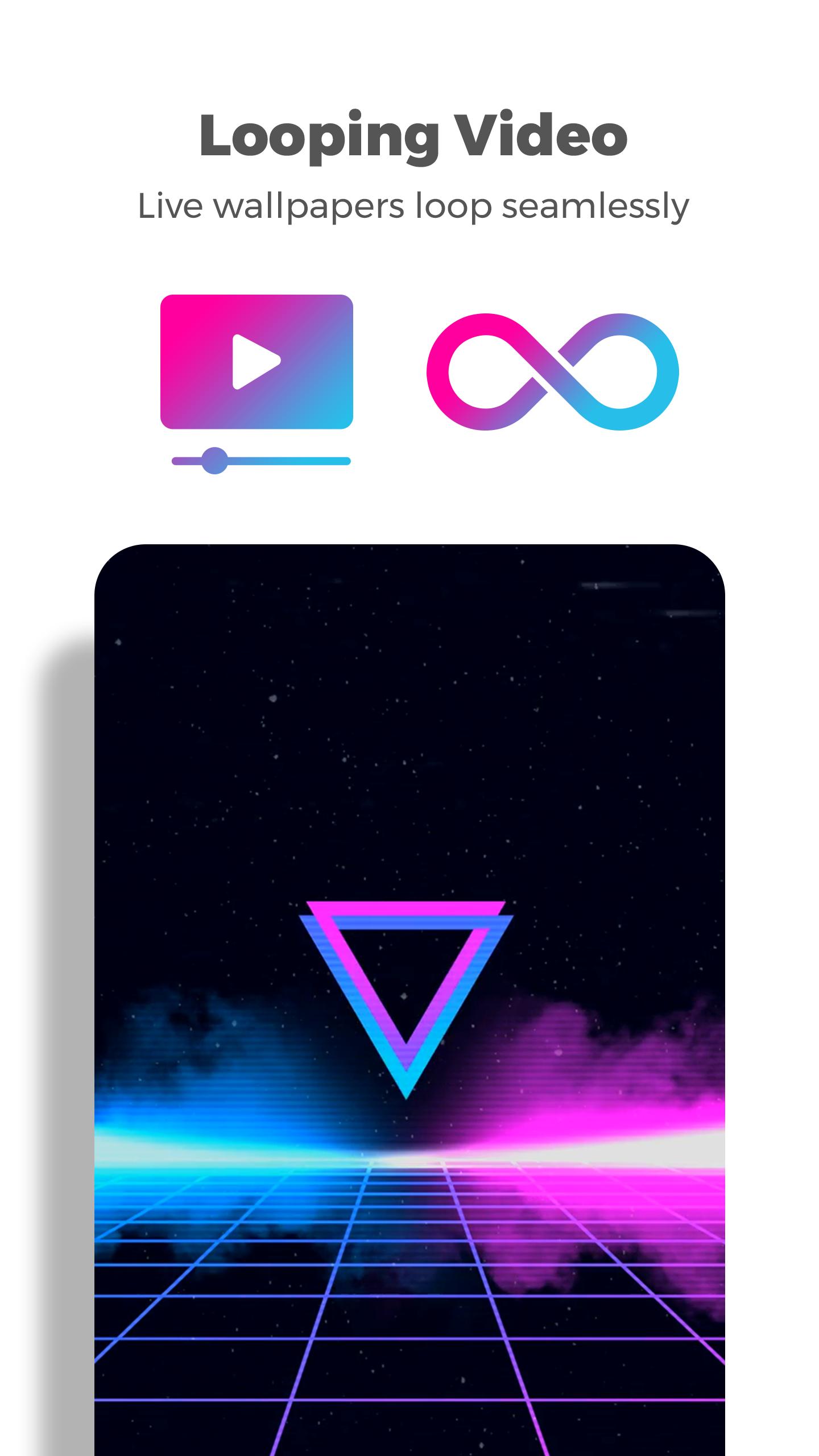
Unlike most live wallpapers, these retro 80's live wallpapers don't render any complicated graphics or effects. Each live wallpaper is a simple 6-second long looping video with the effects and 3D graphics pre-rendered. This means the battery usage is minimal and you won't see any substantial difference in your battery life.
Wallpaper Picker
16 wallpapers included in the base version and an additional 15 wallpapers in pro!
To apply a wallpaper to your home screen, lock screen, or both, simply choose one of the included wallpapers in the app and tap the "Apply" button.
Compatible with all devices
As long as your device and launcher support live wallpapers, you should be able to apply these with no issues.
Follow Me
Twitter: https://twitter.com/natewren
Questions/Comments
natewren@gmail.com
Preview
Tags
PersonalizationInformation
Developer
Nate Wren Design
Latest Version
1.0.7
Last Updated
2023-08-18
Category
Personalization
Available on
Google Play
Show More
How to play Rad Walls - Live Wallpapers with GameLoop on PC
1. Download GameLoop from the official website, then run the exe file to install GameLoop
2. Open GameLoop and search for “Rad Walls - Live Wallpapers” , find Rad Walls - Live Wallpapers in the search results and click “Install”
3. Enjoy playing Rad Walls - Live Wallpapers on GameLoop
Minimum requirements
OS
Windows 8.1 64-bit or Windows 10 64-bit
GPU
GTX 1050
CPU
i3-8300
Memory
8GB RAM
Storage
1GB available space
Recommended requirements
OS
Windows 8.1 64-bit or Windows 10 64-bit
GPU
GTX 1050
CPU
i3-9320
Memory
16GB RAM
Storage
1GB available space