
Pennywise Wallpapers PC
Khafafa APPS Developer
Download Pennywise Wallpapers on PC With GameLoop Emulator
Pennywise Wallpapers on PC
Pennywise Wallpapers, coming from the developer Khafafa APPS Developer, is running on Android systerm in the past.
Now, You can play Pennywise Wallpapers on PC with GameLoop smoothly.
Download it in the GameLoop library or search results. No more eyeing the battery or frustrating calls at the wrong time any more.
Just enjoy Pennywise Wallpapers PC on the large screen for free!
Pennywise Wallpapers Introduction
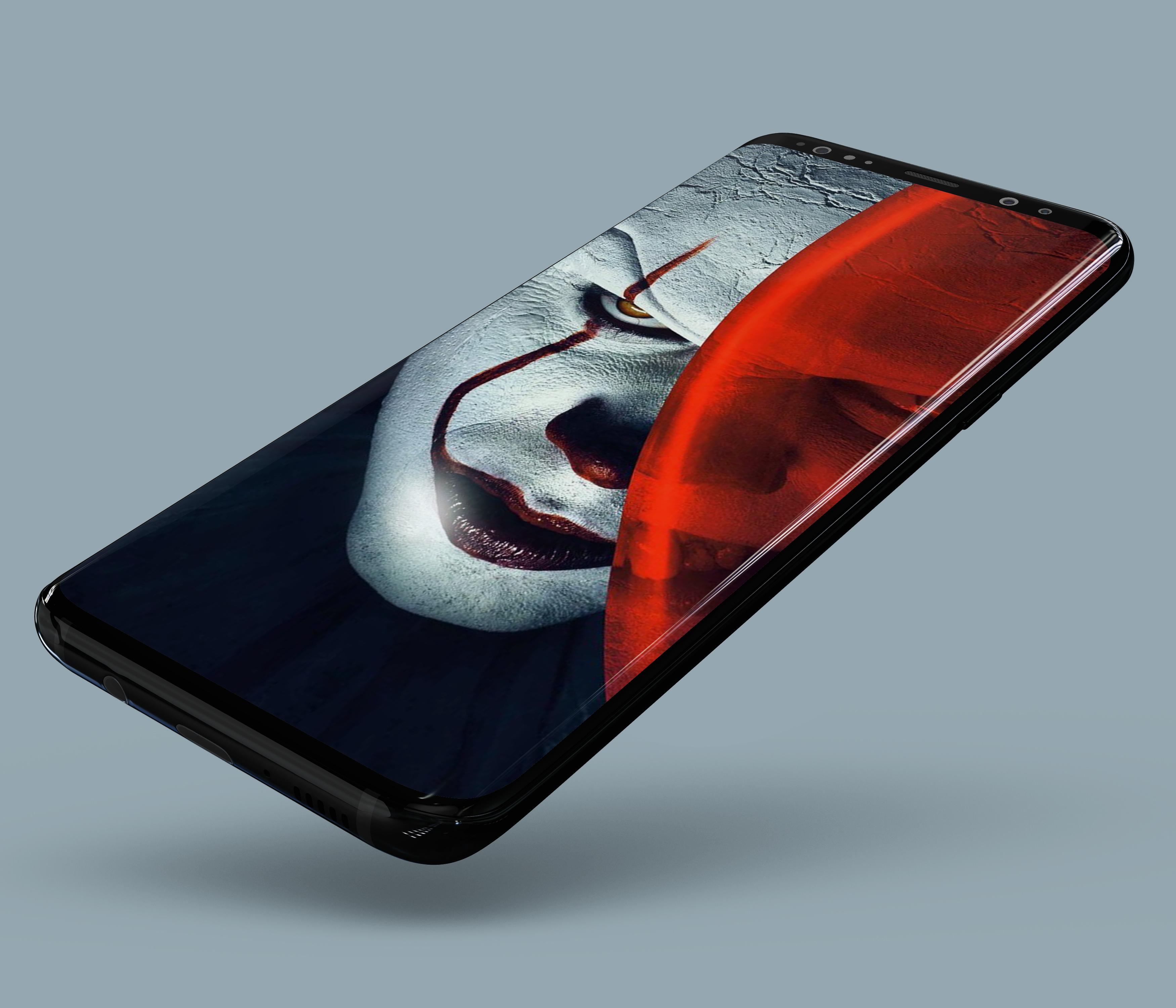
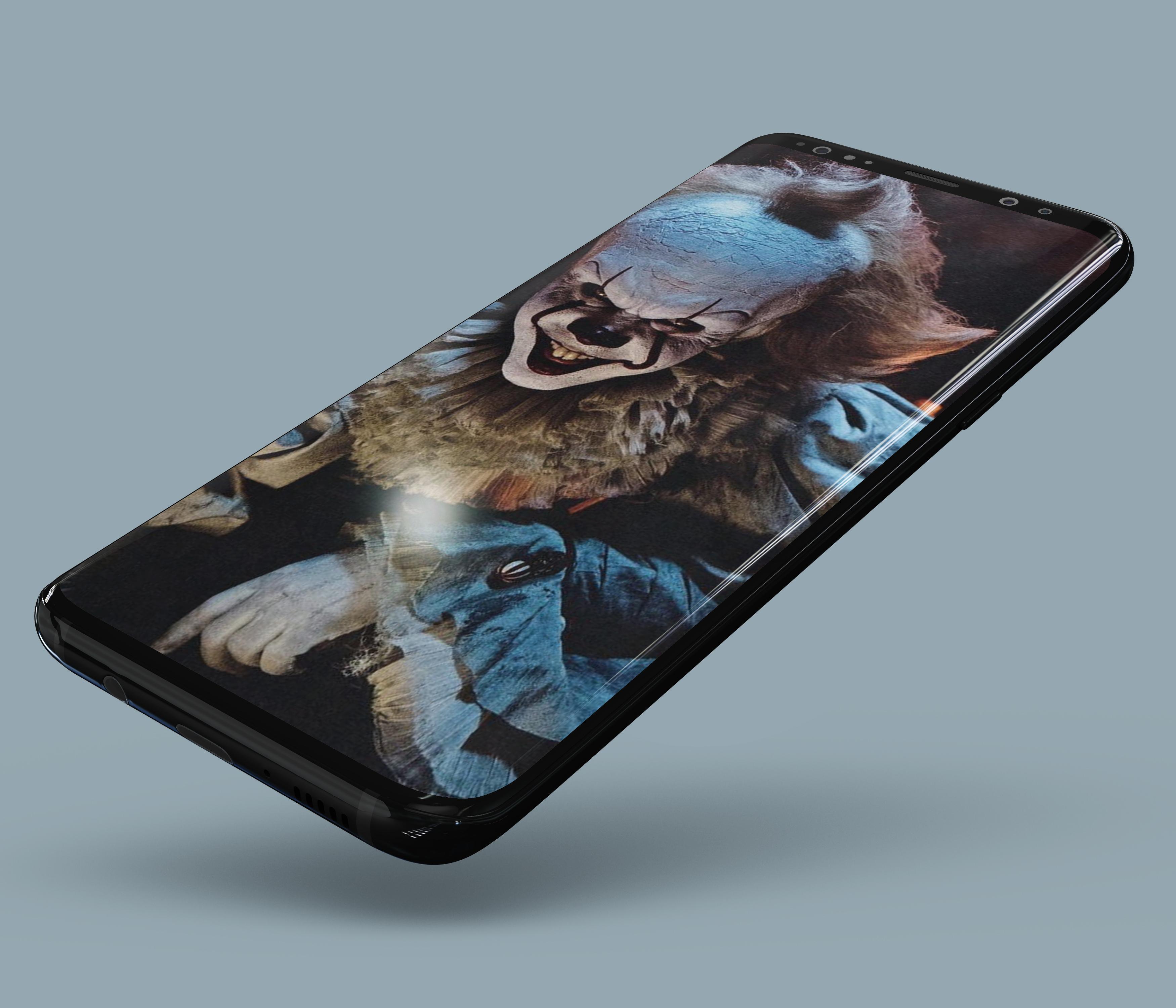
For those of you who like the characters in the scary clown horror story, we have provided the best wallpaper application for you, namely Pennywise Wallpapers. This application has provided many horror images with the best quality HD, FHD and 4K which will make your cellphone look even more spooky and mysterious.
Immediately download and replace your cellphone wallpaper with the best wallpaper collections from us. You can download this application for free via your cellphone. Enjoy and find your favorite wallpaper here, and don't forget to share it with your friends.
Features in Pennywise Wallpapers:
- Choose the size you want and crop it
- Automatically change wallpaper with one click
- There are many choices of wallpapers with the best HD & 4K image quality
- You can add images on the favorite menu
- Automatically adjusts to all types / sizes of your cellphone screen
- Simple UI
DISCLAIMER:
All the images for wallpapers in the Pennywise Wallpapers application are under a general creative license. These images are copyright of their owners, and images for these wallpapers are not endorsed by their owners. The images for these wallpapers are used purely for artistic, aesthetic and entertainment purposes only. No copyright infringement is intended, and any requests to remove one of the images / icons / titles will be respected.
Always support us by giving your best rating, because your rating means a lot to us in developing this application and of course always provides the best wallpapers for you.
Preview
Tags
PersonalizationInformation
Developer
Khafafa APPS Developer
Latest Version
1.0.0
Last Updated
2021-04-23
Category
Personalization
Available on
Google Play
Show More
How to play Pennywise Wallpapers with GameLoop on PC
1. Download GameLoop from the official website, then run the exe file to install GameLoop
2. Open GameLoop and search for “Pennywise Wallpapers” , find Pennywise Wallpapers in the search results and click “Install”
3. Enjoy playing Pennywise Wallpapers on GameLoop
Minimum requirements
OS
Windows 8.1 64-bit or Windows 10 64-bit
GPU
GTX 1050
CPU
i3-8300
Memory
8GB RAM
Storage
1GB available space
Recommended requirements
OS
Windows 8.1 64-bit or Windows 10 64-bit
GPU
GTX 1050
CPU
i3-9320
Memory
16GB RAM
Storage
1GB available space