Modern Style Lockscreen PC
Silky Apps Studio
Download Modern Style Lockscreen on PC With GameLoop Emulator
Modern Style Lockscreen on PC
Modern Style Lockscreen, coming from the developer Silky Apps Studio, is running on Android systerm in the past.
Now, You can play Modern Style Lockscreen on PC with GameLoop smoothly.
Download it in the GameLoop library or search results. No more eyeing the battery or frustrating calls at the wrong time any more.
Just enjoy Modern Style Lockscreen PC on the large screen for free!
Modern Style Lockscreen Introduction
PERMISSION
• ACCESSIBILITY_SERVICE to display overlay window for lock screen also used to provide accessibility function like lock screen, take screen shot and show power menu of mobile.
• READ_NOTIFICATION read notification to show media control or notifications on lock screen.
• Bluetooth permission for earbuds and airpods
FEEDBACK
• If you have any problems while using this application, please let us know we will check and update as soon as possible.
This is a This is a Modern Lock style for Android 5.0+ and up. Modern Lock Style Lock Screen is a free Personalization app. It's easy to download and install to your mobile phone.
If you want to know more about Modern Lock Style Lock Screen then you may visit Silky apps studio Launchers and Themes support center for more information
If any apk download infringes your copyright, please contact us. Modern Lock Style Lock Screen is the property and trademark from the developer Silky apps studio Launchers and Themes.
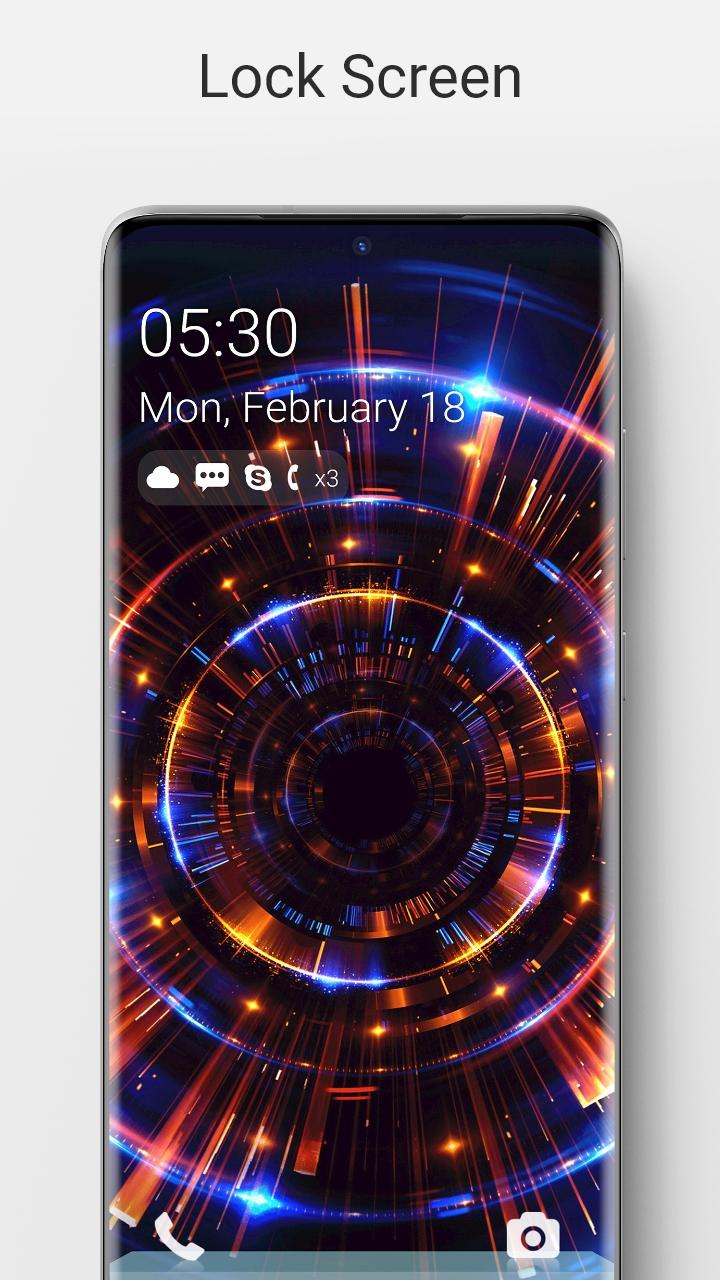
🔑 Lock Screen For Modern Lock Style is a highly customization lock screen with a number of ways. Starting off, there are four main things you get to control, Notifications.⏱
🌈 It gives you the option to light up the screen when you get a message from apps as well as which apps you get notifications from.
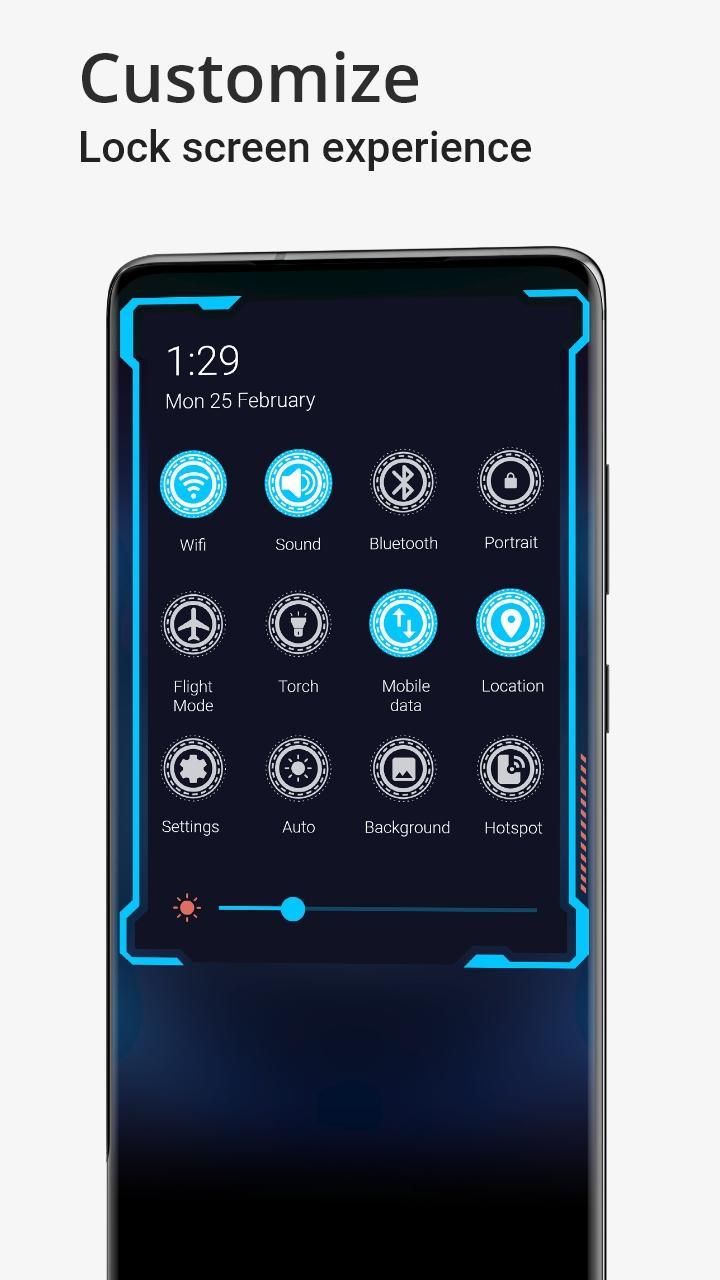
📮 Within Lock screen you can select different types of lock screen unlocks like slide to unlock, unlock sound and more.
The application is an excellent with wallpapers. It is beautiful, safe and custom.📔
🌏 Lock screen Feature 🌏
💧 A lot of beautiful wallpaper
💧 Slide to easily unlock your phone with subtle animations and sounds.
💧 Set Pin or Password via Keypad Lock Screen to Enhance Security Lock your Phone.
💧 Supports custom slide text, you can use your name or other words to personalize your Lock screen. Lock style for Android 5.0+ and up. Modern Lock Style Lock Screen is a free Personalization app. It's easy to download and install to your mobile phone.
If you want to know more about Modern Lock Style Lock Screen then you may visit Silky apps studio Launchers and Themes support center for more information
If any apk download infringes your copyright, please contact us. Modern Lock Style Lock Screen is the property and trademark from the developer Silky apps studio Launchers and Themes.
🔑 Lock Screen For Modern Lock Style is a highly customization lock screen with a number of ways to gain control of the information you see. Starting off, there are four main things you get to control, Notifications.⏱
🌈 It gives you the option to light up the screen when you get a message from apps as well as which apps you get notifications from.
📮 Within Lock screen you can select different types of lock screen unlocks like slide to unlock, unlock sound and more.
The application is an excellent with wallpapers. It is beautiful, safe and custom.📔
🌏 Lock screen Feature 🌏
💧 A lot of beautiful wallpaper
💧 Slide to easily unlock your phone with subtle animations and sounds.
💧 Set Pin or Password via Keypad Lock Screen to Enhance Security Lock your Phone.
💧 Supports custom slide text, you can use your name or other words to personalize your Lock screen.
Preview
Tags
PersonalizationInformation
Developer
Silky Apps Studio
Latest Version
1.51
Last Updated
2023-10-24
Category
Personalization
Available on
Google Play
Show More
How to play Modern Style Lockscreen with GameLoop on PC
1. Download GameLoop from the official website, then run the exe file to install GameLoop
2. Open GameLoop and search for “Modern Style Lockscreen” , find Modern Style Lockscreen in the search results and click “Install”
3. Enjoy playing Modern Style Lockscreen on GameLoop
Minimum requirements
OS
Windows 8.1 64-bit or Windows 10 64-bit
GPU
GTX 1050
CPU
i3-8300
Memory
8GB RAM
Storage
1GB available space
Recommended requirements
OS
Windows 8.1 64-bit or Windows 10 64-bit
GPU
GTX 1050
CPU
i3-9320
Memory
16GB RAM
Storage
1GB available space