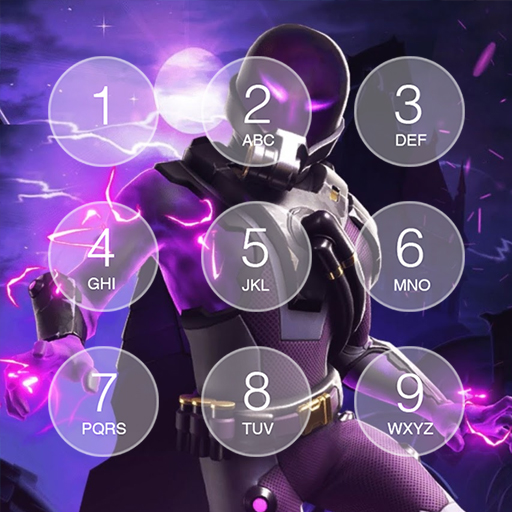
Lock screen Fnbr Battle Royale PC
digitalheroapps
Download Lock screen Fnbr Battle Royale on PC With GameLoop Emulator
Lock screen Fnbr Battle Royale on PC
Lock screen Fnbr Battle Royale, coming from the developer digitalheroapps, is running on Android systerm in the past.
Now, You can play Lock screen Fnbr Battle Royale on PC with GameLoop smoothly.
Download it in the GameLoop library or search results. No more eyeing the battery or frustrating calls at the wrong time any more.
Just enjoy Lock screen Fnbr Battle Royale PC on the large screen for free!
Lock screen Fnbr Battle Royale Introduction
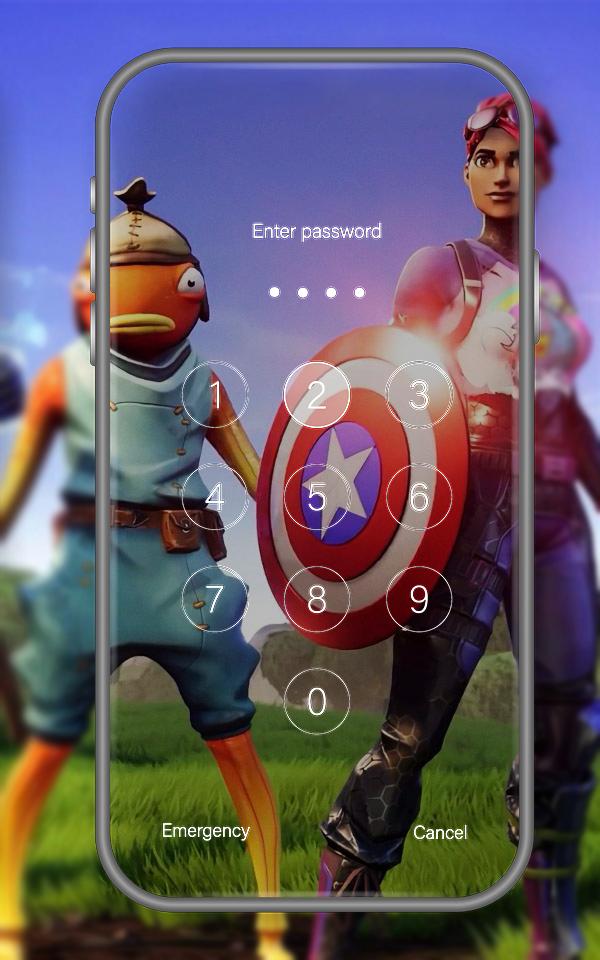
Lock Screen For Fr Battle Royale is an extremely Secure Screen Locker via PIN passcode or password, to help you protect your privacy, prevent others invade your phone illegally.👮🔰
Lock Screen For Fr Battle Royale is the best keypad Lock Screen For Fr Battle Royale like phone Lock Screen For Fr Battle Royale to enhance the security of your phone. You also can quickly view your recent notifications from the Lock Screen For Fr Battle Royale by turn on your phone.🚀🎨
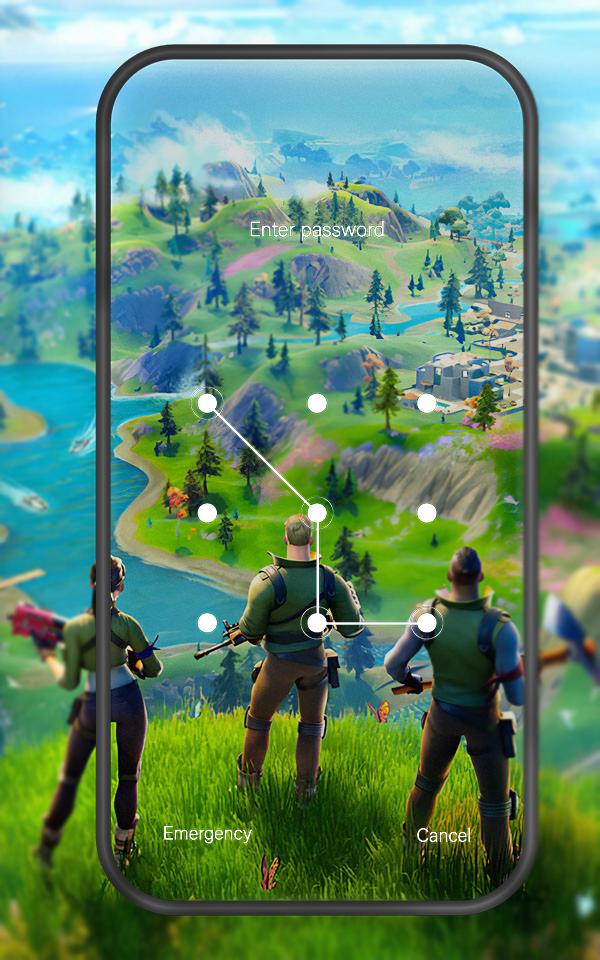
A beautiful lock screen with Lock Screen For Fr Battle Royale live wallpaper theme for Android devices,
surport pin/pattern lock for lock security,
This app will give you a chance to watch beautiful and Lock Screen For Fr Battle Royale scenery directly on your lock screen,
The flying Lock Screen For Fr Battle Royale and flashing fireflies will turn your phone into a insects wonder. It is the best choice for you if you like to
relax after work or study by watching beautiful scenery.
• Theme XS and X, there are several new theme to choose from
• Newst Notification with os 12, Multiple notifications can be automatically folded, just like the latest phone.
• Music controller, easy to control the music on the lockscreen.
• Control center, it's easy to control your device with os style.
• Set wallpaper from gallery, make your lock screen full of personality.
• 12-hour and 24-hour time format
• Pin passcode for secure keypad, Simple but safe and easy to use
• Lots of beautiful os12 wallpaper
• DIY Carrier Name fort-nite
Preview
Tags
PersonalizationInformation
Developer
digitalheroapps
Latest Version
1.0
Last Updated
2021-06-22
Category
Personalization
Available on
Google Play
Show More
How to play Lock screen Fnbr Battle Royale with GameLoop on PC
1. Download GameLoop from the official website, then run the exe file to install GameLoop
2. Open GameLoop and search for “Lock screen Fnbr Battle Royale” , find Lock screen Fnbr Battle Royale in the search results and click “Install”
3. Enjoy playing Lock screen Fnbr Battle Royale on GameLoop
Minimum requirements
OS
Windows 8.1 64-bit or Windows 10 64-bit
GPU
GTX 1050
CPU
i3-8300
Memory
8GB RAM
Storage
1GB available space
Recommended requirements
OS
Windows 8.1 64-bit or Windows 10 64-bit
GPU
GTX 1050
CPU
i3-9320
Memory
16GB RAM
Storage
1GB available space