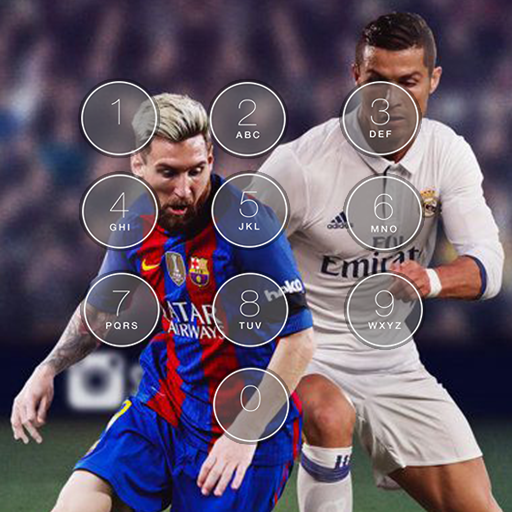
Football 4k Screen Lock PC
Start Apps Tech
Download Football 4k Screen Lock on PC With GameLoop Emulator
Football 4k Screen Lock on PC
Football 4k Screen Lock, coming from the developer Start Apps Tech, is running on Android systerm in the past.
Now, You can play Football 4k Screen Lock on PC with GameLoop smoothly.
Download it in the GameLoop library or search results. No more eyeing the battery or frustrating calls at the wrong time any more.
Just enjoy Football 4k Screen Lock PC on the large screen for free!
Football 4k Screen Lock Introduction
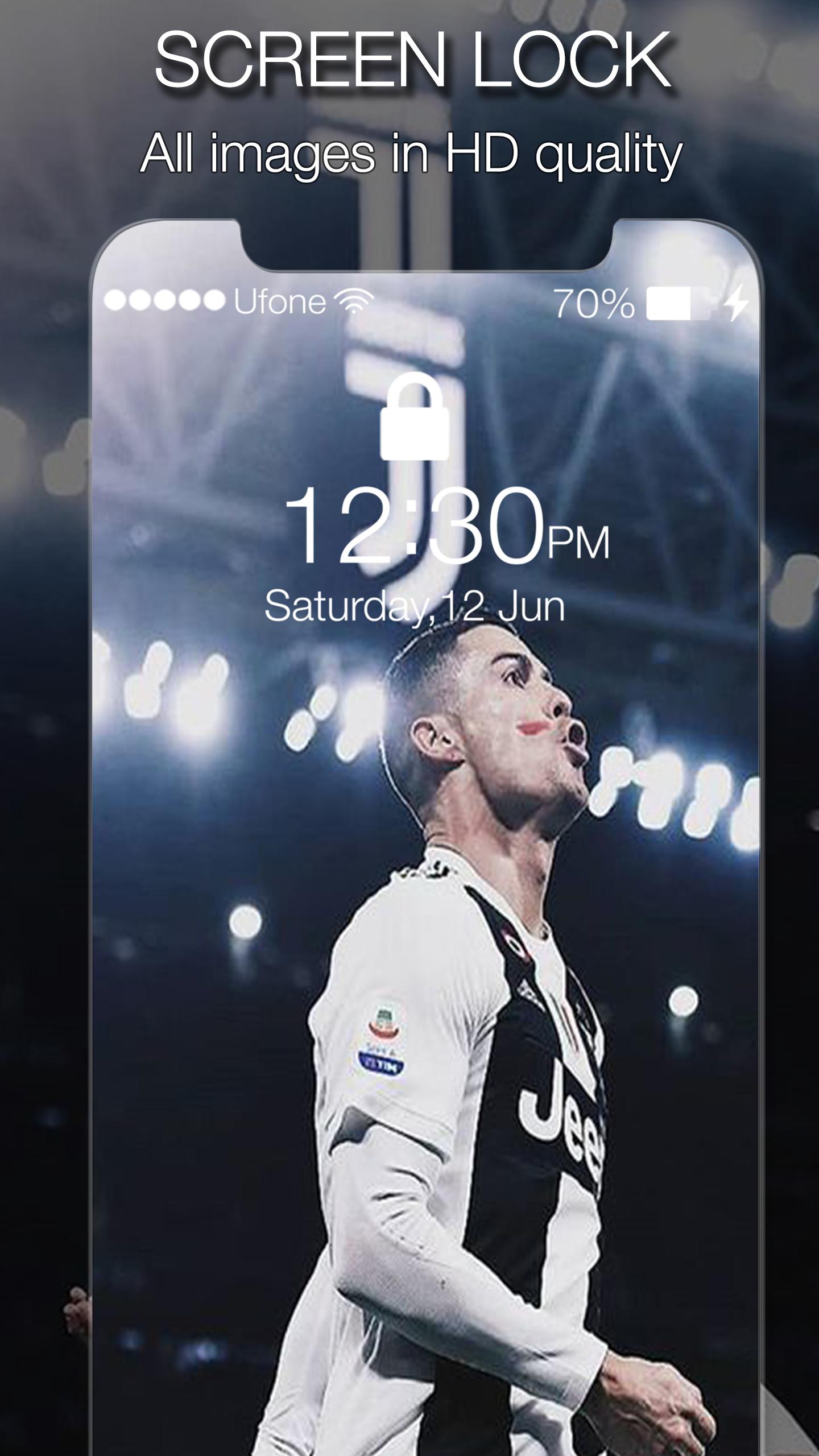
Football 4k Screen Lock will help you to lock your phone by passcode. Cool wallpapers and at the same time protect your privacy with this lock screen app, lock screen allow you to set a passcode to protect your privacy, or you can just slide up to unlock without pin code.
Football 4k Screen Lock Features:
- 100% Free application.
- Fast & Reliable.
- Easily change background of lock screen.
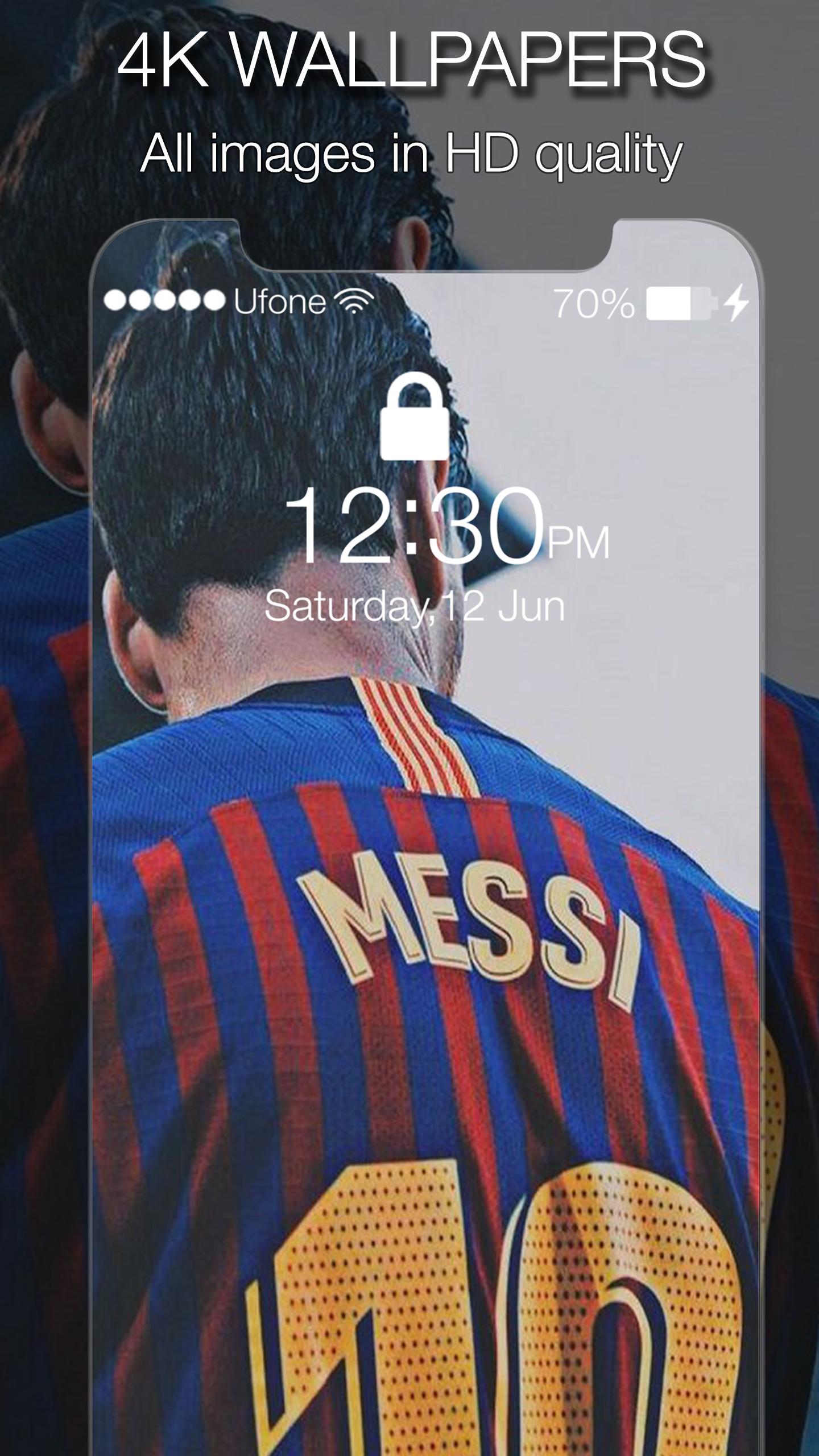
- 4K HD Wallpapers & Backgrounds.
- Passcode lock screen.
- Slide to unlock.
- Set passcode to protect your privacy.
- Cool themes.
- Easy to use.
How to use it:
Football 4k Wallpaper & Screen Lock Fans is really simple and easy to use, you just select function allows key. If you want to activate this free app just choose "Active Lock" the lock screen slide will be active and choose "Enable Pin" to set code pin to your phone so that your device is protected.
DISCLAIMER:
This application complies with US Copyright law guidelines of "fair use", We are not affiliated in any way to Wallpapers. This application is made for Football 4k Screen Lock Fans for entertainment. if you feel there is a direct copyright or trademark violation that doesn't follow within the "fair use" guidelines, please contact us directly.
Preview
Tags
PersonalizationInformation
Developer
Start Apps Tech
Latest Version
1.0
Last Updated
2019-11-10
Category
Personalization
Available on
Google Play
Show More
How to play Football 4k Screen Lock with GameLoop on PC
1. Download GameLoop from the official website, then run the exe file to install GameLoop
2. Open GameLoop and search for “Football 4k Screen Lock” , find Football 4k Screen Lock in the search results and click “Install”
3. Enjoy playing Football 4k Screen Lock on GameLoop
Minimum requirements
OS
Windows 8.1 64-bit or Windows 10 64-bit
GPU
GTX 1050
CPU
i3-8300
Memory
8GB RAM
Storage
1GB available space
Recommended requirements
OS
Windows 8.1 64-bit or Windows 10 64-bit
GPU
GTX 1050
CPU
i3-9320
Memory
16GB RAM
Storage
1GB available space