Dark Wallpapers HD & 4K - Amol PC
UltraWall
Download Dark Wallpapers HD & 4K - Amol on PC With GameLoop Emulator
Dark Wallpapers HD & 4K - Amol on PC
Dark Wallpapers HD & 4K - Amol, coming from the developer UltraWall, is running on Android systerm in the past.
Now, You can play Dark Wallpapers HD & 4K - Amol on PC with GameLoop smoothly.
Download it in the GameLoop library or search results. No more eyeing the battery or frustrating calls at the wrong time any more.
Just enjoy Dark Wallpapers HD & 4K - Amol PC on the large screen for free!
Dark Wallpapers HD & 4K - Amol Introduction
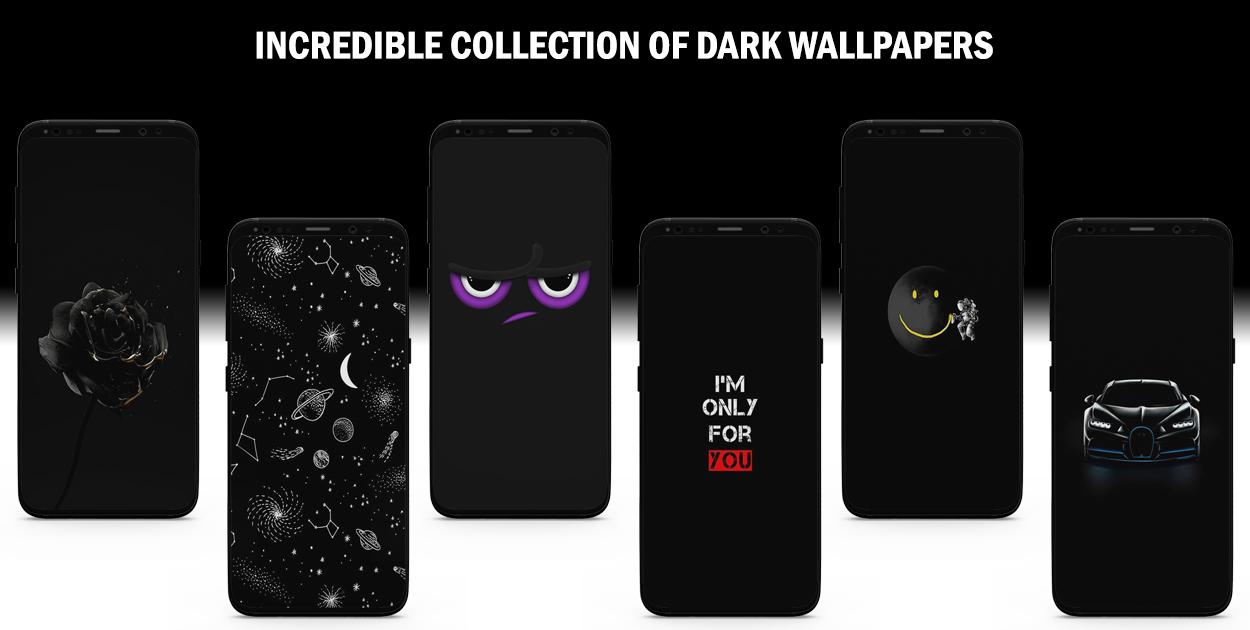
Dark Wallpapers HD & 4K - Amoled Wallpapers is a HD & 4K wallpapers app. This app gives you a phenomenal collection of high definition dark wallpapers with many categories to choose from. If you are a black/dark color fan we can guarantee you'll love all the dark background images in this app.
This app demands an internet connection to load the images. 🙂
Below are the features of the Dark Wallpapers HD app:
◼️ Clean design
◼️ All wallpapers are in HD quality and free
◼️ Download wallpapers easily although you need to give permission for the first time to download the Dark Wallpapers
◼️ Set as Home Screen/Lock Screen with a single click
◼️ Many categories are available to choose from different black backgrounds.
◼️ Regular Updates
◼️ You can save your favorite Dark wallpapers and access them easily using the "Heart Button"
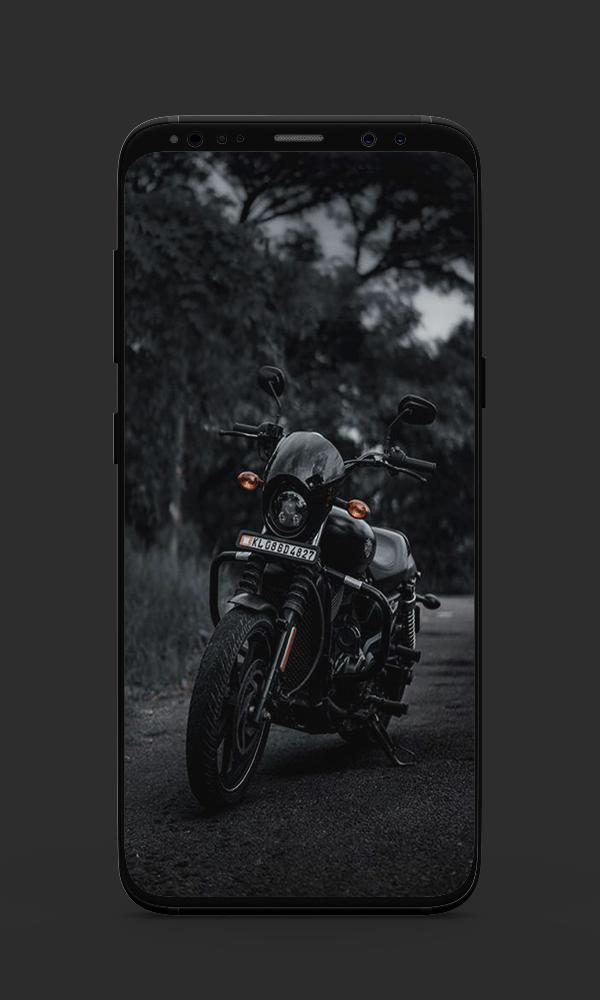
Following are some main categories: For Girls Dark Wallpapers, Plain Black, Dark Aesthetic Wallpapers, Abstract, Nature, Black Cars and Bikes, Animals, Love, Trending and Black Quotes Wallpapers
Wallpapers are not limited to these categories other classifications included such as Dark Soul wallpapers, Dark Photos, Amoled Black Wallpapers.
Stay connected and provide us your feedback by reviewing this app. Your feedback will play a tremendous role in the betterment of this application. 😊
Disclaimer:
None of the images and illustrations are hosted on the app. All logos/images/names are copyrights of their owners. These images are not endorsed by any of their owners, and the images are used purely and only for artistic and aesthetic purposes. No copyright violation & infringement is intended, and any request to remove one of the images/logos/names will be honored.
Preview
Tags
PersonalizationInformation
Developer
UltraWall
Latest Version
1.3
Last Updated
2021-02-05
Category
Personalization
Available on
Google Play
Show More
How to play Dark Wallpapers HD & 4K - Amol with GameLoop on PC
1. Download GameLoop from the official website, then run the exe file to install GameLoop
2. Open GameLoop and search for “Dark Wallpapers HD & 4K - Amol” , find Dark Wallpapers HD & 4K - Amol in the search results and click “Install”
3. Enjoy playing Dark Wallpapers HD & 4K - Amol on GameLoop
Minimum requirements
OS
Windows 8.1 64-bit or Windows 10 64-bit
GPU
GTX 1050
CPU
i3-8300
Memory
8GB RAM
Storage
1GB available space
Recommended requirements
OS
Windows 8.1 64-bit or Windows 10 64-bit
GPU
GTX 1050
CPU
i3-9320
Memory
16GB RAM
Storage
1GB available space