
Super AMOLED 4K Wallpapers PC
Walloop
Download Super AMOLED 4K Wallpapers on PC With GameLoop Emulator
Super AMOLED 4K Wallpapers on PC
Super AMOLED 4K Wallpapers, coming from the developer Walloop, is running on Android systerm in the past.
Now, You can play Super AMOLED 4K Wallpapers on PC with GameLoop smoothly.
Download it in the GameLoop library or search results. No more eyeing the battery or frustrating calls at the wrong time any more.
Just enjoy Super AMOLED 4K Wallpapers PC on the large screen for free!
Super AMOLED 4K Wallpapers Introduction
Darknex – AMOLED 4K Wallpapers & Dark Backgrounds
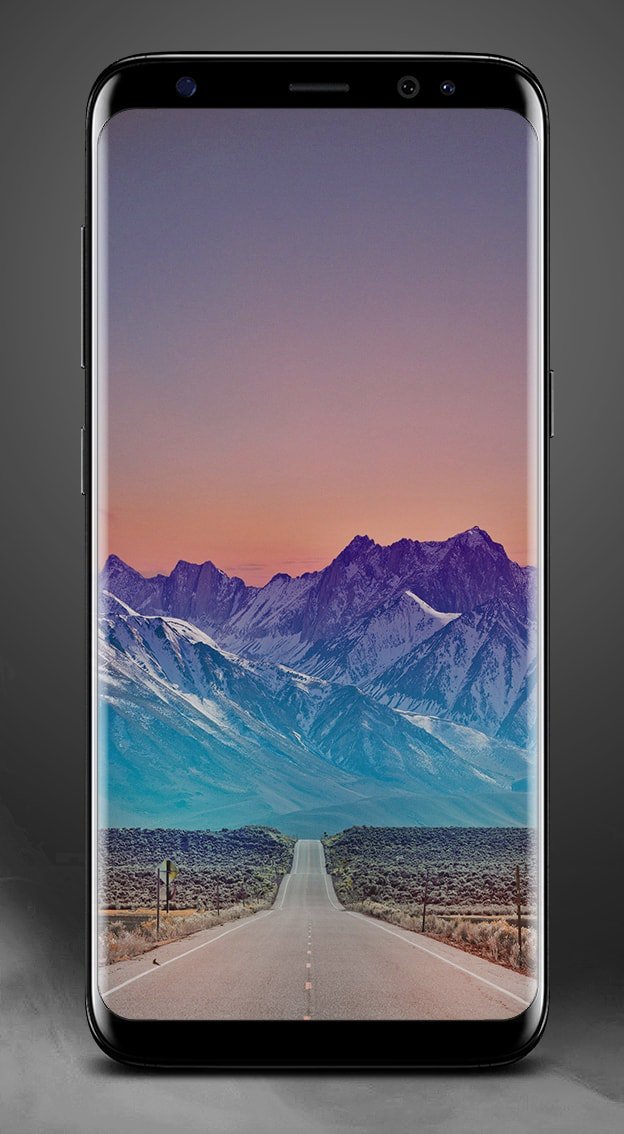
Darknex is a modern Android app with a premium collection of dark wallpapers, black backgrounds, and AMOLED 4K images.
Perfect for Super AMOLED and OLED screens, every wallpaper looks stunning with true #000000 black tones that also help save battery life.
With Darknex, you can easily set wallpapers, save them locally, or share with friends on WhatsApp, Facebook, Telegram, or Twitter.
🔥 Features
Fast & Simple UI – clean, lightweight and easy to use
HD & 4K Quality – only sharp, high-resolution wallpapers
Battery Saver – dark AMOLED wallpapers reduce power usage
Regular Updates – new dark & AMOLED wallpapers added often
Save & Share – store wallpapers on your device or share instantly
🎨 Why choose Darknex?
Optimized for all popular resolutions: 2160x3840, 1440x2560, 1080x1920, 720x1280, 540x960, 480x800
Works perfectly on devices from Samsung, Sony, LG, Huawei, Xiaomi, OnePlus, Asus, Lenovo, HTC and more
Designed for AMOLED and OLED screens, delivering deep black tones and stylish dark looks
📥 Get Darknex today and enjoy the best dark wallpapers, AMOLED backgrounds, and 4K images to personalize your smartphone or tablet in style.
We are always improving Darknex and welcome your feedback or suggestions at luzapplications@gmail.com
Preview

Tags
PersonalizationInformation
Developer
Walloop
Latest Version
4.2
Last Updated
2025-08-28
Category
Personalization
Available on
Google Play
Show More
How to play Super AMOLED 4K Wallpapers with GameLoop on PC
1. Download GameLoop from the official website, then run the exe file to install GameLoop
2. Open GameLoop and search for “Super AMOLED 4K Wallpapers” , find Super AMOLED 4K Wallpapers in the search results and click “Install”
3. Enjoy playing Super AMOLED 4K Wallpapers on GameLoop
Minimum requirements
OS
Windows 8.1 64-bit or Windows 10 64-bit
GPU
GTX 1050
CPU
i3-8300
Memory
8GB RAM
Storage
1GB available space
Recommended requirements
OS
Windows 8.1 64-bit or Windows 10 64-bit
GPU
GTX 1050
CPU
i3-9320
Memory
16GB RAM
Storage
1GB available space