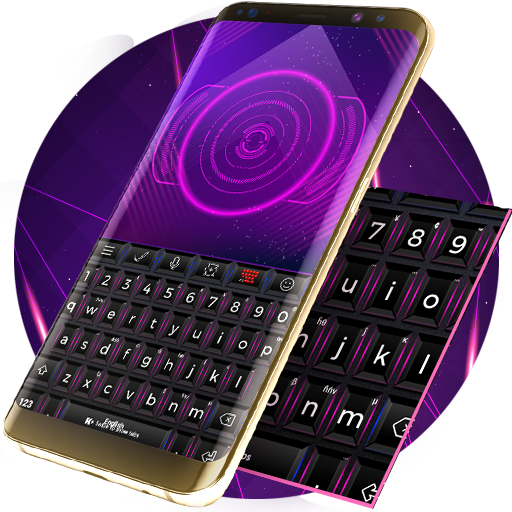
Update Keyboard PC
PersonalizeMaster
Download Update Keyboard on PC With GameLoop Emulator
Update Keyboard on PC
Update Keyboard, coming from the developer PersonalizeMaster, is running on Android systerm in the past.
Now, You can play Update Keyboard on PC with GameLoop smoothly.
Download it in the GameLoop library or search results. No more eyeing the battery or frustrating calls at the wrong time any more.
Just enjoy Update Keyboard PC on the large screen for free!
Update Keyboard Introduction
How to install a Keyboard Plus theme?
Just follow these easy steps:
1. Download Update Keyboard from Google Play Store
2. Open the Update Keyboard theme
3. Apply the theme by pressing the - Activate - button from the Keyboard Plus Theme Manager
If you want to change your font size just go to the Quick Settings Tab and choose from one of the 3 available sizes: small, medium or large.
This Keyboard Plus theme uses a free Google Font available here: https://www.google.com/fonts/specimen/BenchNine
All the Keyboard Plus themes come with a matching font that will be displayed automatically.
New layouts with translations coming soon.
We are looking forward for your feedback so don't hesitate to contact us for any suggestions or other issues that you may have at the following address: personalizemaster@gmail.com
Do you feel the need for a change in your life? Why not start with something simple like upgrading your smartphone and tablet with the new Update Keyboard theme. This theme has a cool look and it's so easy to use that you will just love it. Chase away those boring moments and have some fun with your new, awesome keyboard. The Update Keyboard theme will be your daily source of inspiration, that will help you learn and grow each day and always try new things. The key to success is evolution, constantly adapting to new situations and challenges. Make smart choices and keep up with the changes that happen all around you. Download Update Keyboard theme and don't be afraid to try something new.
Keyboard Plus - A different theme every day!
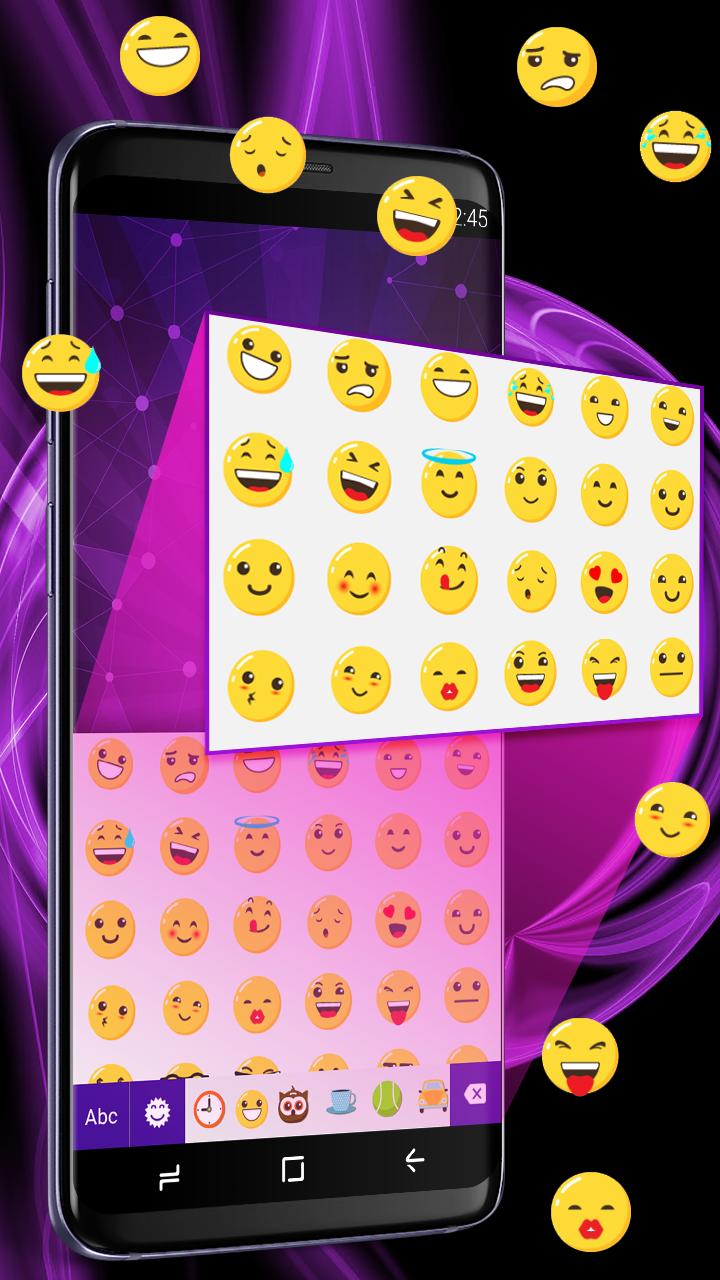
We have a built in emoji and emoticon pack for easy writing.
★ Hundreds of themes to choose from: get any style, any color, any look!
★ New themes every day
★ Easy to use Theme Manager with countless beautiful themes
★ Special emoji keyboard layout
★ Keyboard Plus is the fastest Android keyboard because it lets you type freely. No predictions, no interruptions!
★ Clean and elegant design for the built-in keyboard themes
★ Quick settings panel with useful features available directly in the keyboard
★ Numeric keys are always available on your keyboard
★ Big, medium & small keyboard sizes so you can type as fast as lightning
★ Turn off all the symbols for a cleaner look
★ All keyboard themes come with a gorgeous custom font
★ Lots of emoji and emoticons separated into several categories
★ Special layout for easy number writing
★ Increase the font size for better legibility
★ Sound and vibration on key press are quickly turned on or off
★ Key press pop-up animations for every theme
We don't monitor your typing and we never store any personal information. We take your privacy seriously and we will never share any personal data. Everything remains private. Check out our privacy policy here: http://keyboard-plus.com/privacy-policy/ and our website here: http://keyboard-plus.com/
Have a suggestion or want a Keyboard Plus theme? Send us a message at contact@keyboard-plus.com and we'll get back to you as fast as possible. In the meantime browse our Theme Manager full of amazing themes and find the right one for you!
Preview

Information
Developer
PersonalizeMaster
Latest Version
1.0.5
Last Updated
2018-10-05
Category
Personalization
Available on
Google Play
Show More
How to play Update Keyboard with GameLoop on PC
1. Download GameLoop from the official website, then run the exe file to install GameLoop
2. Open GameLoop and search for “Update Keyboard” , find Update Keyboard in the search results and click “Install”
3. Enjoy playing Update Keyboard on GameLoop
Minimum requirements
OS
Windows 8.1 64-bit or Windows 10 64-bit
GPU
GTX 1050
CPU
i3-8300
Memory
8GB RAM
Storage
1GB available space
Recommended requirements
OS
Windows 8.1 64-bit or Windows 10 64-bit
GPU
GTX 1050
CPU
i3-9320
Memory
16GB RAM
Storage
1GB available space