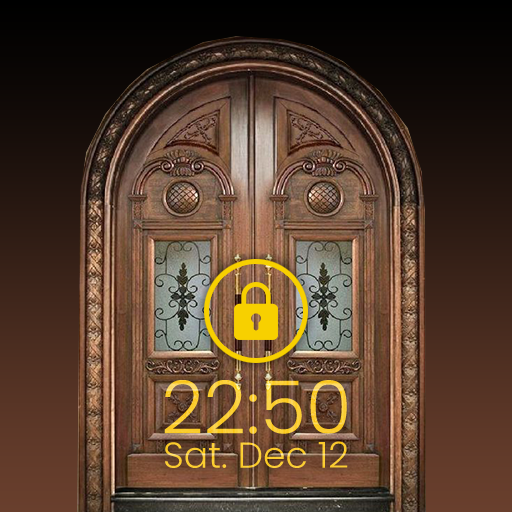
Door Screen Lock PC
18D Tech
Download Door Screen Lock on PC With GameLoop Emulator
Door Screen Lock on PC
Door Screen Lock, coming from the developer 18D Tech, is running on Android systerm in the past.
Now, You can play Door Screen Lock on PC with GameLoop smoothly.
Download it in the GameLoop library or search results. No more eyeing the battery or frustrating calls at the wrong time any more.
Just enjoy Door Screen Lock PC on the large screen for free!
Door Screen Lock Introduction
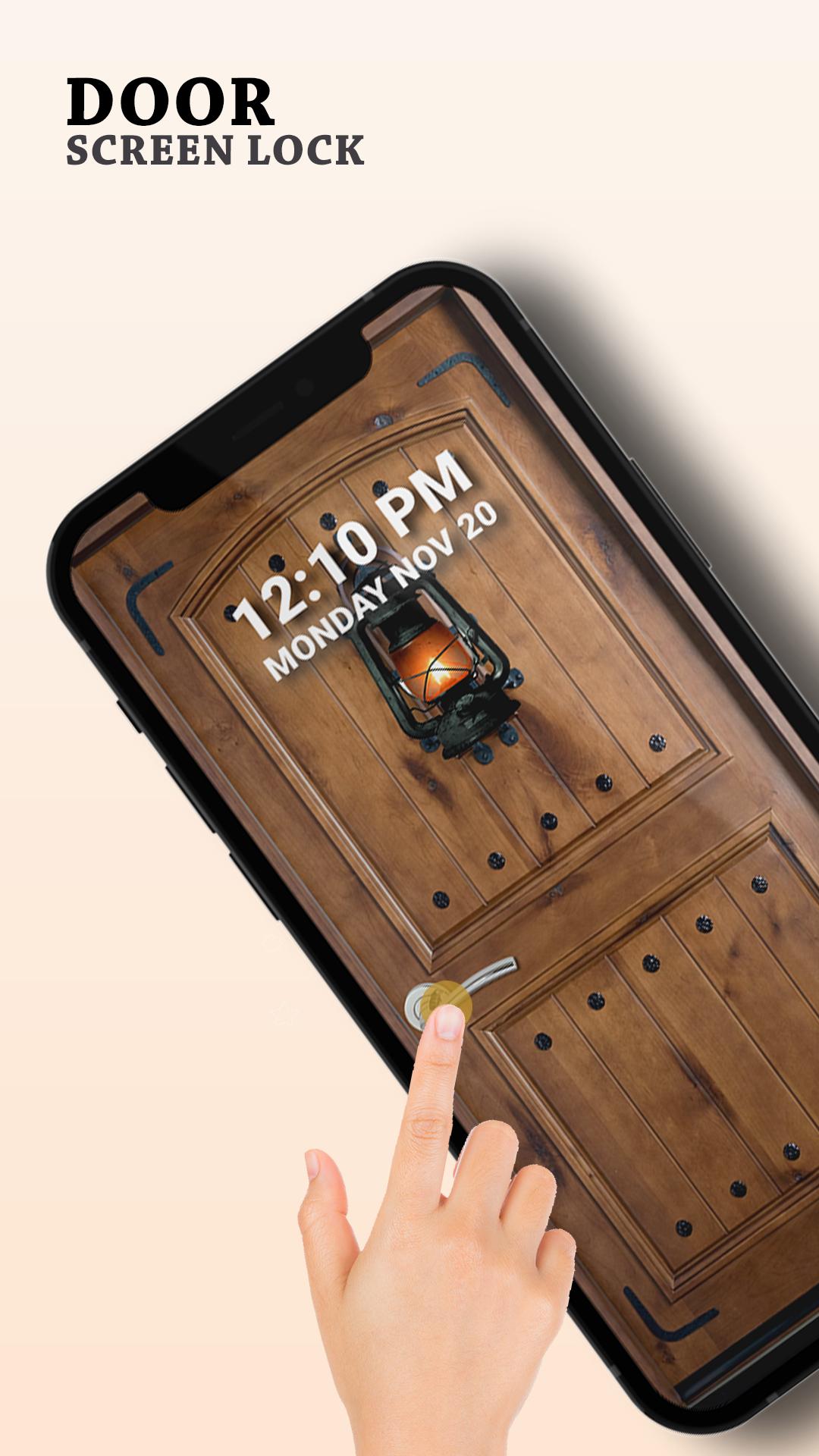
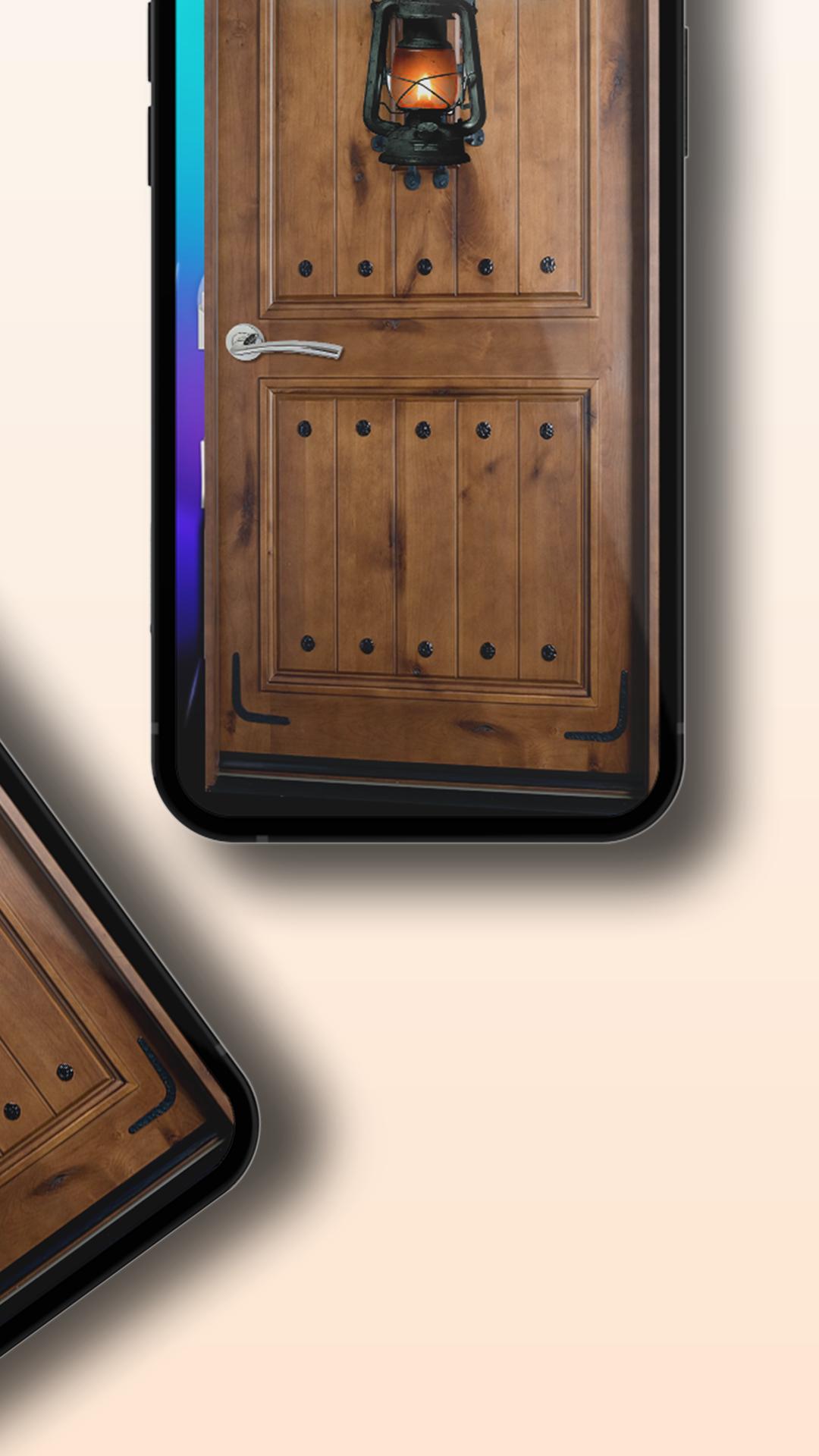
Secure your phone with the Door Screen Lock. Tap on the doorknob to open the double doors with a beautiful smooth door animation to unlock your phone. It will produce real door sounds which make it more fun to use. Personalize this door locking app experience with a wide selection of door styles, including the elegance of royal doors, the charm of vintage doors, and the sleekness of modern doors and more.
Enhance your phone's aesthetics with the beautifully stylish "Door Phone Lock" app, designed to keep your phone data safe from unauthorized access. The door screen locker is a unique app that sets you apart, offering the best door lock experience available.
Protect your privacy and secure your device with this powerful “Phone Screen Lock" app. Lock your phone like never before with the ultimate smartphone door screen lock.
App features:
🔐 PIN Lock: Set up a PIN to keep your phone locked and data safe.
🌟 Customize Your Lock Screen: Personalize your phone's lock screen with stylish door themes and clock. Make your device unique while maintaining top-notch security.
💡 Efficient & Battery-Friendly: Enjoy robust security without sacrificing performance. Our app is designed to be efficient, therefore it doesn’t consume a lot of phone battery life.
🚀 Lightweight & Easy-to-Use: Downloading the "Phone Door Screen Lock" app won't slow down your device. It's user-friendly and doesn't require tech expertise!
Door Screen locker other features:
• Door lock screen
• Stylish modern & vintage door themes
• Double doors options for Door Screen Lock
• Additional pin lock option
• Show date & time over the lock app
• Beautiful & easy to use interface
• 100% Free Door Phone Lock
• Fast & battery efficient
• Have fun with this new Door Locker
How to set door lock:
• Enable door lock from phone settings
• Add a pin code which is complex but easy to remember for you
• Select a door lock theme you love
How to unlock the phone:
• Tap on the doorknob to unlock your phone
• Enter a pin and access your private information on the phone
Preview
Tags
PersonalizationInformation
Developer
18D Tech
Latest Version
3.1
Last Updated
2023-12-22
Category
Personalization
Available on
Google Play
Show More
How to play Door Screen Lock with GameLoop on PC
1. Download GameLoop from the official website, then run the exe file to install GameLoop
2. Open GameLoop and search for “Door Screen Lock” , find Door Screen Lock in the search results and click “Install”
3. Enjoy playing Door Screen Lock on GameLoop
Minimum requirements
OS
Windows 8.1 64-bit or Windows 10 64-bit
GPU
GTX 1050
CPU
i3-8300
Memory
8GB RAM
Storage
1GB available space
Recommended requirements
OS
Windows 8.1 64-bit or Windows 10 64-bit
GPU
GTX 1050
CPU
i3-9320
Memory
16GB RAM
Storage
1GB available space