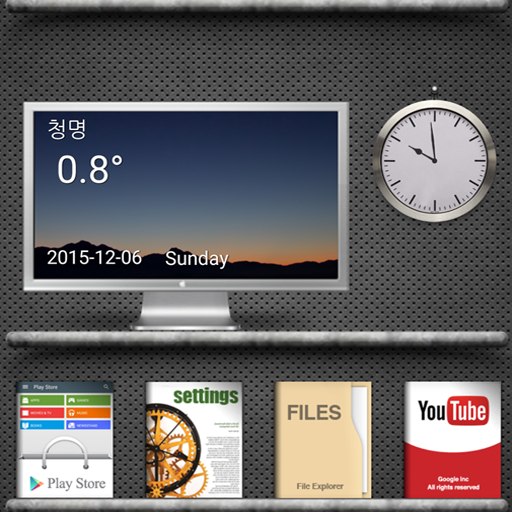
Book theme (gray ver) PC
CRAYON
Download Book theme (gray ver) on PC With GameLoop Emulator
Book theme (gray ver) on PC
Book theme (gray ver), coming from the developer CRAYON, is running on Android systerm in the past.
Now, You can play Book theme (gray ver) on PC with GameLoop smoothly.
Download it in the GameLoop library or search results. No more eyeing the battery or frustrating calls at the wrong time any more.
Just enjoy Book theme (gray ver) PC on the large screen for free!
Book theme (gray ver) Introduction
This app is a theme app applied to Total Landucher, not an app run alone.
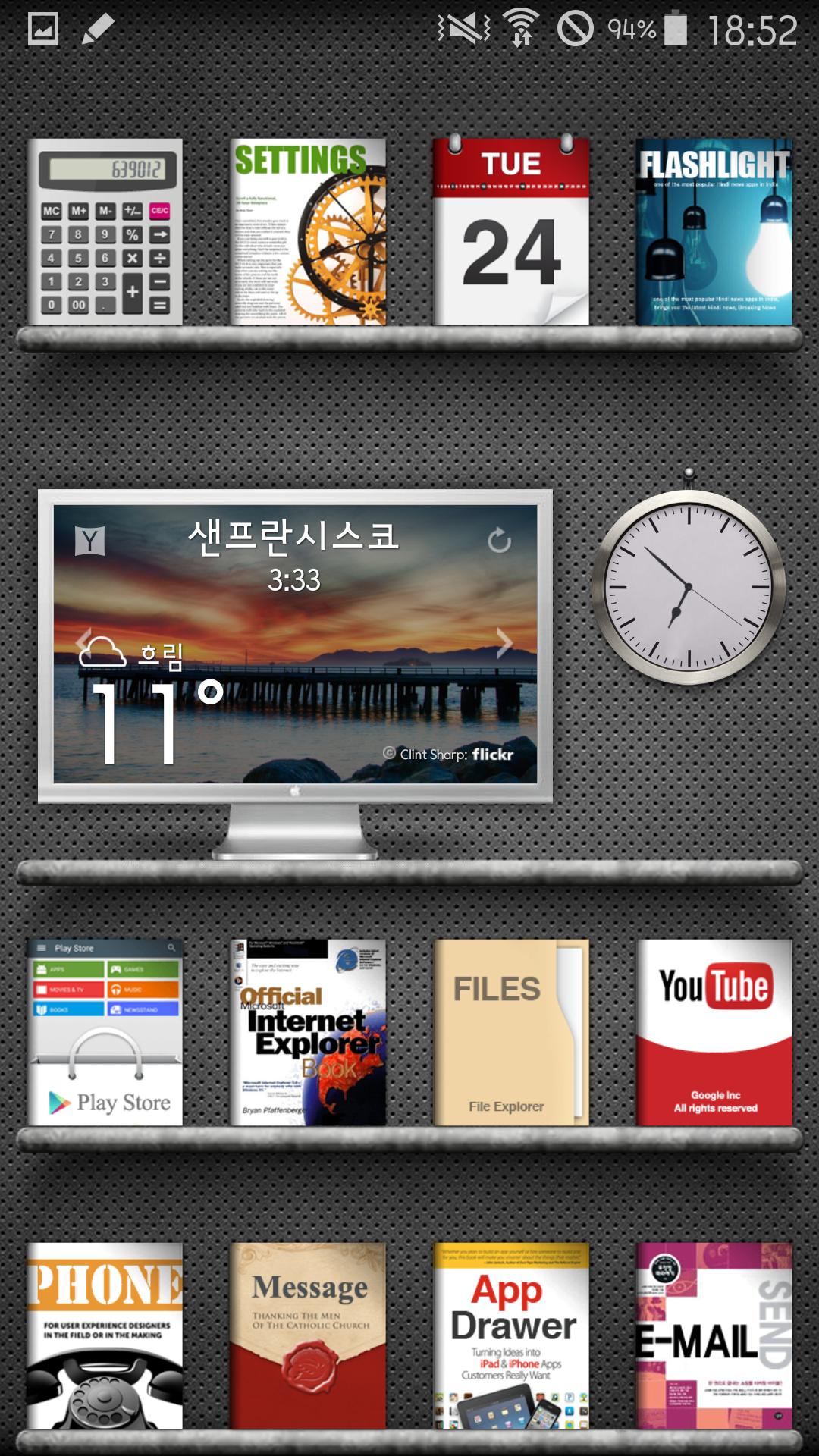
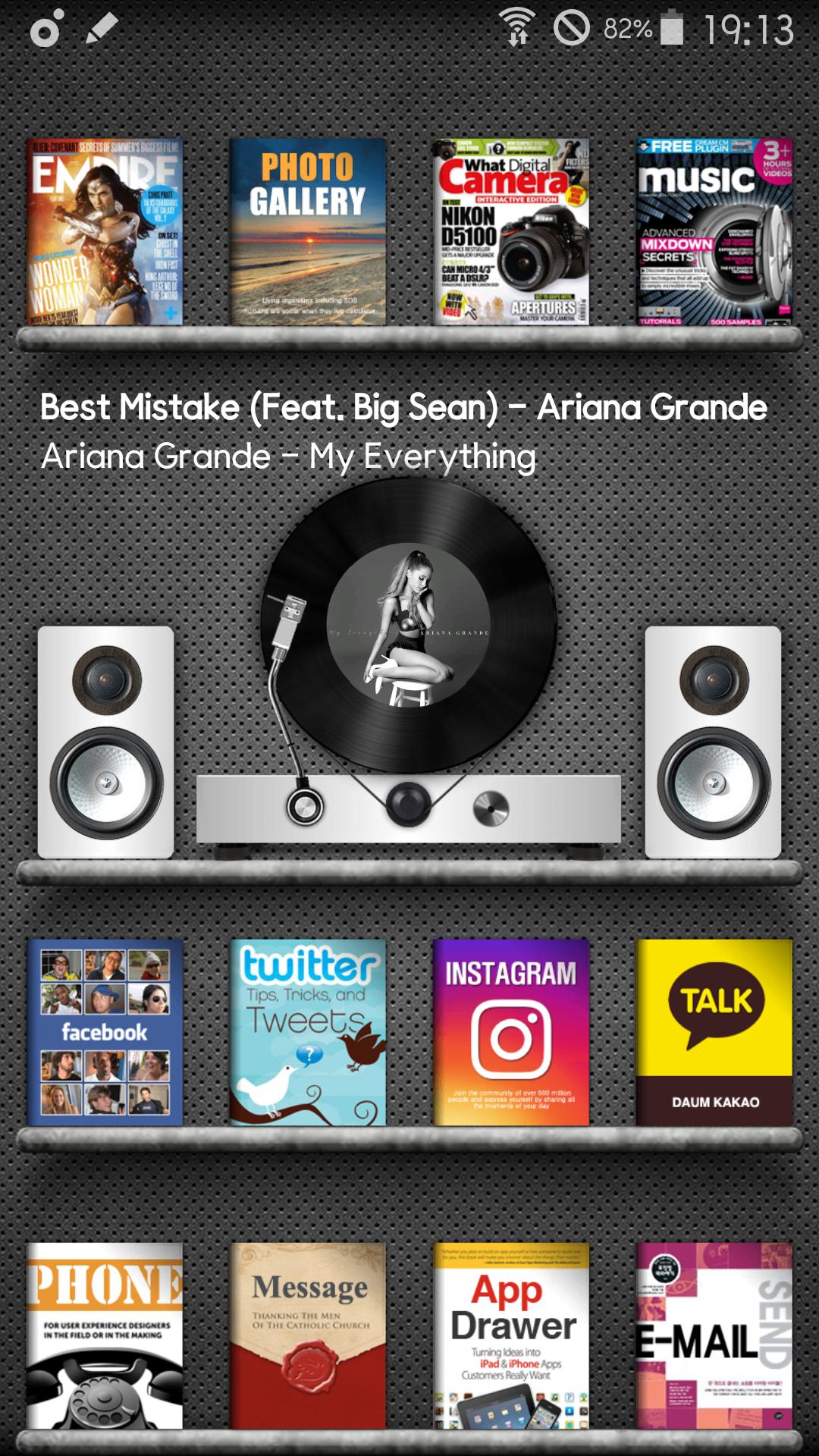
At the same time, you can meet the same home screen as a screenshot of the screen with a few touches. Please refer to the video for instructions on how to use it and how to set it up.
★★★ Professional version release ★★★
Pro version differences : landscape mode support/ social media pop up / spinning turntable GIF & moving cartridge GIF
https://play.google.com/store/apps/details?id=book.gray.totallauncher
Galaxy S8,9, NOTE8 version will also be released.
★★★ Configuring a theme ★★★
- Configure on page 3 / 2 popup windows
- Music players are interlinked with media utility
(The widget may not work depending on the model or OS version)
- HD, FULL HD, QUAD HD Resolution is applicable. (ex. galaxy s3-s7...)
- 4,5th Screenshot is attached with a separate icon pack
if you have any questions, Please send me email. thank you.
Preview
Tags
PersonalizationInformation
Developer
CRAYON
Latest Version
4.0
Last Updated
2018-04-26
Category
Personalization
Available on
Google Play
Show More
How to play Book theme (gray ver) with GameLoop on PC
1. Download GameLoop from the official website, then run the exe file to install GameLoop
2. Open GameLoop and search for “Book theme (gray ver)” , find Book theme (gray ver) in the search results and click “Install”
3. Enjoy playing Book theme (gray ver) on GameLoop
Minimum requirements
OS
Windows 8.1 64-bit or Windows 10 64-bit
GPU
GTX 1050
CPU
i3-8300
Memory
8GB RAM
Storage
1GB available space
Recommended requirements
OS
Windows 8.1 64-bit or Windows 10 64-bit
GPU
GTX 1050
CPU
i3-9320
Memory
16GB RAM
Storage
1GB available space