Android 12 Analog Clock Widget PC
LCT developers
Download Android 12 Analog Clock Widget on PC With GameLoop Emulator
Android 12 Analog Clock Widget on PC
Android 12 Analog Clock Widget, coming from the developer LCT developers, is running on Android systerm in the past.
Now, You can play Android 12 Analog Clock Widget on PC with GameLoop smoothly.
Download it in the GameLoop library or search results. No more eyeing the battery or frustrating calls at the wrong time any more.
Just enjoy Android 12 Analog Clock Widget PC on the large screen for free!
Android 12 Analog Clock Widget Introduction
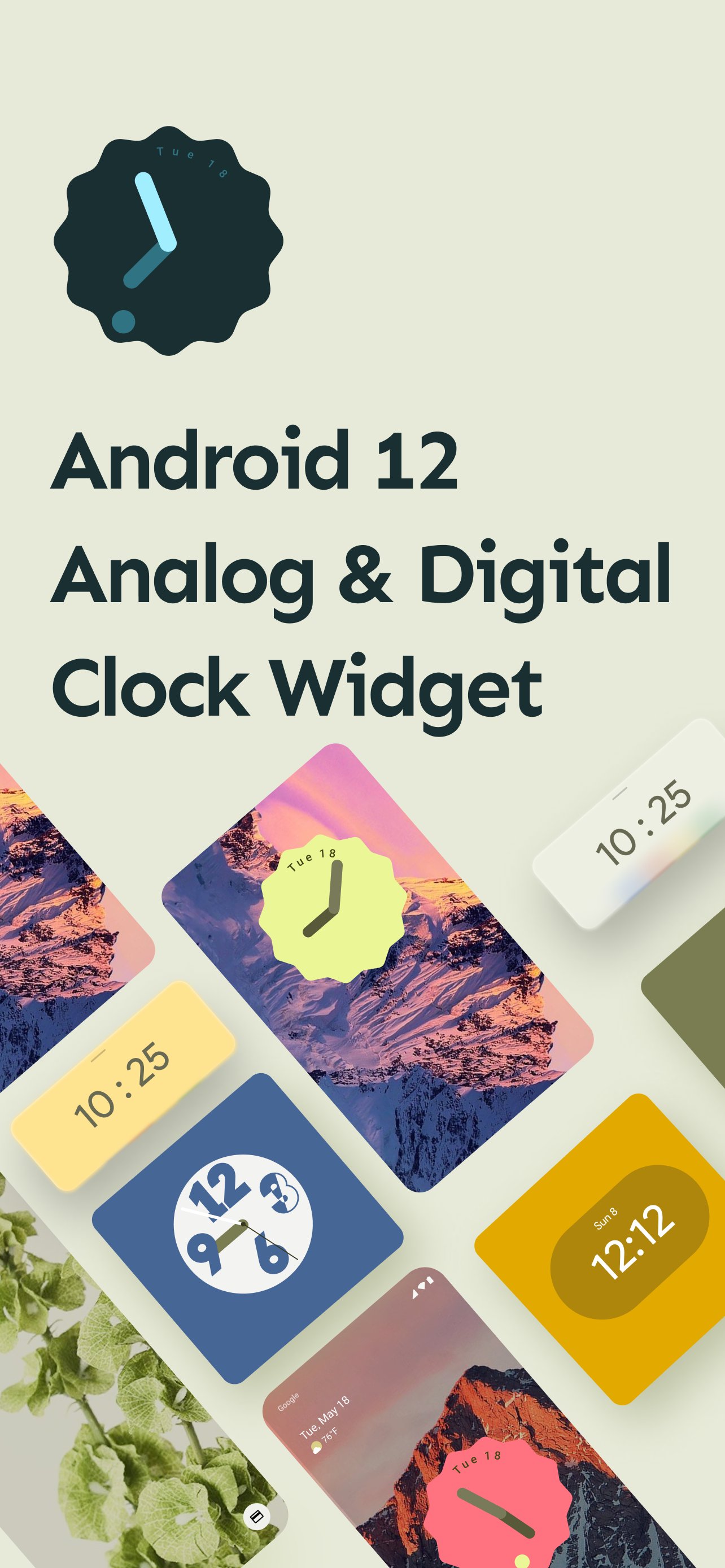
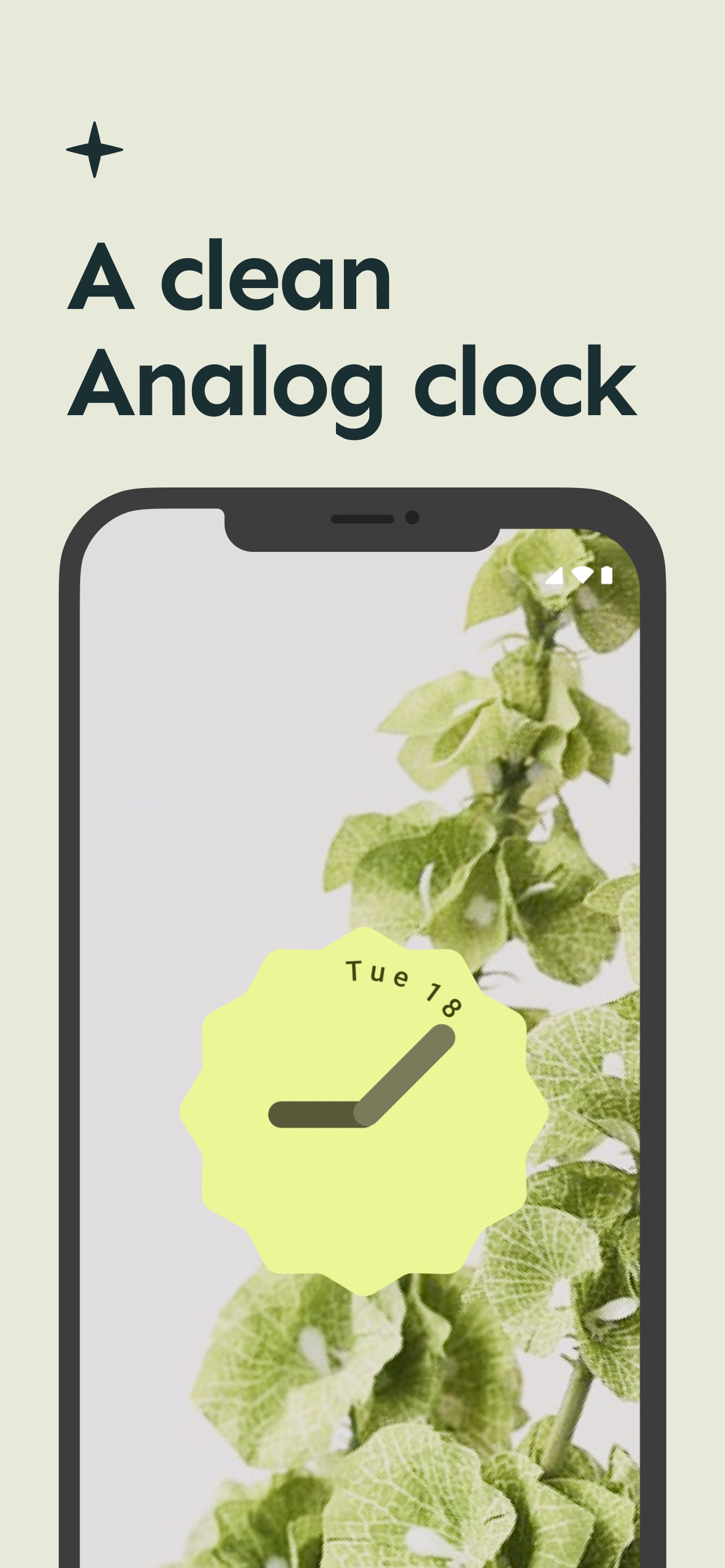
Android 12 Analog & Digital Clock Widget application give you support of android 12 based new material design look cool and latest widget clock on you mobile device without android 12 update needed.
Android 12 Analog & Digital Clock Widget application in very easy to use.
Android 12 Analog & Digital Clock Widget application give you bulk of clock widget in two form.
1 . Analog Clock Widget
2. Digital Clock Widget
Here is some details about the android 12 clock widget update.
Google Clock gets new Material You widget and five clock styles in the latest update
Google officially dropped the stable Android 12 update last week. While the official Android 12 software won’t roll out to Pixel devices for the next few weeks, Google continues to update its first-party apps with Material You design guidelines. The Google Clock app received a significant redesign with Material You colors alongside the Android 12 Beta 5. The update also included some new widgets that Google originally showed off at Google I/O. But it seems Google has been cooking even more delicious widgets, which it’s now starting to roll out to users, just in time for the launch of the Google Pixel 6.
The Google Clock app version 7.1 is rolling out on the Google Play Store and includes a total of five clock styles and a fresh widget
You can check out the new Material You widget and clock styles in the images and GIFs attached above. As you can see, all widgets have rounded corners and take on the dominant color from the current wallpaper. Meanwhile, “Digital Stacked” and “World” have a new “Transparent” style. You can also edit the clock style by long-pressing on a widget that reveals a pencil icon.
After years of neglect, Android widgets finally received much-needed attention in Android 12. Google showed off the redesigned widgets coming to Android 12 at Google I/O 2021. However, it wasn’t until the release of few Android 12 betas that Google began rolling out them.
The new Clock widget and clock styles are rolling out with version 7.1 of the Google Clock app.
Preview
Tags
PersonalizationInformation
Developer
LCT developers
Latest Version
10.0
Last Updated
2025-11-16
Category
Personalization
Available on
Google Play
Show More
How to play Android 12 Analog Clock Widget with GameLoop on PC
1. Download GameLoop from the official website, then run the exe file to install GameLoop
2. Open GameLoop and search for “Android 12 Analog Clock Widget” , find Android 12 Analog Clock Widget in the search results and click “Install”
3. Enjoy playing Android 12 Analog Clock Widget on GameLoop
Minimum requirements
OS
Windows 8.1 64-bit or Windows 10 64-bit
GPU
GTX 1050
CPU
i3-8300
Memory
8GB RAM
Storage
1GB available space
Recommended requirements
OS
Windows 8.1 64-bit or Windows 10 64-bit
GPU
GTX 1050
CPU
i3-9320
Memory
16GB RAM
Storage
1GB available space