Luminous Virtual Piano PC
Budali Studios
Download Luminous Virtual Piano on PC With GameLoop Emulator
Luminous Virtual Piano on PC
Luminous Virtual Piano, coming from the developer Budali Studios, is running on Android systerm in the past.
Now, You can play Luminous Virtual Piano on PC with GameLoop smoothly.
Download it in the GameLoop library or search results. No more eyeing the battery or frustrating calls at the wrong time any more.
Just enjoy Luminous Virtual Piano PC on the large screen for free!
Luminous Virtual Piano Introduction
Luminous Virtual Piano - Your Virtual Music Playground!
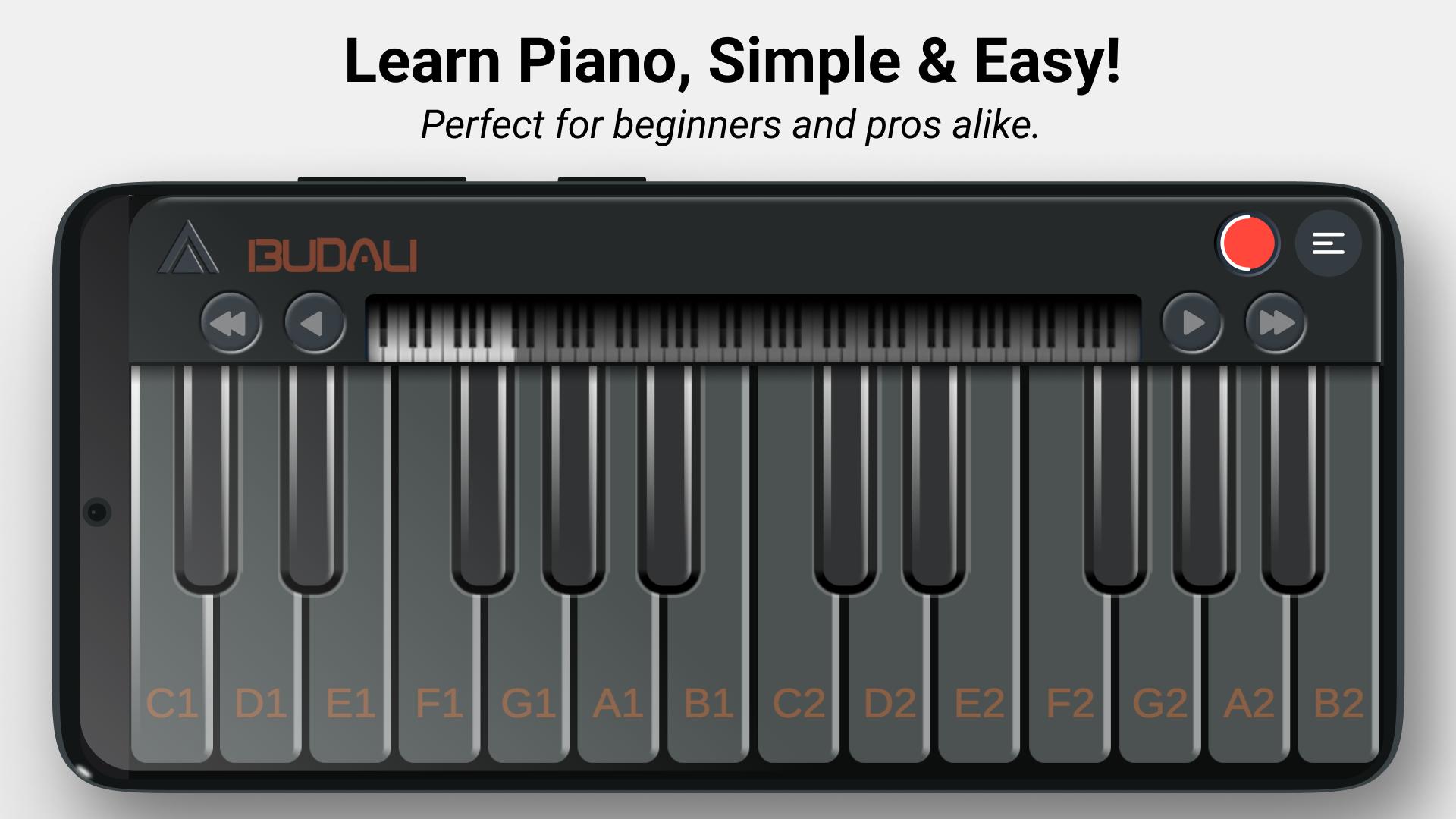
Unleash your inner musician with Luminous Piano, the ultimate digital piano simulator. Featuring a vibrant, light-up keyboard and professional-grade sound presets, this app transforms your device into an electrifying musical experience.
Whether you’re a beginner, an experienced pianist, or just love experimenting with music, Luminous Piano has something for everyone. Watch the keys light up in stunning RGB colors as you play, making each session visually exciting and engaging.
Key Features:
• Light-Up Keys: Keys illuminate in vivid rainbow hues with every press.
• Diverse Sound Presets: Choose from 7 professional sounds, including piano, bass, strings, and synths.
• 88-Key Keyboard: Experience the full range of a professional piano.
• Environment Reverb Zones: Add depth and realism with reverb effects tailored to different virtual spaces.
• Multitouch Support: Play multiple keys at once for full creative freedom.
• Note Labels: Perfect for learning and practicing scales or melodies.
• Simple Octave Shifting: Access higher or lower ranges with ease.
• Realistic Sound Quality: All audio is recorded in professional studios.
• Beautiful Graphics: A sleek and colorful design makes playing enjoyable and immersive.
• Landscape Mode: Play comfortably on any device.
Learn, Create, Enjoy!
Practice daily to master your piano skills or simply play for fun. Whether you're a musician, performer, or beginner, Luminous Piano makes music accessible and enjoyable for all ages.
What’s Next?
We’re constantly adding new features, skins, and sounds. Stay tuned for updates!
Privacy Policy: https://budalistudios.com/privacy-policy
Preview

Tags
Music-&Information
Developer
Budali Studios
Latest Version
0.7
Last Updated
2025-09-20
Category
Music-audio
Available on
Google Play
Show More
How to play Luminous Virtual Piano with GameLoop on PC
1. Download GameLoop from the official website, then run the exe file to install GameLoop
2. Open GameLoop and search for “Luminous Virtual Piano” , find Luminous Virtual Piano in the search results and click “Install”
3. Enjoy playing Luminous Virtual Piano on GameLoop
Minimum requirements
OS
Windows 8.1 64-bit or Windows 10 64-bit
GPU
GTX 1050
CPU
i3-8300
Memory
8GB RAM
Storage
1GB available space
Recommended requirements
OS
Windows 8.1 64-bit or Windows 10 64-bit
GPU
GTX 1050
CPU
i3-9320
Memory
16GB RAM
Storage
1GB available space