Real Kalimba PC
Budali Studios
Download Real Kalimba on PC With GameLoop Emulator
Real Kalimba on PC
Real Kalimba, coming from the developer Budali Studios, is running on Android systerm in the past.
Now, You can play Real Kalimba on PC with GameLoop smoothly.
Download it in the GameLoop library or search results. No more eyeing the battery or frustrating calls at the wrong time any more.
Just enjoy Real Kalimba PC on the large screen for free!
Real Kalimba Introduction
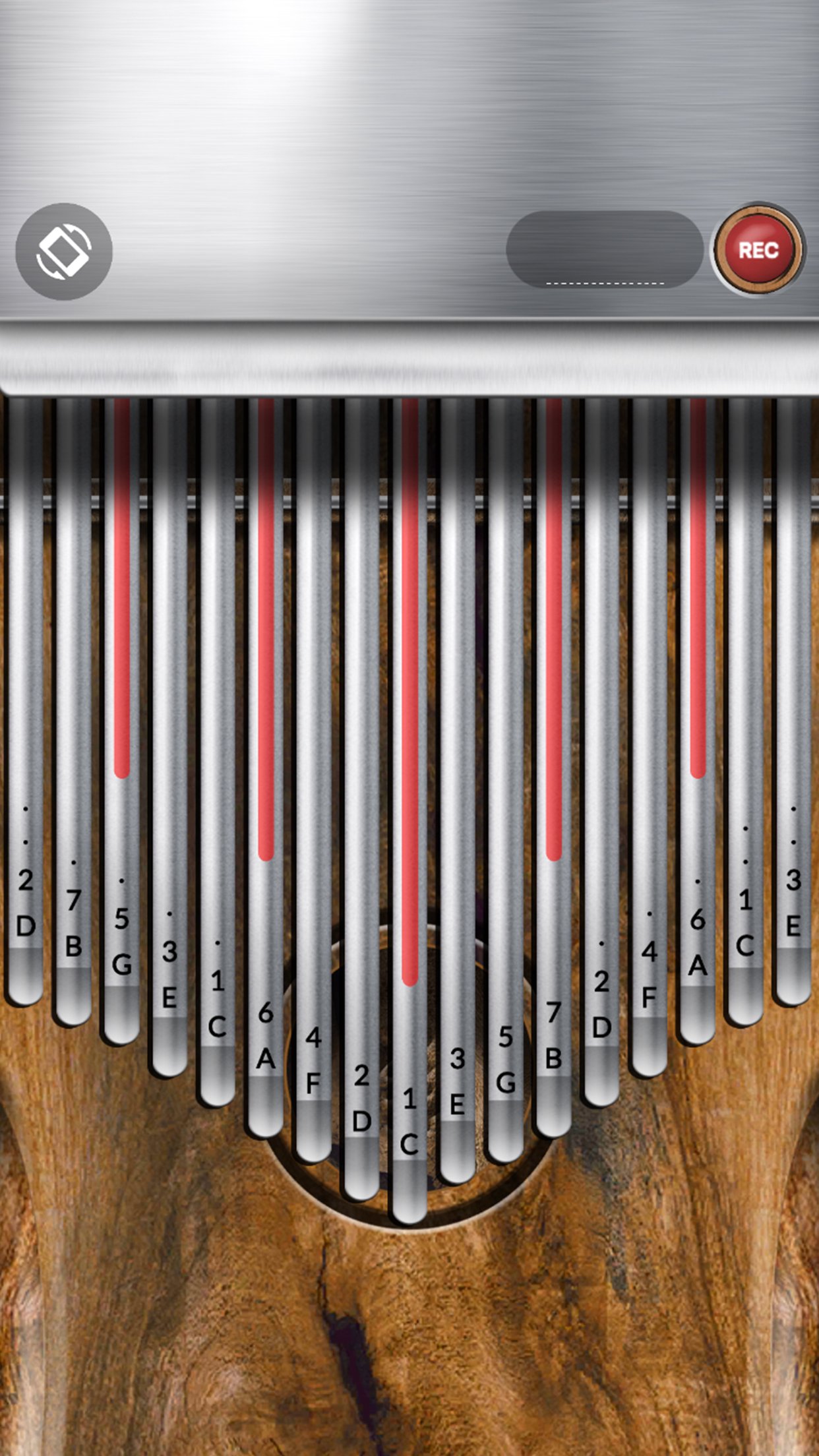
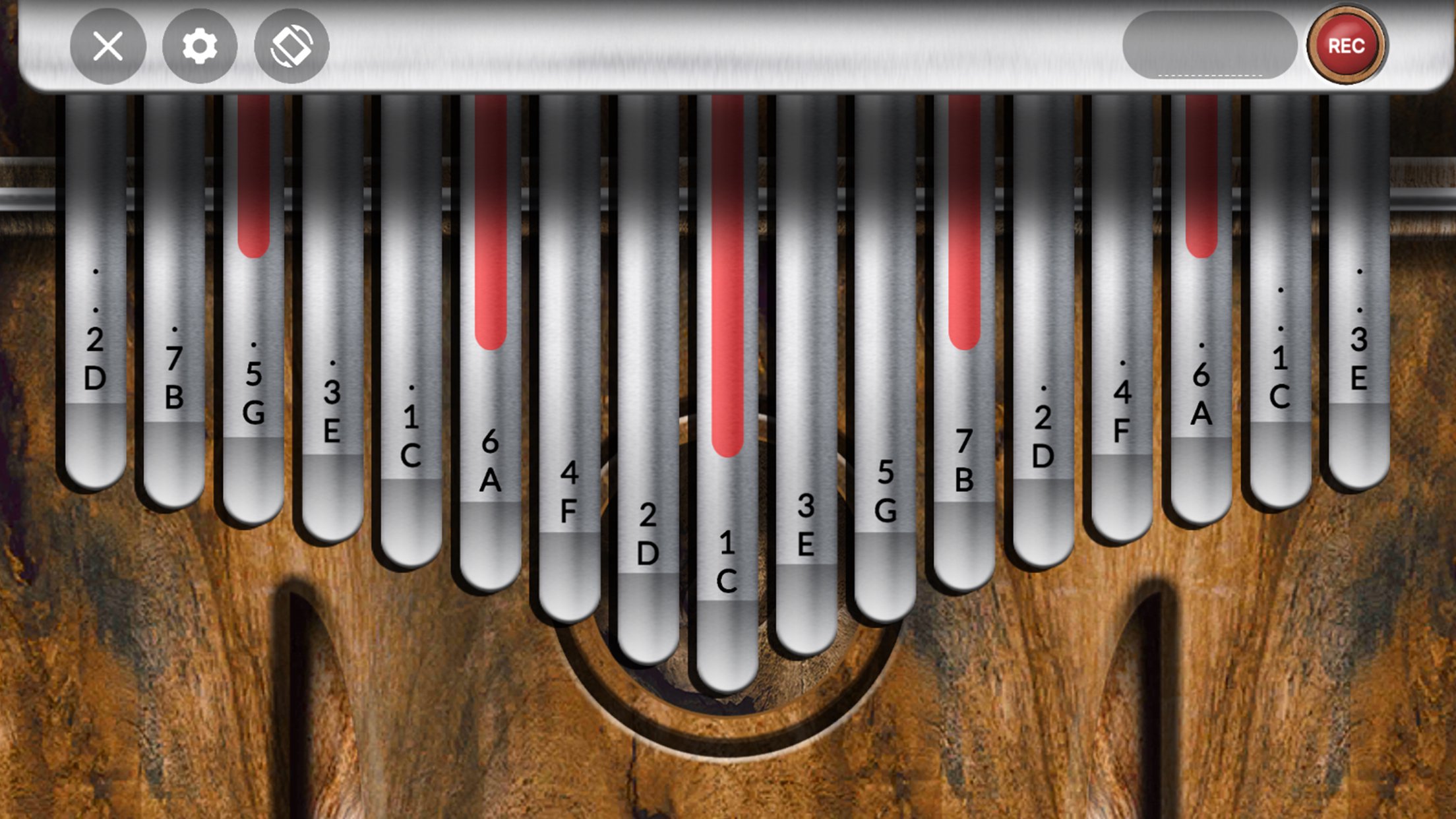
A simple and easy to play kalimba simulator also known as a thumb piano. Slide your fingers over the tines and play multiple notes at the same time. Enjoy the visual vibration of the tines!
The kalimba is an African musical instrument with a wooden soundboard and metal keys(tines). It is played by holding the instrument in the hands and plucking the tines with the thumbs, the right forefinger, and sometimes the left forefinger. It has a clear, percussive, chimelike timbre.
Tuning the Kalimba is now available, easily change the root note or key of the kalimba at the push of a button. The kalimba also contains 16 different reverb spaces. The environment reverb zones change how the kalimba sounds in the various reverb locations.
With the new audio recorder, you can now record the kalimba sound, edit it, save the recorded sound or share it with friends that love playing real kalimba as much as you.
Learn how to play like a Pro with over 100 Kalimba songs and 20 plus kalimba tabs with the help of the falling music note tiles.
Features
• 100+ Falling Note Songs
• 20+ Kalimba Tabs
• Tine Adjustment 8-17 key range
• 81 Customizable Background Colors
• 6 Wood Backgrounds
• 2 Tine Colors
• Note Captions
• Settings Menu With Volume Adjustment
• Haptics
• Customize Key Markings, Centre Wood and Wood Carving
• Kalimba Key Tuning
• Environment Reverb Zones(Changes Kalimba Sounds in Locations)
• Record the Kalimba sound, Edit, Save or share with friends
• Play songs in different scales
• Fast and Responsive
• Beautiful Realistic Graphics
• Portrait and Landscape Mode
• Customisable key markings
• Real sound recorded in professional studios
More features and skins coming soon!
Preview
Tags
Music-&Information
Developer
Budali Studios
Latest Version
1.2.5
Last Updated
2025-10-11
Category
Music-audio
Available on
Google Play
Show More
How to play Real Kalimba with GameLoop on PC
1. Download GameLoop from the official website, then run the exe file to install GameLoop
2. Open GameLoop and search for “Real Kalimba” , find Real Kalimba in the search results and click “Install”
3. Enjoy playing Real Kalimba on GameLoop
Minimum requirements
OS
Windows 8.1 64-bit or Windows 10 64-bit
GPU
GTX 1050
CPU
i3-8300
Memory
8GB RAM
Storage
1GB available space
Recommended requirements
OS
Windows 8.1 64-bit or Windows 10 64-bit
GPU
GTX 1050
CPU
i3-9320
Memory
16GB RAM
Storage
1GB available space