
Southeastern On Track PC
OnTrack Retail Ltd
Download Southeastern On Track on PC With GameLoop Emulator
Southeastern On Track on PC
Southeastern On Track, coming from the developer OnTrack Retail Ltd, is running on Android systerm in the past.
Now, You can play Southeastern On Track on PC with GameLoop smoothly.
Download it in the GameLoop library or search results. No more eyeing the battery or frustrating calls at the wrong time any more.
Just enjoy Southeastern On Track PC on the large screen for free!
Southeastern On Track Introduction
Download the Southeastern On Track app for everything you need to plan your journey.
Get personalised travel information for your regular journeys, buy tickets to anywhere in the UK, load Key smartcard tickets from your phone, and quickly claim Delay Repay compensation.
Features include -
• Personalised dashboard for regular journeys, including platform numbers
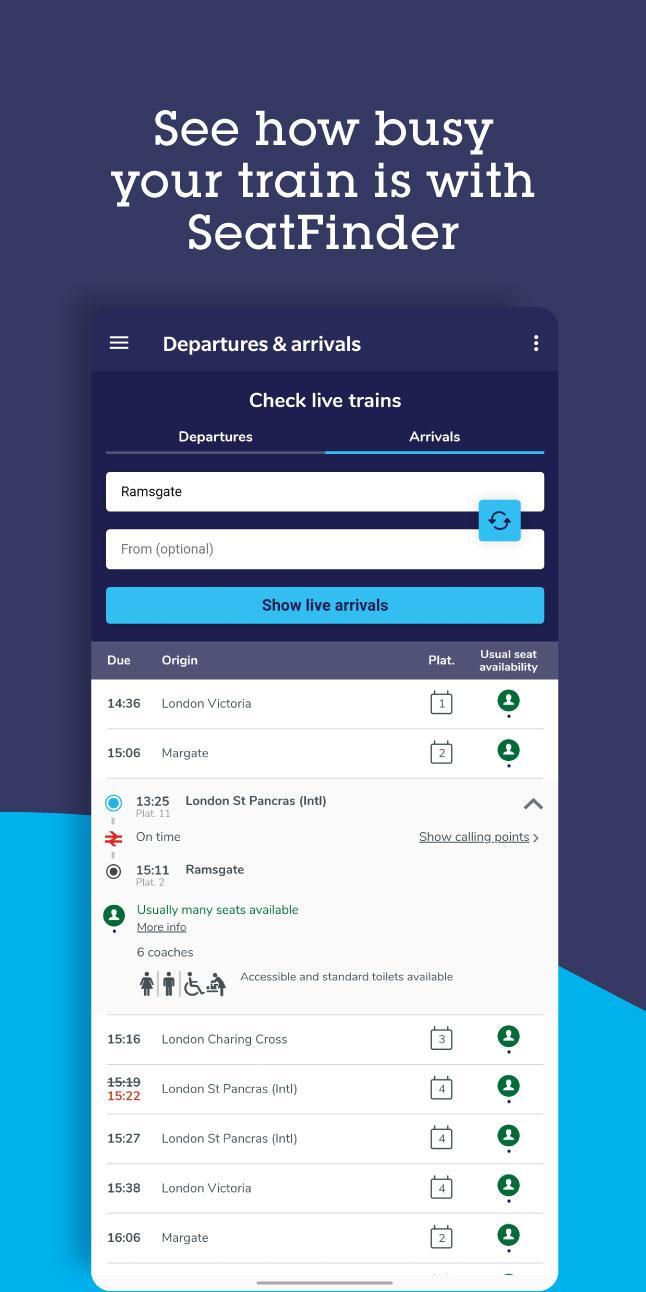
• Live departure and arrival boards
• Buy tickets for anywhere in the UK
• Pay with PayPal, Visa Checkout, and all major credit and debit cards
• New and improved Delay Repay compensation process, making it faster and easier to make a claim
• Buy single, return and Season tickets on your Key smartcard
• Load Key Smartcard tickets directly on to your Key smartcard using the NFC reader on your phone
• View and check which tickets are active on your Key smartcard
• Save your favourite stations
• Live Tube updates
Preview

Information
Developer
OnTrack Retail Ltd
Latest Version
2.12.3
Last Updated
2021-10-15
Category
Maps-navigation
Available on
Google Play
Show More
How to play Southeastern On Track with GameLoop on PC
1. Download GameLoop from the official website, then run the exe file to install GameLoop
2. Open GameLoop and search for “Southeastern On Track” , find Southeastern On Track in the search results and click “Install”
3. Enjoy playing Southeastern On Track on GameLoop
Minimum requirements
OS
Windows 8.1 64-bit or Windows 10 64-bit
GPU
GTX 1050
CPU
i3-8300
Memory
8GB RAM
Storage
1GB available space
Recommended requirements
OS
Windows 8.1 64-bit or Windows 10 64-bit
GPU
GTX 1050
CPU
i3-9320
Memory
16GB RAM
Storage
1GB available space