
Southeastern: Train tickets PC
OnTrack Retail Ltd
Download Southeastern: Train tickets on PC With GameLoop Emulator
Southeastern: Train tickets on PC
Southeastern: Train tickets, coming from the developer OnTrack Retail Ltd, is running on Android systerm in the past.
Now, You can play Southeastern: Train tickets on PC with GameLoop smoothly.
Download it in the GameLoop library or search results. No more eyeing the battery or frustrating calls at the wrong time any more.
Just enjoy Southeastern: Train tickets PC on the large screen for free!
Southeastern: Train tickets Introduction
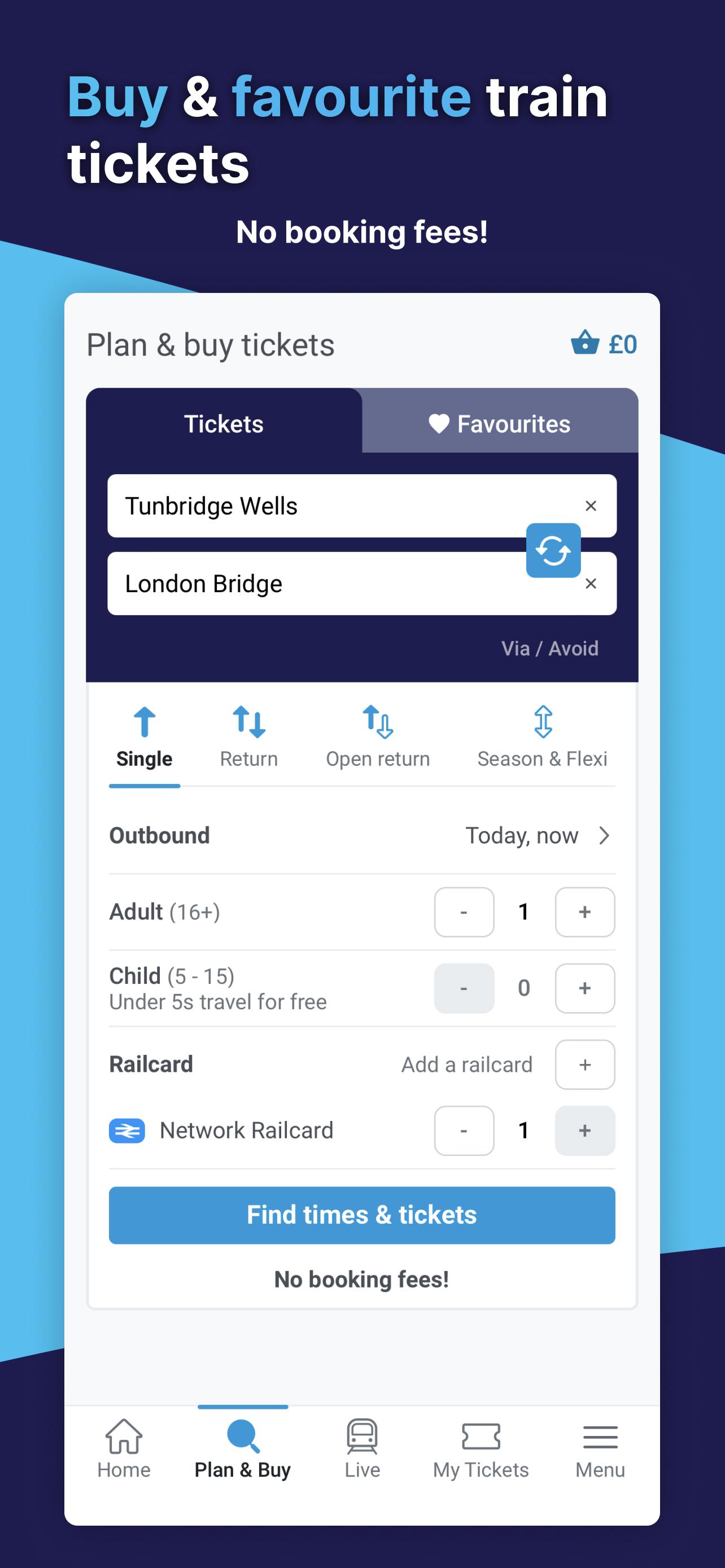
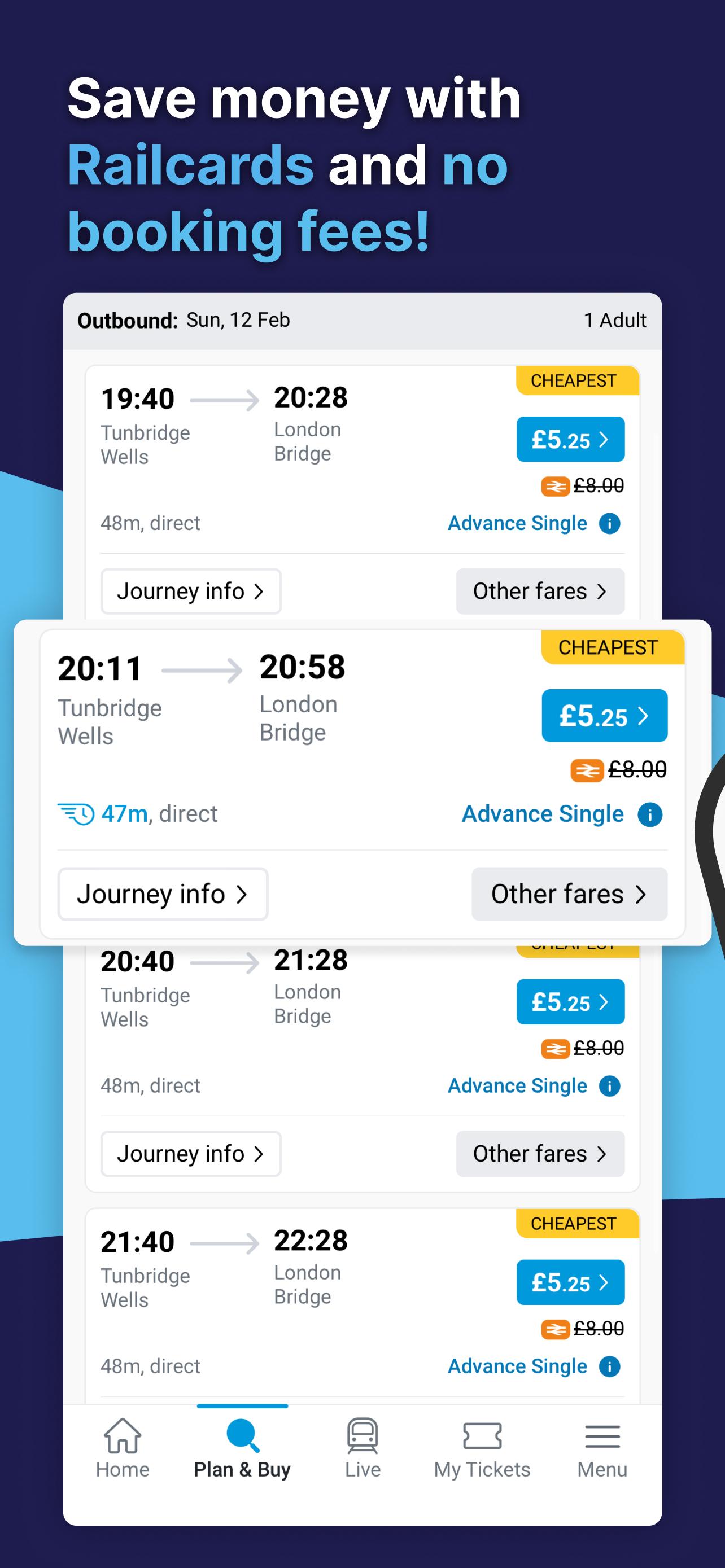
Travel anywhere: buy train tickets to and from any UK railway station, getting you where you need to go.
eTickets and Key Smartcard tickets: offer more sustainable alternatives to paper tickets.
Common Journeys: personalise your home screen and receive real-time updates on journeys you regularly make.
One Click Delay Repay: making delays easier! We’ll automatically generate a delay replay claim and tell you about the compensation you’re entitled to if your train is delayed by 15 minutes or more.
Journey alerts: get real-time notifications for journeys you are about to make straight to your phone.
Digital Railcards: save money with the convenience of a Digital Railcard on your phone.
Check how busy your train will be with SeatFinder information.
Powered by data from Southeastern, National Rail Enquiries and Transport for London.
Built with accessibility in mind: the user-friendly interface helps those with accessibility needs, and makes booking travel assistance easy.
Preview
Tags
Travel-&Maps-&Information
Developer
OnTrack Retail Ltd
Latest Version
3.0.18
Last Updated
2025-04-25
Category
Travel-local
Available on
Google Play
Show More
How to play Southeastern: Train tickets with GameLoop on PC
1. Download GameLoop from the official website, then run the exe file to install GameLoop
2. Open GameLoop and search for “Southeastern: Train tickets” , find Southeastern: Train tickets in the search results and click “Install”
3. Enjoy playing Southeastern: Train tickets on GameLoop
Minimum requirements
OS
Windows 8.1 64-bit or Windows 10 64-bit
GPU
GTX 1050
CPU
i3-8300
Memory
8GB RAM
Storage
1GB available space
Recommended requirements
OS
Windows 8.1 64-bit or Windows 10 64-bit
GPU
GTX 1050
CPU
i3-9320
Memory
16GB RAM
Storage
1GB available space