
Planets 3D Live Wallpaper PC
Screensavers Store
Download Planets 3D Live Wallpaper on PC With GameLoop Emulator
Planets 3D Live Wallpaper on PC
Planets 3D Live Wallpaper, coming from the developer Screensavers Store, is running on Android systerm in the past.
Now, You can play Planets 3D Live Wallpaper on PC with GameLoop smoothly.
Download it in the GameLoop library or search results. No more eyeing the battery or frustrating calls at the wrong time any more.
Just enjoy Planets 3D Live Wallpaper PC on the large screen for free!
Planets 3D Live Wallpaper Introduction
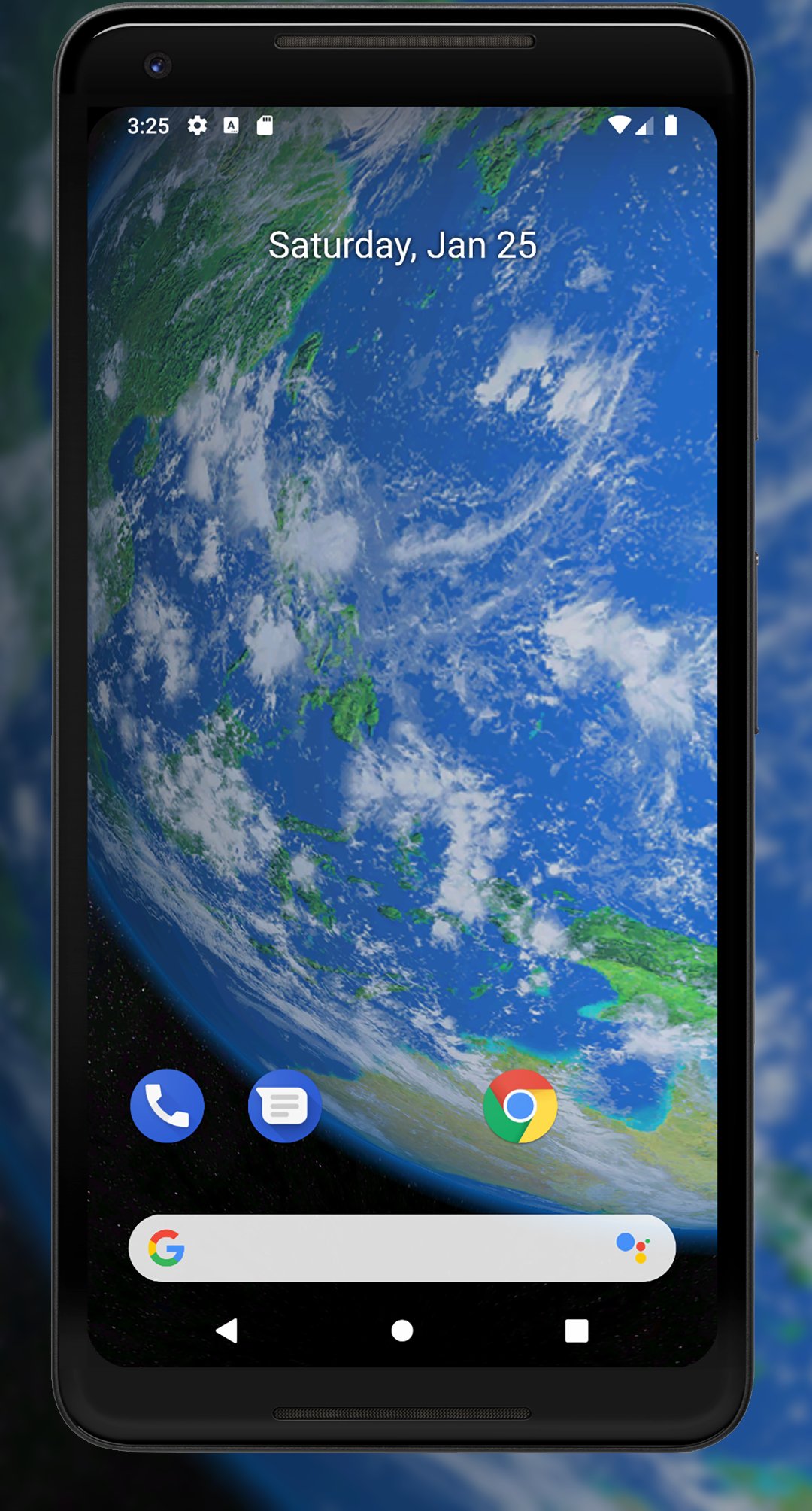
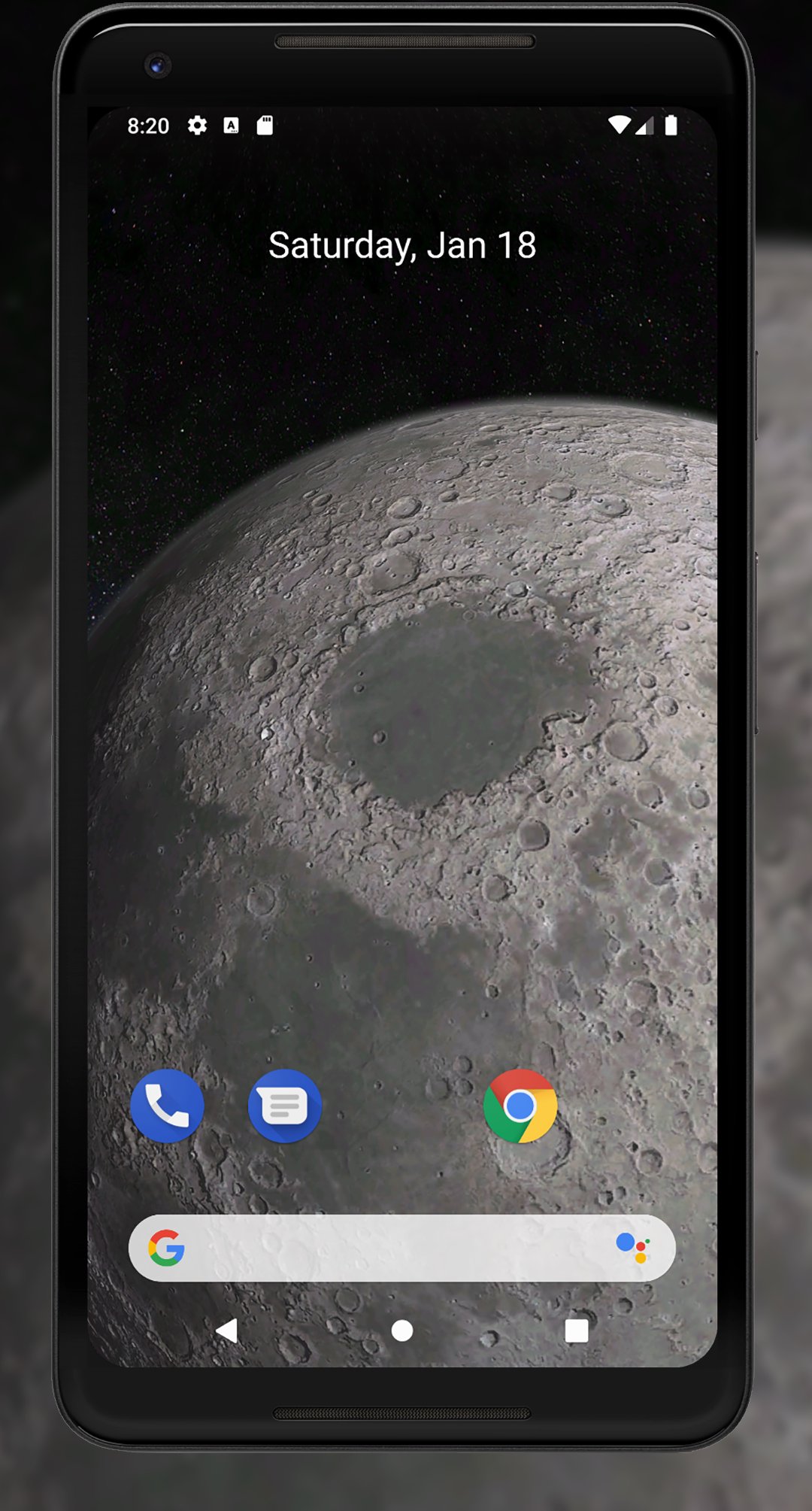
Earth and other planets from space are an amazing, beautiful, and inspiring sight. Live wallpapers, such as Planets 3D Live Wallpaper, allow you to enjoy this breathtaking view and make your phone or tablet screen more interesting and interactive.
Features:
- Full 3D environment
- Interactive 3D parallax effect
- Celestial bodies: Mercury, Venus, Earth & Moon, Mars, Jupiter, Saturn, Uranus, and Neptune
- Detailed close-up views of the Solar System planets from space
- Orbital and standard camera views
- Day and night sides
- Orbital sunsets and sunrises
- Zoom-in and zoom-out
- Camera distance settings
- Animation settings
- Brightness and saturation settings
- Android screensaver support (phone/tablet)
While purchase is not available, we recommend the free version of live wallpaper:
https://play.google.com/store/apps/details?id=com.screensavers_store.earth3dlivewallpaper
This Planets 3D Live Wallpaper will give your device screen a completely new look and turn it into something unique. You no longer need to be an astronaut to see the planets of the Solar System from orbit; all you need to do is download this wallpaper to your device.
Now, you don’t need a telescope or a spacecraft to start exploring the Solar System — just install the Planets 3D Live Wallpaper app and begin your journey into deep space. This app was designed specifically for fans of astronomy and the cosmos.
You can apply the wallpaper directly through your Android settings, or simply click the "Set Wallpaper" button within the app itself.
Preview
Tags
LifestylePersonalizationInformation
Developer
Screensavers Store
Latest Version
1.1.12
Last Updated
2026-04-25
Category
Lifestyle
Available on
Google Play
Show More
How to play Planets 3D Live Wallpaper with GameLoop on PC
1. Download GameLoop from the official website, then run the exe file to install GameLoop
2. Open GameLoop and search for “Planets 3D Live Wallpaper” , find Planets 3D Live Wallpaper in the search results and click “Install”
3. Enjoy playing Planets 3D Live Wallpaper on GameLoop
Minimum requirements
OS
Windows 8.1 64-bit or Windows 10 64-bit
GPU
GTX 1050
CPU
i3-8300
Memory
8GB RAM
Storage
1GB available space
Recommended requirements
OS
Windows 8.1 64-bit or Windows 10 64-bit
GPU
GTX 1050
CPU
i3-9320
Memory
16GB RAM
Storage
1GB available space