Moon 3D Live Wallpaper PC
Screensavers Store
Download Moon 3D Live Wallpaper on PC With GameLoop Emulator
Moon 3D Live Wallpaper on PC
Moon 3D Live Wallpaper, coming from the developer Screensavers Store, is running on Android systerm in the past.
Now, You can play Moon 3D Live Wallpaper on PC with GameLoop smoothly.
Download it in the GameLoop library or search results. No more eyeing the battery or frustrating calls at the wrong time any more.
Just enjoy Moon 3D Live Wallpaper PC on the large screen for free!
Moon 3D Live Wallpaper Introduction
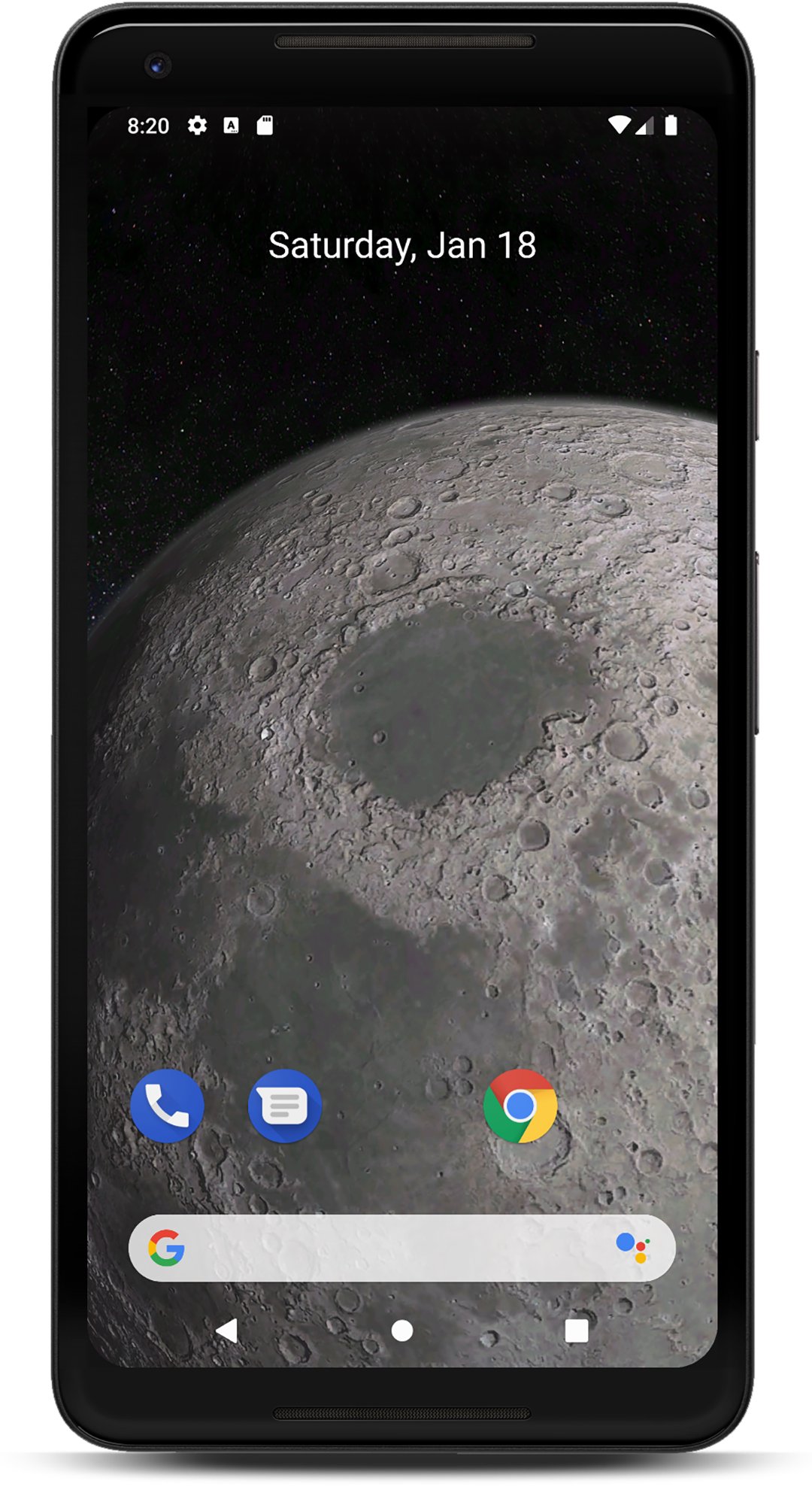
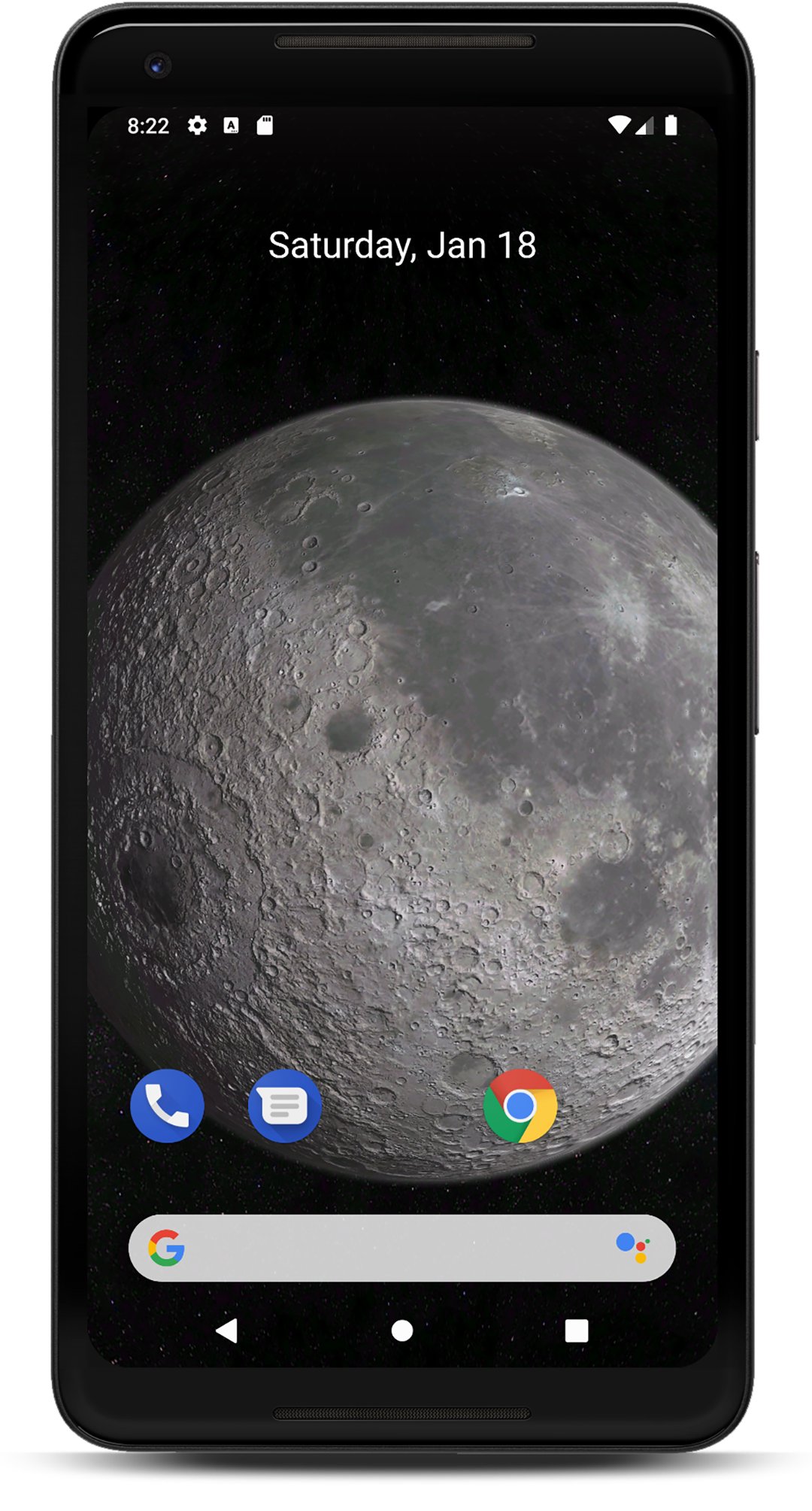
Before everyone gets the chance to walk on the moon, we can all take a closer look at Earth’s natural satellite right now. Turn your smartphone into a virtual telescope and enjoy a magnificent, realistic view of the Moon directly on your screen.
Features:
- Full 3D environment
- Interactive 3D parallax effect
- Detailed close-up view of the Moon from space
- Orbital and standard view
- 8 additional planets
- Smooth zoom-in and zoom-out
- Camera distance settings
- Animation speed settings
- Brightness settings
- Android screensaver support (phone/tablet)
Space enthusiasts who love exploring the lunar surface, with its numerous craters and seas, will feel like the cosmos is just a touch away with the Moon 3D Live Wallpaper. Instead of just staring at a regular home screen, your mobile device becomes a fascinating window to our solar system, revealing new aspects of astronomy.
Install the Moon Live Wallpaper now and see our satellite in stunning 3D! This app allows you to explore the rich textures and subtle shading of the lunar topography in incredible detail. Customize your settings to adjust the view exactly to your liking. It feels almost like you are actually traveling on a spacecraft to the moon, following the path of the recent Artemis II mission! You can even imagine that you are one of the brave astronauts exploring the lunar surface.
This realistic live wallpaper allows you to take a momentary escape from everyday stress, letting you relax and drift far away into space. Not only is this captivating wallpaper visually inspiring, but it also highlights your romantic and adventurous side.
After all, everyone has caught themselves gazing at the moon lighting up the night sky at least once. With the Moon 3D Live Wallpaper installed, you can sit back and relax in front of a breathtaking HD view of our moon—even if it's daytime or the sky is cloudy tonight. You will never get bored exploring the moon right in the palm of your hand!
You can either set the wallpaper in the Android settings, or click the "Set Wallpaper" option in the app itself.
Preview
Tags
PersonalizationInformation
Developer
Screensavers Store
Latest Version
2.2.3
Last Updated
2026-04-14
Category
Personalization
Available on
Google Play
Show More
How to play Moon 3D Live Wallpaper with GameLoop on PC
1. Download GameLoop from the official website, then run the exe file to install GameLoop
2. Open GameLoop and search for “Moon 3D Live Wallpaper” , find Moon 3D Live Wallpaper in the search results and click “Install”
3. Enjoy playing Moon 3D Live Wallpaper on GameLoop
Minimum requirements
OS
Windows 8.1 64-bit or Windows 10 64-bit
GPU
GTX 1050
CPU
i3-8300
Memory
8GB RAM
Storage
1GB available space
Recommended requirements
OS
Windows 8.1 64-bit or Windows 10 64-bit
GPU
GTX 1050
CPU
i3-9320
Memory
16GB RAM
Storage
1GB available space