CoinEx Wallet - Crypto & DeFi PC
ViaBTC
Download CoinEx Wallet - Crypto & DeFi on PC With GameLoop Emulator
CoinEx Wallet - Crypto & DeFi on PC
CoinEx Wallet - Crypto & DeFi, coming from the developer ViaBTC, is running on Android systerm in the past.
Now, You can play CoinEx Wallet - Crypto & DeFi on PC with GameLoop smoothly.
Download it in the GameLoop library or search results. No more eyeing the battery or frustrating calls at the wrong time any more.
Just enjoy CoinEx Wallet - Crypto & DeFi PC on the large screen for free!
CoinEx Wallet - Crypto & DeFi Introduction
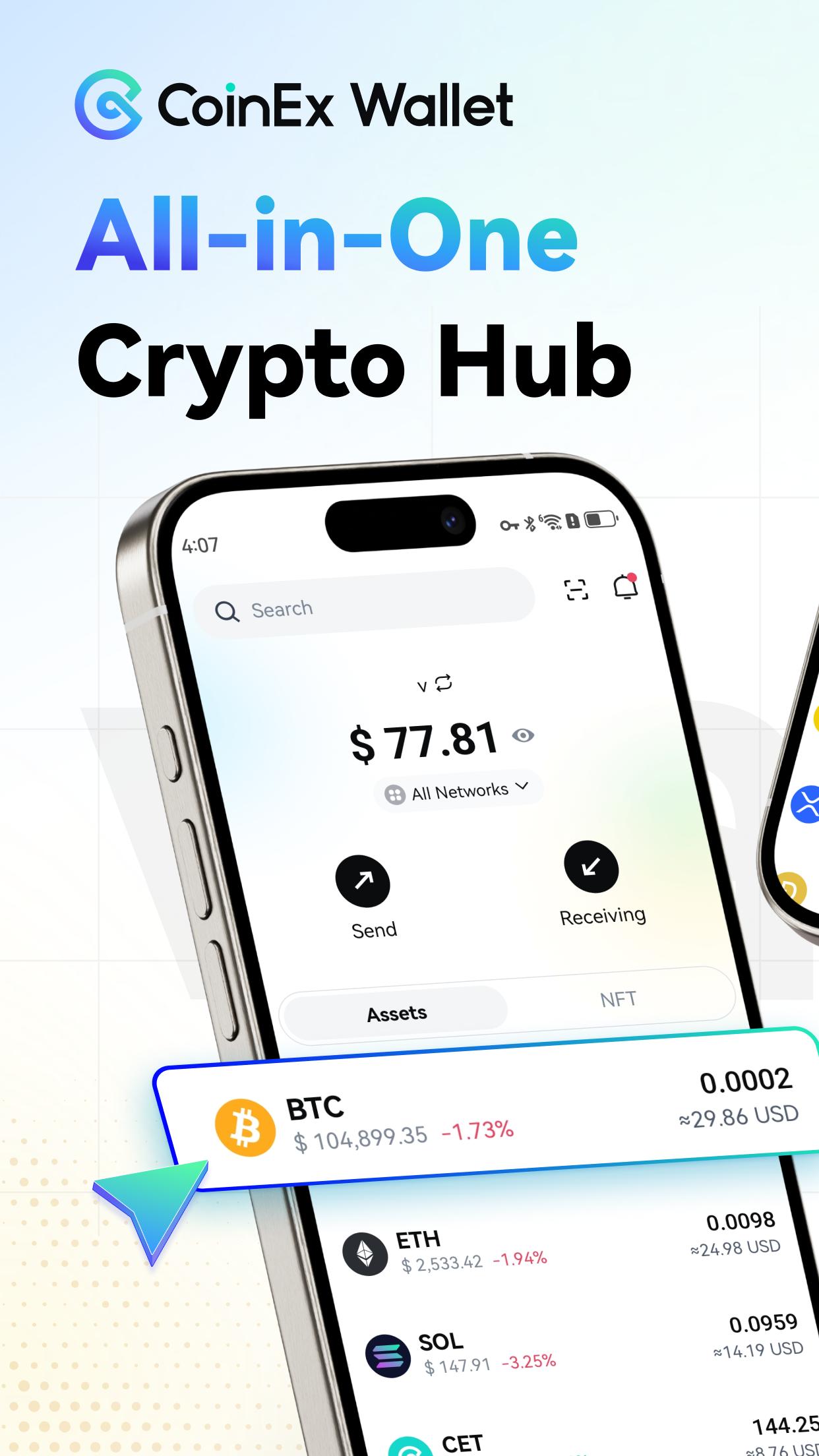
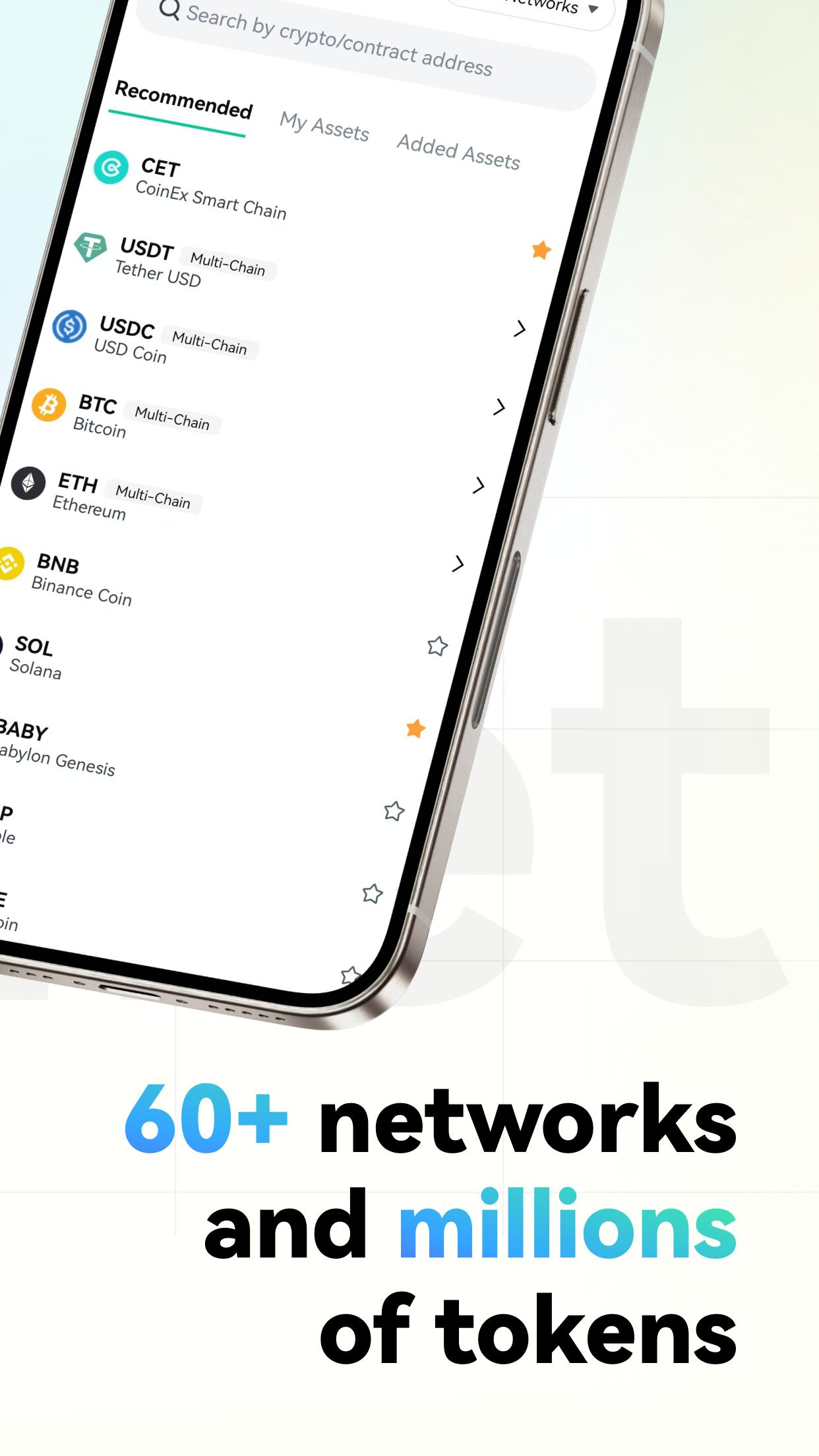
CoinEx Wallet is a decentralized multi-chain crypto asset management wallet under CoinEx group, supporting 60+ major blockchain assets (including BTC, ETH, CET, SOL, DOGE, BNB, TRX, POL, LTC, BCH, ADA) and 1M+ token assets. It offers:
· Cross-chain swaps
· Staking for earnings
· DApp browser
· Transaction accelerator
· Message signature verification
· Address approval detector
· NFT management
Key Features:
· Self-Custody, you hold the private keys—100% asset ownership.
· Manage multiple wallets & assets in one place.
· Multi-layered security for asset protection.
** Multi-Chain Web3 Wallet **
· No personal info required—manage multi-chain assets in one app.
· Supports both single-currency and multi-currency wallets.
· Full control over assets with self-custodied private keys.
** Swap **
· Cross-chain asset exchanges.
· Low transaction fees.
** Staking **
· Earn yields on top blockchains.
· One-click staking for instant rewards.
· Against inflation and grow your assets.
** DApp Browser **
· Access mainstream blockchain DApps.
· Curated multi-category applications.
· Your gateway to decentralized ecosystems.
** NFT **
· Supports NFTs on major chains.
· Send, receive, store, view, and interact with DApps—all in one.
Supported Blockchains:
BTC (Bitcoin), ETH (Ethereum), BNB (Binance Smart Chain), TRX (Tron), ADA (Cardano), ALGO (Algorand), ARB (Arbitrum One), ATOM (Cosmos), AVAX-C (Avalanche), ETH (BASE), BCH (Bitcoin Cash), BSV (Bitcoin SV), CET (CoinEx Smart Chain), CFX (Conflux), CKB (Nervos), DASH (Dash), DCR (Decred), DGB (DigiByte), DOGE (Dogecoin), DOT (Polkadot), ERG (Ergo), ETC (Ethereum Classic), FTM (Fantom), HNS (Handshake), ICX (ICON), IRIS (IRISnet), KAVA (Kava), KDA (Kadena), KSM (Kusama), LTC (Litecoin), LUNA (Terra), LUNC (Terra Classic), POL (Polygon), MINA (Mina), NEAR (Near), ONT (Ontology), OP (Optimism), ROSE (Oasis Network), RVN (Ravencoin), SYS (Syscoin), VET (VeChain), XEC (eCash), XLM (Stellar), XRP (Ripple), XTZ (Tezos), ZEC (Zcash), ZEN (Horizen), ZIL (Zilliqa), KAS (Kaspa), SOL (Solana), SUI (Sui), APT (Aptos), MERL (Merlin Chain), TON (Toncoin), FET (FetchAI), SEI (Sei), S (Sonic), BABY (Babylon Genesis), and more.
Official Links:
Website: https://wallet.coinex.com
Twitter: https://twitter.com/CoinExWallet
Telegram: https://t.me/CoinExWallet
Medium: https://medium.com/@CoinExWallet
Email: support@wallet.coinex.com
Preview
Tags
FinanceInformation
Developer
ViaBTC
Latest Version
4.19.0
Last Updated
2025-09-10
Category
Finance
Available on
Google Play
Show More
How to play CoinEx Wallet - Crypto & DeFi with GameLoop on PC
1. Download GameLoop from the official website, then run the exe file to install GameLoop
2. Open GameLoop and search for “CoinEx Wallet - Crypto & DeFi” , find CoinEx Wallet - Crypto & DeFi in the search results and click “Install”
3. Enjoy playing CoinEx Wallet - Crypto & DeFi on GameLoop
Minimum requirements
OS
Windows 8.1 64-bit or Windows 10 64-bit
GPU
GTX 1050
CPU
i3-8300
Memory
8GB RAM
Storage
1GB available space
Recommended requirements
OS
Windows 8.1 64-bit or Windows 10 64-bit
GPU
GTX 1050
CPU
i3-9320
Memory
16GB RAM
Storage
1GB available space