
Investing.com: Stock Market PC
INVESTING.com
Download Investing.com: Stock Market on PC With GameLoop Emulator
Investing.com: Stock Market on PC
Investing.com: Stock Market, coming from the developer INVESTING.com, is running on Android systerm in the past.
Now, You can play Investing.com: Stock Market on PC with GameLoop smoothly.
Download it in the GameLoop library or search results. No more eyeing the battery or frustrating calls at the wrong time any more.
Just enjoy Investing.com: Stock Market PC on the large screen for free!
Investing.com: Stock Market Introduction
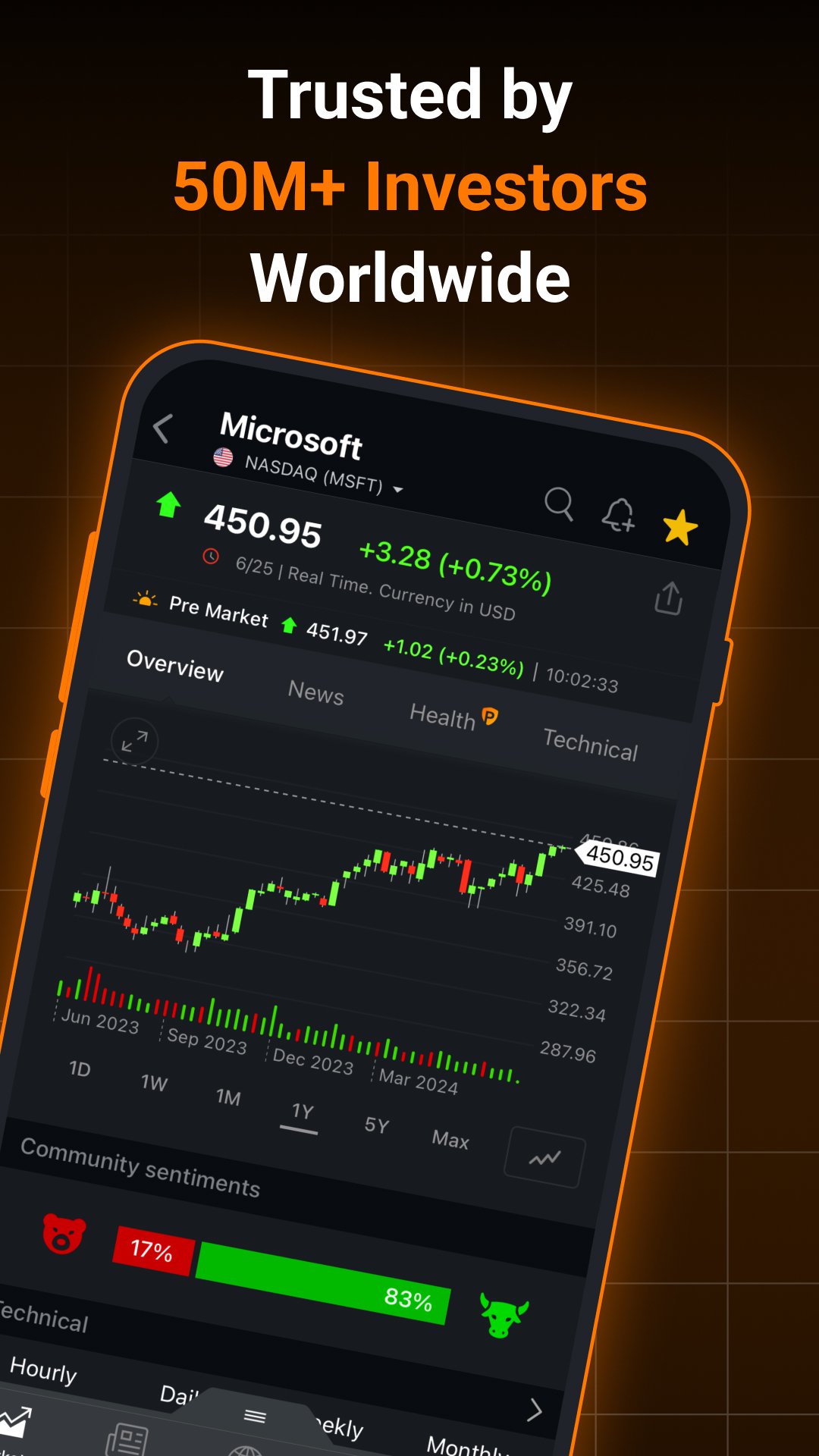
Track real-time stock market data, news, shares, and alerts with the Investing.com app — trusted by millions worldwide. Build your portfolio, follow global financial markets, and use finance tools to analyze the stock market and uncover trading insights.
Stay ahead in the stock market with the Investing.com app. Get real-time market data, financial news, and live updates on major indices like the Dow Jones, NASDAQ, and S&P 500. Use our portfolio tracker to monitor stocks, indices, ETFs, and commodities. Receive personalized alerts for breaking stock news, price changes, and market analysis.
AI-POWERED CHART ANALYSIS
Analyze live charts with WarrenAI, Investing.com's AI-powered research assistant, and turn market data into clear trading insights. Scan S&P 500, NASDAQ, and Dow Jones charts, including futures, to spot patterns, compare assets, and track trends. Use technical indicators and AI chart analysis to understand fast-moving markets and get insights in seconds.
REAL-TIME DATA
Access live quotes, charts, and market data for over 300,000 financial instruments, including stocks, ETFs, indices, commodities, currencies, bonds, equities, options, and futures. Track global markets, monitor your portfolio, and follow price trends with real-time insights for informed investment decisions.
Analyze the stock market with advanced charts, technical indicators, real-time data, and insights from the Economic Calendar. Track trends across stocks, ETFs, bonds, equities, options, and commodities.
ECONOMIC CALENDAR
Stay informed about economic events and global stock market data with our Economic Calendar. Follow central bank decisions, interest rates, GDP, inflation, earnings, and other market-moving events that affect trading decisions.
PERSONALIZED PORTFOLIO
Manage your portfolio and investments with powerful finance tools. Build a personalized portfolio tracker to monitor your stocks, ETFs, and assets. Use custom watchlists and alerts to identify trading opportunities and analyze performance for smarter investing.
STOCKS ALERTS
Get customizable alerts for market events, breaking news, earnings, and price changes to stay on top of market movements.
STOCKS NEWS & ANALYSIS
Stay up to date with financial news, stock market news, expert analysis, trading insights, and earnings updates. Explore analysis of stocks, options, and global finance trends.
FINANCIAL TOOLS
Access advanced charts, technical analysis, stock screeners, currency converters, and WarrenAI. Research companies, understand market trends, and explore financial information through natural-language questions.
COMMODITY PRICES
Monitor commodity prices in real time, including gold, silver, oil, and natural gas. Stay informed about global market trends and financial market news.
MAJOR STOCKS
Track market leaders including Apple, Alphabet, Tesla, Amazon, Microsoft, NVIDIA, and Meta with interactive charts.
GLOBAL INDICES
Follow major stock market indices including the Dow Jones, NASDAQ, S&P 500, FTSE 100, DAX, CAC 40, Nikkei 225, and Hang Seng. Stay informed about global market trends.
Investing.com is a complete financial platform for beginner investors and experienced traders. Access market insights, business news, portfolio trackers, charts, and real-time data for stocks, indices, commodities, currencies, bonds, options, and futures. Use expert analysis to manage your portfolio confidently.
Stay ahead with our finance app, your go-to stock tracker, portfolio tracker, and market research tool for stocks and investment opportunities.
Investing.com is not a trading platform, and users cannot trade in any financial instruments through Investing.com. It is important to state that all forms of investments carry risks, including losing all of the invested amount. Such activities may not be suitable for everyone.
Preview

Tags
FinanceInformation
Developer
INVESTING.com
Latest Version
6.53.1
Last Updated
2026-11-15
Category
Finance
Available on
Google Play
Show More
How to play Investing.com: Stock Market with GameLoop on PC
1. Download GameLoop from the official website, then run the exe file to install GameLoop
2. Open GameLoop and search for “Investing.com: Stock Market” , find Investing.com: Stock Market in the search results and click “Install”
3. Enjoy playing Investing.com: Stock Market on GameLoop
Minimum requirements
OS
Windows 8.1 64-bit or Windows 10 64-bit
GPU
GTX 1050
CPU
i3-8300
Memory
8GB RAM
Storage
1GB available space
Recommended requirements
OS
Windows 8.1 64-bit or Windows 10 64-bit
GPU
GTX 1050
CPU
i3-9320
Memory
16GB RAM
Storage
1GB available space