
RHB Mobile Banking PC
RHB Bank
Download RHB Mobile Banking on PC With GameLoop Emulator
RHB Mobile Banking on PC
RHB Mobile Banking, coming from the developer RHB Bank, is running on Android systerm in the past.
Now, You can play RHB Mobile Banking on PC with GameLoop smoothly.
Download it in the GameLoop library or search results. No more eyeing the battery or frustrating calls at the wrong time any more.
Just enjoy RHB Mobile Banking PC on the large screen for free!
RHB Mobile Banking Introduction
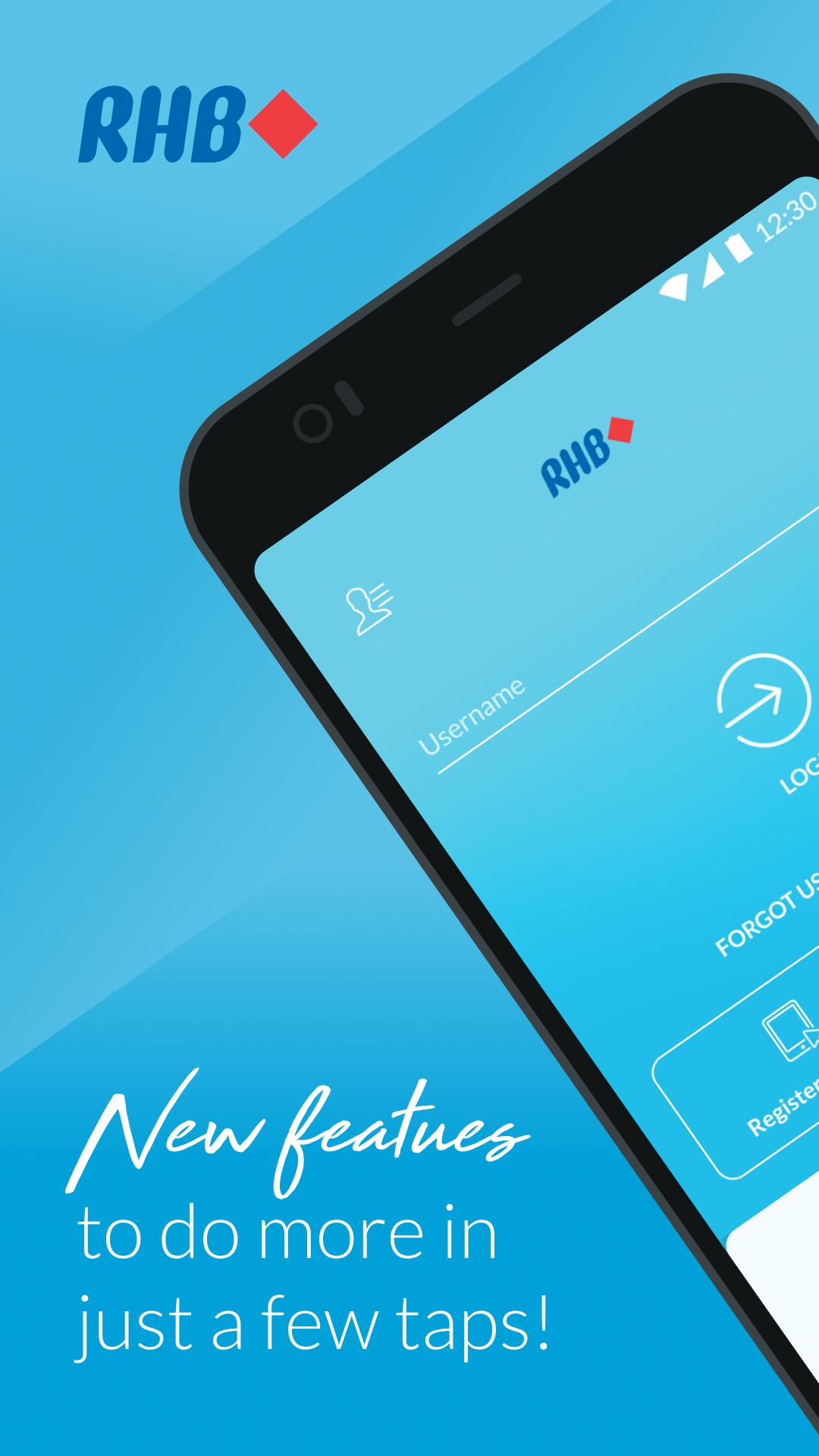
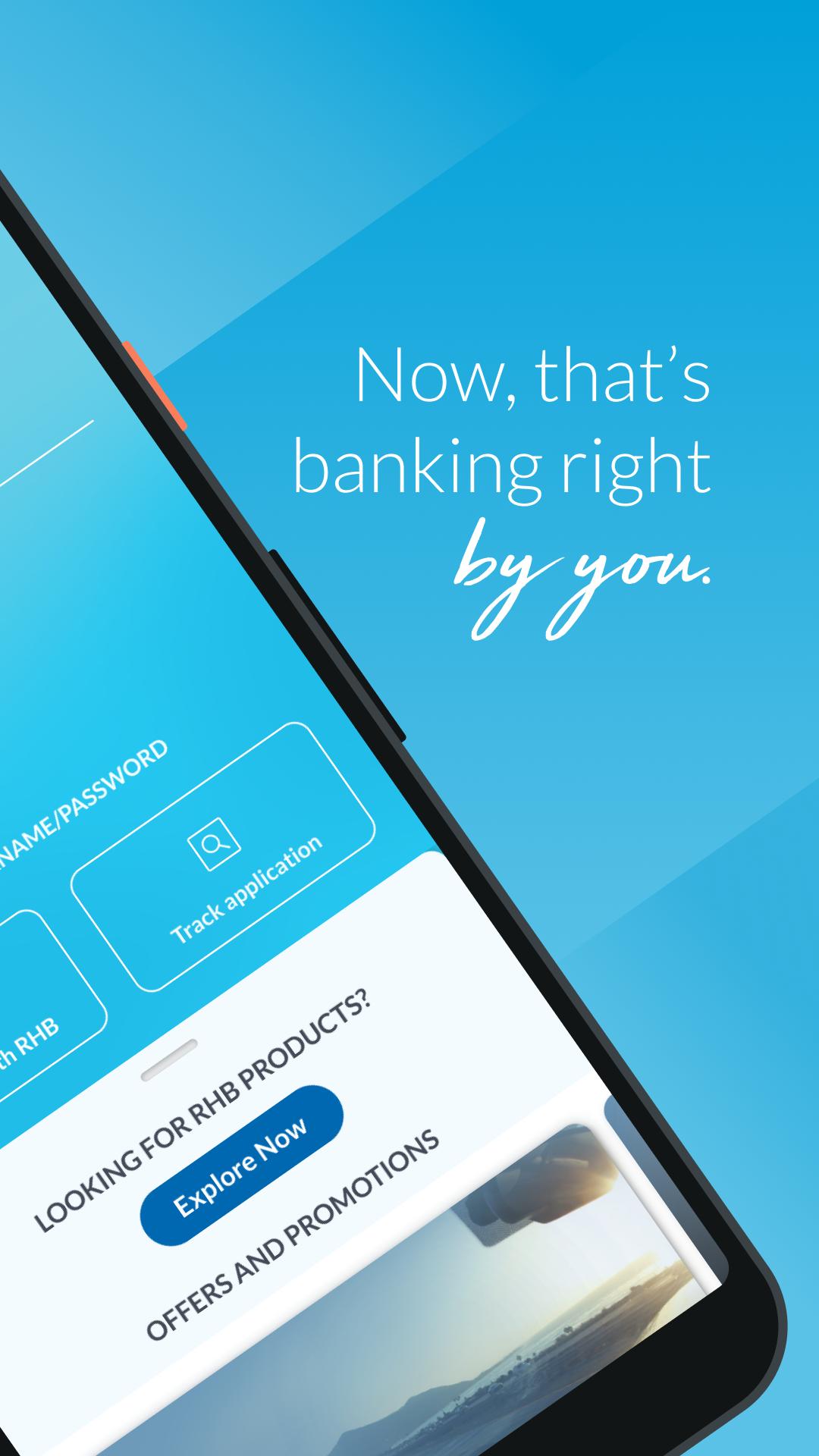
RHB Mobile Banking – Banking Right By You!
Designed with innovative and intuitive features, the new RHB Mobile Banking App offers unparalleled convenience with simpler and seamless functions.
It’s 24/7 banking that you can enjoy at your convenience – anytime, anywhere.
Perform everyday banking matters on-the-go
• Get important account information at one quick glance
• Download e-statements for your accounts wherever you are
• Pay your favourite individuals and bills with just one tap
• Make seamless QR payments at selected merchants
• Transfer funds securely without OTP
• Collect RHB Loyalty Points from every transaction you make and redeem rewards
• Schedule payments to JomPAY billers and individuals via DuitNow easily
Manage your finances with just a few taps
• Make Term Deposit placements or withdrawals
• Invest in 24 foreign currencies or 2 Precious Metals
• Top up ASNB funds for you and your loved ones
• Get quick cash from your RHB Credit Card’s limit
Customise your account wherever you are
• Update payment limits for your account
• Manage your DuitNow account settings
• Change your card pin and personal details
No RHB Online Banking access?
Download the app and register now. Get your cards ready to register online with us – yes, it’s that simple!
Not a RHB Customer?
Download the app anyway! You can now apply for a RHB Savings or Current Account from home with ID verification. No bank visits, just clicks!
Preview
Tags
FinanceInformation
Developer
RHB Bank
Latest Version
2.5.0
Last Updated
2022-09-16
Category
Finance
Available on
Google Play
Show More
How to play RHB Mobile Banking with GameLoop on PC
1. Download GameLoop from the official website, then run the exe file to install GameLoop
2. Open GameLoop and search for “RHB Mobile Banking” , find RHB Mobile Banking in the search results and click “Install”
3. Enjoy playing RHB Mobile Banking on GameLoop
Minimum requirements
OS
Windows 8.1 64-bit or Windows 10 64-bit
GPU
GTX 1050
CPU
i3-8300
Memory
8GB RAM
Storage
1GB available space
Recommended requirements
OS
Windows 8.1 64-bit or Windows 10 64-bit
GPU
GTX 1050
CPU
i3-9320
Memory
16GB RAM
Storage
1GB available space