
TicketSwap: Buy & Sell Tickets PC
TicketSwap
Download TicketSwap: Buy & Sell Tickets on PC With GameLoop Emulator
TicketSwap: Buy & Sell Tickets on PC
TicketSwap: Buy & Sell Tickets, coming from the developer TicketSwap, is running on Android systerm in the past.
Now, You can play TicketSwap: Buy & Sell Tickets on PC with GameLoop smoothly.
Download it in the GameLoop library or search results. No more eyeing the battery or frustrating calls at the wrong time any more.
Just enjoy TicketSwap: Buy & Sell Tickets PC on the large screen for free!
TicketSwap: Buy & Sell Tickets Introduction
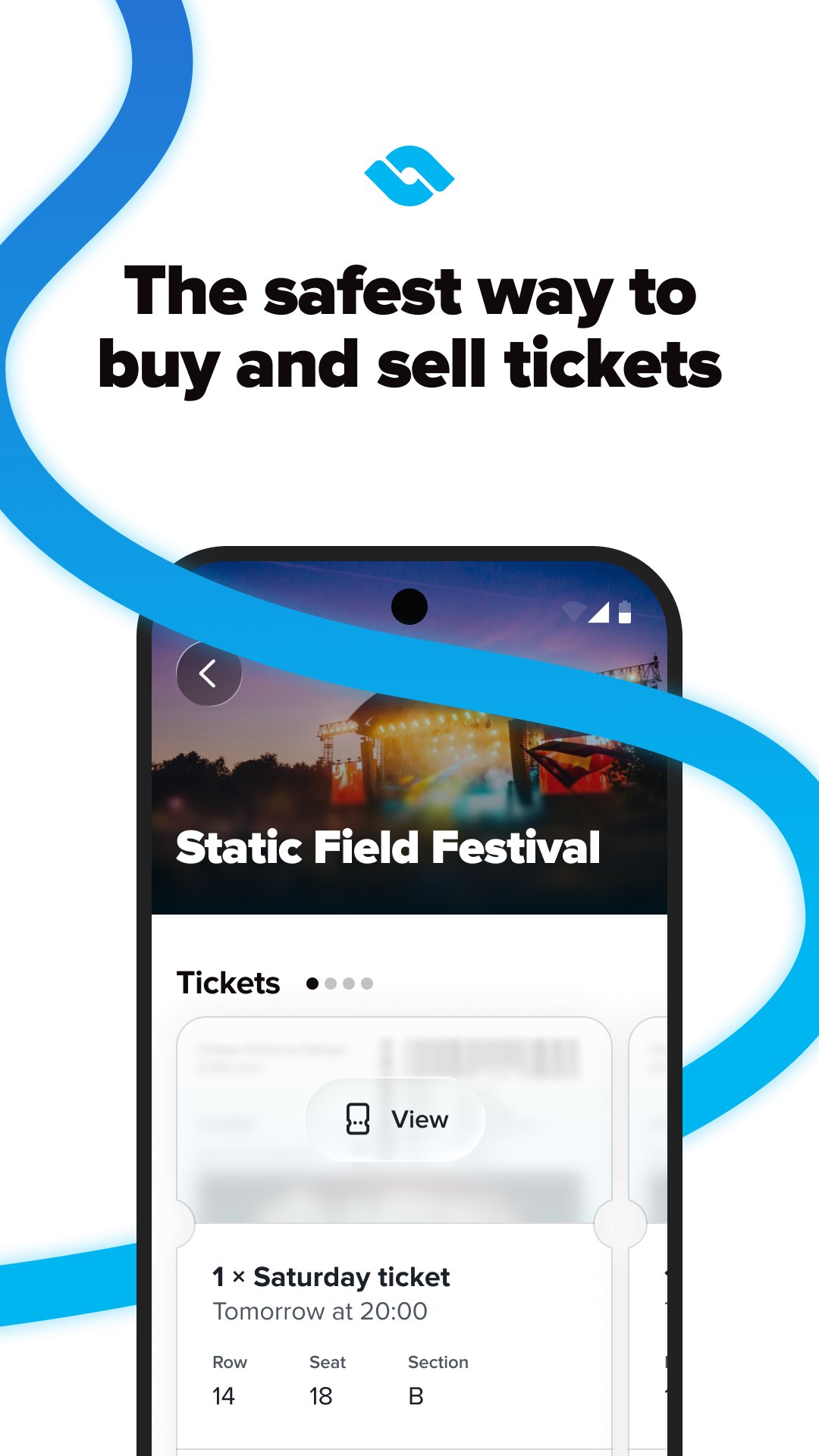
At TicketSwap, we’re all about getting fans to their favorite events – at a fair price. Over 15 million fans already use our app to buy and sell tickets to shows around the world. From concerts, festivals, club nights, sports events to theater, we’re on a mission to be every fan’s go-to marketplace.
Why fans love us
✓ Join a community of 15 million fans
✓ Buy and sell on a trusted marketplace
✓ Stay protected with SecureSwap™ technology
✓ Grab tickets backed by official organizers
✓ Access your tickets offline
✓ Transfer tickets easily
✓ Resell tickets from popular providers
✓ Never miss out on events with ticket alerts
✓ Pay with Google Pay, Wero, or major debit and credit cards
✓ Chat with our Support Team, 7 days a week
Find your next night-out
✓ Follow your favorite artists
✓ Save events you’re interested in
✓ Browse events by genre, venue, or city
✓ Discover nearby and last-minute events
✓ Get tickets for sold-out events with auto buy
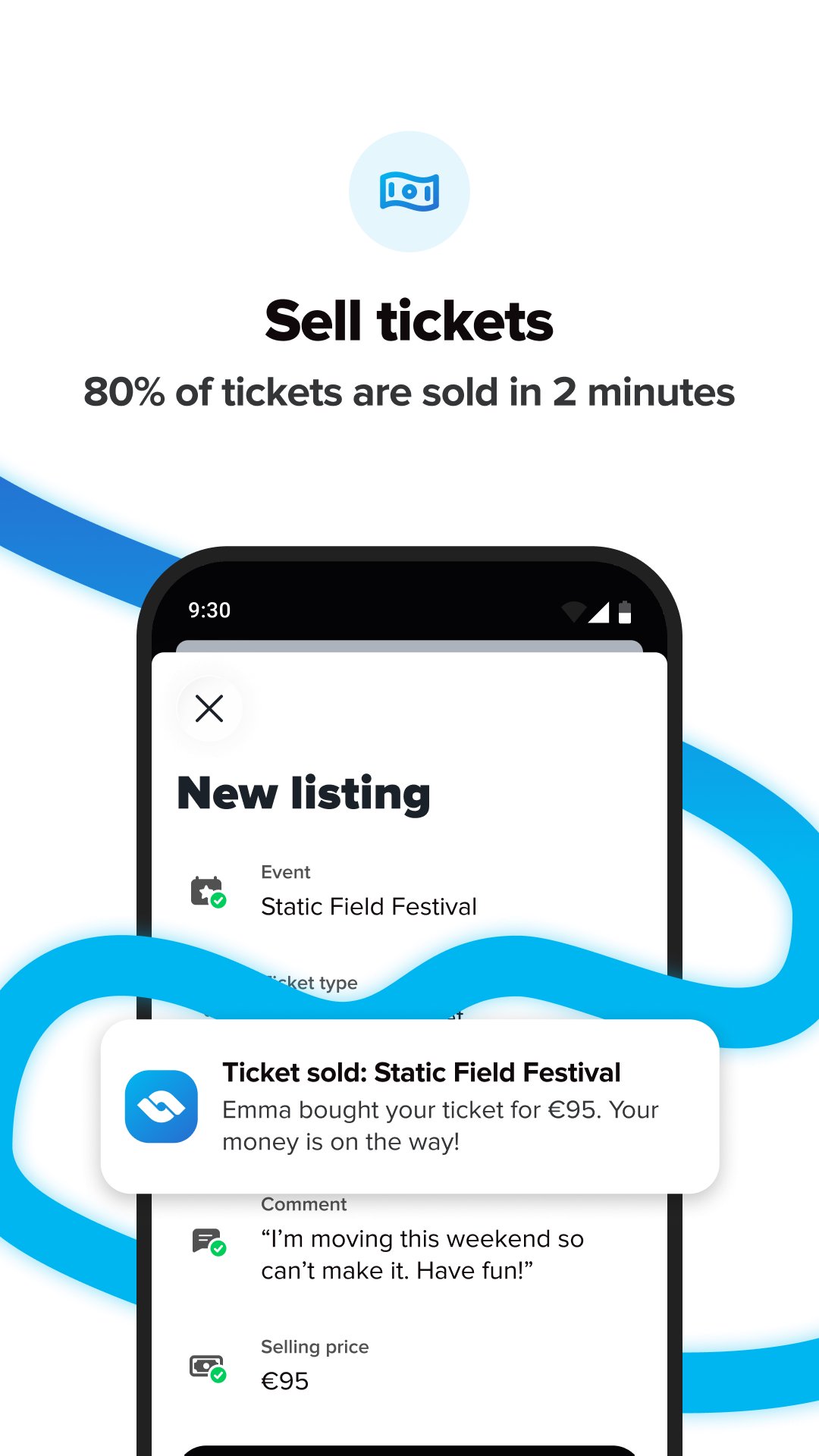
Selling tickets
1. Upload your file and select the tickets you want to sell
2. Set your selling price
3. Get notified and paid when your ticket is sold
Buying tickets
1. Search for the event you want to buy tickets for
2. Add the tickets to your cart
3. Select a payment method to purchase the tickets
4. Enjoy the event!
FAQs
1. Is it safe to buy and sell tickets on TicketSwap?
Yes. We verify every seller and buyer, and use price caps to make sure fans can buy tickets quickly, fairly, and safely. Our specialized system checks tickets before they can even be put up for sale, and if you need any assistance, our Support Team is more than happy to help.
2. Can I sell a ticket I bought from another provider?
Yes. Simply transfer it from the original provider and sell it like any other ticket, it’s that easy.
3. Can I find tickets for sold-out events?
Of course! Search by artist, venue, or city, or browse our curated lists of upcoming shows. If it’s sold out, you can set a ticket alert and get a notification the moment a ticket is available or let our auto buy feature grab it for you.
4. How do I know my ticket is real?
For events using SecureSwap™ technology, the ticket is re-issued in your name, it can’t be resold or duplicated. So it’s yours alone, ready to scan at the door.
5. Are there any hidden fees when I buy a ticket?
Not at all. The price you see is the price you pay – no surprise costs at checkout.
_______________________
Download TicketSwap now to start buying and selling tickets safely. No hidden fees. No unfair prices. Just sign up with Google, Facebook or email to get started.
Loving the app? Leave a review to help more fans discover TicketSwap.
Preview
Tags
EventsBoardInformation
Developer
TicketSwap
Latest Version
26.11.14086
Last Updated
2026-11-18
Category
Events
Available on
Google Play
Show More
How to play TicketSwap: Buy & Sell Tickets with GameLoop on PC
1. Download GameLoop from the official website, then run the exe file to install GameLoop
2. Open GameLoop and search for “TicketSwap: Buy & Sell Tickets” , find TicketSwap: Buy & Sell Tickets in the search results and click “Install”
3. Enjoy playing TicketSwap: Buy & Sell Tickets on GameLoop
Minimum requirements
OS
Windows 8.1 64-bit or Windows 10 64-bit
GPU
GTX 1050
CPU
i3-8300
Memory
8GB RAM
Storage
1GB available space
Recommended requirements
OS
Windows 8.1 64-bit or Windows 10 64-bit
GPU
GTX 1050
CPU
i3-9320
Memory
16GB RAM
Storage
1GB available space