
Wavve (웨이브) PC
wavve
Download Wavve (웨이브) on PC With GameLoop Emulator
Wavve (웨이브) on PC
Wavve (웨이브), coming from the developer wavve, is running on Android systerm in the past.
Now, You can play Wavve (웨이브) on PC with GameLoop smoothly.
Download it in the GameLoop library or search results. No more eyeing the battery or frustrating calls at the wrong time any more.
Just enjoy Wavve (웨이브) PC on the large screen for free!
Wavve (웨이브) Introduction
Dive in anytime!
From the world's shallowest content to the world's deepest,
No need to hesitate! JUST DIVE! Wavve
[These days, it's Wavve!]
Quench your thirst for content that can't be quenched anywhere else with Wavve!
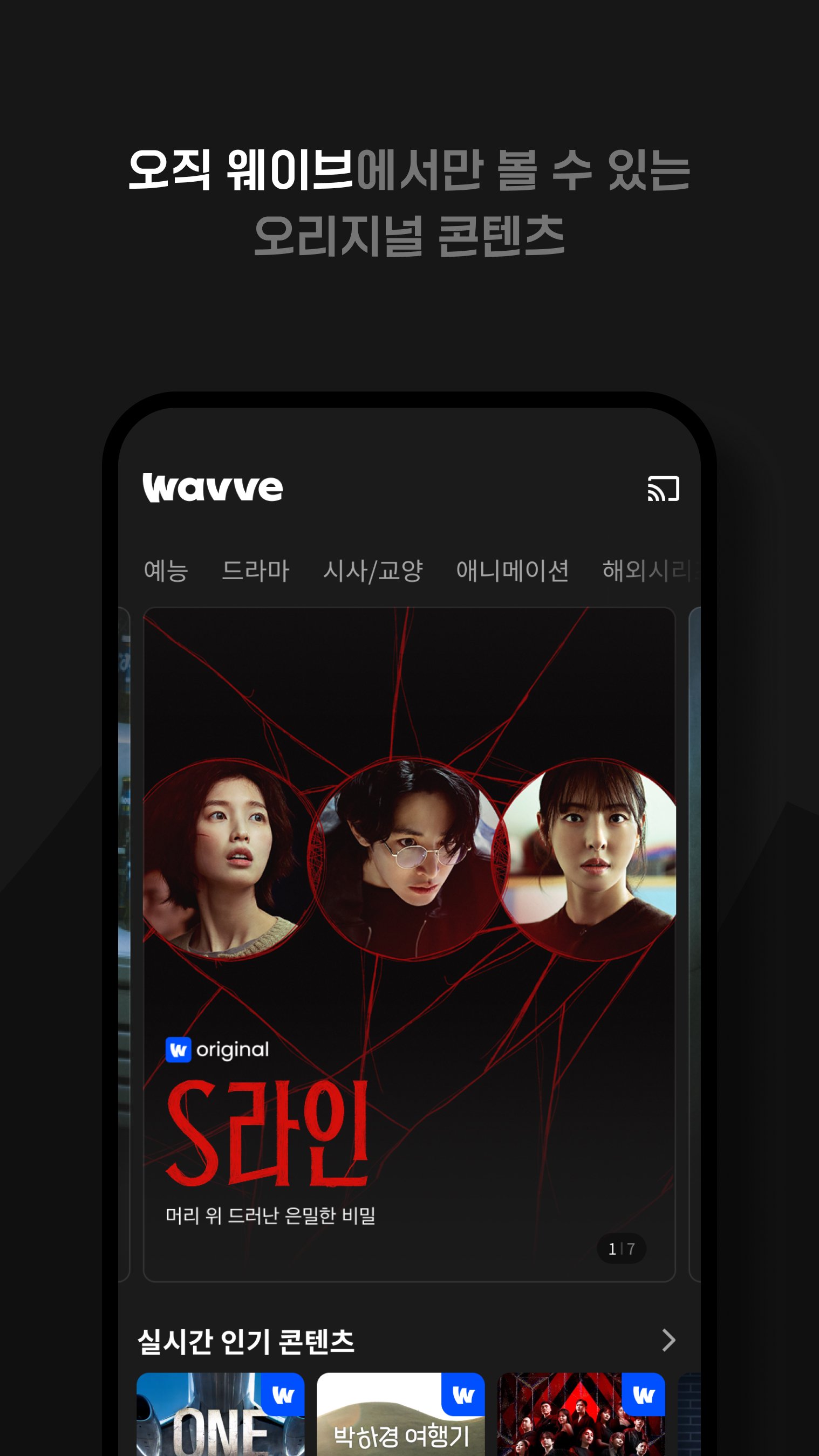
🌊 From rice buddy variety shows to immersive survival shows~ [Entertainment] Thirst, quench it with Wavve!
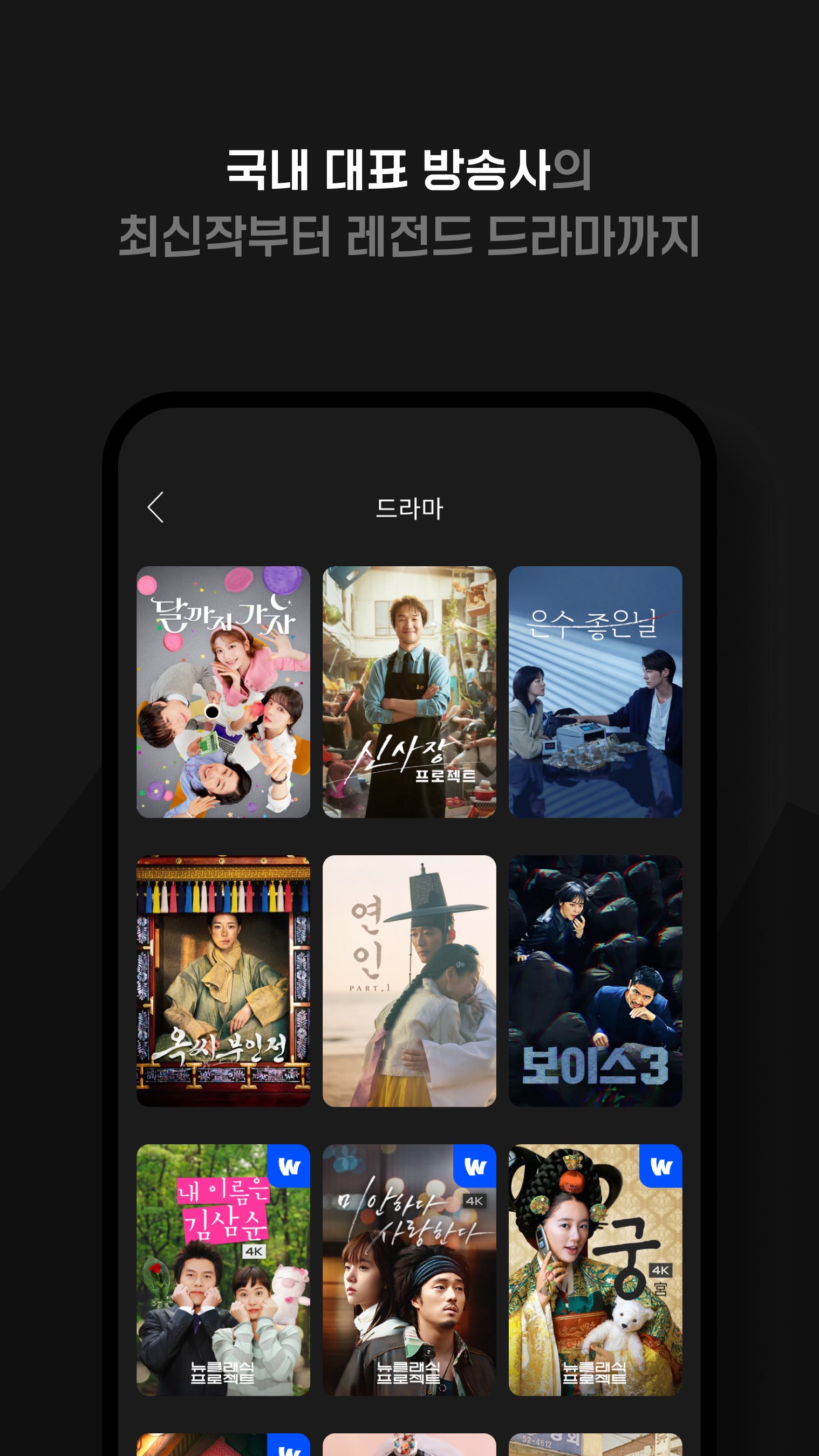
🌊 From quality to buzz, it's all here! [Korean Drama] Thirst, quench it with Wavve!
🌊 Legendary [Old Drama & Old Drama] Thirst, quench it with Wavve!
🌊 [Quick VOD] Replays within 5 minutes of the original broadcast. Satisfy your content cravings the fastest with Wavve!
※ Wavve requires the following permissions to ensure a convenient content experience. You can rest assured that the Wavve app will not be used for any purpose other than its intended use :)
[Optional] Access Permissions
Android 6.0 or higher
• Notification Permission (Push Notification): Permission for viewing reservations and marketing push notifications (Separate consent is required when launching the service.)
• Even if you disallow optional access permissions, you can still use other functions besides the four listed above.
Android 6.0 or lower
• Notification Permission (Push Notification): Permission for viewing reservations and marketing push notifications (Separate consent is required when launching the service.)
[Change Permissions] How do I change access permissions? (Only for Android 6.0 or higher)
Settings > Application Management > Wavve > Permissions
(Note that some menu names may vary depending on the manufacturer.)
Android OS versions lower than 6.0 do not support the optional access permission feature. To ensure a smooth experience, please check with your device manufacturer to see if they offer an OS upgrade feature. If possible, we recommend updating to Android OS 11.0 or higher before using the service.
Preview
Tags
EntertainmentInformation
Developer
wavve
Latest Version
6.1.10
Last Updated
2026-01-28
Category
Entertainment
Available on
Google Play
Show More
How to play Wavve (웨이브) with GameLoop on PC
1. Download GameLoop from the official website, then run the exe file to install GameLoop
2. Open GameLoop and search for “Wavve (웨이브)” , find Wavve (웨이브) in the search results and click “Install”
3. Enjoy playing Wavve (웨이브) on GameLoop
Minimum requirements
OS
Windows 8.1 64-bit or Windows 10 64-bit
GPU
GTX 1050
CPU
i3-8300
Memory
8GB RAM
Storage
1GB available space
Recommended requirements
OS
Windows 8.1 64-bit or Windows 10 64-bit
GPU
GTX 1050
CPU
i3-9320
Memory
16GB RAM
Storage
1GB available space