
TV Mate - TV Show Tracker PC
lahsrah apps
Download TV Mate - TV Show Tracker on PC With GameLoop Emulator
TV Mate - TV Show Tracker on PC
TV Mate - TV Show Tracker, coming from the developer lahsrah apps, is running on Android systerm in the past.
Now, You can play TV Mate - TV Show Tracker on PC with GameLoop smoothly.
Download it in the GameLoop library or search results. No more eyeing the battery or frustrating calls at the wrong time any more.
Just enjoy TV Mate - TV Show Tracker PC on the large screen for free!
TV Mate - TV Show Tracker Introduction
With TV Mate you can:
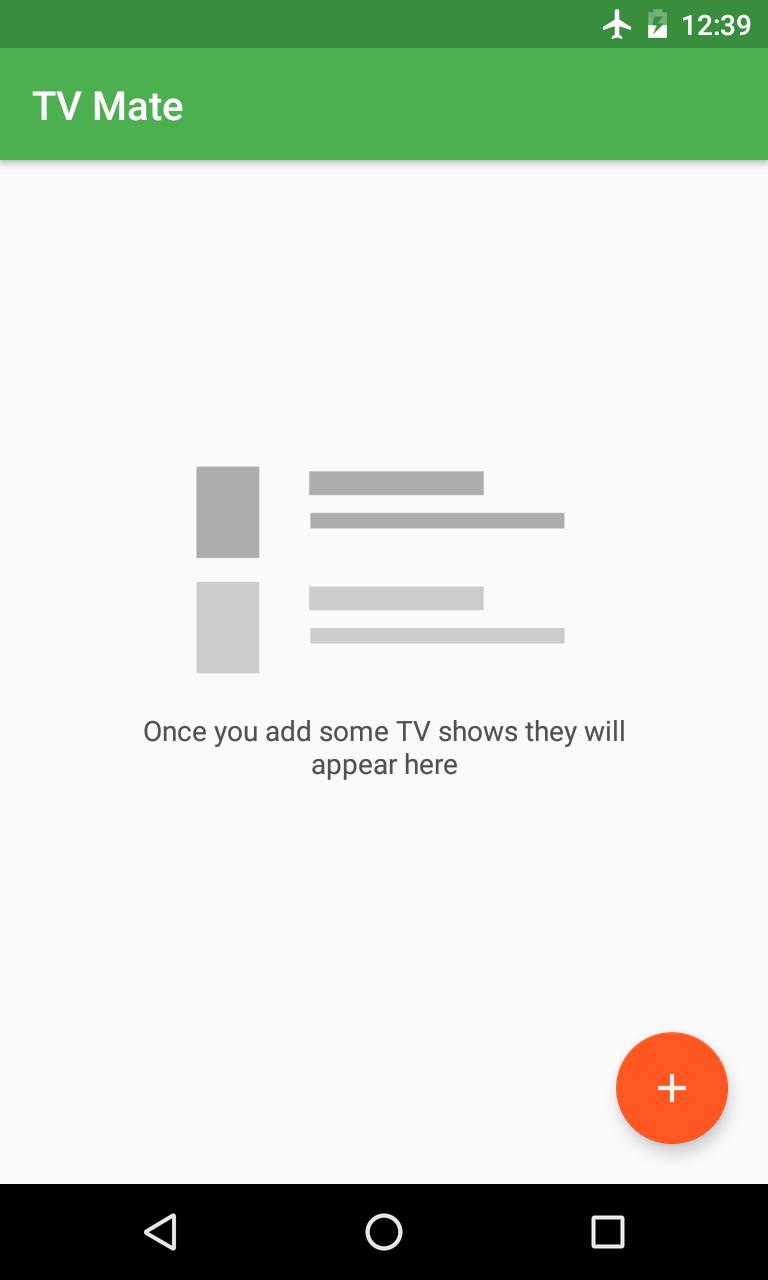
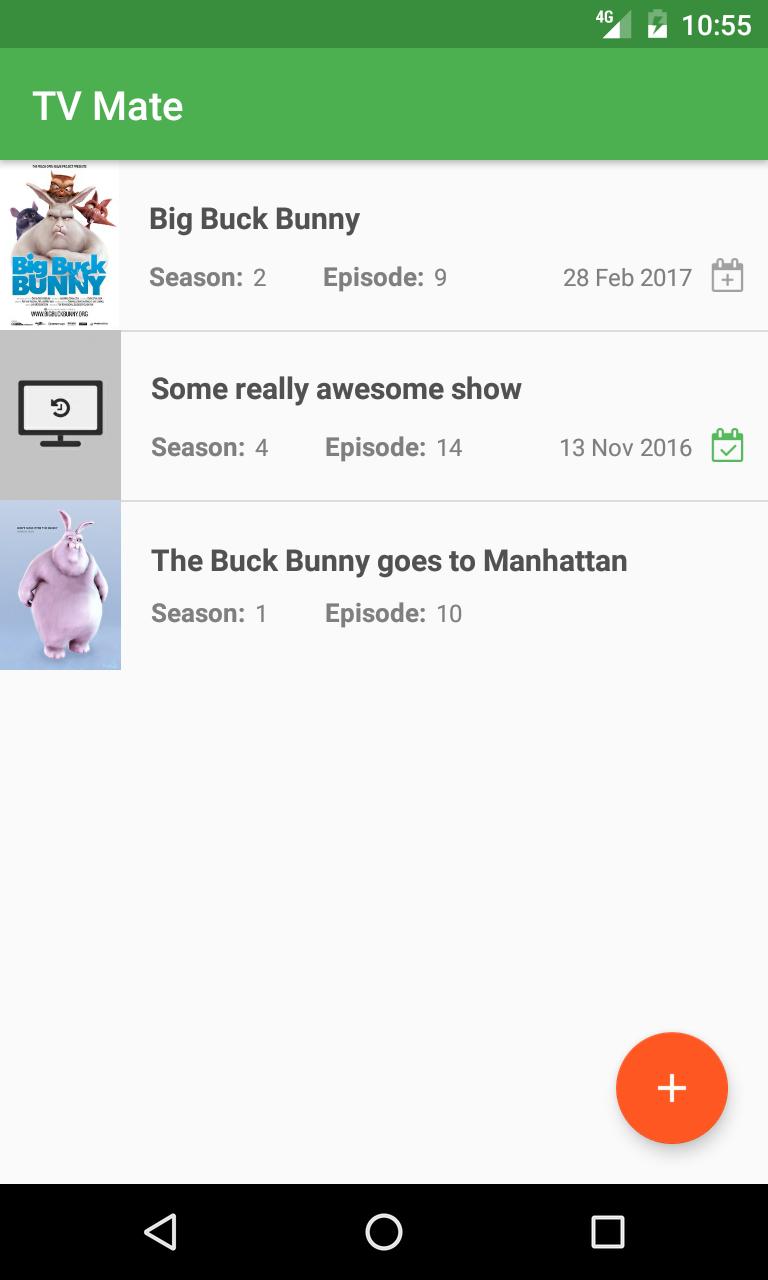
- Search for your favorite TV shows and add them to your show list
- Know when the next episode for the show is coming out (US/Original country air date)
- After watching an episode tap '+' so that you know exactly where you are next time
- Keep track of what episode you have watched up to so you never have to forget and re-watch the wrong episode
- See beautiful posters about the show and an episode summary if available
New!
- Air date of the next episode! (Green - already available, Gray - future date)
- More features and enhancements coming soon!
This app does not let you watch shows from within the app, it is for keeping track of the shows you watch.
Note: Episode summary and posters where available have been obtained using the TV Maze API and are licensed CC BY-SA (Creative Commons Attribution-ShareAlike 4.0).
Big Buck Bunny posters used in screenshots are licensed under Creative Commons Attribution 3.0 license by the Blender Foundation. https://peach.blender.org/about/
Preview
Tags
EntertainmentInformation
Developer
lahsrah apps
Latest Version
1.1.31
Last Updated
2021-03-06
Category
Entertainment
Available on
Google Play
Show More
How to play TV Mate - TV Show Tracker with GameLoop on PC
1. Download GameLoop from the official website, then run the exe file to install GameLoop
2. Open GameLoop and search for “TV Mate - TV Show Tracker” , find TV Mate - TV Show Tracker in the search results and click “Install”
3. Enjoy playing TV Mate - TV Show Tracker on GameLoop
Minimum requirements
OS
Windows 8.1 64-bit or Windows 10 64-bit
GPU
GTX 1050
CPU
i3-8300
Memory
8GB RAM
Storage
1GB available space
Recommended requirements
OS
Windows 8.1 64-bit or Windows 10 64-bit
GPU
GTX 1050
CPU
i3-9320
Memory
16GB RAM
Storage
1GB available space