TV Head Skins for Minecraft PC
Skin Index Lab
Download TV Head Skins for Minecraft on PC With GameLoop Emulator
TV Head Skins for Minecraft on PC
TV Head Skins for Minecraft, coming from the developer Skin Index Lab, is running on Android systerm in the past.
Now, You can play TV Head Skins for Minecraft on PC with GameLoop smoothly.
Download it in the GameLoop library or search results. No more eyeing the battery or frustrating calls at the wrong time any more.
Just enjoy TV Head Skins for Minecraft PC on the large screen for free!
TV Head Skins for Minecraft Introduction
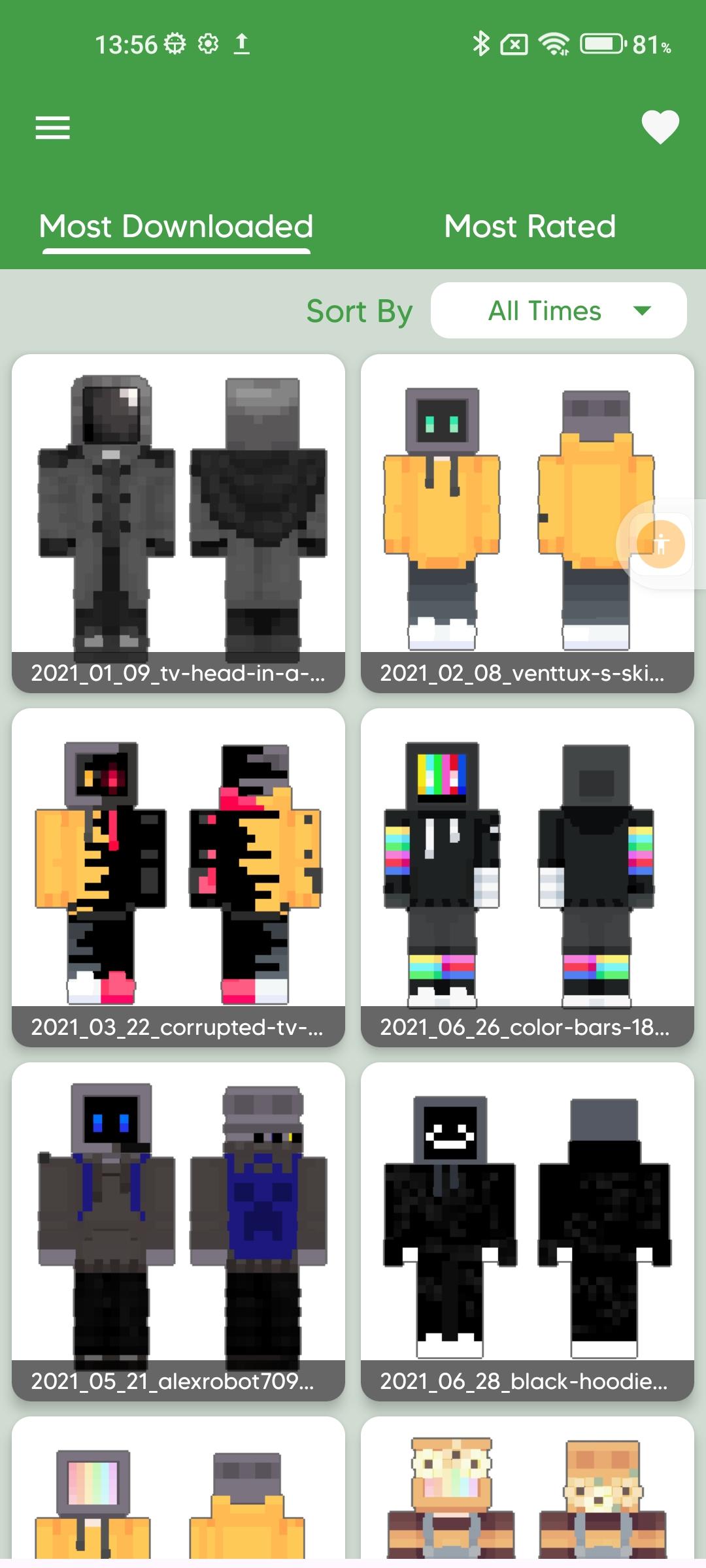
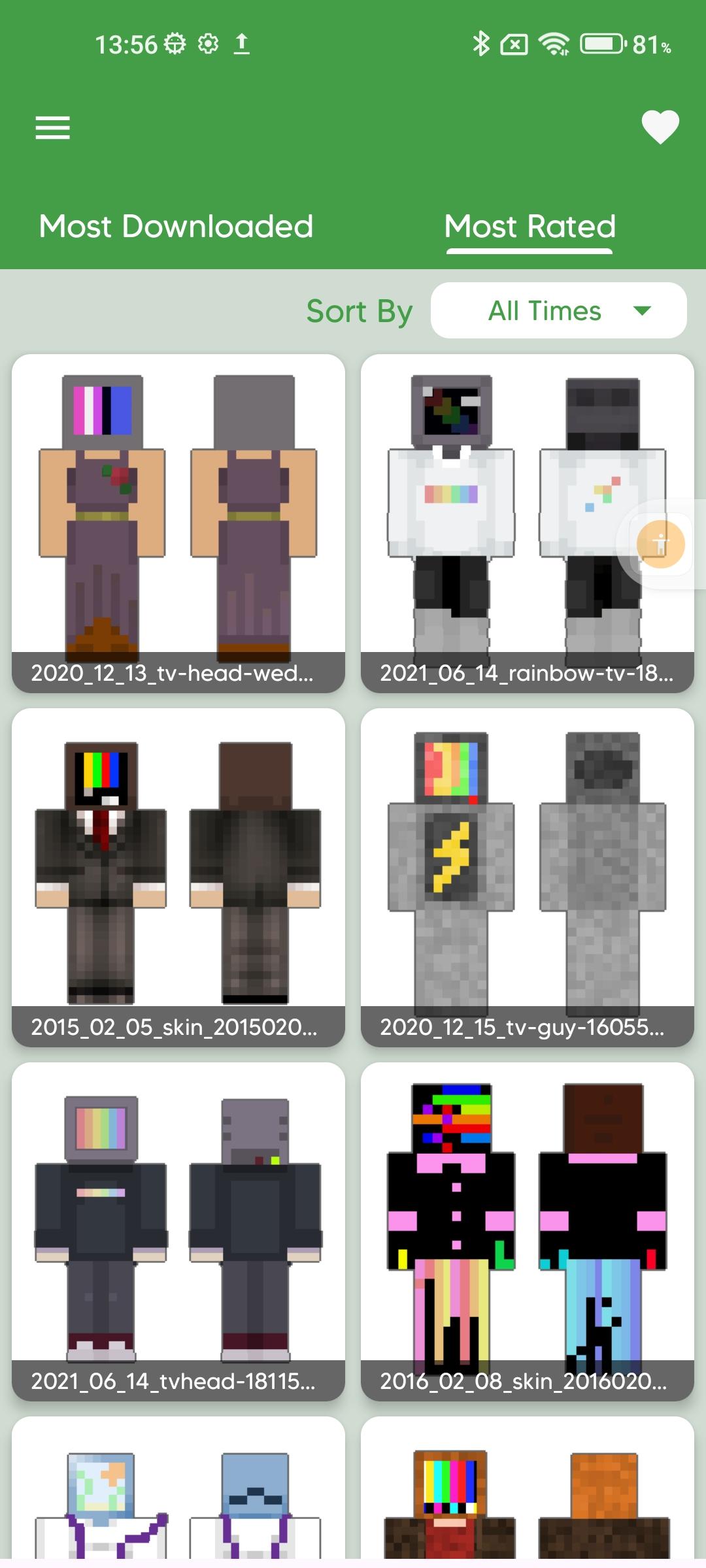
TV Head Skin for Minecraft is a captivating mobile app designed for Minecraft enthusiasts seeking a unique and eye-catching aesthetic for their in-game characters. This innovative application offers a diverse collection of television-inspired skins, allowing players to transform their Minecraft avatars into characters with television sets as heads.
Immerse yourself in a world of creativity as you explore an extensive library of TV-themed skins, ranging from retro tube TVs to sleek, modern flat screens. Express your individuality and stand out in the Minecraft universe with this app's meticulously crafted designs, each bringing a touch of whimsy and originality to your gameplay.
The TV Head Skin for Minecraft app boasts user-friendly navigation, enabling effortless customization and seamless integration into the Minecraft platform. Whether you're a casual player or a seasoned builder, this app adds a fun and quirky dimension to your virtual persona, ensuring you turn heads as you navigate through the pixelated landscapes of Minecraft.
Unlock a new level of personalization and share your TV-headed creations with fellow Minecraft enthusiasts. Elevate your gaming experience and make a bold statement with the TV Head Skin for Minecraft app – where creativity meets virtual reality!
⚠️ Disclaimer: ⚠️
Please note that this is an unofficial application for Minecraft™ Pocket Edition. This application is in no way affiliated with Mojang AB. Minecraft™, the Minecraft™ trademark, and Minecraft™ assets are the property of Mojang AB or its respected owner. All rights reserved. According to http://account.mojang.com/documents/brand_guidelines
Preview
Tags
EntertainmentInformation
Developer
Skin Index Lab
Latest Version
1.2
Last Updated
2025-07-08
Category
Entertainment
Available on
Google Play
Show More
How to play TV Head Skins for Minecraft with GameLoop on PC
1. Download GameLoop from the official website, then run the exe file to install GameLoop
2. Open GameLoop and search for “TV Head Skins for Minecraft” , find TV Head Skins for Minecraft in the search results and click “Install”
3. Enjoy playing TV Head Skins for Minecraft on GameLoop
Minimum requirements
OS
Windows 8.1 64-bit or Windows 10 64-bit
GPU
GTX 1050
CPU
i3-8300
Memory
8GB RAM
Storage
1GB available space
Recommended requirements
OS
Windows 8.1 64-bit or Windows 10 64-bit
GPU
GTX 1050
CPU
i3-9320
Memory
16GB RAM
Storage
1GB available space