Tiny Pop PC
CSC Media Group Ltd
Download Tiny Pop on PC With GameLoop Emulator
Tiny Pop on PC
Tiny Pop, coming from the developer CSC Media Group Ltd, is running on Android systerm in the past.
Now, You can play Tiny Pop on PC with GameLoop smoothly.
Download it in the GameLoop library or search results. No more eyeing the battery or frustrating calls at the wrong time any more.
Just enjoy Tiny Pop PC on the large screen for free!
Tiny Pop Introduction
Our new Tiny Pop TV app is the place for fun and adventure with your favourite Tiny Pop characters. It’s easy to watch episodes, play games and get creative with the ArtPad for a chance to see your artwork on TV!
FEATURES
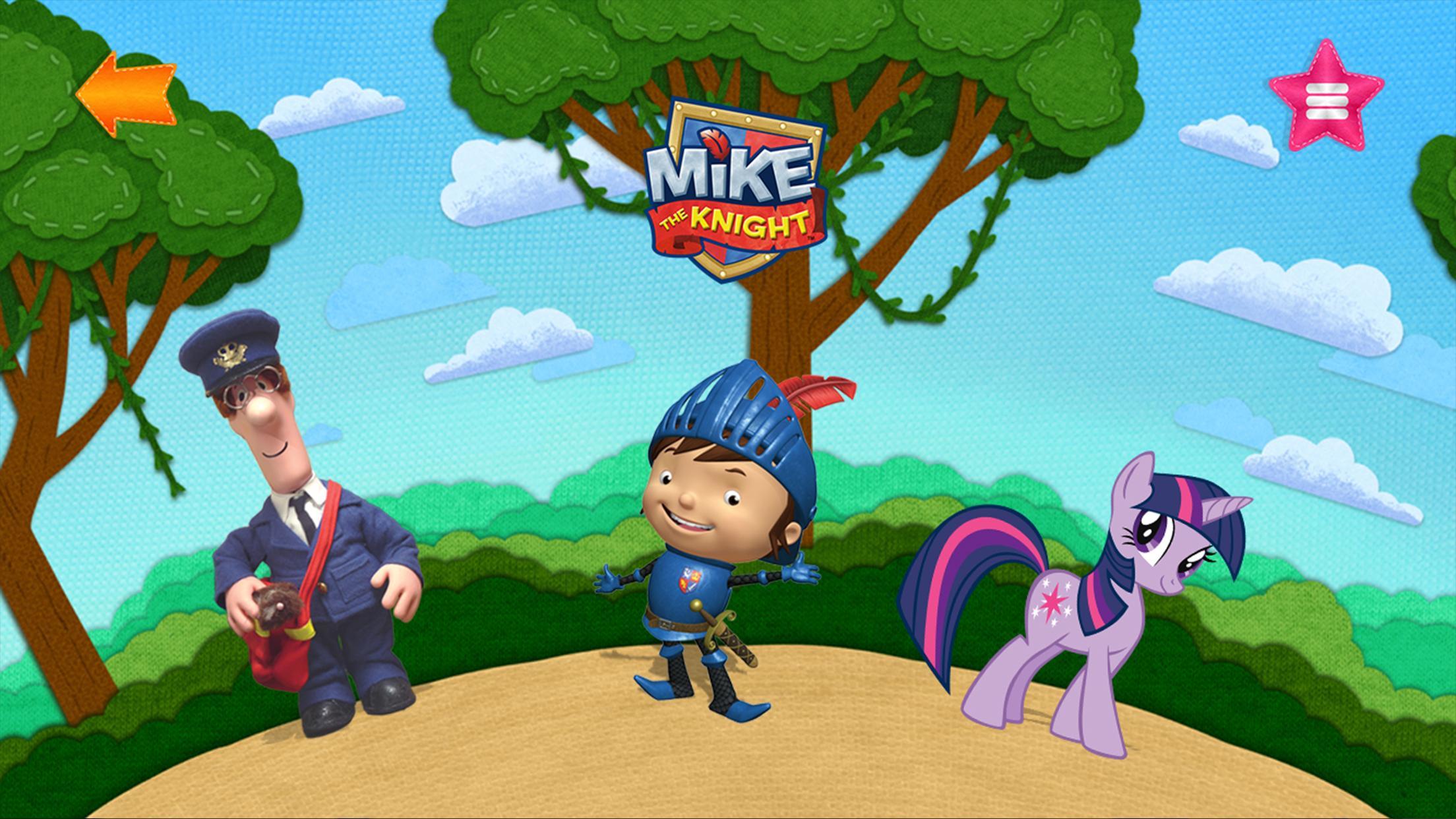
- Select a character on the carousel to watch full episodes of Tiny Pop shows including Postman Pat, My Little Pony and Mike the Knight
- Play a range of fun games with the best Tiny Pop characters – the more games you play, the more stickers you can win to use in the ArtPad
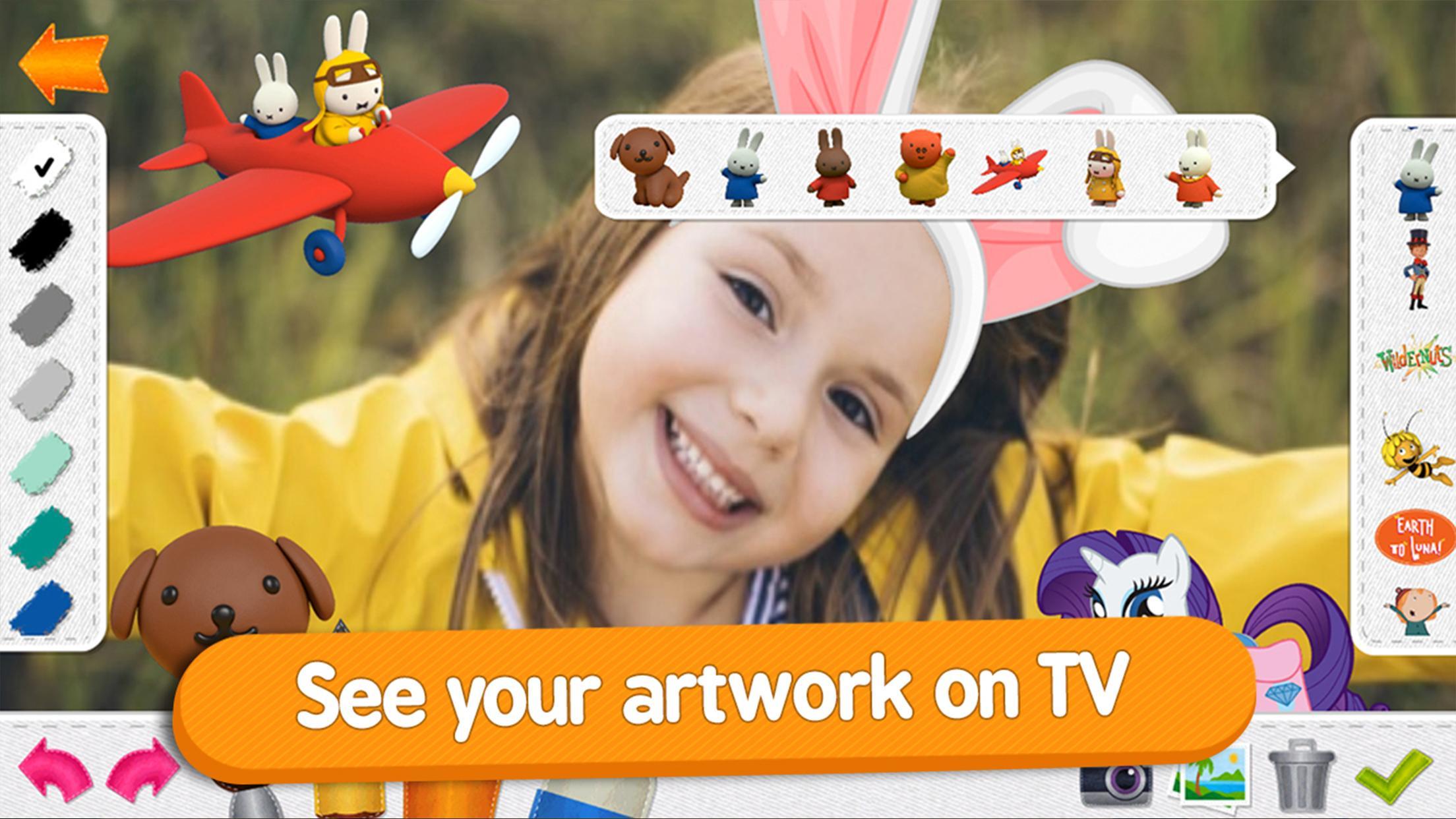
- Use the ArtPad to draw, paint, take photos and make funny faces with the stickers you earn as you play
- Submit your masterpiece for a chance to see your picture on our TV channel, Tiny Pop!
WATCH EPISODES
We’ve picked some of our favourite Tiny Pop shows for you and your child to enjoy:
• Postman Pat
• My Little Pony
• Mike the Knight
• Miffy’s Adventures Big and Small
• Toby’s Travelling Circus
• Wildernuts
• Maya the Bee
• Justin Time
• Earth to Luma
• Peg + Cat
• Tip the Mouse
• Milly, Molly
• Chirp
• The Adventures of Chuck and Friends
• Ella the Elephant
• The Adventures of Napkin Man
• Harry and his Bucket of Dinosaurs
• Joe and Jack
• I’m a Dinosaur and I’m a Creepy Crawly
• Learn to Dance and Learn to Make
PLAY GAMES AND EARN REWARDS
For every game your child completes they will win a sticker to use in the ArtPad, there are +100 to collect, from silly hairstyles to your favourite characters, meaning it’s fun and rewarding to play.
SEE YOUR ARTWORK ON TV!
Not only can your children watch and play, but they can also get creative with the ArtPad. Using different tools, their own photos and of course the +100 stickers, they can create their own masterpieces in a fun and inspiring way.
Submit their creations using your four-digit PIN and you could even see your little one’s artwork on our TV channel – Tiny Pop!
A SAFE ENVIRONMENT FOR KIDS
As parents ourselves, we appreciate that like us you want your child to remain in a safe environment. That’s why we’ve included a four-digit parental guidance PIN within the app, preventing your child from submitting any artwork or visiting another app without your permission.
TINY POP – THE TV CHANNEL
We’re all about big imagination at Tiny Pop, from the magical kingdom of My Little Pony to adventures with Mike the Knight. When it’s Cuddle Time, sit back with your little one and enjoy Miffy’s Adventures Big and Small, Maya the Bee or Postman Pat.
FIND US ON
Freeview 126, Sky 617, Freesat 605 and Virgin 737
GET IN TOUCH
We’re always trying to make improvements, if you have any feedback on the app we’d love to hear it.
Contact us at info@tinypop.com
Terms of Use: http://www.tinypop.com/special/terms-and-conditions
Preview
Information
Developer
CSC Media Group Ltd
Latest Version
2
Last Updated
2017-08-02
Category
Entertainment
Available on
Google Play
Show More
How to play Tiny Pop with GameLoop on PC
1. Download GameLoop from the official website, then run the exe file to install GameLoop
2. Open GameLoop and search for “Tiny Pop” , find Tiny Pop in the search results and click “Install”
3. Enjoy playing Tiny Pop on GameLoop
Minimum requirements
OS
Windows 8.1 64-bit or Windows 10 64-bit
GPU
GTX 1050
CPU
i3-8300
Memory
8GB RAM
Storage
1GB available space
Recommended requirements
OS
Windows 8.1 64-bit or Windows 10 64-bit
GPU
GTX 1050
CPU
i3-9320
Memory
16GB RAM
Storage
1GB available space