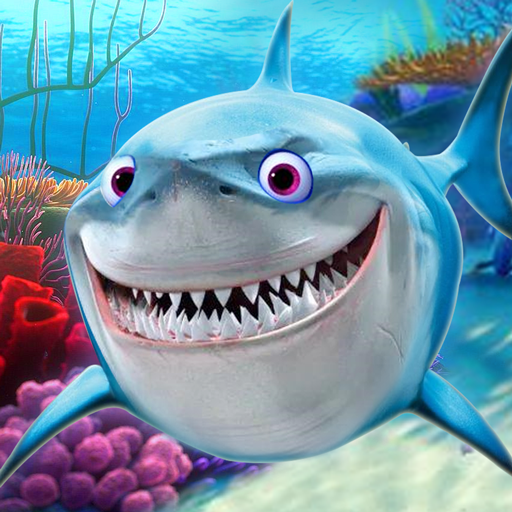
Talking Shark PC
Funny Talking
Download Talking Shark on PC With GameLoop Emulator
Talking Shark on PC
Talking Shark, coming from the developer Funny Talking, is running on Android systerm in the past.
Now, You can play Talking Shark on PC with GameLoop smoothly.
Download it in the GameLoop library or search results. No more eyeing the battery or frustrating calls at the wrong time any more.
Just enjoy Talking Shark PC on the large screen for free!
Talking Shark Introduction
Meet Talking Shark — the friendly, goofy-grinning shark from your own underwater adventure.
Swim through a colorful sea, explore the beach, and enjoy a playful shark game packed with funny reactions, feeding time, and mini games.
A TALKING SHARK YOU CAN PLAY WITH
Talking Shark is a fun ocean virtual pet game where your shark responds with a silly voice and charming animations.
Speak, tap, and interact to see what your shark does next.
CHOOSE YOUR FAVORITE SHARK
Pick the style you love and jump into the water:
- Great White shark for big, bold vibes
- Cute small shark for extra “aww” moments
- Customize your shark’s look with different features
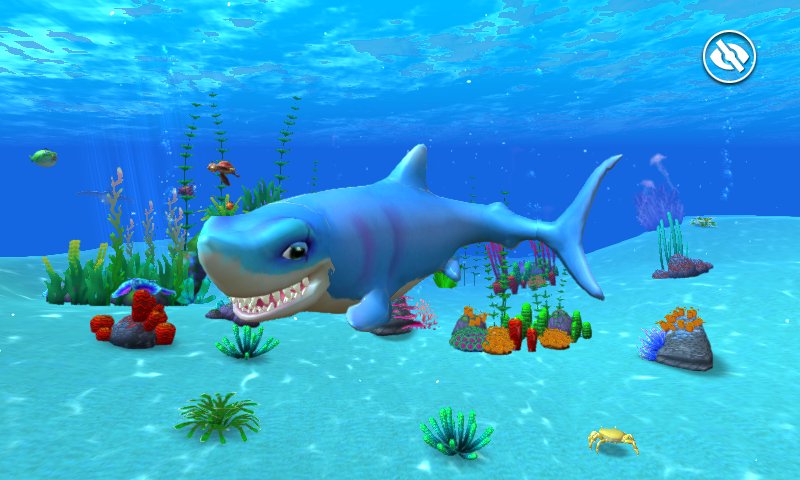
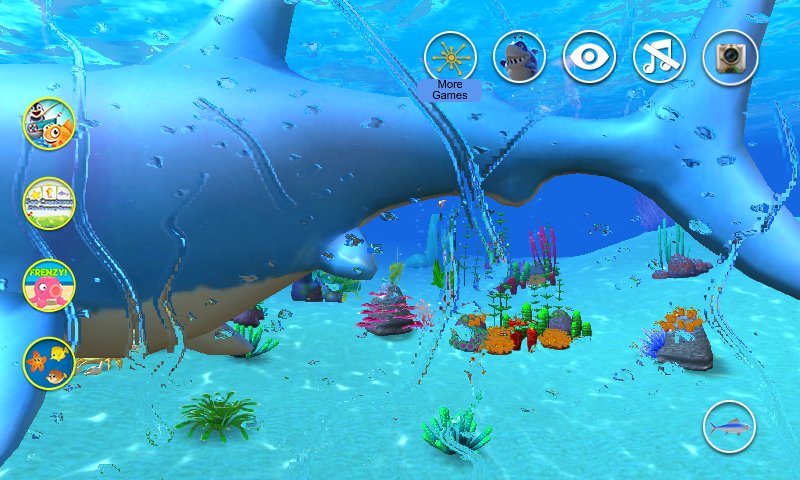
A BRIGHT 3D OCEAN WORLD
Dive into a lively sea-and-beach environment filled with ocean life:
- Sea plants and colorful corals
- Aquatic animals like turtle, clownfish, jellyfish, and more
- Watch your shark swim along the ocean floor and patrol the reef
FEED, TAP, AND DISCOVER SURPRISES
Play your way, anytime:
- Feed your shark and enjoy adorable reactions
- Watch swimming and hunting moments in the ocean
- Tap or poke the head, body, or tail to trigger fun animations
- Relax with easy, family-friendly shark fun
MINI GAMES + COLLECTION FUN
Keep the adventure going beyond the water:
- Play mini games for quick, repeatable fun
- Collect different cute sharks and grow your ocean crew
If you love shark games, ocean games, talking animal games, or virtual pet games, Talking Shark is ready to make you smile.
Download now and dive in!
Preview
Tags
EntertainmentInformation
Developer
Funny Talking
Latest Version
4.7
Last Updated
Yesterday
Category
Entertainment
Available on
Google Play
Show More
How to play Talking Shark with GameLoop on PC
1. Download GameLoop from the official website, then run the exe file to install GameLoop
2. Open GameLoop and search for “Talking Shark” , find Talking Shark in the search results and click “Install”
3. Enjoy playing Talking Shark on GameLoop
Minimum requirements
OS
Windows 8.1 64-bit or Windows 10 64-bit
GPU
GTX 1050
CPU
i3-8300
Memory
8GB RAM
Storage
1GB available space
Recommended requirements
OS
Windows 8.1 64-bit or Windows 10 64-bit
GPU
GTX 1050
CPU
i3-9320
Memory
16GB RAM
Storage
1GB available space