
Talking Baby Games with Babsy PC
Kaufcom Games Apps Widgets
Download Talking Baby Games with Babsy on PC With GameLoop Emulator
Talking Baby Games with Babsy on PC
Talking Baby Games with Babsy, coming from the developer Kaufcom Games Apps Widgets, is running on Android systerm in the past.
Now, You can play Talking Baby Games with Babsy on PC with GameLoop smoothly.
Download it in the GameLoop library or search results. No more eyeing the battery or frustrating calls at the wrong time any more.
Just enjoy Talking Baby Games with Babsy PC on the large screen for free!
Talking Baby Games with Babsy Introduction
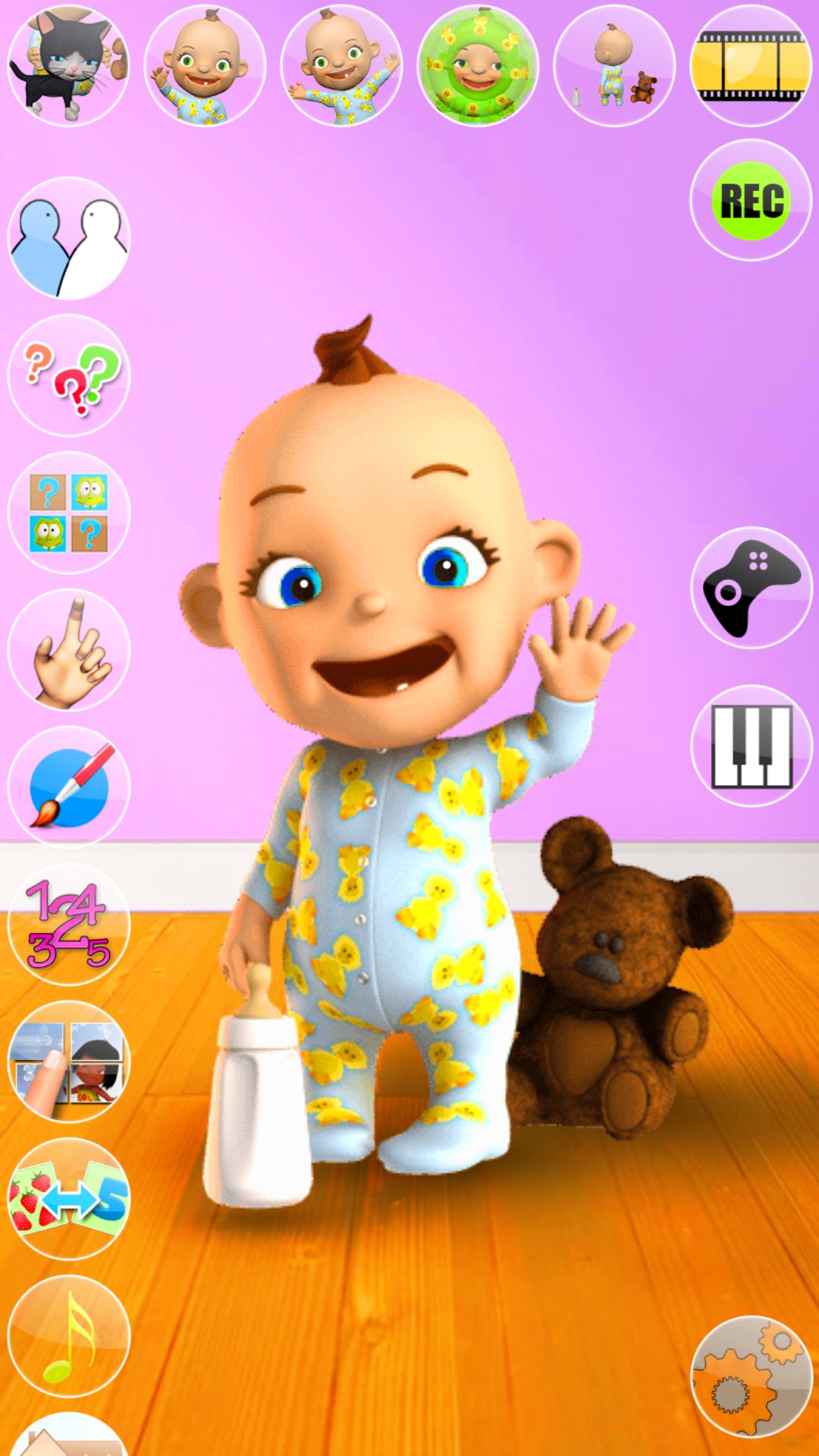
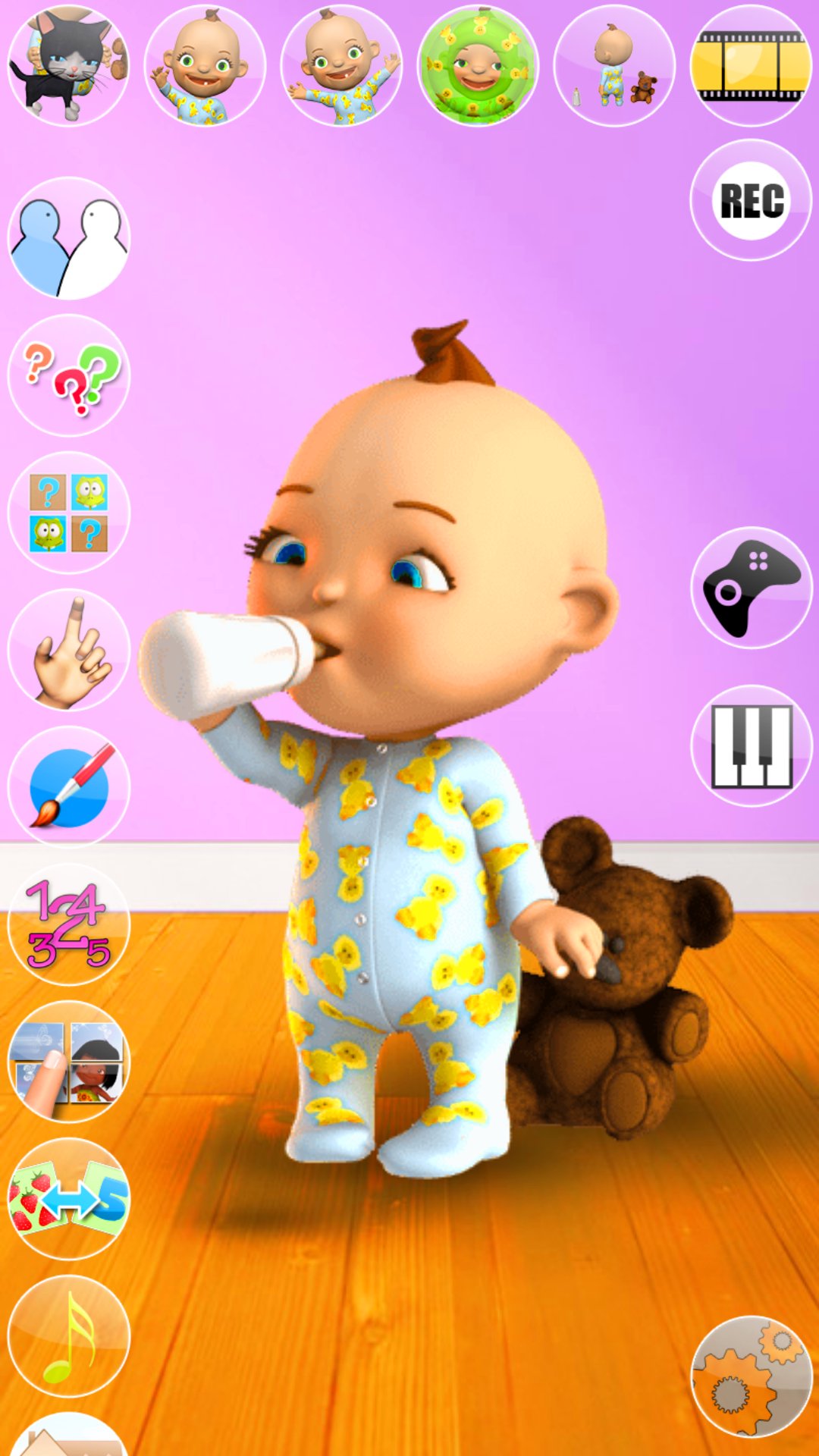
Meet the sweet talking Babsy Baby and enjoy a wonderful time as you care for her in this interactive 3D world! 👶
Just talk to Babsy and she will repeat everything with her funny voice or react to your touch. As a little baby taking her first steps, she needs your loving care, so feed her, play the piano, and calm her when she cries. Explore high-quality graphics and enjoy many exciting games with different levels as you get to know her closer. 🍼✨
Features:
- Cool voice interaction where Babsy repeats everything you say
- Loving care activities like feeding and calming the baby
- High quality 3D graphics and funny character animations
- Interactive piano to play music with the baby
- Many exciting games with multiple levels to enjoy
Spend some time with sweet Babsy, listen to her funny voice, and give her all the loving care she needs today! 🍼
Preview
Tags
EntertainmentCasualInformation
Developer
Kaufcom Games Apps Widgets
Latest Version
9.6.17
Last Updated
2026-08-26
Category
Entertainment
Available on
Google Play
Show More
How to play Talking Baby Games with Babsy with GameLoop on PC
1. Download GameLoop from the official website, then run the exe file to install GameLoop
2. Open GameLoop and search for “Talking Baby Games with Babsy” , find Talking Baby Games with Babsy in the search results and click “Install”
3. Enjoy playing Talking Baby Games with Babsy on GameLoop
Minimum requirements
OS
Windows 8.1 64-bit or Windows 10 64-bit
GPU
GTX 1050
CPU
i3-8300
Memory
8GB RAM
Storage
1GB available space
Recommended requirements
OS
Windows 8.1 64-bit or Windows 10 64-bit
GPU
GTX 1050
CPU
i3-9320
Memory
16GB RAM
Storage
1GB available space