Fortuna PC
Elytra
Download Fortuna on PC With GameLoop Emulator
Fortuna on PC
Fortuna, coming from the developer Elytra, is running on Android systerm in the past.
Now, You can play Fortuna on PC with GameLoop smoothly.
Download it in the GameLoop library or search results. No more eyeing the battery or frustrating calls at the wrong time any more.
Just enjoy Fortuna PC on the large screen for free!
Fortuna Introduction
Fortuna is a puzzle game where Fortuna meets strategy right from the start. When you download Fortuna app, you enter a challenge that blends luck with tactical thinking. Every match feels fresh, thanks to random boards and shuffled tiles that keep you engaged.
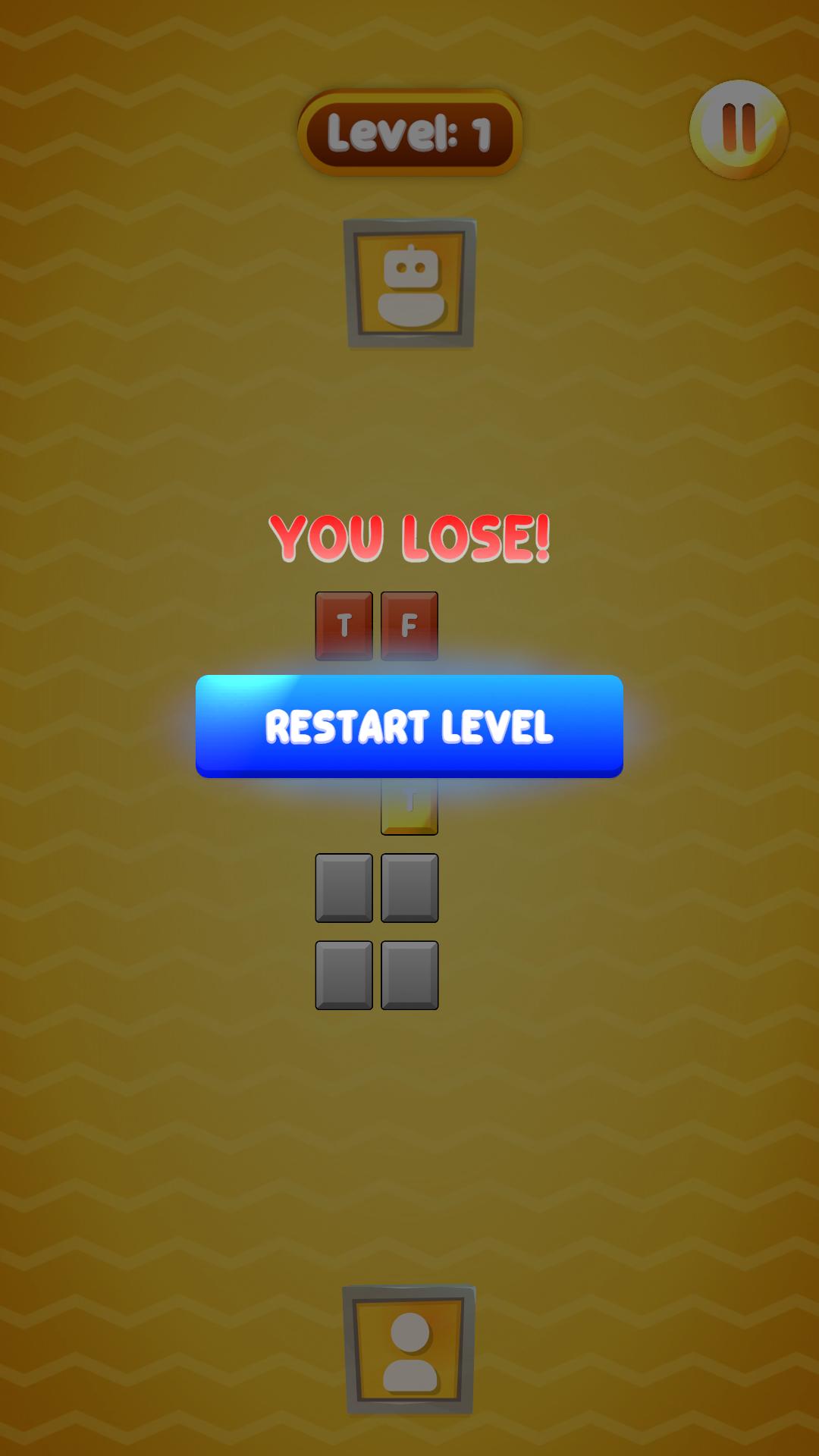
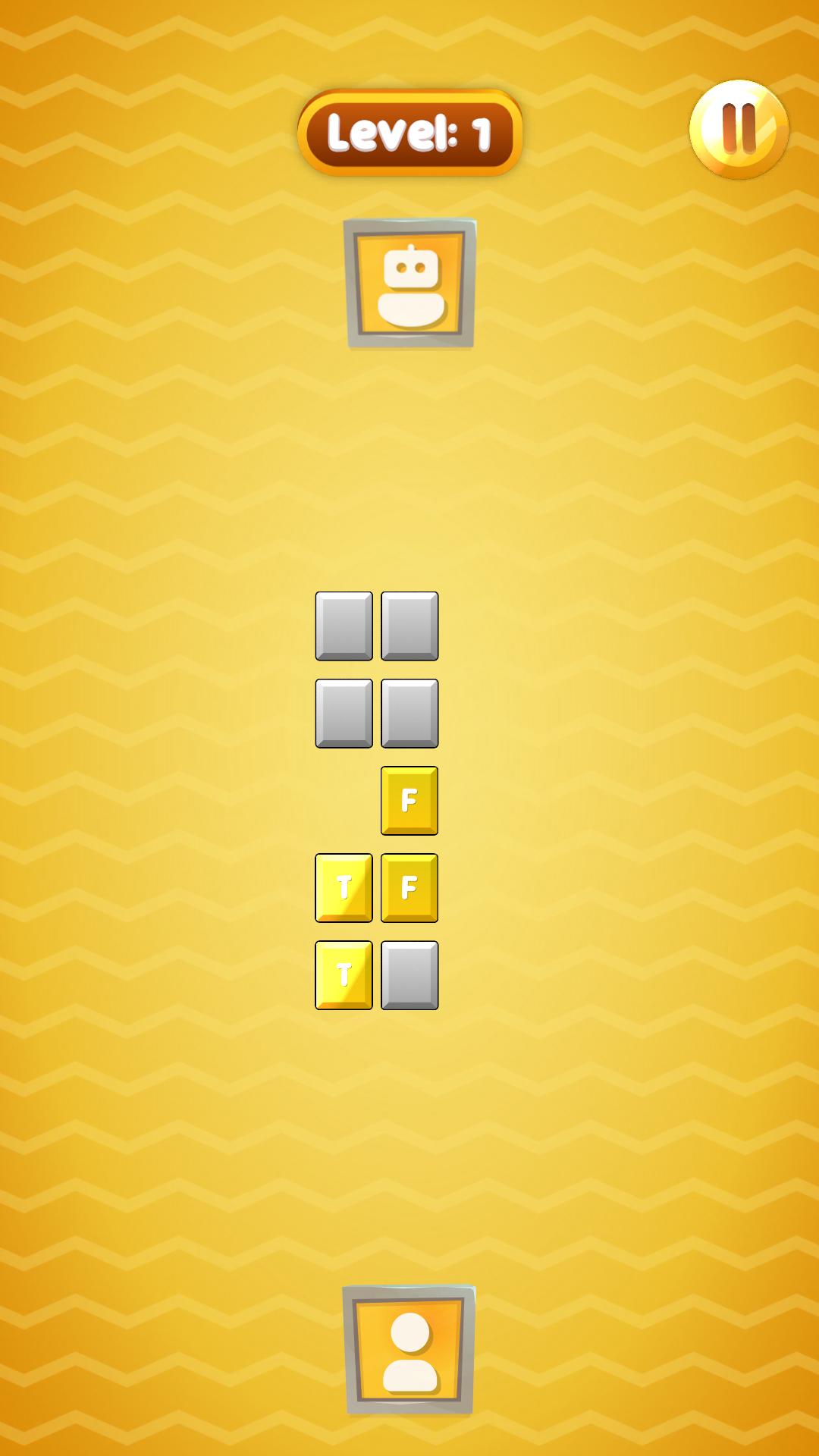
In each round, you face an opponent by sorting letter tiles that spell out FORTUNA. Both sides start with the same number of pieces, but their order is randomized, making the game unpredictable. To decide who begins, the wheel of fortune spins and grants the first move, creating suspense before the real action begins.
The rules are clear: place the free tile into one of the available columns. This move pushes out the lowest tile, which becomes the new free piece. If the piece belongs to you, you continue; if it belongs to your rival, the turn passes to them. This simple cycle leads to constant decisions where skill and intuition go hand in hand.
What makes the Fortuna app special is the mix of easy mechanics with strategic depth. Game boards can range from 2x2 to 7x7 in size, and they are not limited to squares. That variety changes the number of tile types and ensures that every match feels different.
The interface is clean and minimalistic. Avatars mark you and your opponent, the start screen invites with "tap to start," and the pause panel lets you control sound, music, or restart. When a round ends, the result screen shows win or lose, and you can jump to the next challenge without delay.
Fortuna is designed for quick play sessions that fit your lifestyle. You can enjoy a single round during a short break or play longer series to test your consistency. Random boards add the thrill of chance, while smart choices always move you closer to victory.
If you want a puzzle that combines the excitement of chance with the satisfaction of planning ahead, Fortuna is your choice. Enjoy the atmosphere of an online duel, let the wheel surprise you, and prove your skills.
Download Fortuna app today and step into a puzzle world where luck and strategy unite.
Preview
Tags
EntertainmentInformation
Developer
Elytra
Latest Version
2.0.0
Last Updated
2025-09-10
Category
Entertainment
Available on
Google Play
Show More
How to play Fortuna with GameLoop on PC
1. Download GameLoop from the official website, then run the exe file to install GameLoop
2. Open GameLoop and search for “Fortuna” , find Fortuna in the search results and click “Install”
3. Enjoy playing Fortuna on GameLoop
Minimum requirements
OS
Windows 8.1 64-bit or Windows 10 64-bit
GPU
GTX 1050
CPU
i3-8300
Memory
8GB RAM
Storage
1GB available space
Recommended requirements
OS
Windows 8.1 64-bit or Windows 10 64-bit
GPU
GTX 1050
CPU
i3-9320
Memory
16GB RAM
Storage
1GB available space