
Real Machine Gun Sounds PC
Crown Banana Studio
Download Real Machine Gun Sounds on PC With GameLoop Emulator
Real Machine Gun Sounds on PC
Real Machine Gun Sounds, coming from the developer Crown Banana Studio, is running on Android systerm in the past.
Now, You can play Real Machine Gun Sounds on PC with GameLoop smoothly.
Download it in the GameLoop library or search results. No more eyeing the battery or frustrating calls at the wrong time any more.
Just enjoy Real Machine Gun Sounds PC on the large screen for free!
Real Machine Gun Sounds Introduction
Real Machine Gun Sounds app offers you large collection shots sounds from different types of guns and weapons.
The machine gun button is made for many uses.
The sound of guns and weapons is very professional so it fits anywhere!
Real Machine Gun Sounds app is a collection of shots sounds from different types of weapons. This collection of sounds of shots guns will suit everyone who is interested in weapons types.
★ Realistic gun firing sound effects.
★ Easy to choose different weapons sounds.
★ Real weapon sounds .
★ Download and install Real Machine Gun Sounds app. Choose weapons and play with the friends.
★ Great Sound Effects
✪✪ How to Install app ✪✪
① Download it from our store.
② Click button play.
③ Open.
④ Choose ringtone.
⑤ Play and enjoy.
♪♪♪ APP FEATURES ♪♪♪
● 100% free
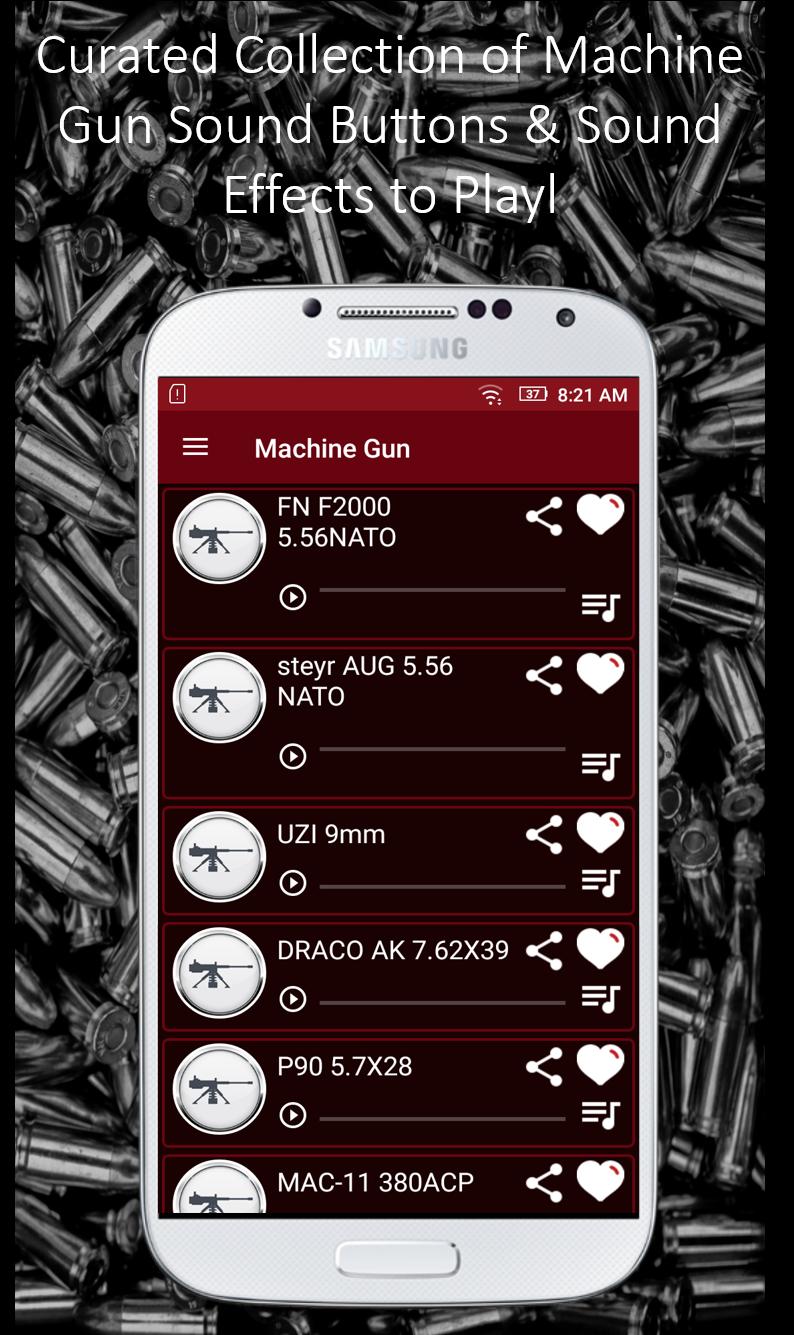
● Curated collection of machine gun sound buttons & sound effects to play
● Play sounds without Wi-Fi. Listen to sounds from your library offline!!
● Share sounds on Instagram, Snapchat, Twitter, Facebook, Messenger and iMessage!
● Set it as a Alarm Notification
● Set it as a SMS alert notification.
● Set it as Ringtone!
● Mark favorites
Need a machine gun effect? Just press the button to blast a very good quality sound effect!.
Download Real Machine Gun Sounds app for free!
Preview
Tags
EntertainmentInformation
Developer
Crown Banana Studio
Latest Version
1.0
Last Updated
2020-07-04
Category
Entertainment
Available on
Google Play
Show More
How to play Real Machine Gun Sounds with GameLoop on PC
1. Download GameLoop from the official website, then run the exe file to install GameLoop
2. Open GameLoop and search for “Real Machine Gun Sounds” , find Real Machine Gun Sounds in the search results and click “Install”
3. Enjoy playing Real Machine Gun Sounds on GameLoop
Minimum requirements
OS
Windows 8.1 64-bit or Windows 10 64-bit
GPU
GTX 1050
CPU
i3-8300
Memory
8GB RAM
Storage
1GB available space
Recommended requirements
OS
Windows 8.1 64-bit or Windows 10 64-bit
GPU
GTX 1050
CPU
i3-9320
Memory
16GB RAM
Storage
1GB available space