
TV Brasil ao Vivo PC
RafaApps
Download TV Brasil ao Vivo on PC With GameLoop Emulator
TV Brasil ao Vivo on PC
TV Brasil ao Vivo, coming from the developer RafaApps, is running on Android systerm in the past.
Now, You can play TV Brasil ao Vivo on PC with GameLoop smoothly.
Download it in the GameLoop library or search results. No more eyeing the battery or frustrating calls at the wrong time any more.
Just enjoy TV Brasil ao Vivo PC on the large screen for free!
TV Brasil ao Vivo Introduction
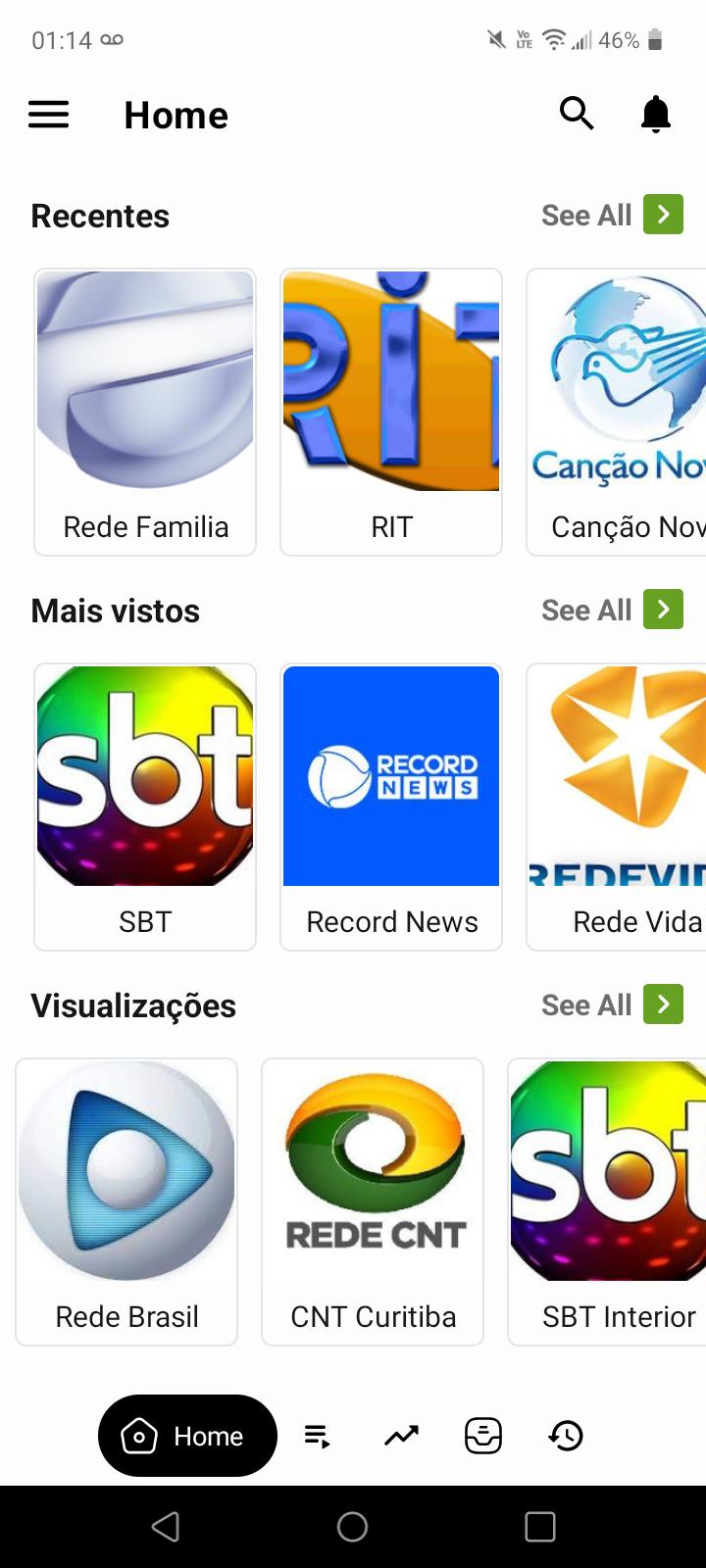
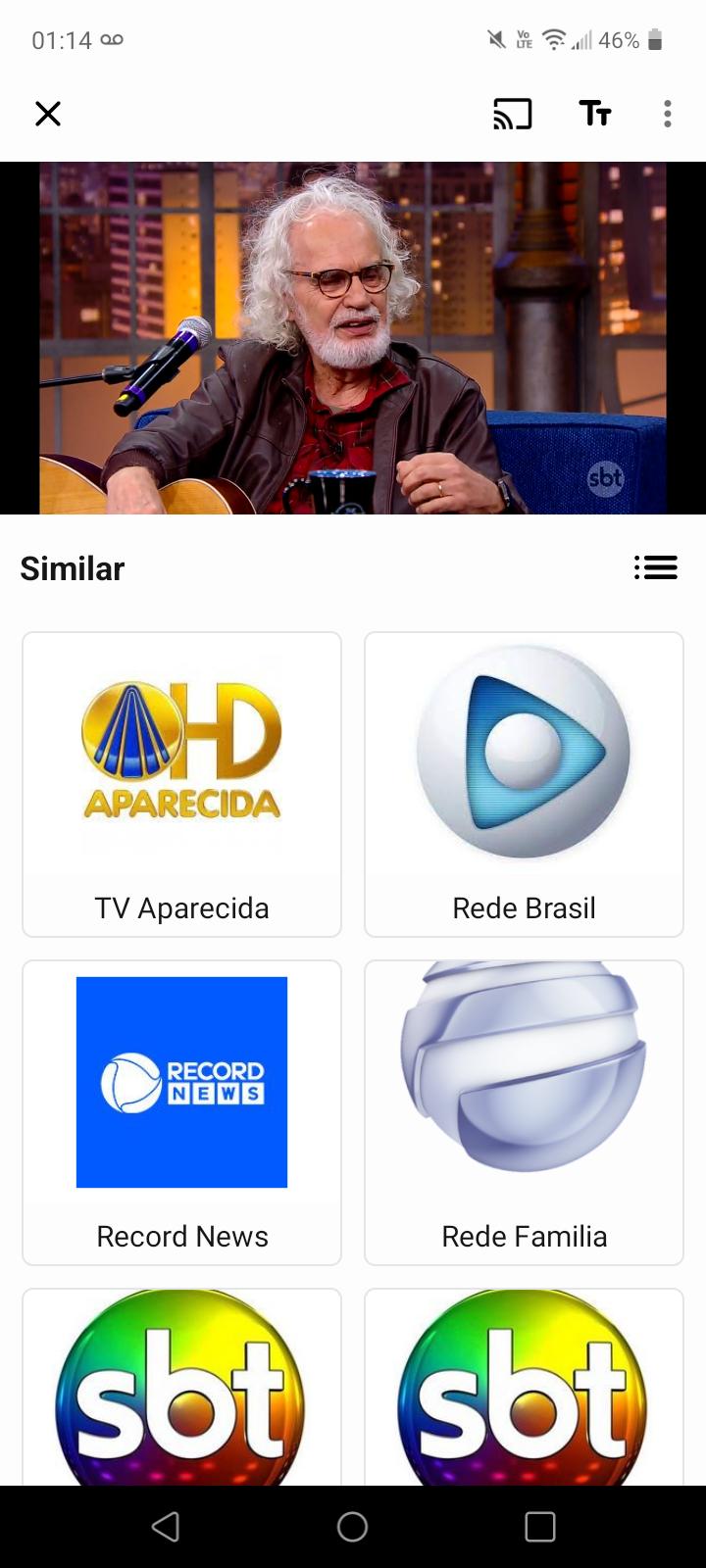
Watch open TV channels. Ideal player to watch free open TV in Brazil. All channels are FREE. You can watch TV programs while traveling, in line, at home - online TV is always with you! Watching TV online on mobile anywhere has never been easier.
REASONS TO DOWNLOAD “TV BRASIL”:
- Watch TV with the whole family - on your smartphone, tablet, PC and Smart TV;
- Great image and sound, even at low settings;
- Installation does not take up much memory;
- Searching and changing TV channels online is easy! You can add your favorite TV channel to Favorites.
Note according to DMCA:
Digital Millennium Copyright Law – the TV Brasil application only facilitates the demonstration of public TV channels from around the world, allowing users to access the "live" air of the channels, whose agreements with the operator
TV Brasil were signed by both parties. No instances of "pirated" content or links to external pages are present on the service. The channel list depends on the user's country.
Preview
Tags
EntertainmentInformation
Developer
RafaApps
Latest Version
1.0.0
Last Updated
2023-03-01
Category
Entertainment
Available on
Google Play
Show More
How to play TV Brasil ao Vivo with GameLoop on PC
1. Download GameLoop from the official website, then run the exe file to install GameLoop
2. Open GameLoop and search for “TV Brasil ao Vivo” , find TV Brasil ao Vivo in the search results and click “Install”
3. Enjoy playing TV Brasil ao Vivo on GameLoop
Minimum requirements
OS
Windows 8.1 64-bit or Windows 10 64-bit
GPU
GTX 1050
CPU
i3-8300
Memory
8GB RAM
Storage
1GB available space
Recommended requirements
OS
Windows 8.1 64-bit or Windows 10 64-bit
GPU
GTX 1050
CPU
i3-9320
Memory
16GB RAM
Storage
1GB available space