Ninja Skins Mod Minecraft PC
Jo MCPE Games Mod Craft
Download Ninja Skins Mod Minecraft on PC With GameLoop Emulator
Ninja Skins Mod Minecraft on PC
Ninja Skins Mod Minecraft, coming from the developer Jo MCPE Games Mod Craft, is running on Android systerm in the past.
Now, You can play Ninja Skins Mod Minecraft on PC with GameLoop smoothly.
Download it in the GameLoop library or search results. No more eyeing the battery or frustrating calls at the wrong time any more.
Just enjoy Ninja Skins Mod Minecraft PC on the large screen for free!
Ninja Skins Mod Minecraft Introduction
(Naruto) - new MCPE Mod addon - Minecraft Craft World game
The Naruto anime universe has gained immense popularity around the world.
The story of the boy everyone hated touched people's souls.
According to the plot, Naruto is a loser who had the goal of becoming Hokage - the head of the village.
After many difficult trials, he still manages to make friends and achieve his goal.
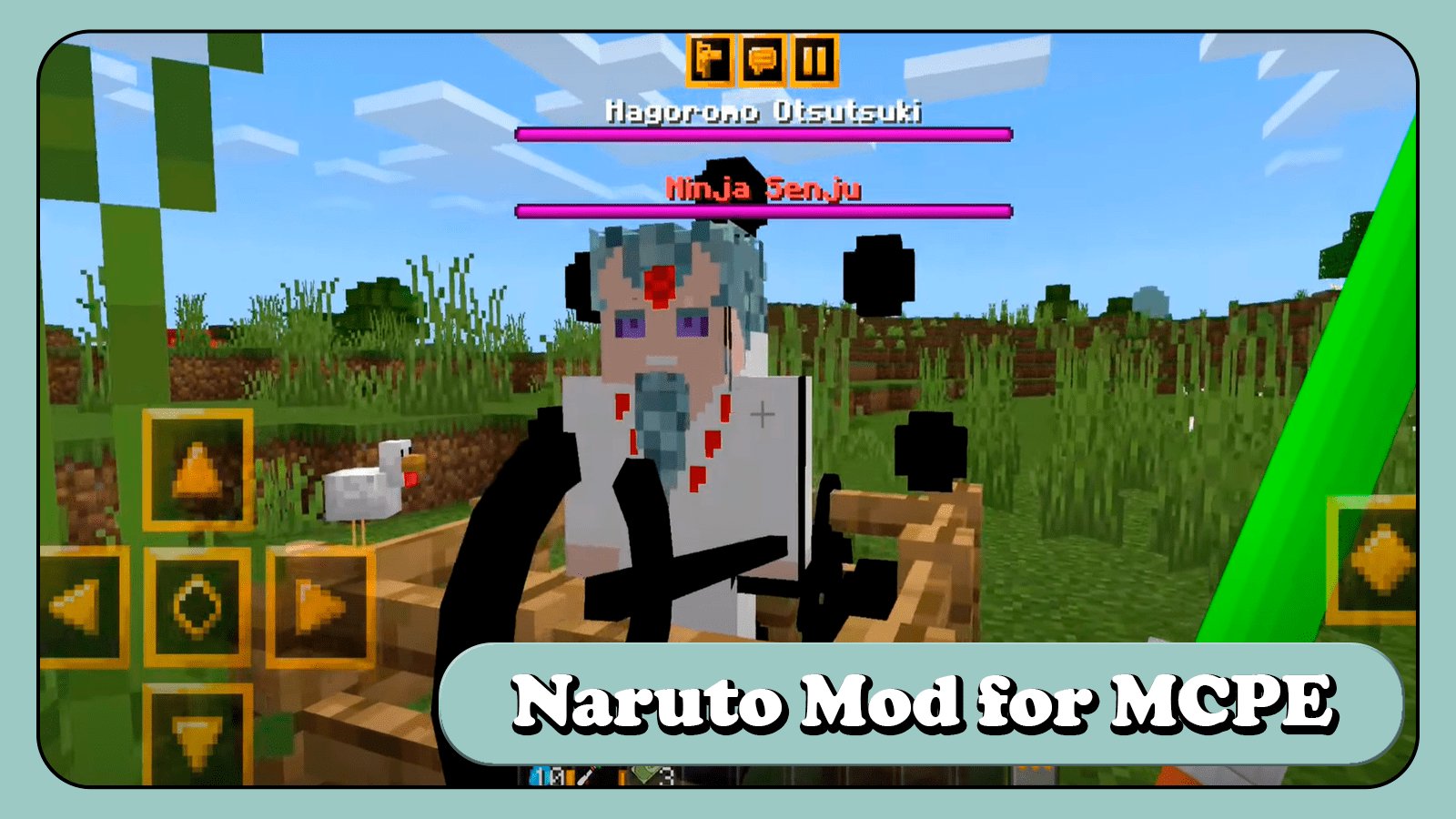
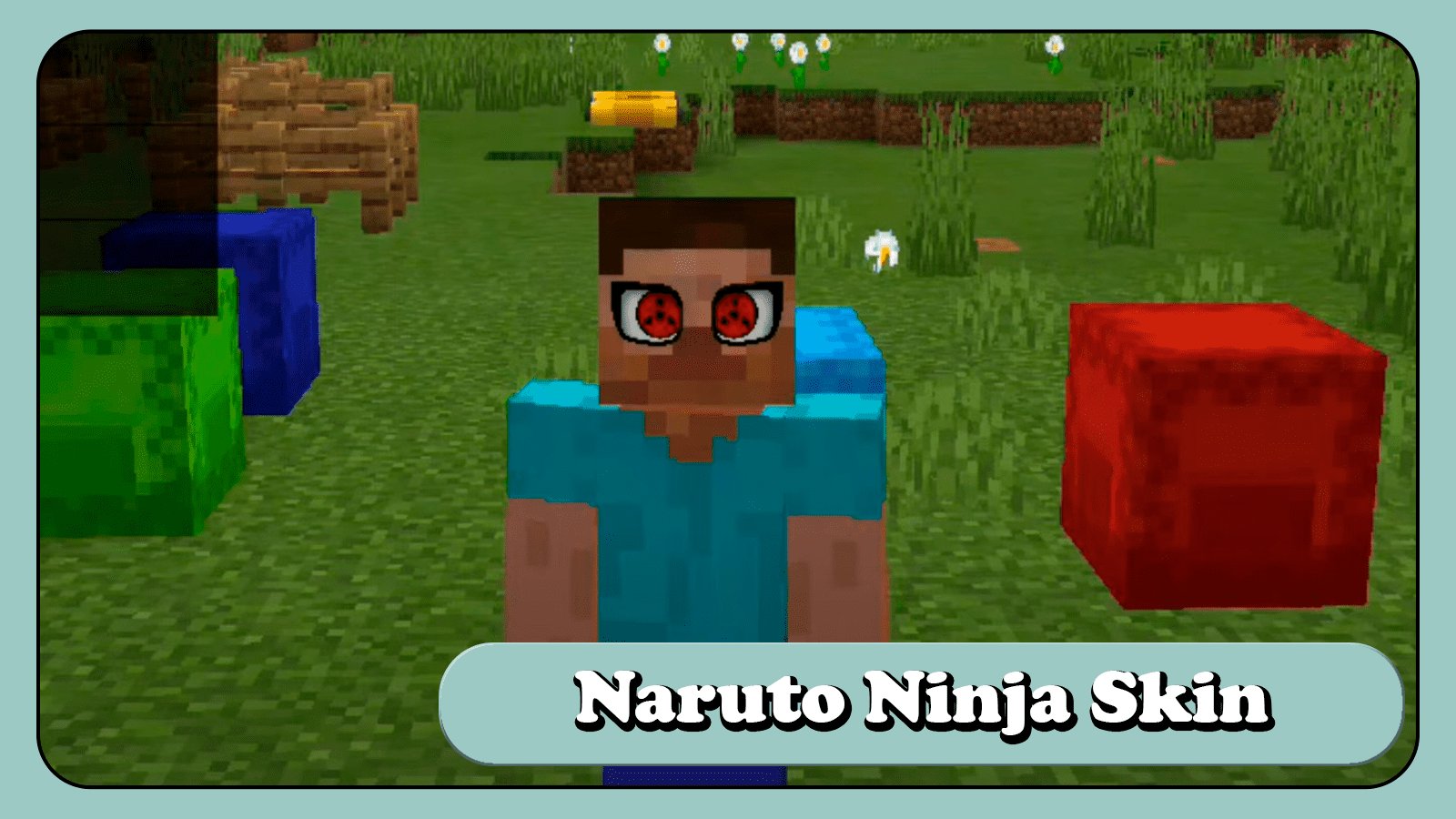
Thanks to this modification skin, many characters and objects from the Naruto universe will appear in the minecraft world.
The player will be able to learn hundreds of techniques, such as summoning huge beasts or sharingan.
New NPCs will interact with the player and some of them will even attack.
The hero will be able to put on the legendary armor and take possession of all the tailed ones.
Also, a lot of new techniques greatly change the gameplay and fights.
Now the Ender Dragon will no longer be such a strong opponent.
The player can fully immerse himself in the Naruto universe with his friends.
This modification is perfect for anime lovers, as well as greatly diversifies the gameplay.
Disclaimer: Addon (Naruto) MCPE MOD is one of the skin pack textures for Minecraft Games. The files are not affiliated with Mojang AB in any way. This is not an official application from Mojang AB and is in no way affiliated with it.
Preview
Tags
EntertainmentInformation
Developer
Jo MCPE Games Mod Craft
Latest Version
2.09
Last Updated
2022-11-10
Category
Entertainment
Available on
Google Play
Show More
How to play Ninja Skins Mod Minecraft with GameLoop on PC
1. Download GameLoop from the official website, then run the exe file to install GameLoop
2. Open GameLoop and search for “Ninja Skins Mod Minecraft” , find Ninja Skins Mod Minecraft in the search results and click “Install”
3. Enjoy playing Ninja Skins Mod Minecraft on GameLoop
Minimum requirements
OS
Windows 8.1 64-bit or Windows 10 64-bit
GPU
GTX 1050
CPU
i3-8300
Memory
8GB RAM
Storage
1GB available space
Recommended requirements
OS
Windows 8.1 64-bit or Windows 10 64-bit
GPU
GTX 1050
CPU
i3-9320
Memory
16GB RAM
Storage
1GB available space