Monthly Calendars With Pics PC
APPStanding
Download Monthly Calendars With Pics on PC With GameLoop Emulator
Monthly Calendars With Pics on PC
Monthly Calendars With Pics, coming from the developer APPStanding, is running on Android systerm in the past.
Now, You can play Monthly Calendars With Pics on PC with GameLoop smoothly.
Download it in the GameLoop library or search results. No more eyeing the battery or frustrating calls at the wrong time any more.
Just enjoy Monthly Calendars With Pics PC on the large screen for free!
Monthly Calendars With Pics Introduction
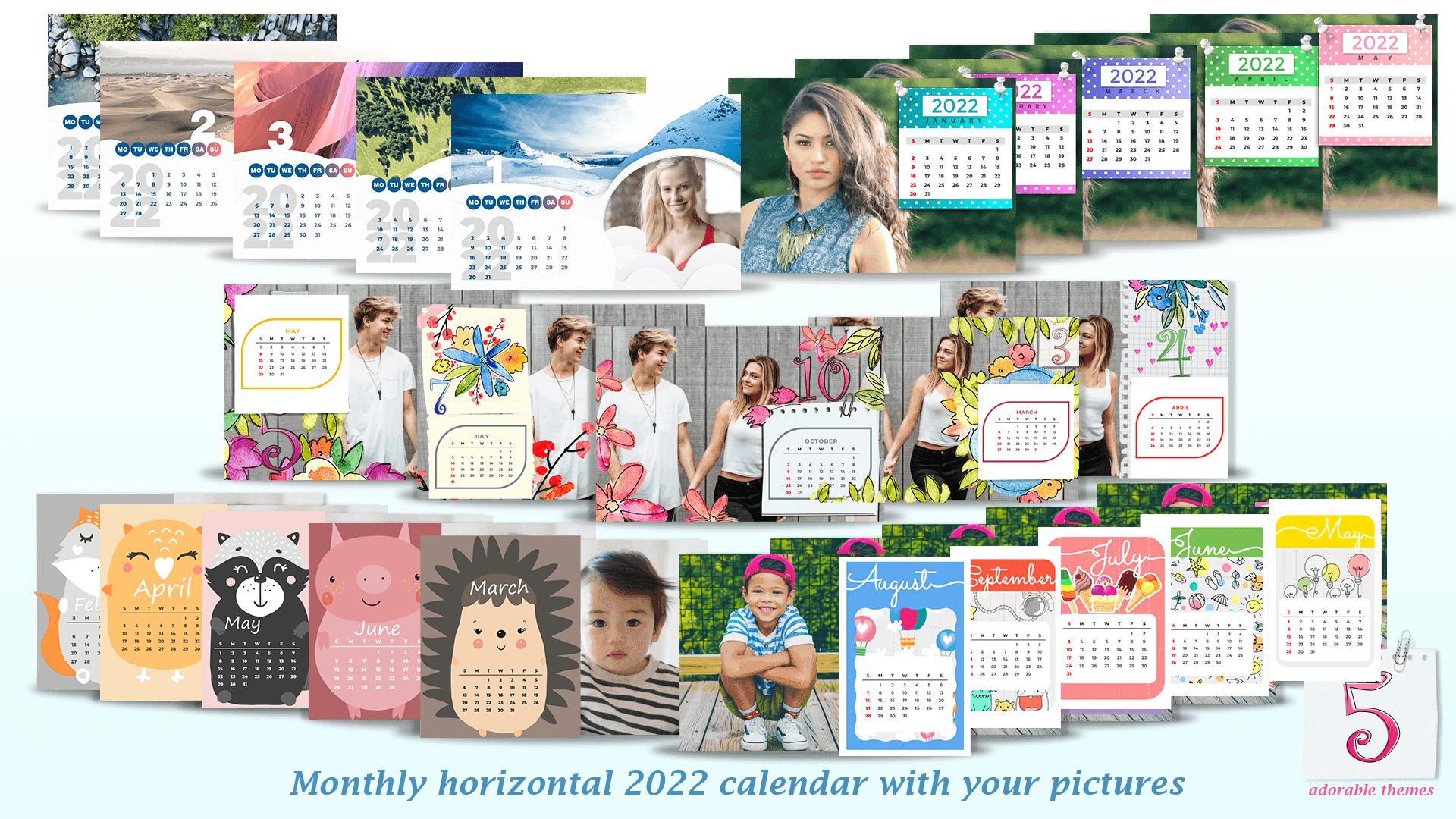
Make your own calendar 2022 and have the most beautiful personalized calendar on your phone! Download 🌞 2022 Monthly Calendars With Your Pictures 🍄 and choose between 5 adorable calendar themes! Match your monthly calendar photo frames with your phone background wallpaper. Select nature calendar, cute calendar for girls, flower calendar, animal calendar or colorful dotted calendar to match your style. Every calendar photo frame design is different and unique. Create your 2022 monthly calendar with pictures of your loved ones. Take photos with this selfie camera or upload pictures from your gallery photo album and wrap them in these lovely calender frames. These 5 sweet calender themes are specially designed to inspire you in planning your daily schedule. Choose your favorite monthly calendar frames 2022, pick photos you want for each month of your calendar template and your custom photo calendar is ready!
With these 🌞 2022 Monthly Calendars With Your Pictures 🍄 you can:
📆 Take pictures with this calendar camera or choose your favorite photos from your phone album,
🍂 Open this calendar picture making app and select one out of 5 amazing calender themes for year 2022,
🦔 Position, rotate, resize your photos, add some filters and effects and dress them up in these calendar picture frames,
🌷 Save your customized calendar and set it as your monthly calender wallpaper or screen saver,
📅 Share your framed pictures and show off your special monthly picture calendar!
Welcome the following year prepared and with the most decorative calendar photo frame 2022. We designed our monthly calender frames with our users in mind. That's why there are 5 different but equally cute and pretty calender themes. In these 🌞 2022 Monthly Calendars With Your Pictures 🍄 there is something for everybody. With this photo calendar maker 2022 you have the possibility to pick the calender photo frame border design which suits you the most. Would you like to look at beautiful nature scenery or you are more for simple but pretty calendar design in all rainbow colors? If you are a real girly girl, we also have something for you! Choose pretty and aesthetic flower calender theme or cute and colorful monthly calender with unicorns, rainbows, cupcakes, butterflies and many more kawaii calender frames!
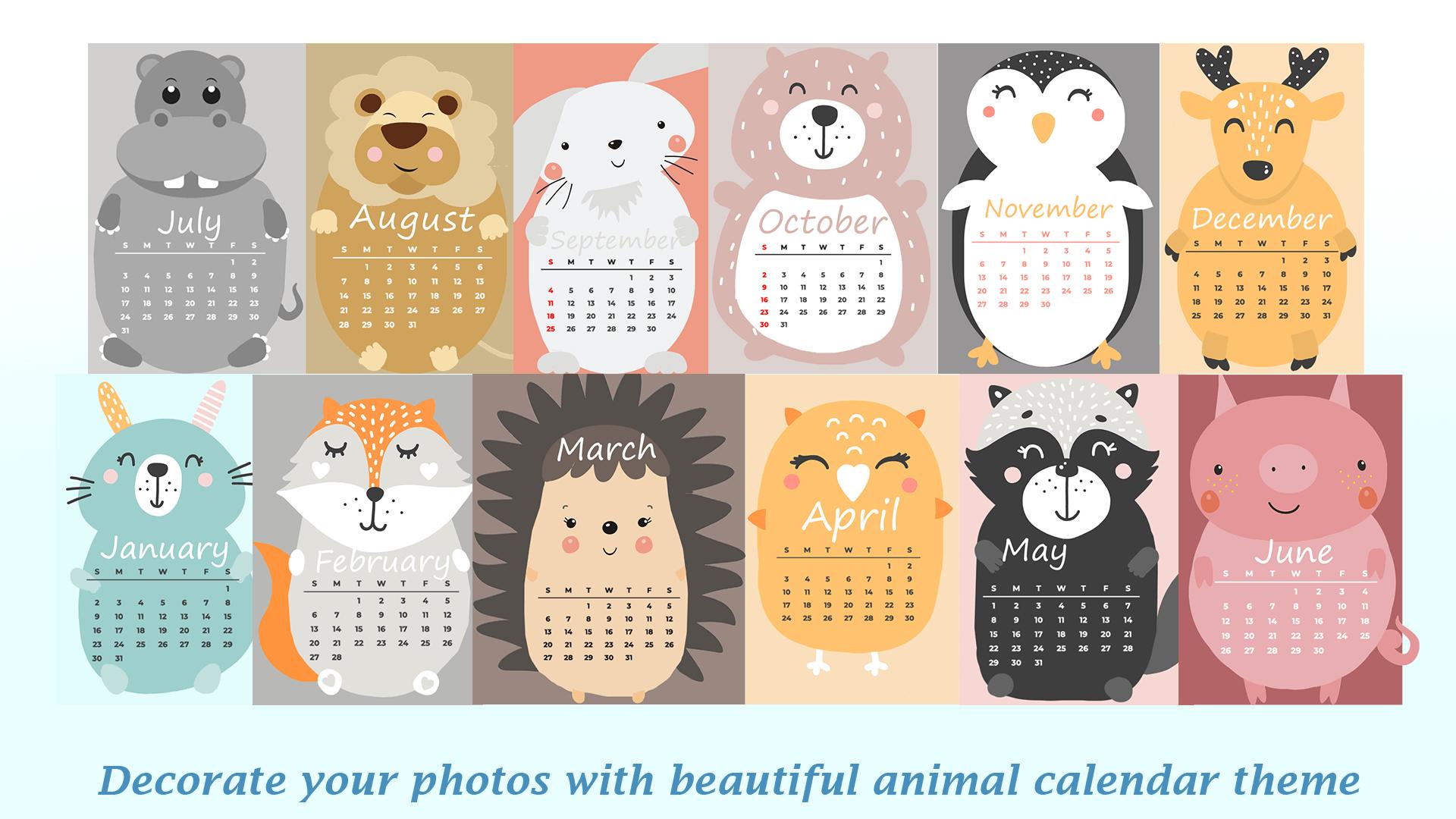
Decorate your kids photos with cutesy animal calendar picture frames. Select the pictures of your little angels and make them even more adorable with these photo frames designs with cute bunny, hippo, hedgehog, penguin and many other cuddly animals. 🐧 Install these 🌞 2022 Monthly Calendars With Your Pictures 🍄 and create a beautiful picture montage with cute frames. Design your own monthly horizontal 2022 calender with your pictures. Easily edit your pictures and adjust calendar pictures frames. This adorable personalized monthly calender planner will motivate you to mark your appointments, reminders and birthdays and do your tasks on time!
Preview
Tags
EntertainmentInformation
Developer
APPStanding
Latest Version
1.0
Last Updated
2022-01-14
Category
Entertainment
Available on
Google Play
Show More
How to play Monthly Calendars With Pics with GameLoop on PC
1. Download GameLoop from the official website, then run the exe file to install GameLoop
2. Open GameLoop and search for “Monthly Calendars With Pics” , find Monthly Calendars With Pics in the search results and click “Install”
3. Enjoy playing Monthly Calendars With Pics on GameLoop
Minimum requirements
OS
Windows 8.1 64-bit or Windows 10 64-bit
GPU
GTX 1050
CPU
i3-8300
Memory
8GB RAM
Storage
1GB available space
Recommended requirements
OS
Windows 8.1 64-bit or Windows 10 64-bit
GPU
GTX 1050
CPU
i3-9320
Memory
16GB RAM
Storage
1GB available space