
Eleven AI Generate Voice Story PC
wantech
Download Eleven AI Generate Voice Story on PC With GameLoop Emulator
Eleven AI Generate Voice Story on PC
Eleven AI Generate Voice Story, coming from the developer wantech, is running on Android systerm in the past.
Now, You can play Eleven AI Generate Voice Story on PC with GameLoop smoothly.
Download it in the GameLoop library or search results. No more eyeing the battery or frustrating calls at the wrong time any more.
Just enjoy Eleven AI Generate Voice Story PC on the large screen for free!
Eleven AI Generate Voice Story Introduction
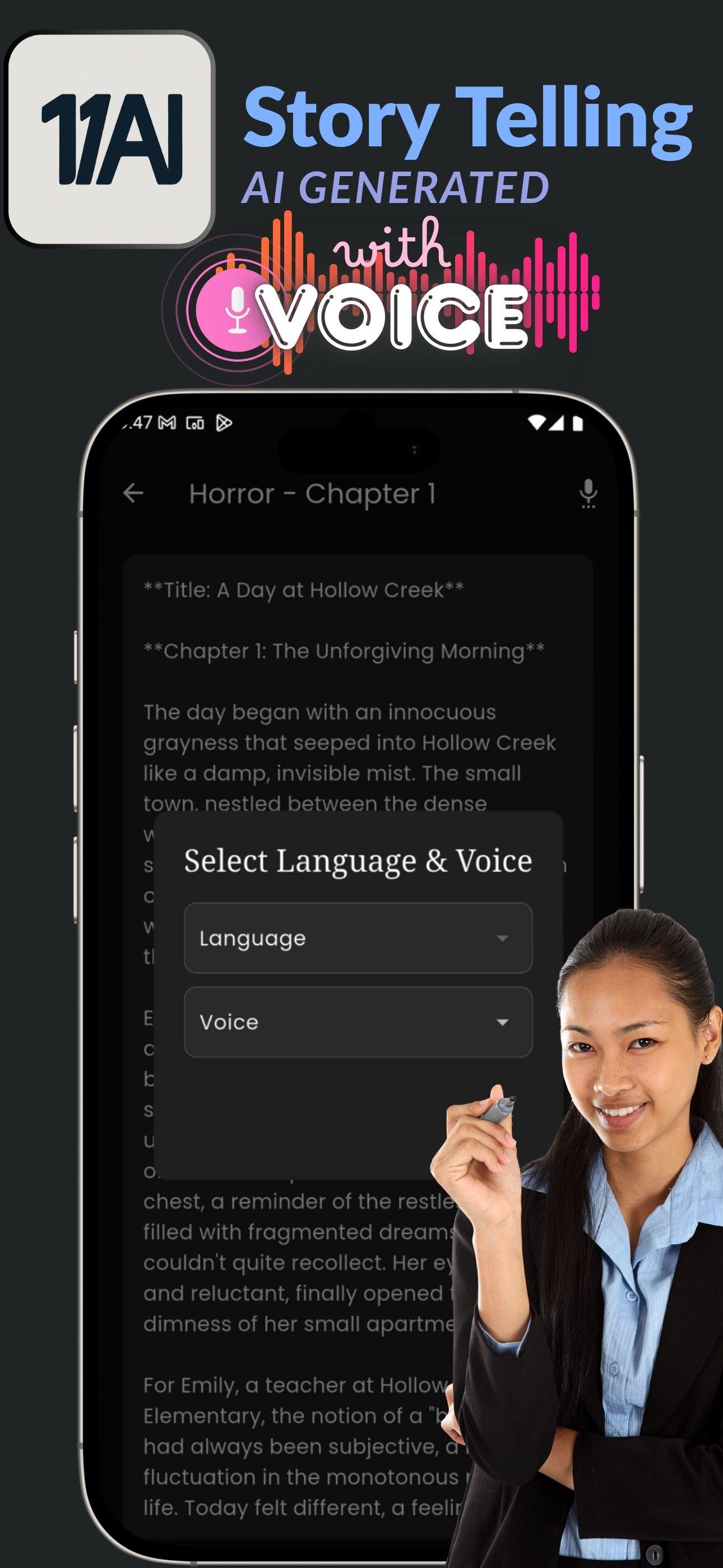
With Eleven AI Story Creation Made Simple
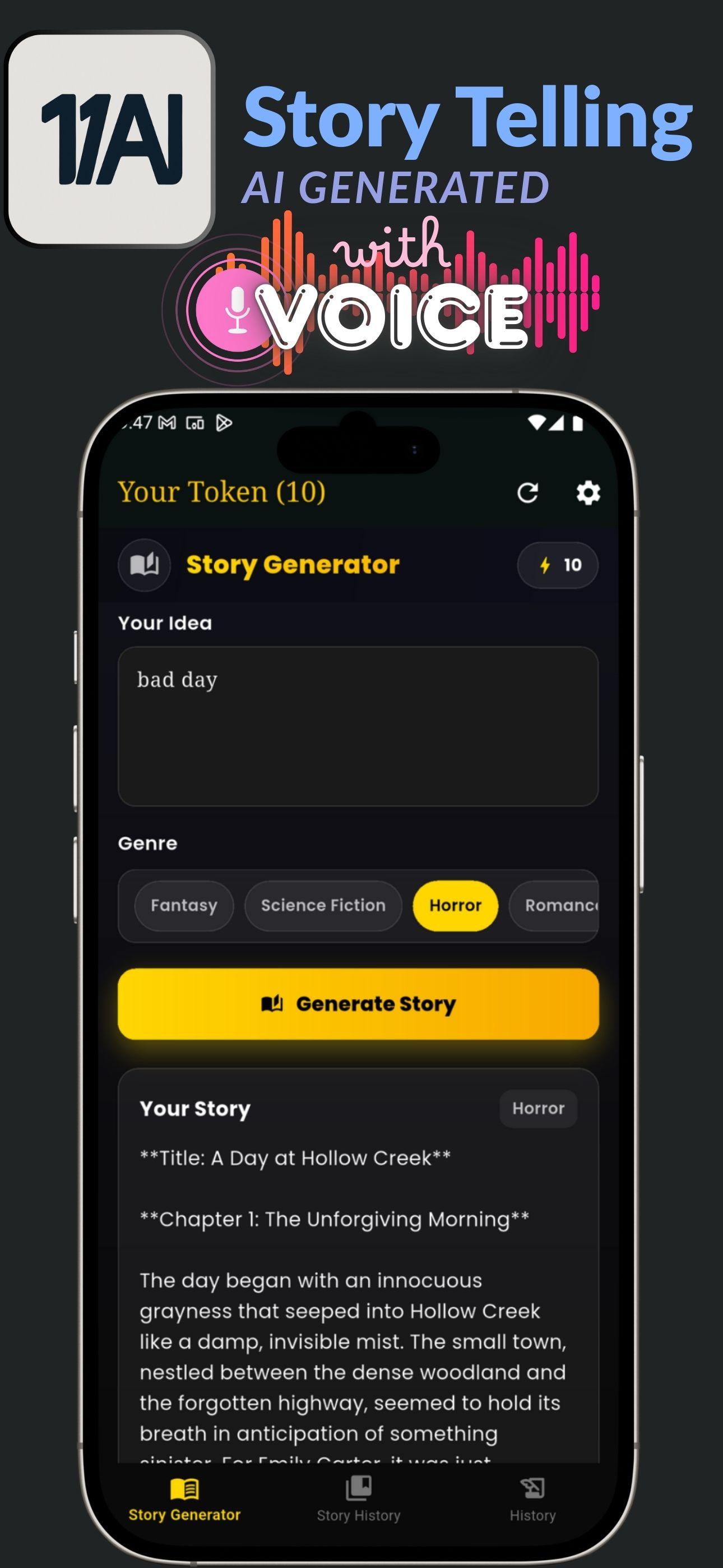
Just type your idea and pick a genre—Fantasy, Romance, Thriller, Sci-Fi, Horror, and many more. Our advanced AI instantly creates vivid and detailed stories tailored to your imagination.
Immersive Voice Narration
Don't just read—listen! Every story is brought to life with real-time AI narration. Perfect for bedtime, relaxation, or passive listening throughout the day.
Sleep-Friendly Mode
Fall asleep peacefully while your personalized story unfolds. The AI narration continues smoothly until the tale concludes.
Vast Genre Library & Enjoy all genres, There's always a story for every mood.
Chapter-Based Output
Long stories are divided into chapters, making the pacing more natural and immersive.
Token System
Track how many stories you can generate with tokens. Refill anytime easily with one-tap in-app purchases.
History & Favorites
Revisit your previous prompts and save your favorite stories for easy access and re-listening.
Preview
Tags
EntertainmentInformation
Developer
wantech
Latest Version
16
Last Updated
2025-09-24
Category
Entertainment
Available on
Google Play
Show More
How to play Eleven AI Generate Voice Story with GameLoop on PC
1. Download GameLoop from the official website, then run the exe file to install GameLoop
2. Open GameLoop and search for “Eleven AI Generate Voice Story” , find Eleven AI Generate Voice Story in the search results and click “Install”
3. Enjoy playing Eleven AI Generate Voice Story on GameLoop
Minimum requirements
OS
Windows 8.1 64-bit or Windows 10 64-bit
GPU
GTX 1050
CPU
i3-8300
Memory
8GB RAM
Storage
1GB available space
Recommended requirements
OS
Windows 8.1 64-bit or Windows 10 64-bit
GPU
GTX 1050
CPU
i3-9320
Memory
16GB RAM
Storage
1GB available space