
NightFlash – Flashlight Tool PC
JK.Fantasy
Download NightFlash – Flashlight Tool on PC With GameLoop Emulator
NightFlash – Flashlight Tool on PC
NightFlash – Flashlight Tool, coming from the developer JK.Fantasy, is running on Android systerm in the past.
Now, You can play NightFlash – Flashlight Tool on PC with GameLoop smoothly.
Download it in the GameLoop library or search results. No more eyeing the battery or frustrating calls at the wrong time any more.
Just enjoy NightFlash – Flashlight Tool PC on the large screen for free!
NightFlash – Flashlight Tool Introduction
NightFlash is a powerful and professional flashlight app designed for both daily use and advanced signaling.
🔦 Key Features
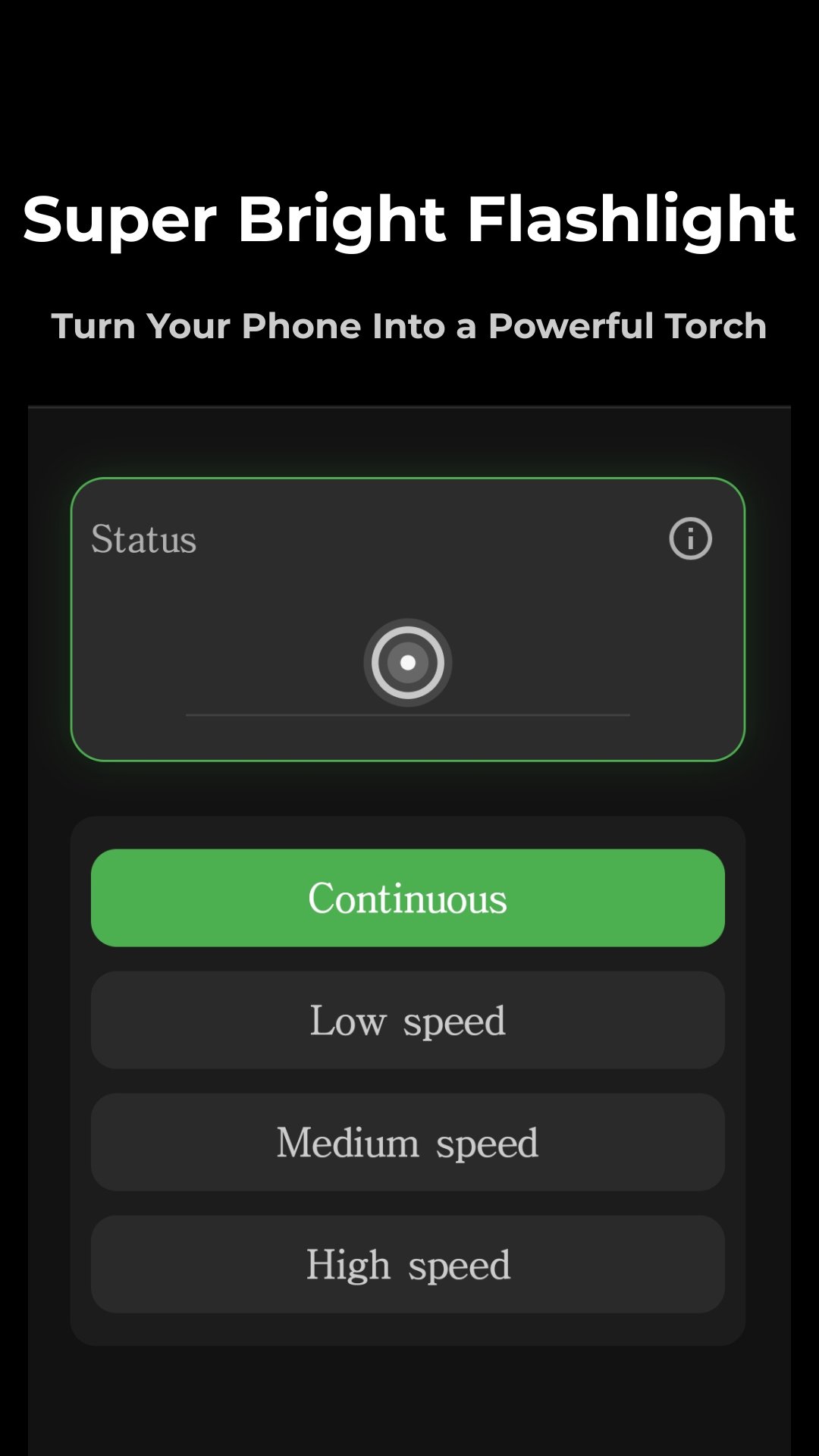
• Flashlight Mode
Simple and reliable flashlight with fast response.
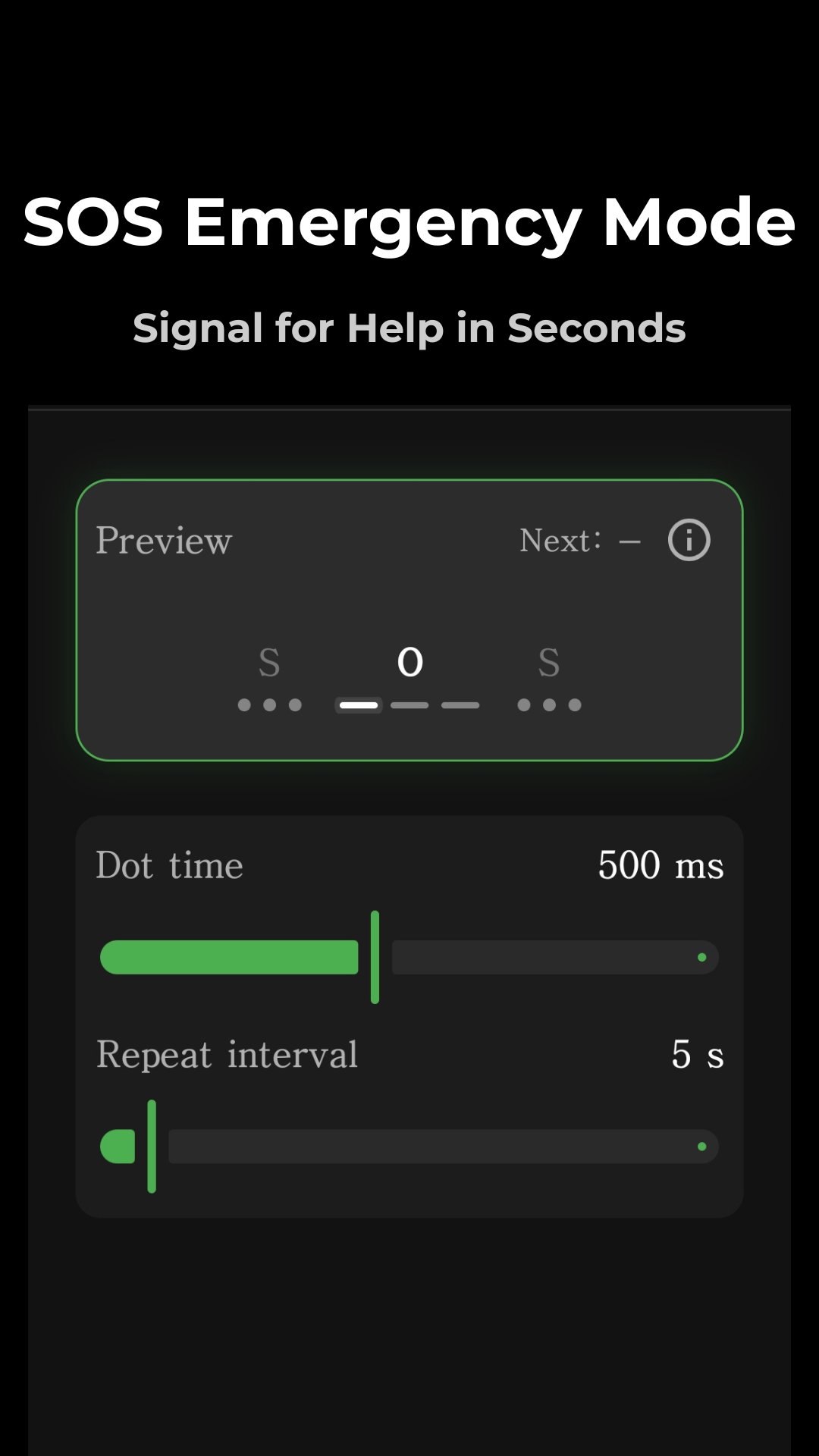
• SOS Signal
Send emergency SOS signals easily.
• Morse Code
Convert text into Morse code signals for communication.
• Rhythm Effects
Flashlight blinking synced with rhythm and patterns.
• Touch Control
Interactive flashlight control through screen touch.
• Background Playback
Keep flashlight running even when screen is off.
• Notification Control
Quickly control flashlight from notifications.
⚙️ Designed for Android 13+
Optimized for modern Android devices with improved permission handling and system compatibility.
💡 Use Cases
- Emergency signaling
- Outdoor activities
- Night visibility
- Communication using light
NightFlash is built with stability, performance, and simplicity in mind.
Preview
Tags
EntertainmentInformation
Developer
JK.Fantasy
Latest Version
1.7.0
Last Updated
2026-05-05
Category
Entertainment
Available on
Google Play
Show More
How to play NightFlash – Flashlight Tool with GameLoop on PC
1. Download GameLoop from the official website, then run the exe file to install GameLoop
2. Open GameLoop and search for “NightFlash – Flashlight Tool” , find NightFlash – Flashlight Tool in the search results and click “Install”
3. Enjoy playing NightFlash – Flashlight Tool on GameLoop
Minimum requirements
OS
Windows 8.1 64-bit or Windows 10 64-bit
GPU
GTX 1050
CPU
i3-8300
Memory
8GB RAM
Storage
1GB available space
Recommended requirements
OS
Windows 8.1 64-bit or Windows 10 64-bit
GPU
GTX 1050
CPU
i3-9320
Memory
16GB RAM
Storage
1GB available space