Neon LED Keyboard: RGB Font PC
Control INC
Download Neon LED Keyboard: RGB Font on PC With GameLoop Emulator
Neon LED Keyboard: RGB Font on PC
Neon LED Keyboard: RGB Font, coming from the developer Control INC, is running on Android systerm in the past.
Now, You can play Neon LED Keyboard: RGB Font on PC with GameLoop smoothly.
Download it in the GameLoop library or search results. No more eyeing the battery or frustrating calls at the wrong time any more.
Just enjoy Neon LED Keyboard: RGB Font PC on the large screen for free!
Neon LED Keyboard: RGB Font Introduction
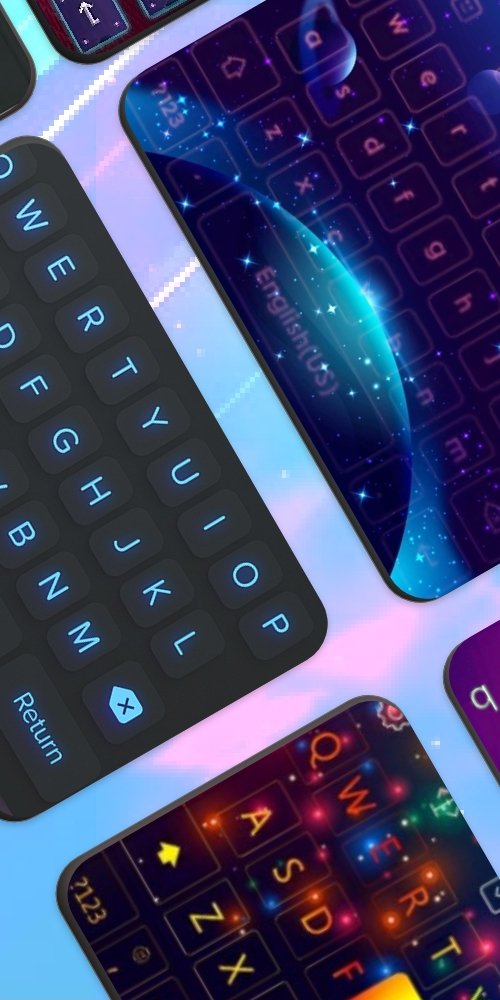
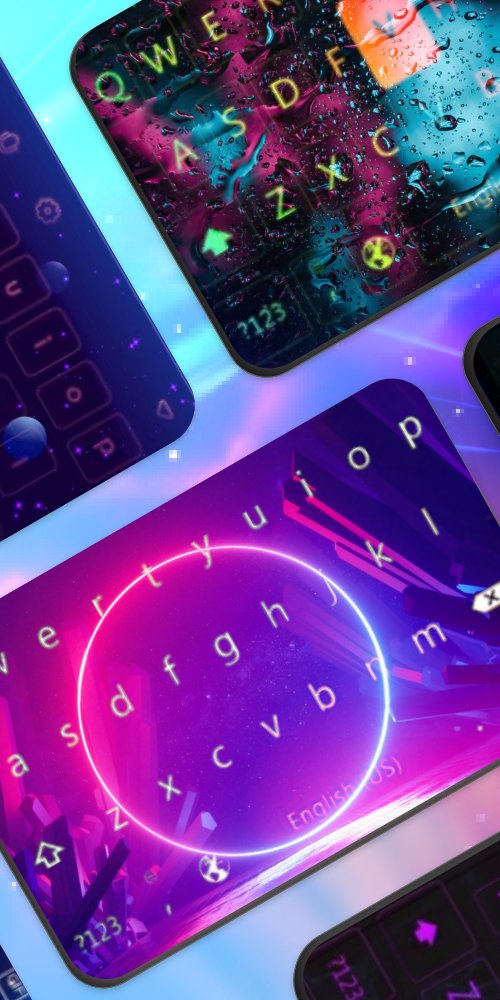
Neon LED Keyboard transforms your everyday typing into a radiant RGB experience. With 1,000+ vibrant neon LED themes, 7,000+ emoji, and 100+ custom fonts, every message becomes a personal statement.
★ RGB Neon Themes
Choose from 1,000+ stunning neon LED keyboard themes. Customize colors, patterns, and glowing effects to perfectly match your style. From subtle gradients to wild rainbow effects — the choice is yours.
★ Emoji, GIFs & Stickers
Express yourself with 7,000+ emoji, animated GIFs, and WhatsApp stickers — all accessible right from your keyboard while you type.
★ Custom Fonts
Switch between 100+ cool and stylish font styles. Make your texts stand out with typography that reflects your personality and mood.
★ Swipe & Smart Typing
Type faster with intelligent swipe gesture input, autocorrect, and smart word predictions. Say goodbye to typos and slow typing.
★ Key Sounds & Haptics
Choose from a variety of satisfying click sounds and haptic feedback options to make every keystroke more immersive and enjoyable.
★ 150+ Languages
Full support for 150+ languages. Switch between languages instantly without changing your keyboard settings.
Perfect for anyone who loves personalizing their phone, expressing themselves with emoji, or simply wants a beautiful, functional keyboard.
Download Neon LED Keyboard now and let your personality glow through every keystroke\!
Preview
Tags
EntertainmentInformation
Developer
Control INC
Latest Version
5.2.1
Last Updated
2025-10-28
Category
Entertainment
Available on
Google Play
Show More
How to play Neon LED Keyboard: RGB Font with GameLoop on PC
1. Download GameLoop from the official website, then run the exe file to install GameLoop
2. Open GameLoop and search for “Neon LED Keyboard: RGB Font” , find Neon LED Keyboard: RGB Font in the search results and click “Install”
3. Enjoy playing Neon LED Keyboard: RGB Font on GameLoop
Minimum requirements
OS
Windows 8.1 64-bit or Windows 10 64-bit
GPU
GTX 1050
CPU
i3-8300
Memory
8GB RAM
Storage
1GB available space
Recommended requirements
OS
Windows 8.1 64-bit or Windows 10 64-bit
GPU
GTX 1050
CPU
i3-9320
Memory
16GB RAM
Storage
1GB available space