HD Screen Mirroring PC
Techbuddies
Download HD Screen Mirroring on PC With GameLoop Emulator
HD Screen Mirroring on PC
HD Screen Mirroring, coming from the developer Techbuddies, is running on Android systerm in the past.
Now, You can play HD Screen Mirroring on PC with GameLoop smoothly.
Download it in the GameLoop library or search results. No more eyeing the battery or frustrating calls at the wrong time any more.
Just enjoy HD Screen Mirroring PC on the large screen for free!
HD Screen Mirroring Introduction
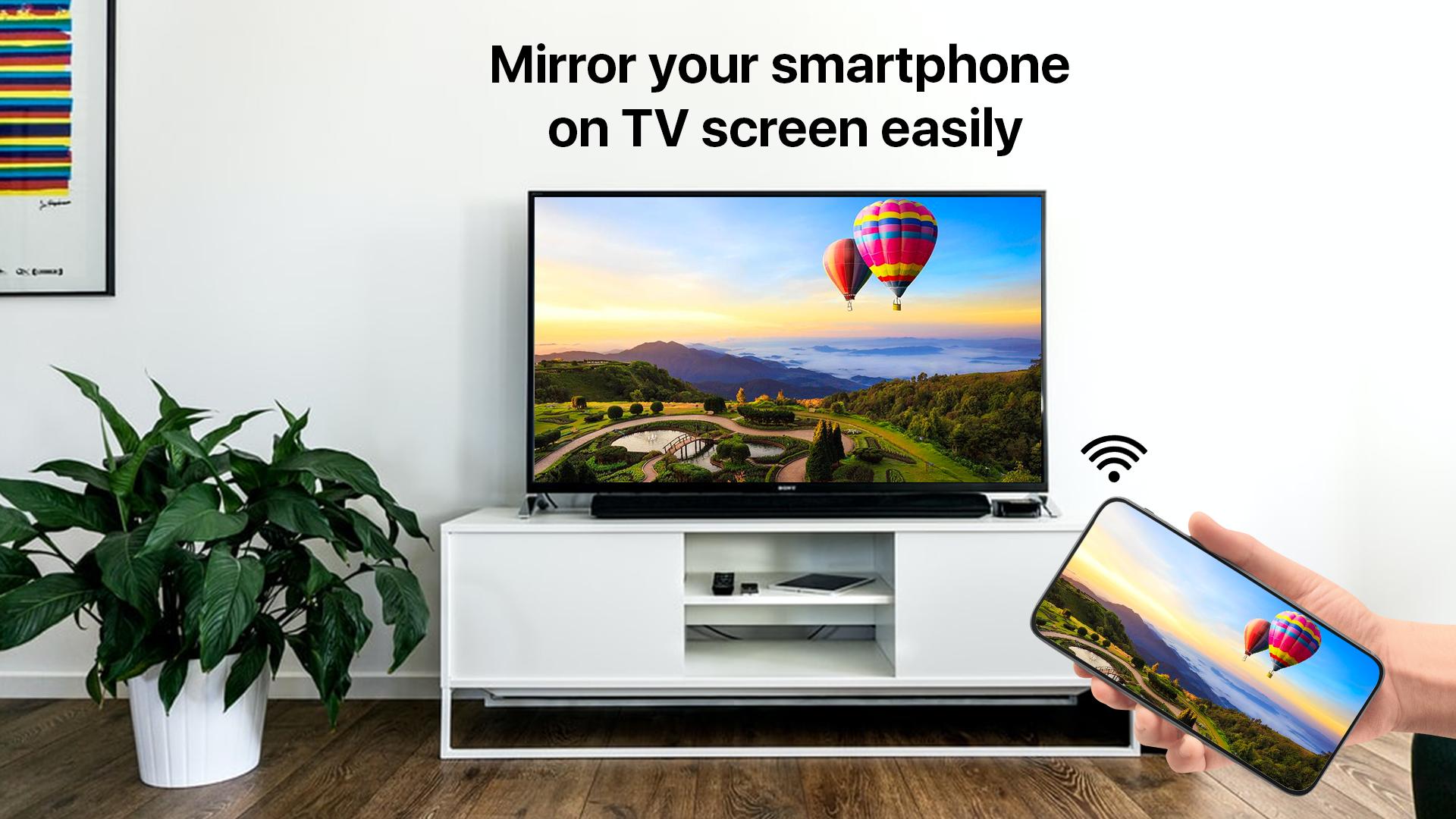
The Screen Mirroring App is the #1 Screen Mirror - fast, easy and user friendly. Share your photos, videos, games, websites, apps, presentations and documents with your friends, family and co-workers.
Screen mirroring assistant app helps to open window in smart TV screen from your phone. Share second screen throw wireless and wifi and connect phone dongles with smart TV mirroring assistant.
This app will assist you to scan and mirror your android phone or tab's screen on smart TV and will get a great big screen phone experience by connecting your phone to a TV screen via This Cast To TV app and easily stream movies from phone to your big TV screen.
FEATURES:
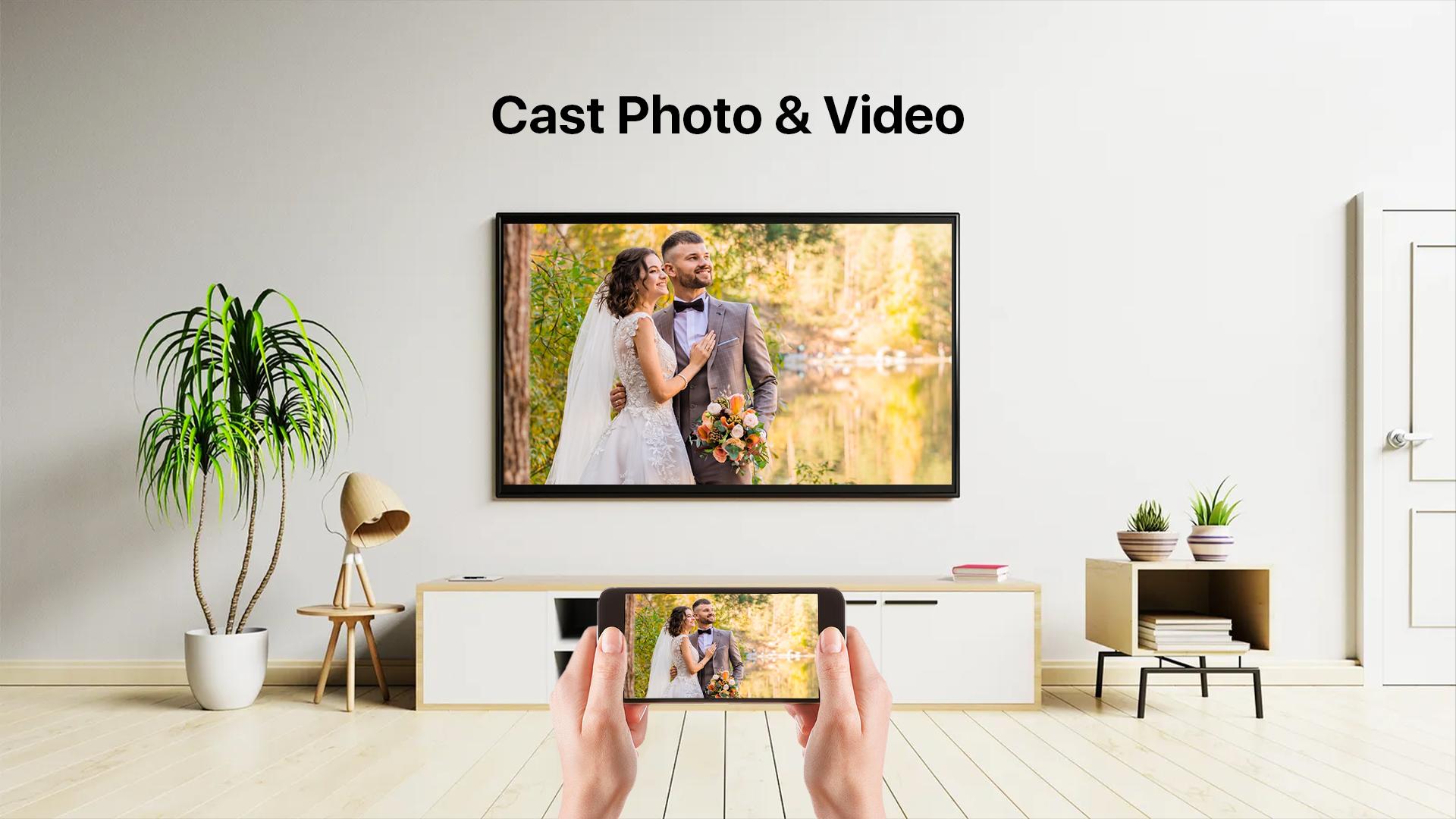
- Cast to TV and enjoy the best experience of watching videos and movies.
- Simple & fast connection with just a click
- All media files supported, videos, photos, audios, PDFs, etc.
- Multiple Devices Supported
- Cast phone screen to big TV screen faster.
- Fast connection and easy to use
- Cast Live video on browser.
- Speed screen share.
Multiple Devices Supported
- Most smart TVs, LG, Samsung, Sony, TCL, Xiaomi, Hisense, etc.
- Google Chromecast
- Amazon Fire Stick & Fire TV
- Roku Stick & Roku TV
- AnyCast
- Other DLNA Receivers
- Other wireless adapters
HOW TO CONNECT MOBILE WITH TV?:
- Make sure your TV and your Phone are Connected to the same wifi network
- Miracast Display on your TV
- Enable Wireless Dispaly option on your phone
- Click Select button and choose your TV
- Enjoy…………..
Screen Mirroring is supported by all Android devices and Android Versions. If you face any problems with your device, feel free to contact us!
Preview
Tags
EntertainmentInformation
Developer
Techbuddies
Latest Version
1.5
Last Updated
2022-02-22
Category
Entertainment
Available on
Google Play
Show More
How to play HD Screen Mirroring with GameLoop on PC
1. Download GameLoop from the official website, then run the exe file to install GameLoop
2. Open GameLoop and search for “HD Screen Mirroring” , find HD Screen Mirroring in the search results and click “Install”
3. Enjoy playing HD Screen Mirroring on GameLoop
Minimum requirements
OS
Windows 8.1 64-bit or Windows 10 64-bit
GPU
GTX 1050
CPU
i3-8300
Memory
8GB RAM
Storage
1GB available space
Recommended requirements
OS
Windows 8.1 64-bit or Windows 10 64-bit
GPU
GTX 1050
CPU
i3-9320
Memory
16GB RAM
Storage
1GB available space