
BCP Companion PC
Best Coast Pairings LLC
Download BCP Companion on PC With GameLoop Emulator
BCP Companion on PC
BCP Companion, coming from the developer Best Coast Pairings LLC, is running on Android systerm in the past.
Now, You can play BCP Companion on PC with GameLoop smoothly.
Download it in the GameLoop library or search results. No more eyeing the battery or frustrating calls at the wrong time any more.
Just enjoy BCP Companion PC on the large screen for free!
BCP Companion Introduction
The companion app to the Best Coast Pairings website, delivering on our mission making gaming events more informative and easier for everyone.
When an Event Organizer is using Best Coast Pairings, our App provides a mobile focused experience. Free access to everything from registration through final scores while participating in an event.
Locate and Register for Events
Remotely Check-in
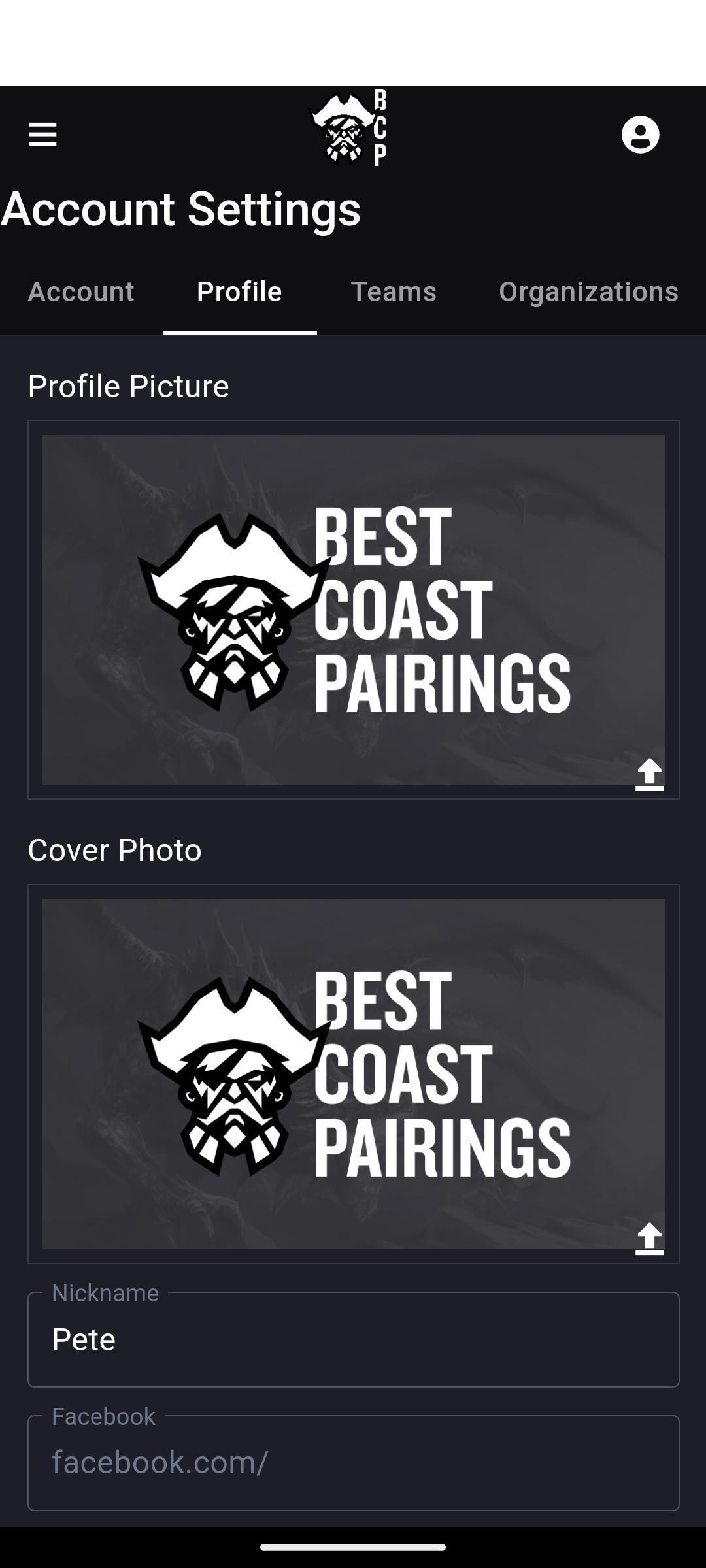
Update Player Profile
Upload Army/ Deck Lists
Find Table Assignments
Remotely Record Round Scores
Follow player game records, Scores, and Placings
For users who want to see details of every event globally, we offer a subscription ( Monthly/Bi-Annual/Yearly). Subscribers gain access to every pairing and list available globally for all game systems. Every round, every Pairing, Placing, along with Lists or Decks users have submitted.
Subscription Terms:
– Subscription automatically renews unless auto-renew is turned off at least 24-hours before the end of the current period
– Account will be charged for renewal within 24-hours prior to the end of the current period, and identify the cost of the renewal
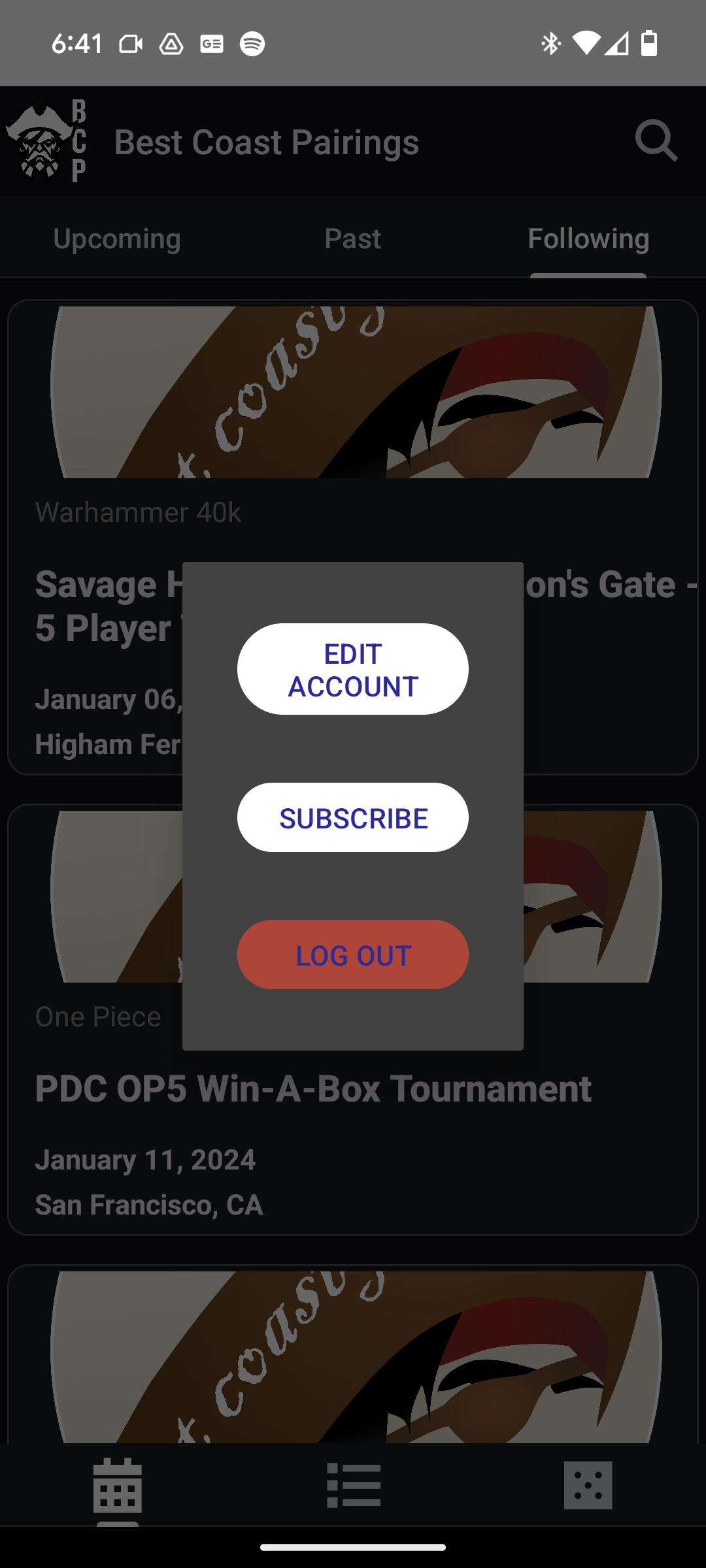
– Subscriptions may be managed and auto-renewal may be turned off by going to your Account Settings after purchase
Privacy Policy: https://www.bestcoastpairings.com/privacy
Terms of Service: https://www.bestcoastpairings.com/eula
Preview
Tags
EntertainmentInformation
Developer
Best Coast Pairings LLC
Latest Version
3.0.31
Last Updated
2025-09-18
Category
Entertainment
Available on
Google Play
Show More
How to play BCP Companion with GameLoop on PC
1. Download GameLoop from the official website, then run the exe file to install GameLoop
2. Open GameLoop and search for “BCP Companion” , find BCP Companion in the search results and click “Install”
3. Enjoy playing BCP Companion on GameLoop
Minimum requirements
OS
Windows 8.1 64-bit or Windows 10 64-bit
GPU
GTX 1050
CPU
i3-8300
Memory
8GB RAM
Storage
1GB available space
Recommended requirements
OS
Windows 8.1 64-bit or Windows 10 64-bit
GPU
GTX 1050
CPU
i3-9320
Memory
16GB RAM
Storage
1GB available space